



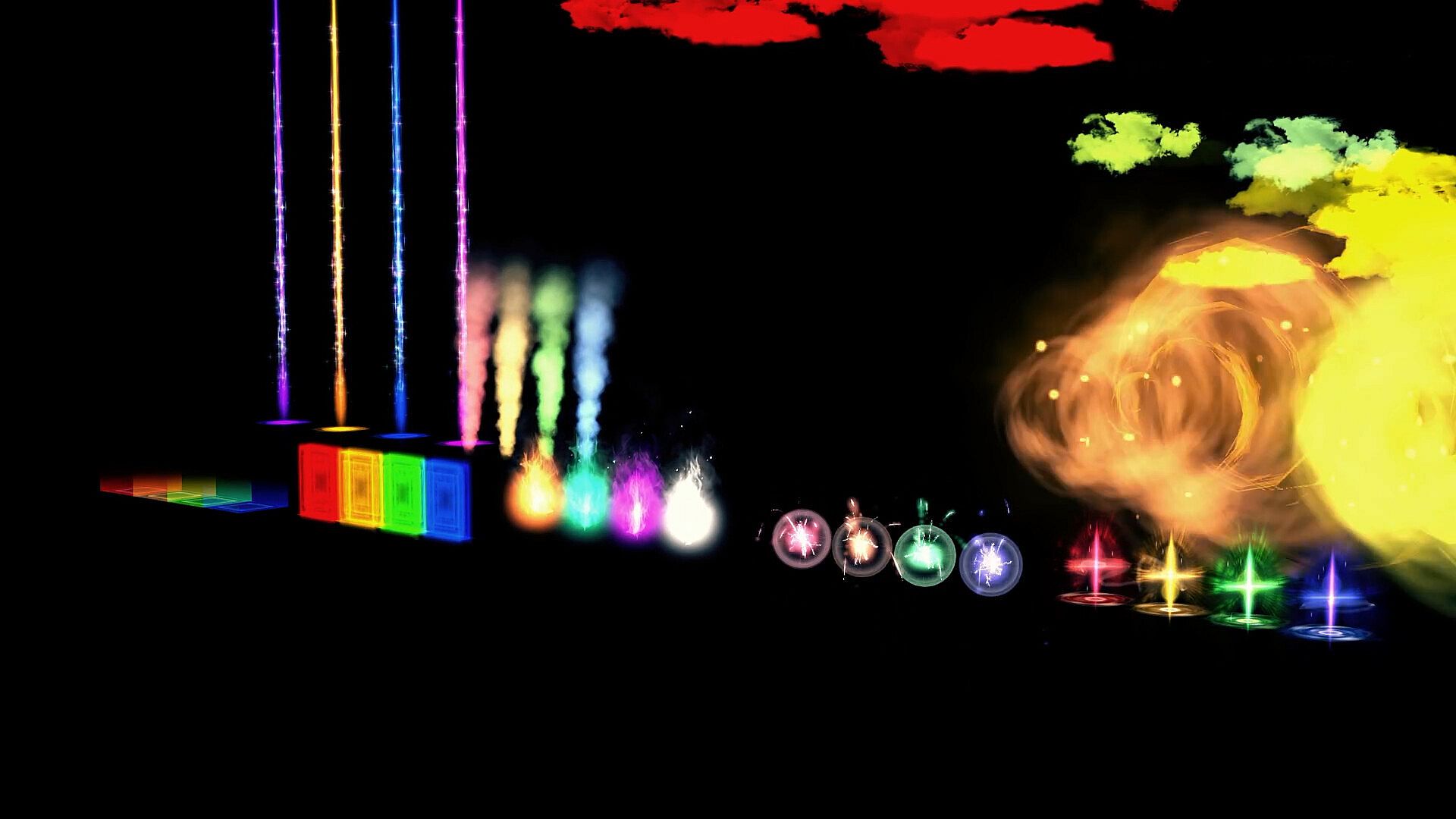
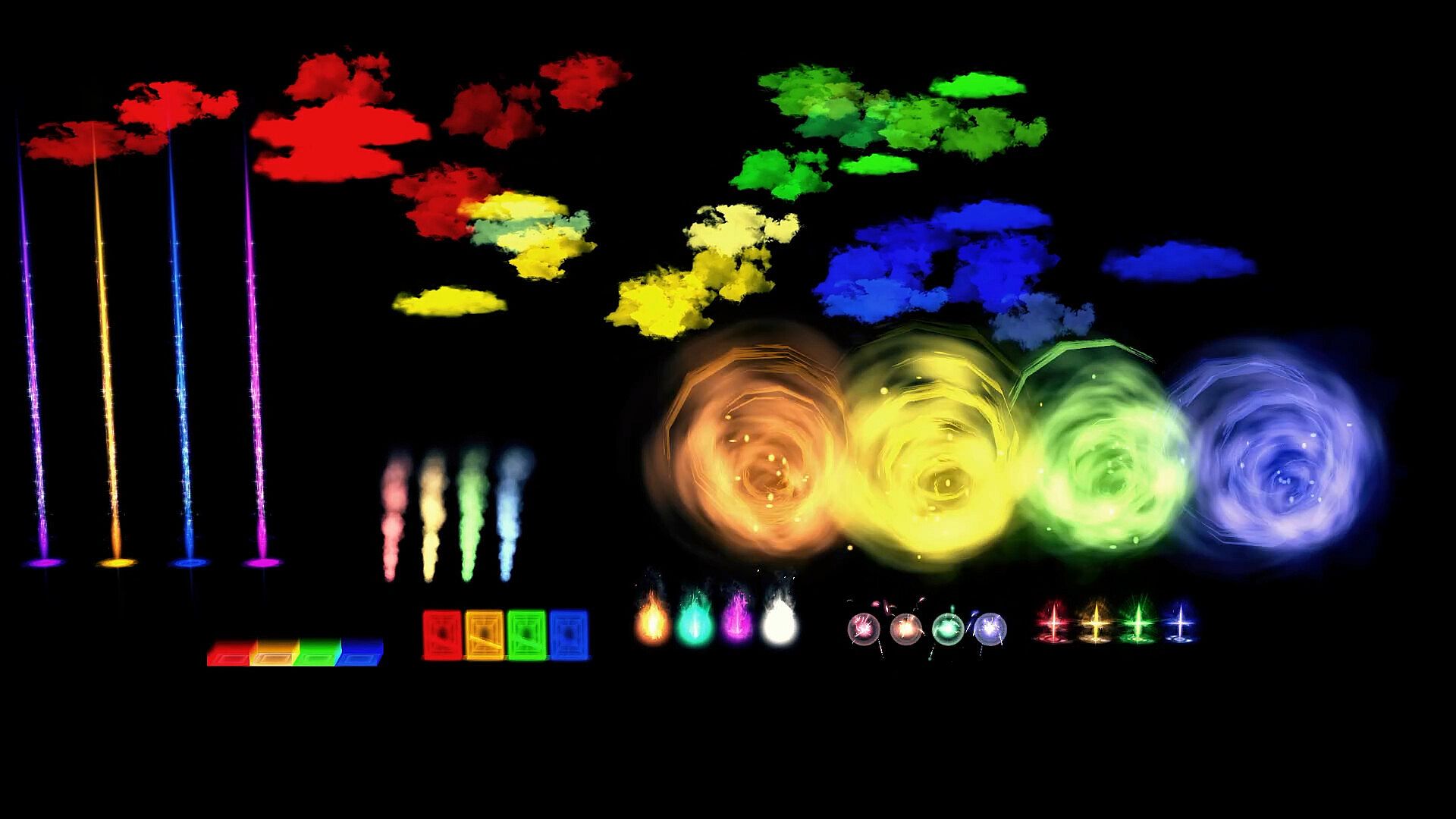
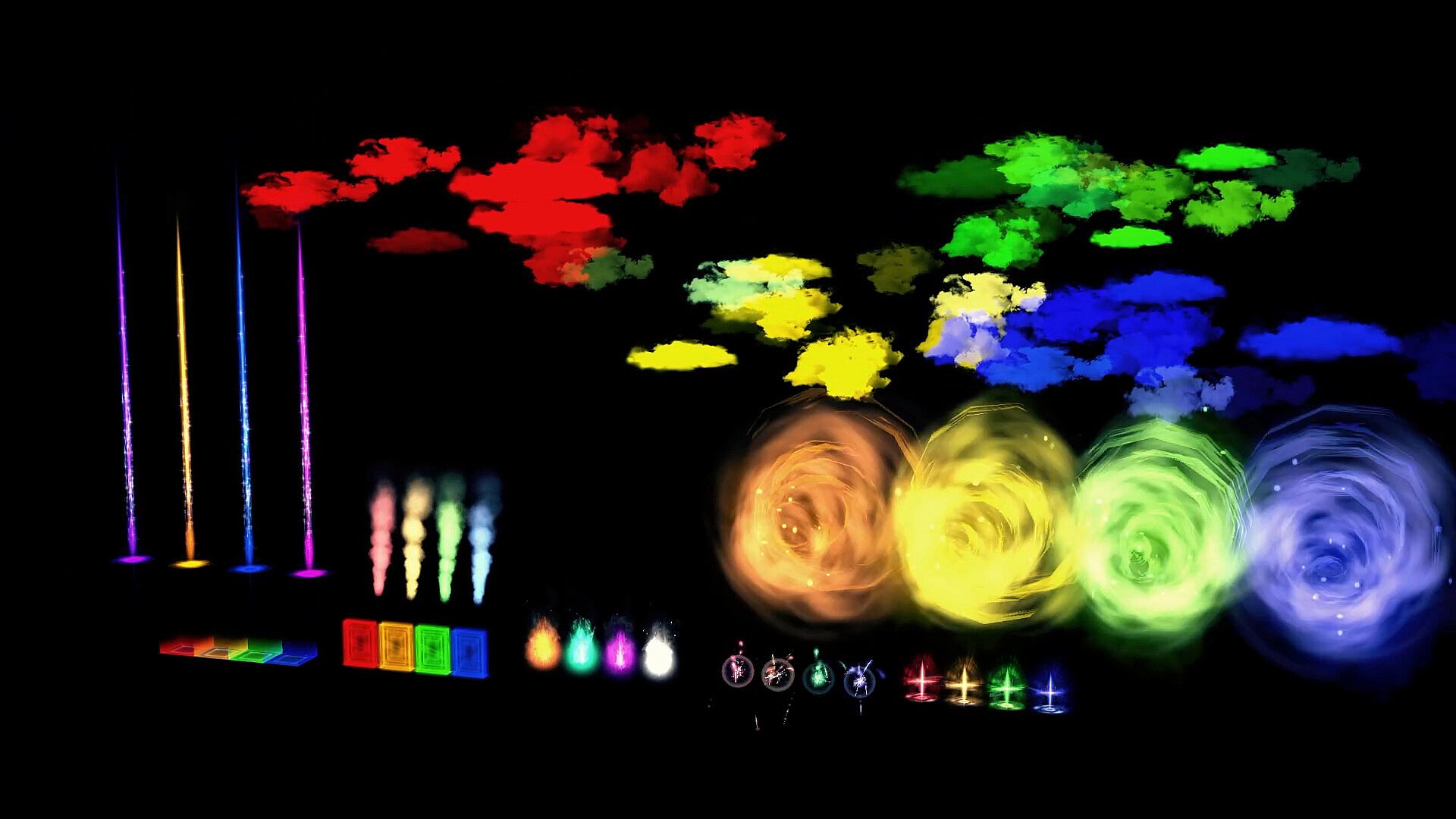
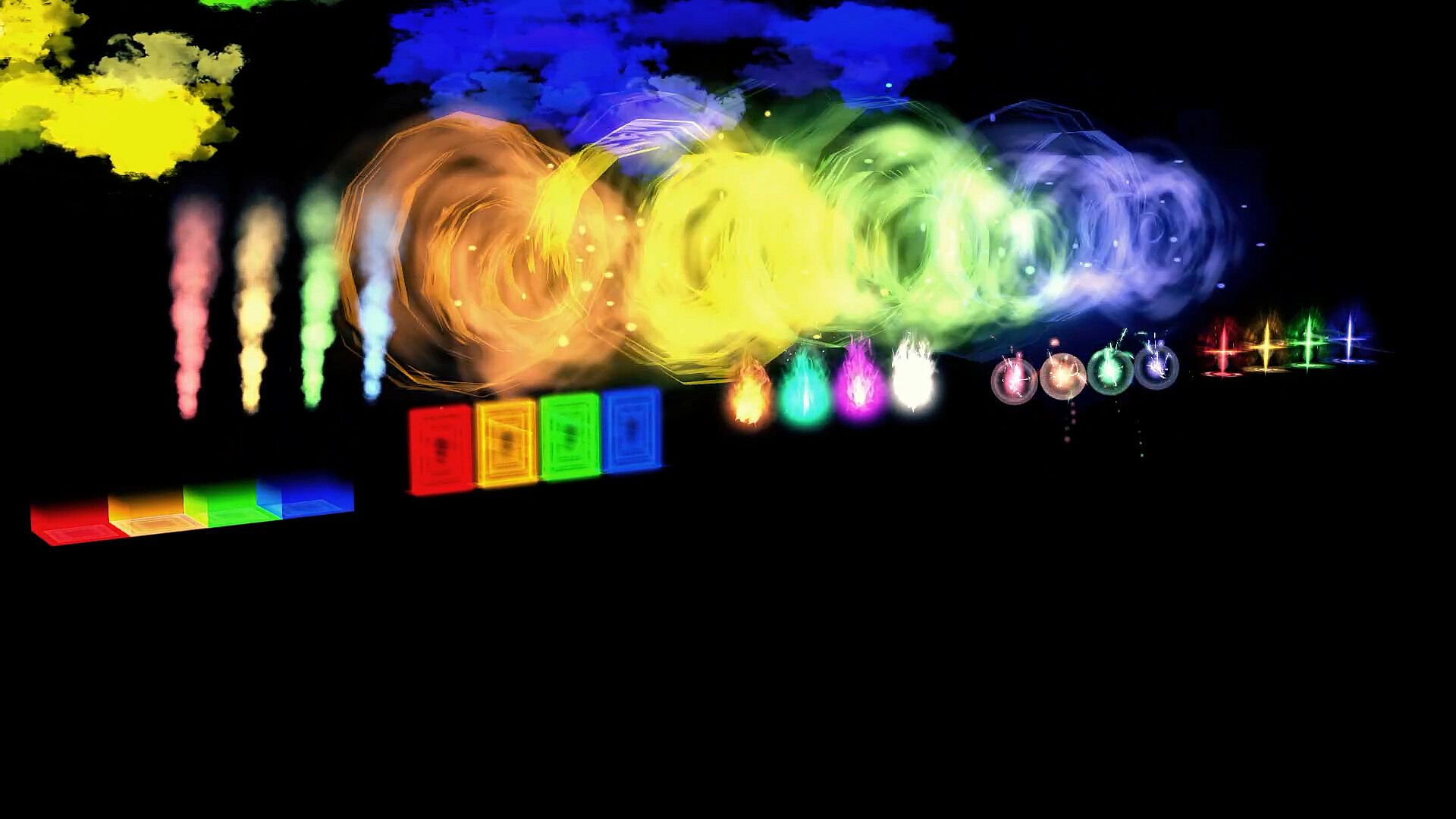
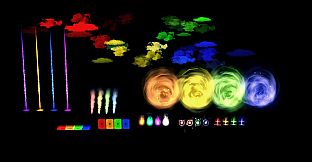
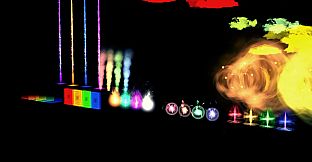
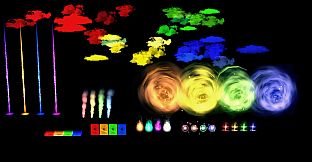
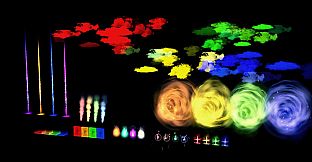
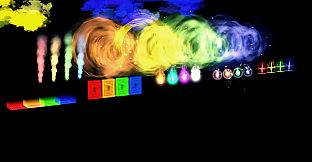
RPG Developer Bakin Environmental Effect Variations serves as a specialized resource pack designed for users of the RPG Developer Bakin game creation tool on PC. This pack supplies color variations for effects originally found in Effect Pack Vol.1, enabling developers to adjust visual elements across maps and scenes without rebuilding existing work.
Gameplay
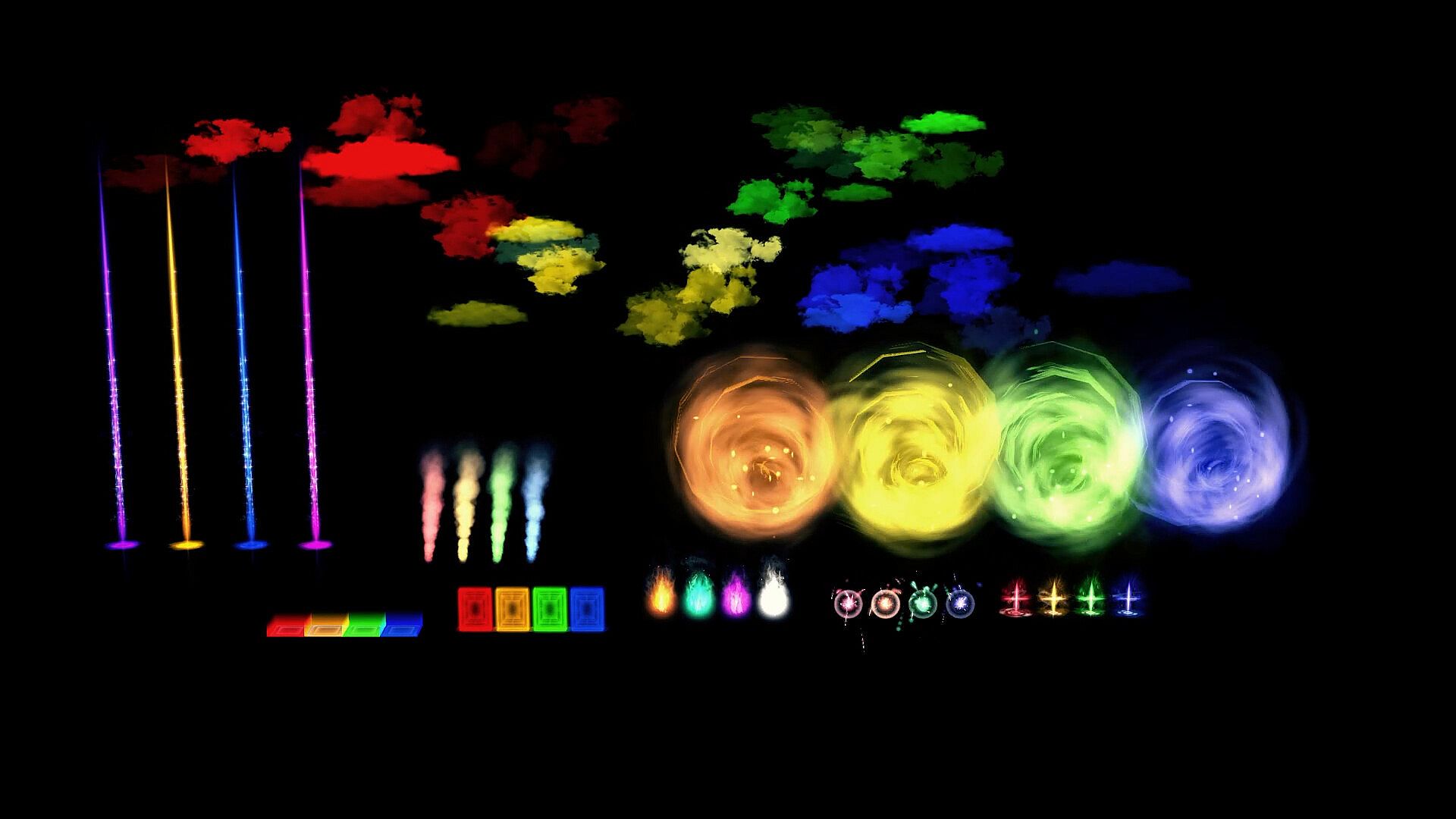
The core process involves integrating these variations directly into Bakin projects through the map editor and event system. Developers select an effect in the resources menu and apply one of the ten color options to alter its appearance on the fly. This approach supports immediate visual changes to elements like flames, smoke, rain, snow, lightning, waterfalls, light pillars, magic circles, explosions, and dust in field settings. Decoration effects receive similar treatment, covering elemental auras, weapon enchantments, and appearance or disappearance animations.
Placement occurs via the particles section where environmental effects carry the designated property. Adjustments happen in map settings under rendering options, allowing quick testing across different atmospheres. The pack maintains compatibility with existing maps and events, so changes require no additional event scripting or terrain redesign. Battle effects receive a smaller set of twenty variations that slot into combat sequences through the same resource selection workflow.
Content totals break down into 180 decoration effects, 590 field effects, and 20 battle effects, each built from the base ten color options per original asset. This structure expands expressive options for scene building while keeping the workflow streamlined within Bakin's database and layout tools.
Game Modes
Usage divides naturally into field applications, decoration layering, and battle integration. Field effects handle outdoor and environmental visuals such as weather patterns and natural phenomena, with color shifts creating distinct moods like fiery orange flames versus cool blue variants. Decoration effects focus on character and object enhancements, including auras around elements or temporary visual states during item use or transitions.
Battle effects apply to combat visuals with limited but targeted color options that align with magic or slash animations. Each category operates independently yet shares the same selection interface, so developers switch between them without leaving the editor. No separate modes exist beyond these effect categories, as the pack functions as an extension of Bakin's particle and rendering systems rather than standalone gameplay features.
Integration with Bakin Tools
The variations work alongside Bakin's event panels and common event templates for consistent application across projects. Map creation benefits from direct particle assignment, while the camera tool and database settings allow fine-tuning of how effects interact with character movement or item behaviors. Updates to the base Bakin software maintain support for these resources through ongoing rendering fixes and particle handling improvements.
Developers access the pack contents through the standard resources menu, where effects marked for environmental use appear ready for color selection. This keeps project files lightweight since only the chosen variations load during testing or export.
Is It Worth Playing?
Users focused on visual customization in RPG creation find value in the expanded color options that reduce repetitive asset work. The pack fits projects emphasizing varied environments or thematic shifts without requiring new modeling or animation skills. Bakin itself holds very positive overall reviews from hundreds of user submissions, reflecting steady support through regular updates.
Those building singleplayer RPGs, adventure titles, or action games benefit most when their designs rely on atmospheric effects for immersion. The resource pack adds flexibility for repeated use across multiple maps or scenes, though it requires ownership of the base Effect Pack Vol.1 for full compatibility. Developers seeking precise control over effect tones without external tools will see direct workflow improvements from the included counts and categories.