



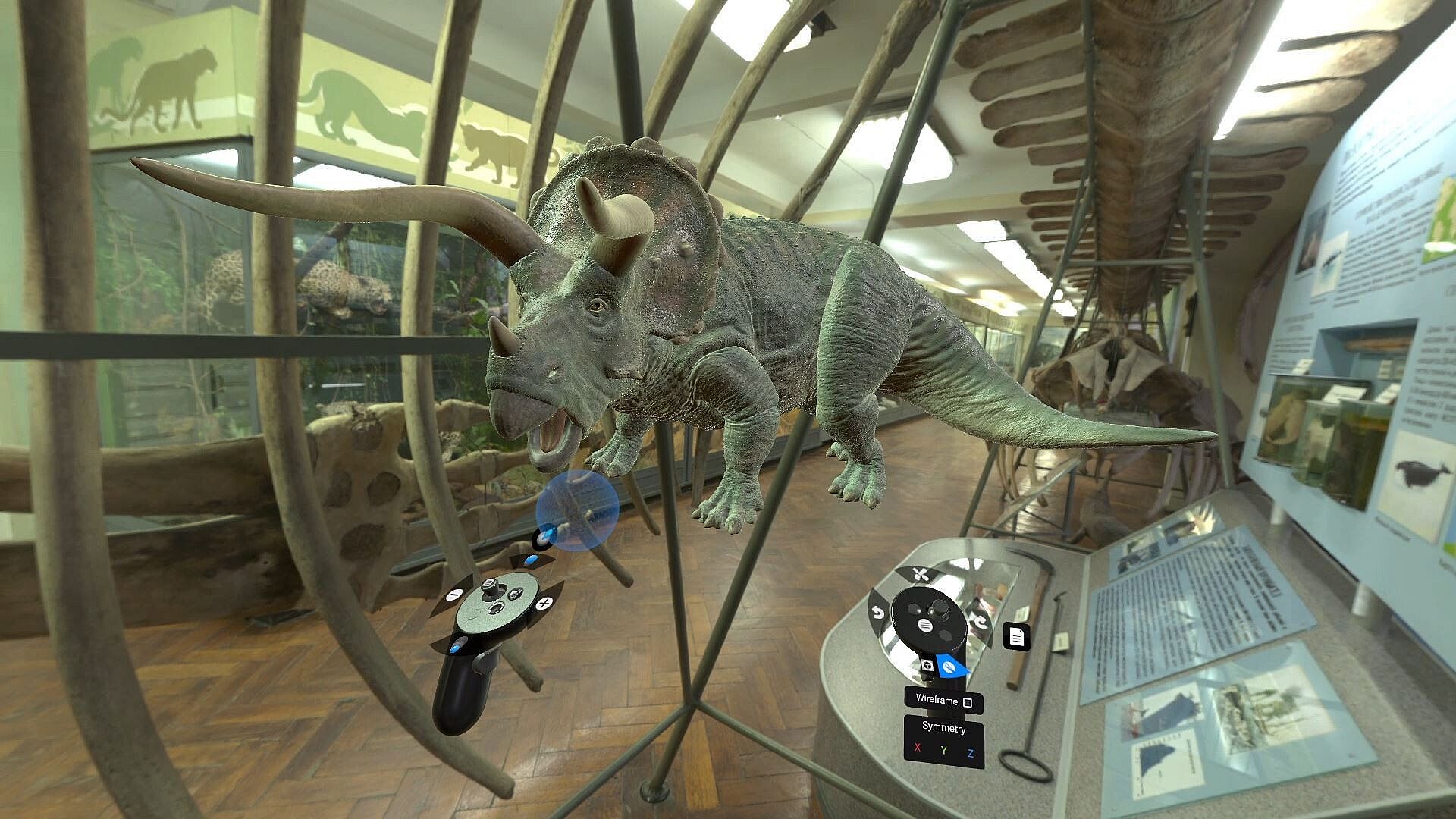
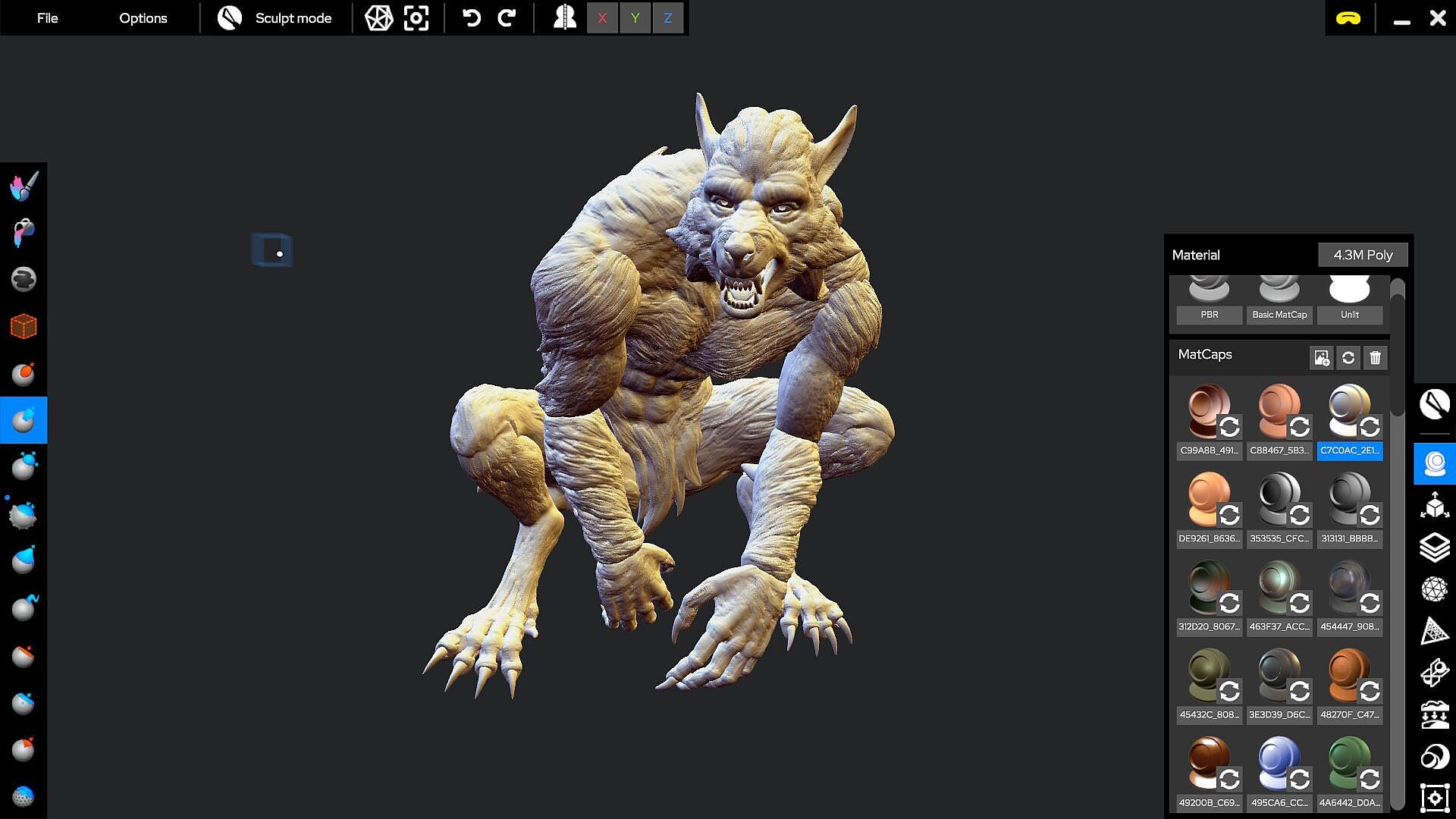
IMPORTANT INFORMATION ABOUT THIS LICENSE AND VERSION
This DLC is exclusively for Shapelab 2024 or 2025 owners. By purchasing this upgrade, you can enhance your Shapelab experience with the latest features of Shapelab Max 2026 and receive complimentary updates on Steam until the end of 2026. To use Shapelab Max 2026, you must own the base application. The latest 2026 DLC content requires the corresponding DLC to be enabled in the app's DLC section (it should be checked by default).
As a Shapelab 2024 or 2025 owner you get a significant discount when upgrading to Shapelab Max 2026. Please note that the DLC is only for users who already own Shapelab on Steam, that is why the price is universal and already at the discounted amount.
(If you are not yet a Shapelab owner, please choose the package called "Shapelab," which includes both the Shapelab base app and the new Shapelab 2026 upgrade DLC. Ensure you download and install both the Shapelab base app and the Shapelab 2026 DLC together.)
WHAT IS SHAPELAB MAX 2026?
Shapelab Max 2026 is the direct successor to Shapelab 2025. Rebranded with "Max" to signify the ultimate, full-featured creative suite for PCVR, it delivers all the well-known tools plus major new additions. Whether you are a professional or a beginner, Shapelab Max 2026 offers the cutting-edge toolset you need for a smoother, more enjoyable 3D modeling experience.
WHAT’S NEW IN SHAPELAB MAX 2026?
Redesigned, Rebuilt, and More Powerful Gizmo to deliver a more professional, flexible, and immersive interaction experience. It now offers greater accessibility, precision, and customization across both VR and Desktop workflows.
Transform System & Non-Uniform Scaling to scale objects along individual axes using the Gizmo or Transform Tab. It offers better control over object proportions, blockouting, and is essential for hard-surface like modeling as well.
Elastic move tool that brings Pixar’s real-time elastic deformation methodology to Shapelab, giving artists an intuitive, physically responsive way to reshape models. Especially useful for organic forms and posing.
Brush Rotation Upgrade
An improved Brush rotation along the drag movement
A new "Topology Align" slider to align the generated topology with the direction of your brush strokes:
Voxel Remesh Upgrade that includes new "Fix Pole" and “Reproject” settings for more accurate geometry, alongside other significant improvements
A single, consistent Symmetry Reference Space used across the entire toolset, that ensures all symmetrical operations behave predictably across different contexts
Quick Access Wheel Expansions (VR) with more useful controls
Adjustable Viewport Momentum (VR Only) to customize the momentum of scene root (viewport) rotation in VR. This affects how quickly or smoothly the scene continues moving after you rotate it using controllers.
VR controller haptics for UI interactions such as hovering, button presses, slider movements, and gizmo grabs
These are the initial new features for Shapelab Max 2026; expect more features and major improvements to be released throughout the 2026 calendar year. Stay tuned for future updates!
OTHER CORE FEATURES IN SHAPELAB MAX 2026
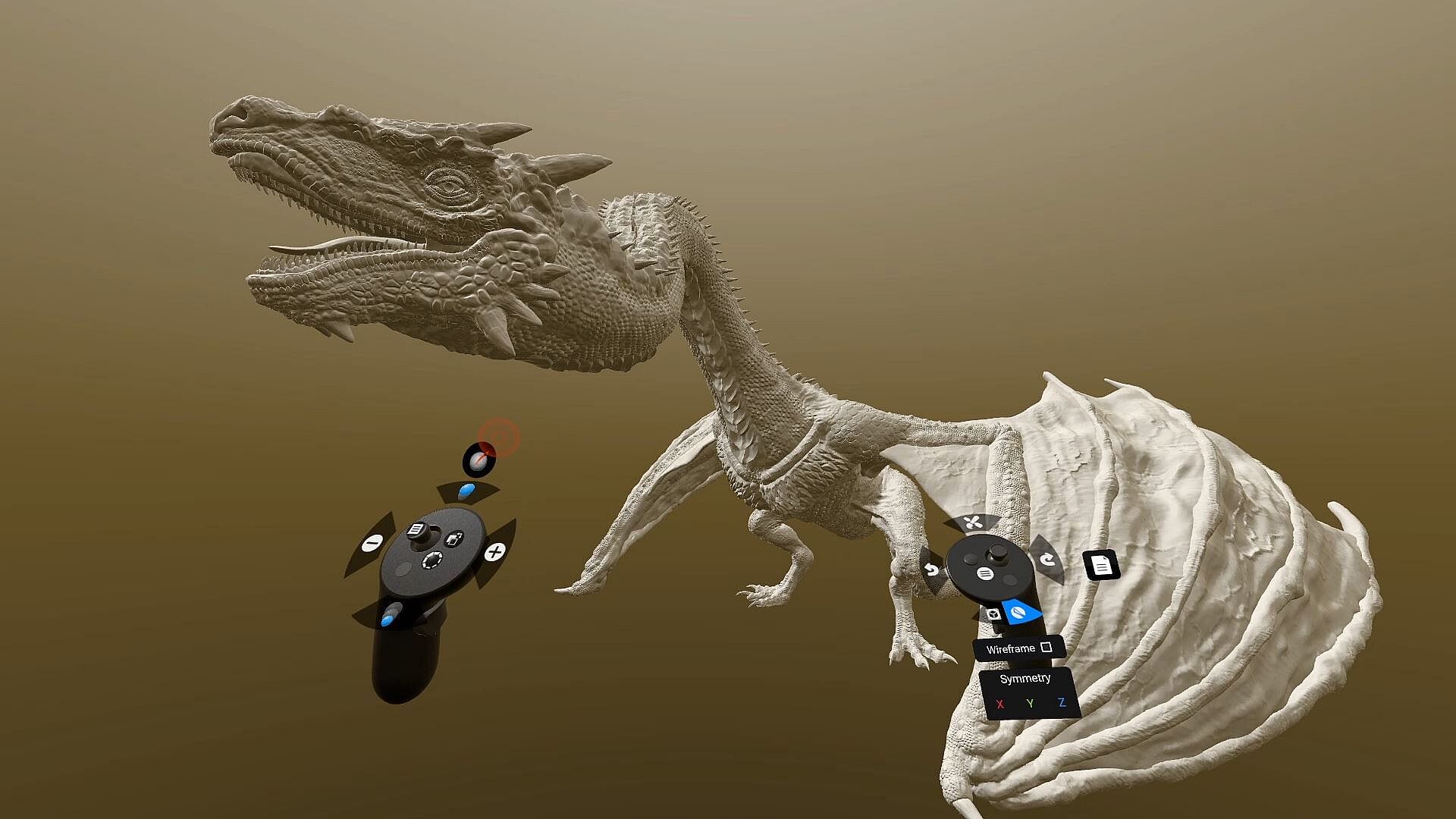
Dual Engine Modeling Combine the power of polygon sculpting with the speed of voxel-based sketching. Shapelab’s hybrid engine lets you block out ideas in voxels, then refine them with production-ready polygon tools - all in one workflow.
Dual VR and Desktop Modes Run Shapelab on your PC in desktop mode or use a VR headset tethered to your PC for an immersive VR experience. Switch seamlessly between modes while working on your projects.
Digital Pen and Tablet Support Leverage the power of your digital pen and tablet with tilt, twist, and pressure sensitivity. Compatible with both Wintab and Windows Ink for precision sculpting.
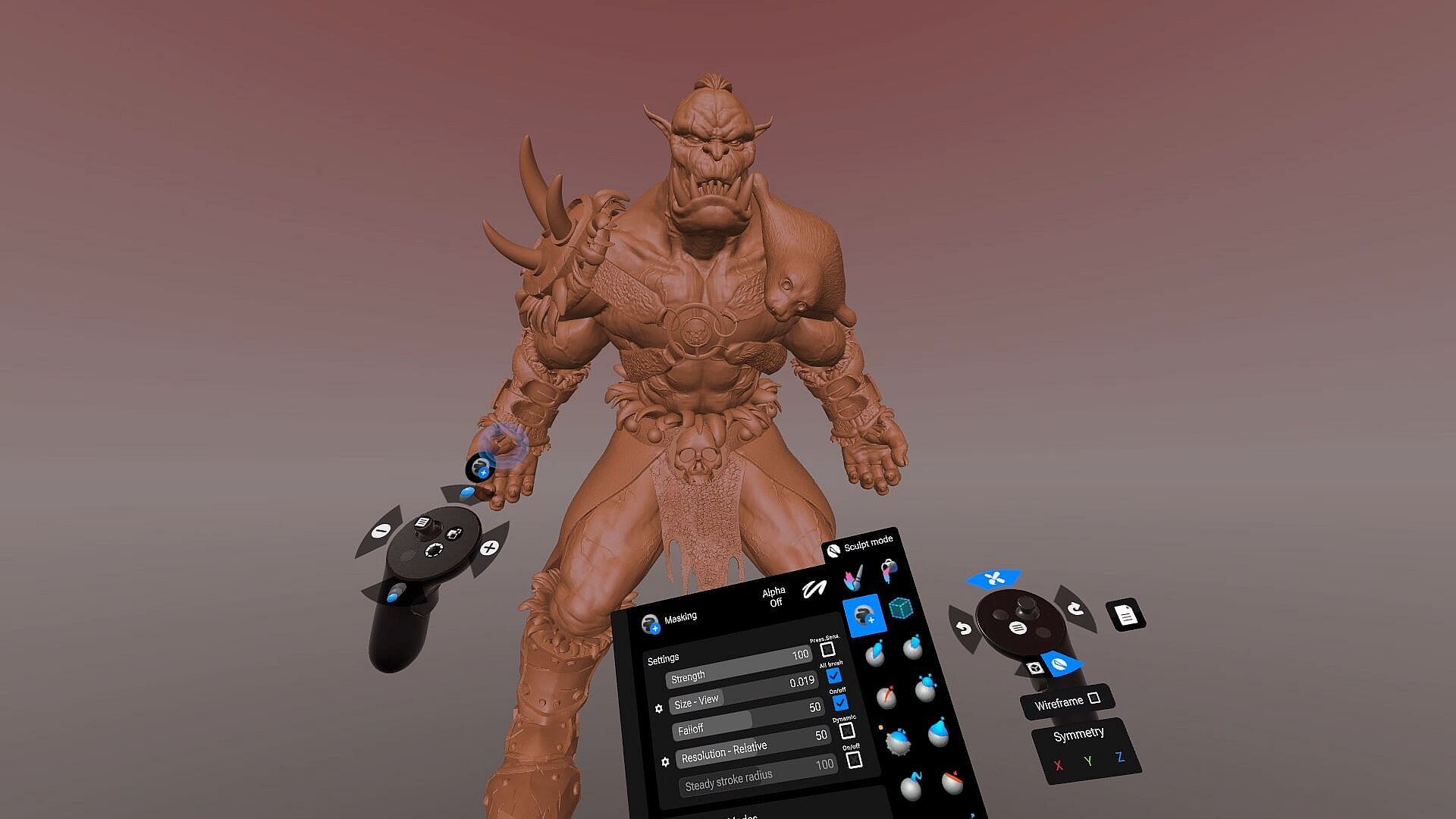
Advanced Sculpting Tools Access industry-standard sculpting tools with extensive configuration options. Brushes include Clay, Standard, Mask, Crease, Smooth, Pinch, Inflate, Snakehook, Flatten, Trim, Regularize, and 3D Stamp.
Dynamic Topology Sculpting (Optional)
Enable real-time tessellation to dynamically adjust mesh detail based on your needs. Alternatively, lock your brush resolution to a specific value by sampling directly from your model for precise sculpting control.
Customizable Work Environments Personalize your workspace:
Import custom HDRI skyboxes or use solid colors and gradients.
Configure ambient lighting, reflections, and directional light settings.
Toggle the workspace floor on or off as needed.
Kitbashing with Custom Shapes and Primitives
Build efficiently using a built-in library of fixed shapes and parametric primitives.
Or use your custom models added to your shape library for quick scene population.
Precision Tools: Snapping and Constraints
Grid and angle snapping for organized creations and constraints for more precise alignments.
Tools for you to quickly align and reset the scene to cycle through perspectives.
Multiresolution and Subdivision Levels
Subdivide your mesh to create multiple levels of detail. Easily switch between them to optimize your workflow.
PBR Vertex Painting and Texture Export
Paint Color, Roughness, Metalness, and Emission properties directly onto your models.
Export texture maps, including normals, PBR properties, and vertex colors, during the export process.
Remeshing and Mesh Transformations
Voxel remesh, subdivide, decimate, and regularize meshes.
Perform operations like mirroring, welding, flipping, and filling holes.
Merge vertices and quad remesh for cleaner topology.
Detail Transfer (Projection): Transfer intricate details from high-resolution, unorganized meshes to cleaner, quad-based models.
Scene Management
Object hierarchy organization through parenting.
Clone, mirror, merge, subtract, intersect, and join objects.
Multiselect and group objects for batch operations.
Gizmo and freehand transformations for objects and scenes.
Materials and Shading
Use PBR materials, MatCaps, and procedural textures.
Import custom MatCaps or utilize built-in ones.
Flat shading support for stylistic effects.
File Support and Import/Export
Easily import and export models in FBX, OBJ, STL, and GLB formats.