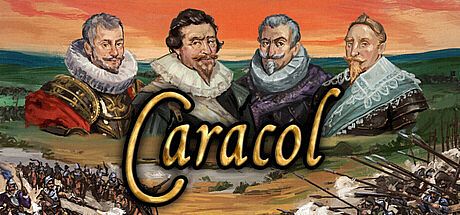
Quelle est la configuration requise pour Caracol - Wars of Religion in the 17th Century Playtest sur PC ?
Pour jouer à Caracol - Wars of Religion in the 17th Century Playtest sur PC, vous avez besoin au minimum d'un processeur Intel Core i5 et d'une carte graphique Intel HD Graphics 4000. Pour une expérience optimale, un processeur — et un GPU — sont recommandés. Le jeu nécessite également au moins 8 GB RAM de RAM, — d'espace disque, Windows 10 comme système d'exploitation et DirectX —. Consultez le tableau complet des spécifications ci-dessus et comparez-le avec votre matériel pour vous assurer que Caracol - Wars of Religion in the 17th Century Playtest fonctionnera correctement sur votre configuration.
Quelle carte graphique faut-il pour Caracol - Wars of Religion in the 17th Century Playtest ?
Le GPU minimum requis pour Caracol - Wars of Religion in the 17th Century Playtest est Intel HD Graphics 4000. Pour des performances optimales, une — ou mieux est recommandée.
Combien de RAM faut-il pour Caracol - Wars of Religion in the 17th Century Playtest ?
Caracol - Wars of Religion in the 17th Century Playtest nécessite au moins 8 GB RAM de RAM. La quantité recommandée est de — pour la meilleure expérience.
Combien d'espace disque faut-il pour Caracol - Wars of Religion in the 17th Century Playtest ?
Il faut au moins — d'espace de stockage disponible pour installer Caracol - Wars of Religion in the 17th Century Playtest.
Puis-je jouer à Caracol - Wars of Religion in the 17th Century Playtest sur Mac ou Linux ?
La configuration requise sur cette page concerne la version PC (Windows) de Caracol - Wars of Religion in the 17th Century Playtest. Consultez la page officielle du magasin pour la compatibilité Mac ou Linux.
Quel processeur faut-il pour Caracol - Wars of Religion in the 17th Century Playtest ?
Le processeur minimum pour Caracol - Wars of Religion in the 17th Century Playtest est Intel Core i5. Pour de meilleures performances, un processeur — est recommandé.