





Acheter JoustMania PC Key

JoustMania est gratuit ! Téléchargez-le sur Steam et commencez à jouer immédiatement.

Date de sortie : 11 juin 2019
Metacritic:
tbd tbd
Steam:
Very Positive (13)
Official
Indisponible
Keyshops
Indisponible
Acheter sur une boutique officielle :
Indisponible
Acheter sur les keyshops :
Indisponible

Aucune entrée, mais ne vous inquiétez pas : nous vous informerons dès qu'une nouvelle offre apparaîtra.

Create Alert Create deal Alert

Ă€ propos de JoustMania

JoustMania - Ă  propos du jeu
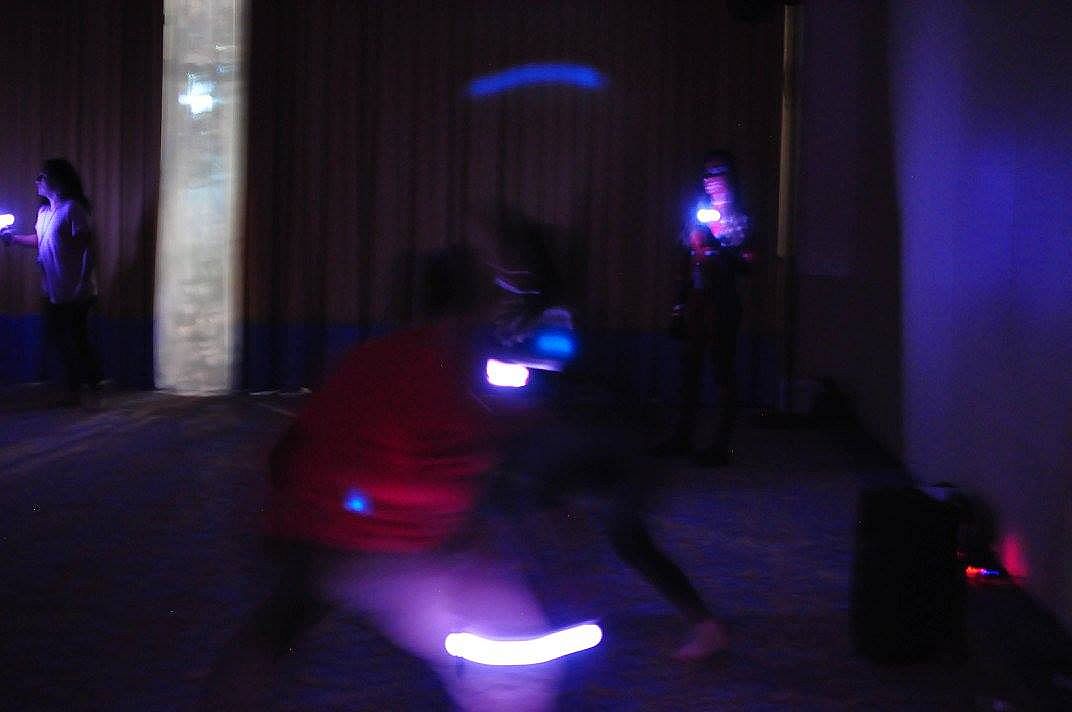
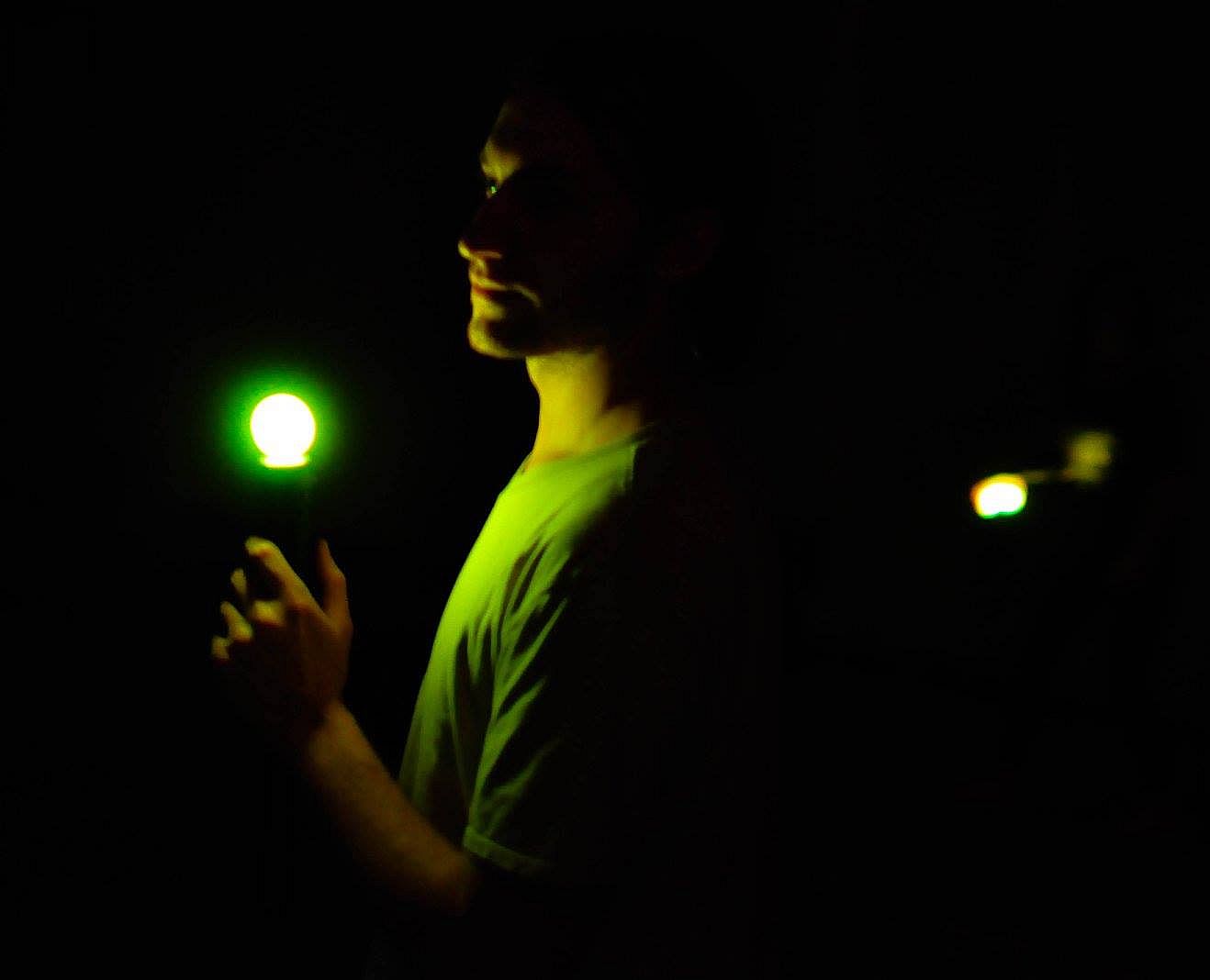
JoustMania delivers a movement-based party game where players hold controllers steady while jostling opponents, drawing from the jostling mechanic in Johann Sebastian Joust. No screen is needed as up to seven players on Windows-or 18+ on Raspberry Pi-compete using PlayStation Move controllers. Thirteen game modes like Free-for-All, Teams, Traitors, Werewolves, Zombies, and Tournament offer variety, with five sensitivity levels adjustable in admin mode. Pair controllers by running the game as administrator, then tweak settings via controller buttons or a browser GUI at 127.0.0.1. Players press triggers to start rounds and select modes with the side button. This casual simulation sports title suits groups of friends seeking quick, physical multiplayer fun on PC.


JoustMania is a movement based party game based off of the Jostling mechanic introduced in Johann Sebastian Joust, players try to keep their controller still while jostling others, no screen required. JoustMania features thirteen different game modes, five different sensitivity levels, and a whole range of other features for you and your friends to enjoy. This is the first time this game is available on the Windows platform.

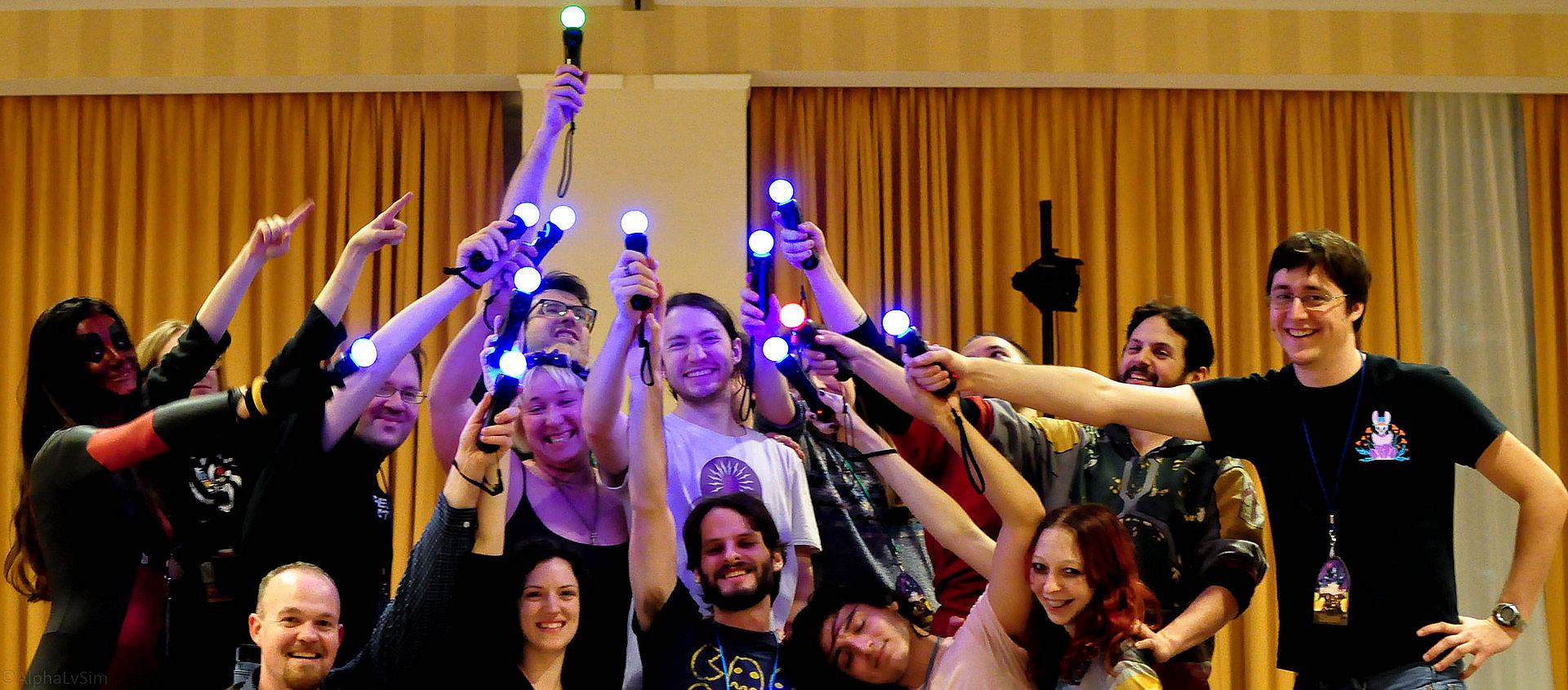
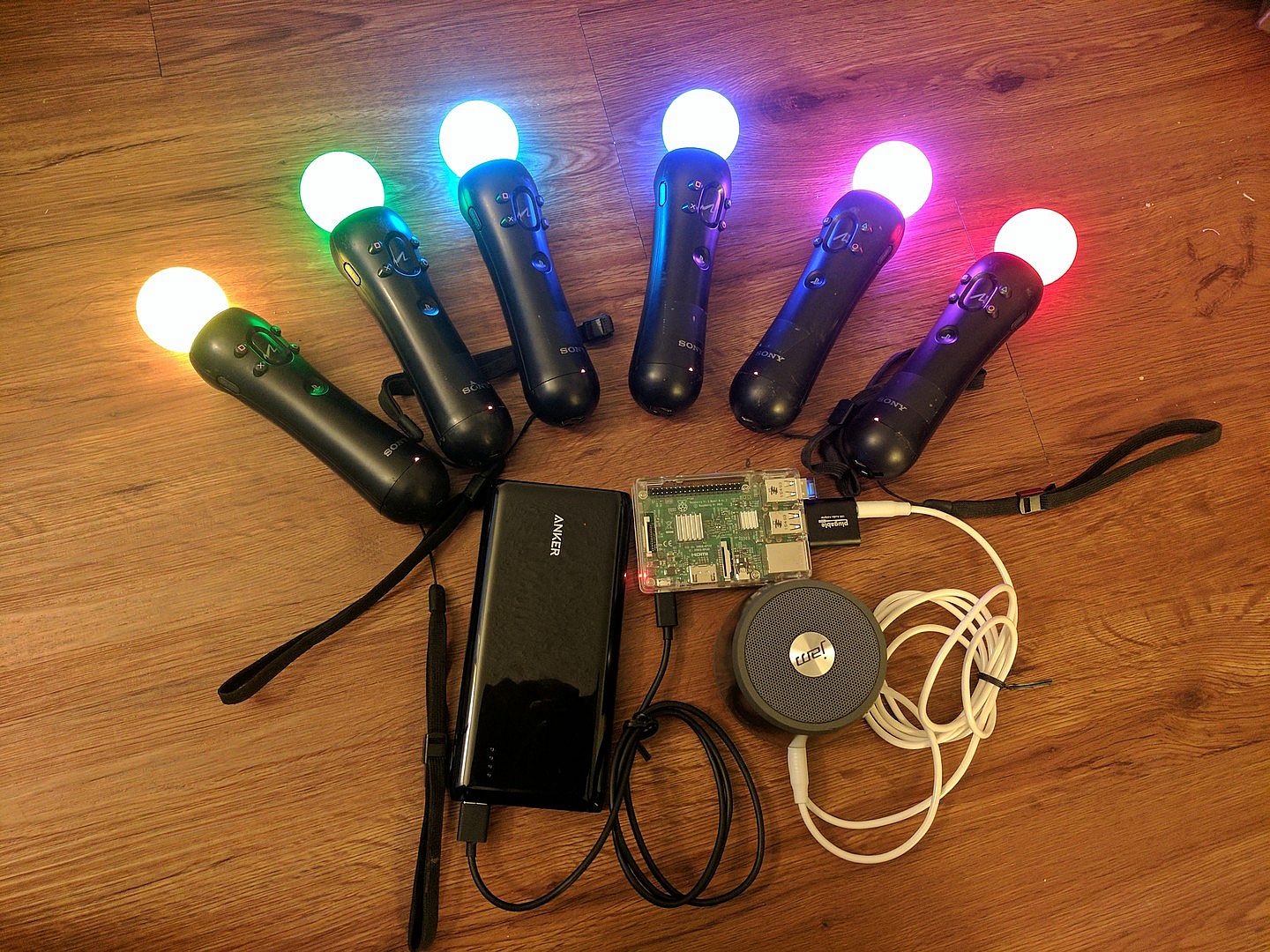
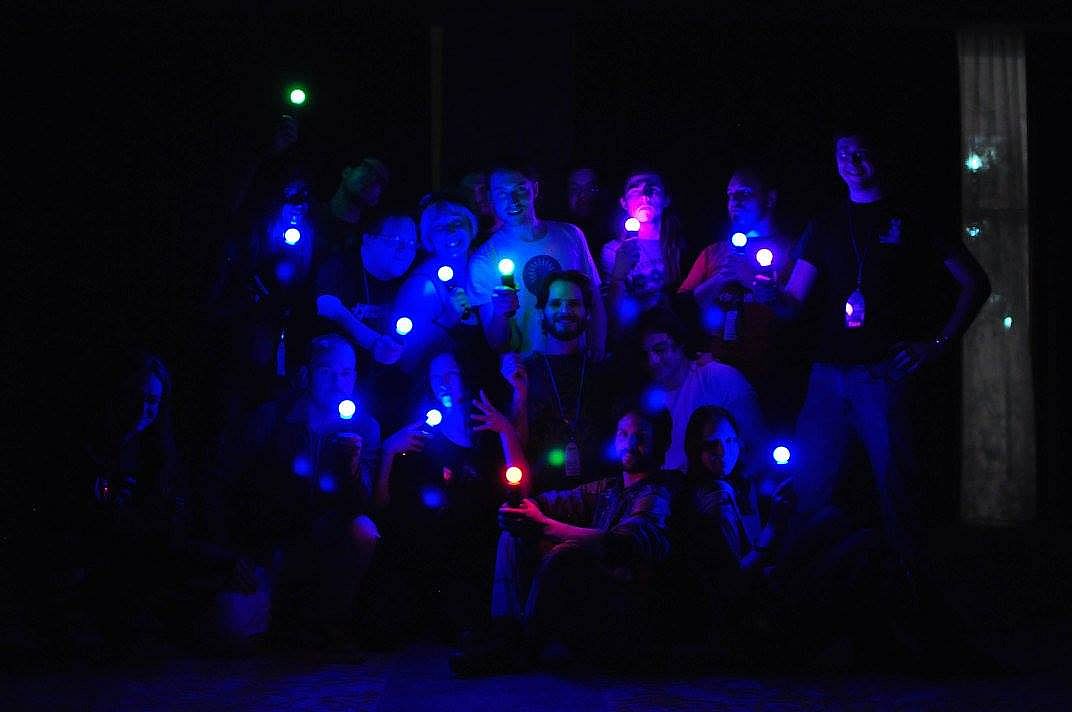
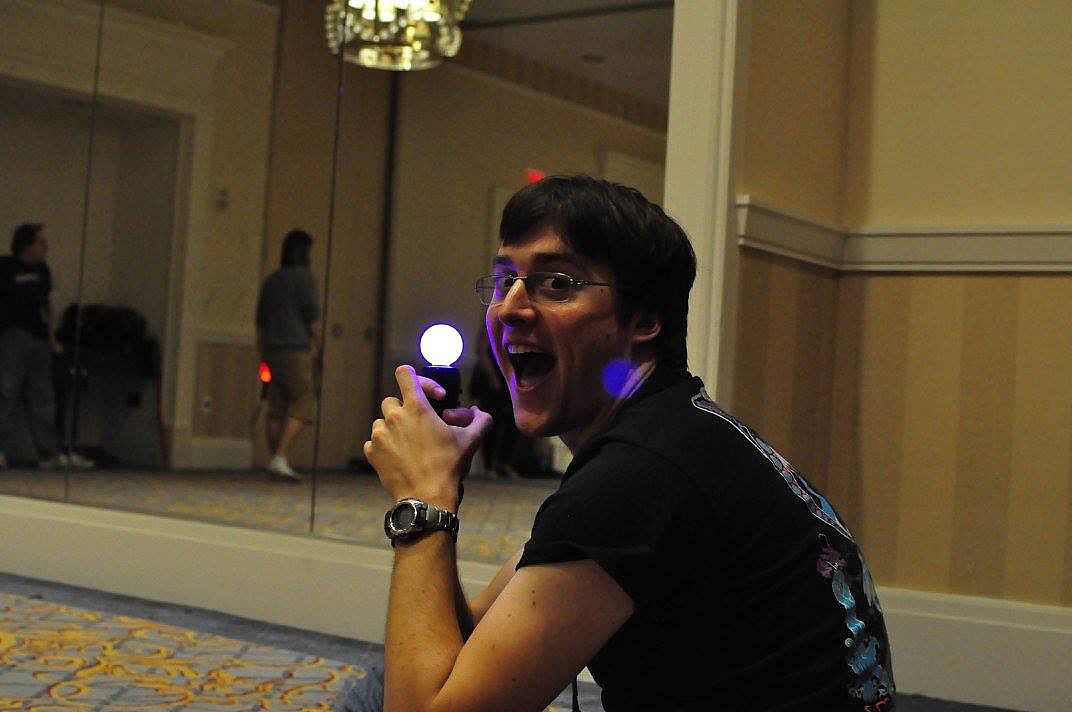
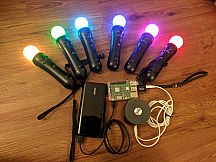
JoustMania supports up to seven players on Windows, and 18+ on the raspberry pi. Playstation move controllers are required to play this game.

Note: In order to sync Joustmania controllers you will need to run in administrator mode:
Go to C:/Program Files (x86)/Steam/SteamApps/common/Joustmania
right click piparty.exe
click properties
click the Compatibility tab
click Run this program as an administrator, and click Apply
GameModes
  • Joust Free-for-All (2+ players)
  • Joust Teams (Minimum 3+ players, 4+ players recommended)
  • Joust Random Teams (3+ players)
  • Traitors (Minimum 6+ players, 9+ players recommended)
  • Werewolves (Minimum 3+ players, 6+ players recommended)
  • Zombies (Minimum 4+ players, 10+ players recommended)
  • Commander (Minimum 4+ players, 6+ players recommended)
  • Swapper (Minimum 3+ players, 4+ players recommended)
  • Fight Club (2+ Players)
  • Tournament (3+ players)
  • Non Stop Joust (2+ players)
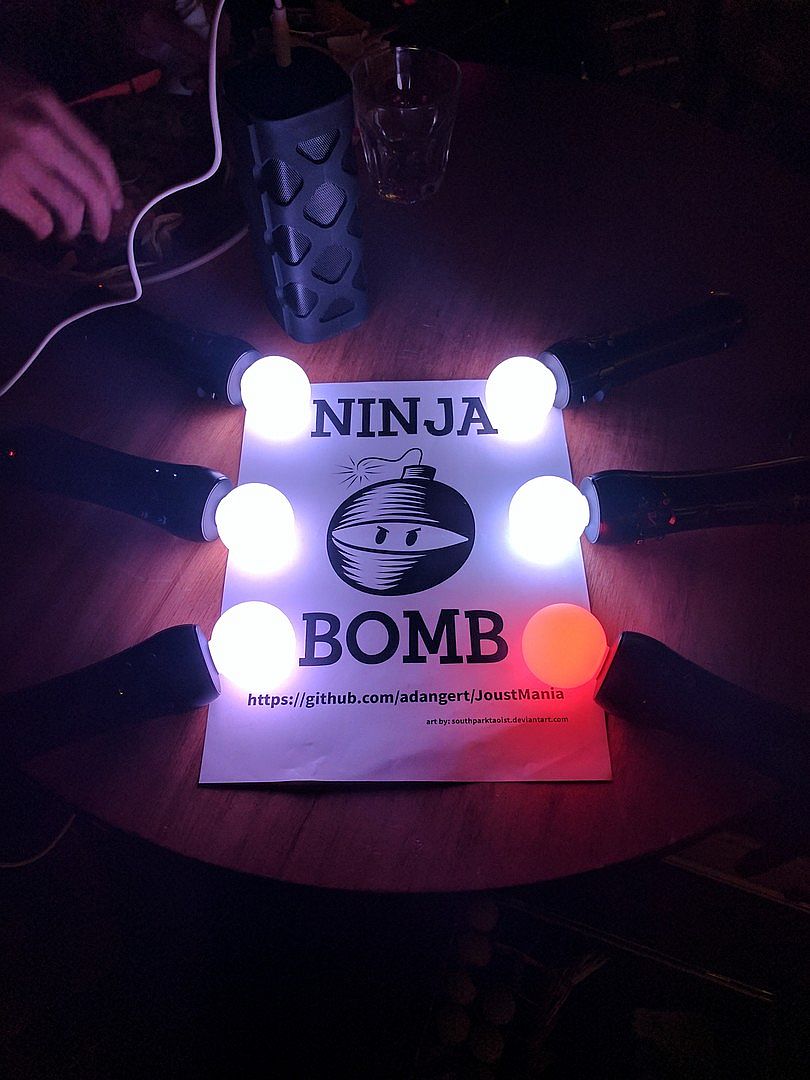
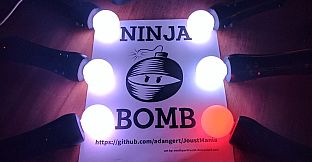
  • Ninja Bomb (2+ players)
  • Random mode
To view rules for each game mode please visit JoustMania Extended Rules
Starting a game
To access different game modes, after pairing a playstation move controller press the select button on the side of the controlelrs. To start a game everyone needs to press the trigger buttons on their controllers.
Pairing
To pair a PlayStation move controller, make sure you follow the above steps to run as an administrator, start JoustMania then plug the controller in and keep on pressing the PlayStation home button until the controller turns a color other than white, you should not have to remove the controller while pairing. If you are using the newer Playstation move controller (CECHZCM2) you will have to click the popup on the bottom right of the screen to allow it to be paired.
Admin Mode
You can become an Admin by pressing all four front buttons on any controller, this will allow you to modify the games settings from the four front buttons on the controller, After a game is played the Admin mode will be reset

(Cross) Add or remove a game from Random mode, your controller will be green if the game is added and Red if it is not, Custom Teams mode can not be added to Random mode
(Circle) Change sensitivity of the game. There are five settings, Ultra High, High, medium, Low, and Ultra low.
(Square) toggle the playback of instructions for each game
(Triangle) show battery level on all controllers
Browser UI
After starting Joustmania, in your web browser go to 127.0.0.1 and you should see a GUI to change game modes and settings from your computer.

Credit to FamilyGamerRadio for the intro video.
Interface:
English
Audio:
English

Classification par âge

Indisponible
Metacritic:
tbd tbd
Steam:
Very Positive (13)

Minimum :

  • Système d'exploitation: Windows 10 64 bit
  • Notes supplĂ©mentaires: Bluetooth and playstation move controllers required

Recommandé :

Plus bas historique
Historique des prix des boutiques officielles
-
-
-
Historique des prix des keyshops
-
-
-

FAQ

8 questions

Avant de chercher une cle PC JoustMania pas chère, verifiez l'essentiel. Développé par Aaron Angert. Publié par Aaron Angert. Date de sortie PC : 11 juin 2019. Genres : Free To Play, Indie, Casual, Simulation, Sports. Catégories : Multi-player, PvP, Shared/Split Screen PvP, Remote Play Together, Co-op, Shared/Split Screen Co-op, Shared/Split Screen.

Q

Où acheter une clé Steam ou CD Key JoustMania pas chère ?

JoustMania est gratuit ! Téléchargez-le sur Steam et commencez à jouer immédiatement.

JoustMania est entièrement gratuit sur Steam. Aucun achat nécessaire - il suffit de télécharger et de jouer. Si vous cherchez des DLC premium ou des objets en jeu, consultez le tableau des offres ci-dessus.

Notre traqueur de prix couvre les revendeurs officiels et les keyshops, vous pouvez donc trouver JoustMania en promotion meme en dehors des périodes de soldes. Nous détectons actuellement 0 offres actives provenant de boutiques officielles et de keyshops. Consultez le tableau ci-dessus, comparez avec le prix le plus bas historique et créez une alerte pour ne jamais manquer la prochaine baisse de prix.

D'apres nos données, JoustMania n'est pas actuellement disponible sur GeForce NOW. Vous devrez le lancer localement sur votre PC. Parcourez les jeux disponibles sur GeForce NOW.

Oui. JoustMania a une page officielle sur le Steam Store, mais nous ne suivons actuellement aucune offre tierce avec DRM Steam. Revenez plus tard ou créez une alerte de prix.

Pas pour le moment. Valve classe JoustMania comme non supporte sur Steam Deck. Gardez un oeil sur XD.deals - nous suivons les mises a jour Proton et les correctifs de la communaute. Parcourez les jeux Steam Deck Verified ou Steam Deck Playable.

JoustMania ne semble pas être disponible sur PC Game Pass, EA Play, Ubisoft+ ou tout autre service d'abonnément PC pour le moment. Votre seule option est d'acheter le jeu - utilisez XD.deals pour trouver le meilleur prix.

Non - XD.deals n'est pas une boutique. Nous sommes un comparateur de prix qui suit les meilleures offres pour JoustMania sur les boutiques officielles et les keyshops vérifiés. Cliquez sur "Voir l'offre" a cote de n'importe quelle offre et vous serez redirige vers le site du revendeur pour finaliser votre achat.

Vous voulez acheter au meilleur moment ? Créez une alerte de prix sur XD.deals et soyez notifie quand JoustMania atteint son prochain prix le plus bas historique.

Créer une alerte
Rejoignez notre Discord
Obtenez de l'aide instantanée de notre communauté et restez à jour sur les dernières offres
Définir des alertes de prix
Recevez une notification par e-mail lorsque le prix d'un jeu atteint votre objectif
Créer un compte gratuit
Débloquez les listes de souhaits, alertes de prix et la synchro Steam