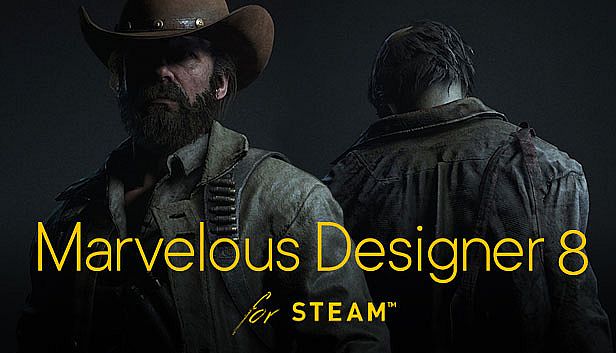
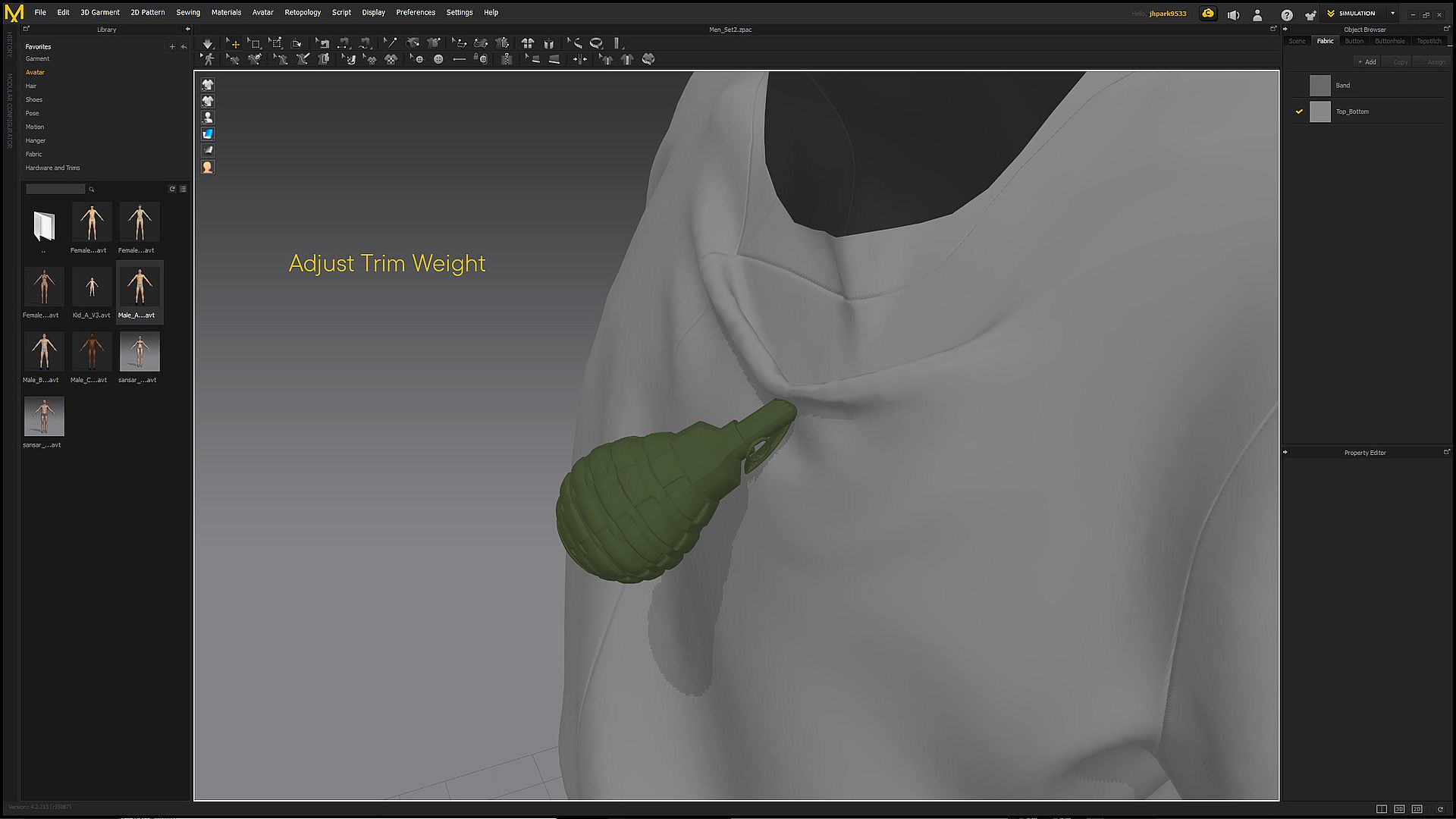
Marvelous Designer 8 for Steam brings fashion design efficiency to 3D modeling and game development. Artists craft detailed virtual clothing, from simple shirts to pleated dresses and uniforms, by replicating fabric textures, folds, and accessories. Tools like 3D sewing, sculpting, UV pattern tracing, auto arrangement points, bounding volumes, and beta remeshing speed up the process while ensuring high-fidelity simulations on 3D forms.
Users edit patterns in various shapes, set seam lines with segment and free sewing, and adjust fabric physical properties for precise behavior. Pin manipulation with point, box, or lasso tools refines details, and compatibility with Maya, 3DS Max, Softimage, Modo, and ZBrush enables smooth data exchange. Animation editors handle fast clothing simulations for recorded files, ideal for design and illustration pros seeking efficient workflows.
M A R V E L O U S D E S I G N E R 8 F O R S T E A MBringing the efficiency of fashion design to computer graphics. Marvelous Designer allows you to create beautiful 3D virtual clothing with our cutting-edge design software. Finally breathe life into your designs with tools that enhance quality while saving you time. From basic shirts to intricately pleated dresses and rugged uniforms,
Marvelous Designer can virtually replicate fabric textures and physical properties to the last button, fold, and accessory. With our versatile compatibility with other 3D software and interactive design interface, you can instantaneously edit and drape garments onto 3D forms with high-fidelity simulation.
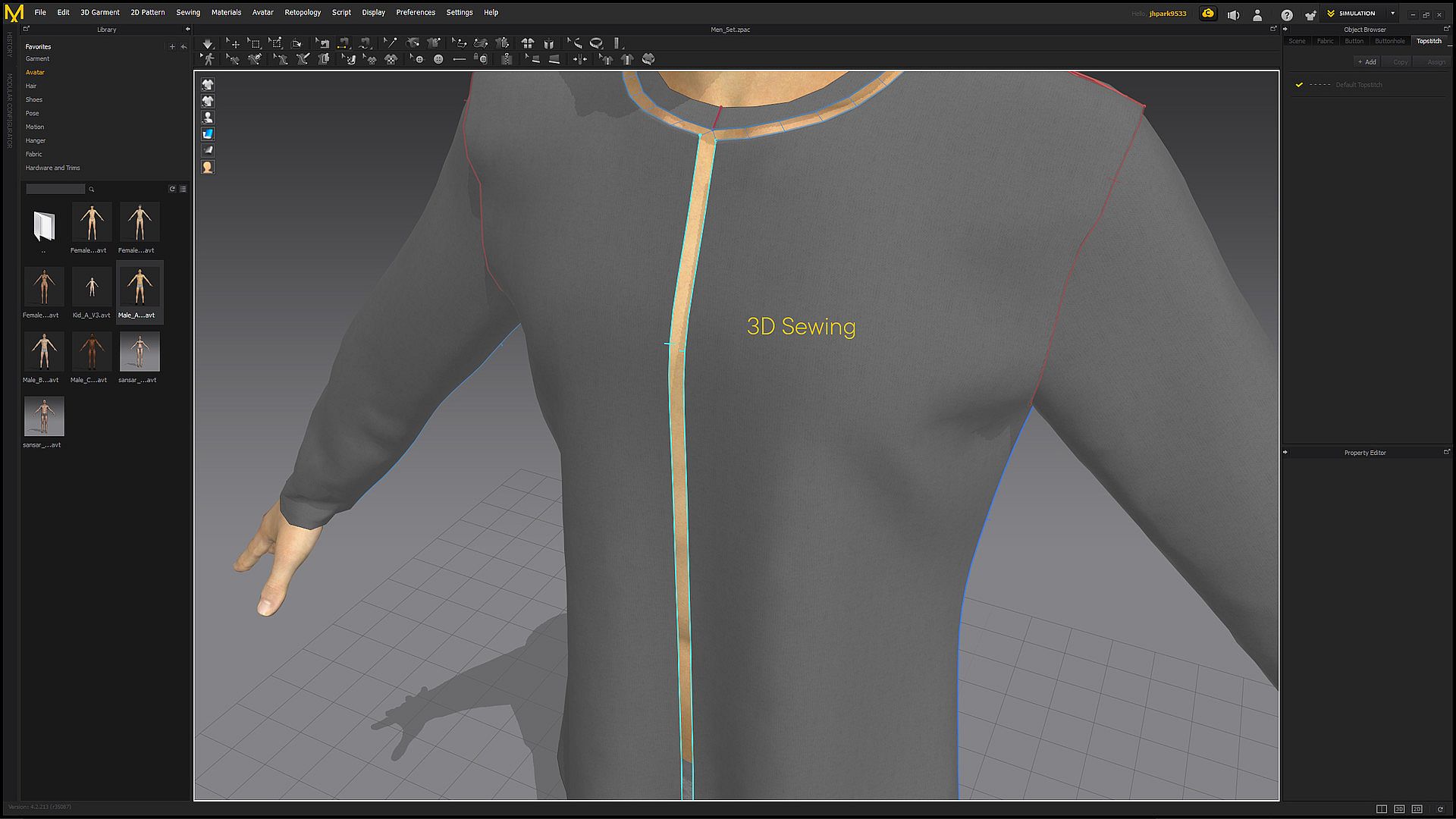
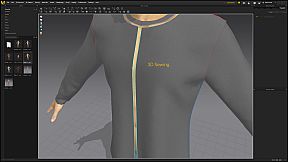
N E W F E A T U R E S - 3D Sewing
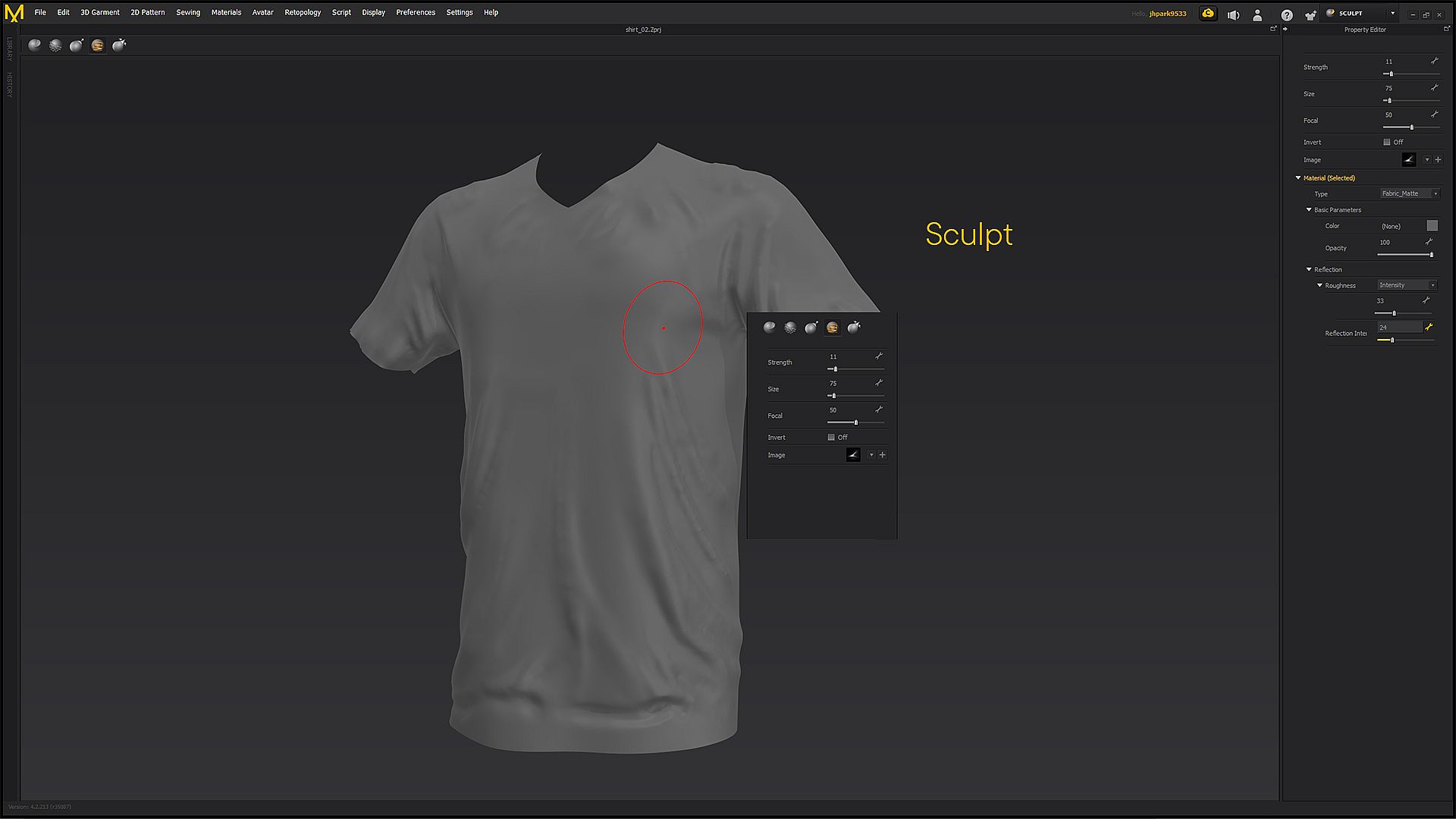
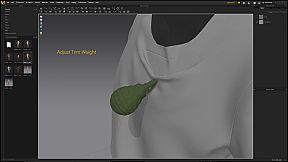
- Sculpt
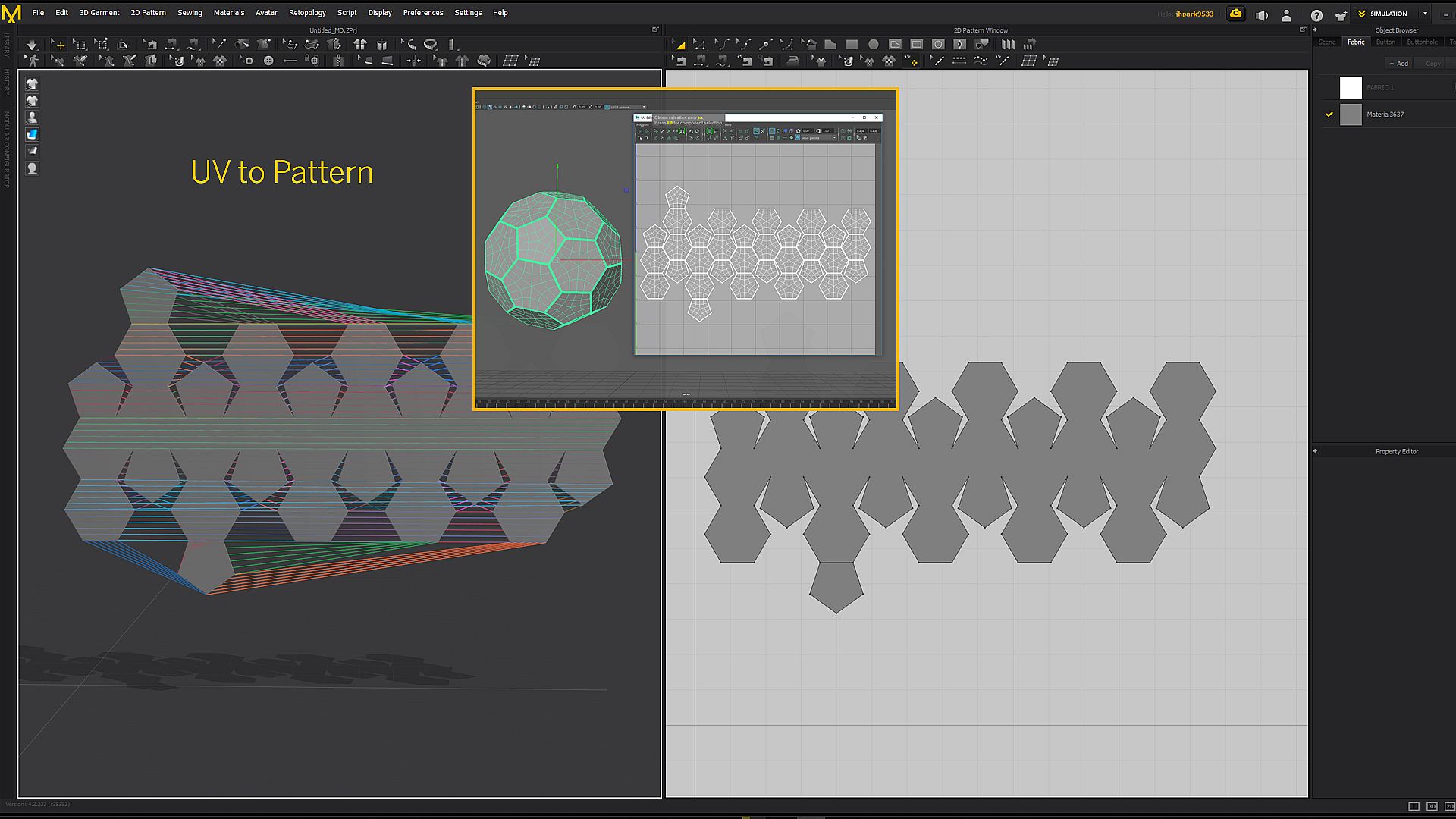
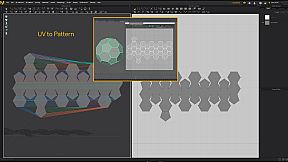
- Trace Patterns with UV Map
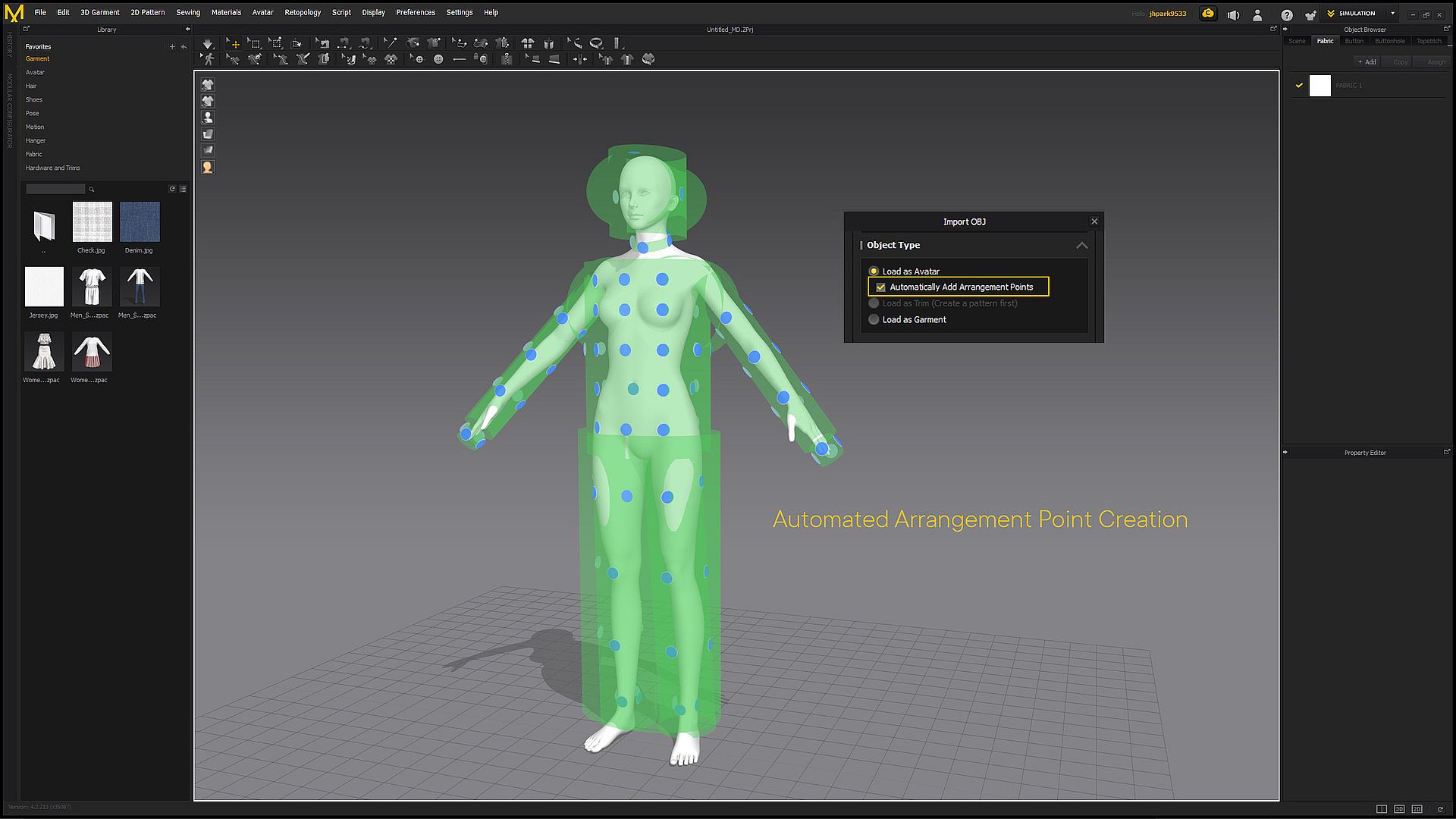
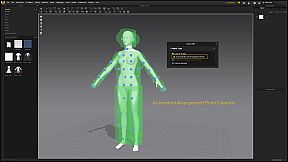
- Auto Arrangement Point/ Bounding Volume
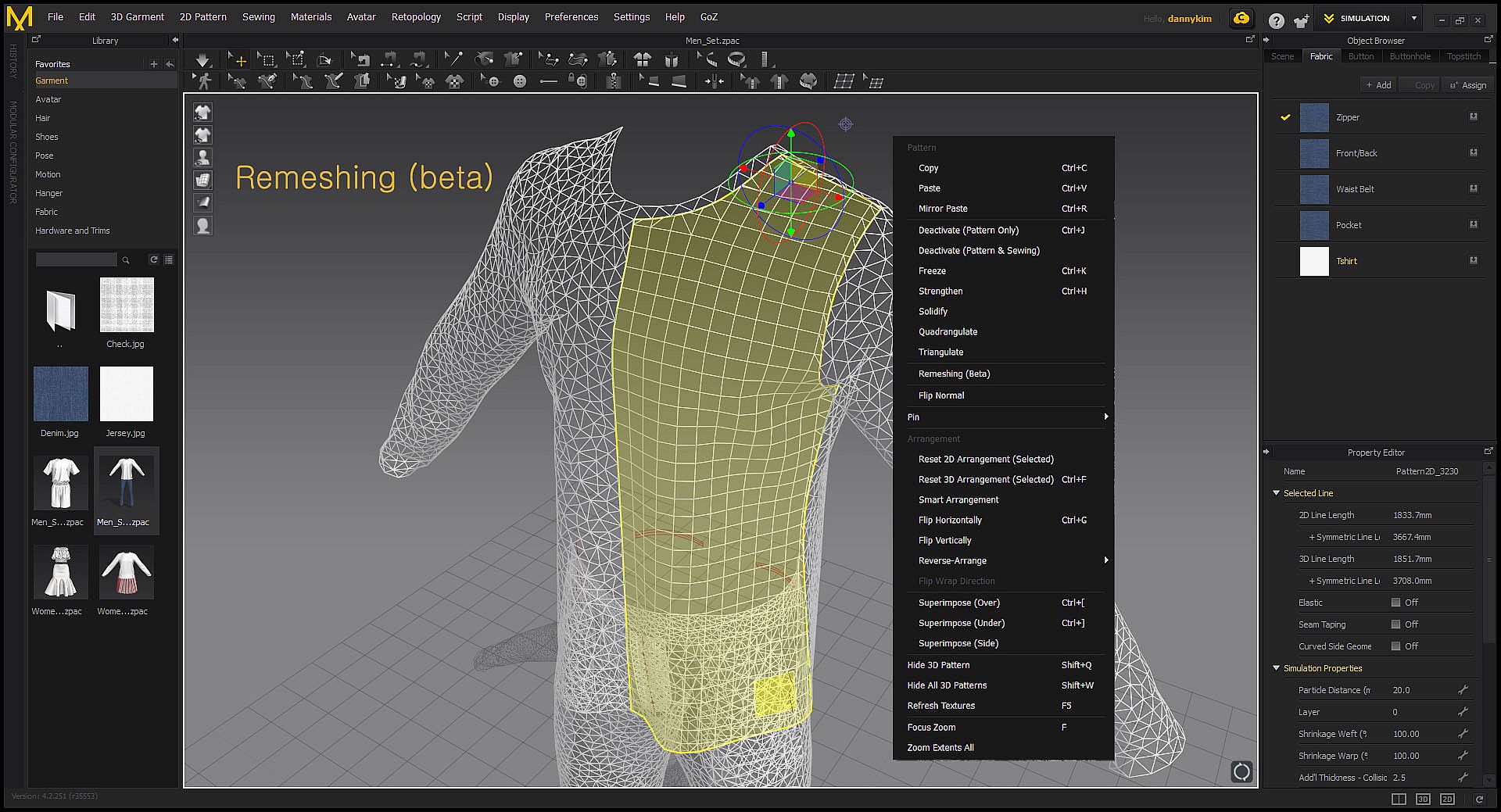
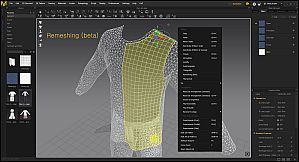
- Remeshing (beta)
S O F T W A R E U P D A T E S *Please note Upgrade to next version is not available for Marvelous Designer 7 for Steam unlike our web version Marvelous Designer. However, Patches and minor updates are provided free of charge with a Steam Perpetual license.K E Y F E A T U R E S- Accurate with Highest Quality
Rather than spend countless days on manual sculpting, artists can now focus on the creative expressions. Natural wrinkles formed automatically by Marvelous Designer
- Create one clothing to fit various body types.
- Standardized highest quality result for every artist
- Diverse transformation from one clothing asset
- Easy simulation to create normal map
Create natural wrinkles with simple pattern creation bringing faster workflow process. And it is easy to use even for beginners.
- Pattern Creation and Editing
Users can create and edit rectangular, circular, or any other polygon shaped patterns.
Users can create and edit seam lines with in sewing directions and range.
- Arrangement Points and Bounding Volume
Arrangement Points and Arrangement Bounding Volume are used for proper placement of patterns around the avatar. All pieces of pattern should be arranged in proper position around the avatar for the stable simulation.
- Fabric Physical Properties
Enable precise simulation from the original fabric material. Physical Property section contains information about fabric behavior with several values that define material characteristics. Users can manually change physical property or simply select preset physical property which is already defined.
Users can manipulate multiple vertices/pins with Point/Box/Lasso tools.
Across modeling and animation, data between software including Maya, 3DS Max, Softimage, Modo and ZBrush can be imported/exported.
- Fast & Accurate clothing simulation with Animation Editor
Users can load, edit and save 3D clothes file used in the animation record. The recorded animation can be imported/exported to 3DS Max or Maya as Maya Cache, Point Cache2, MDD Point Cache.