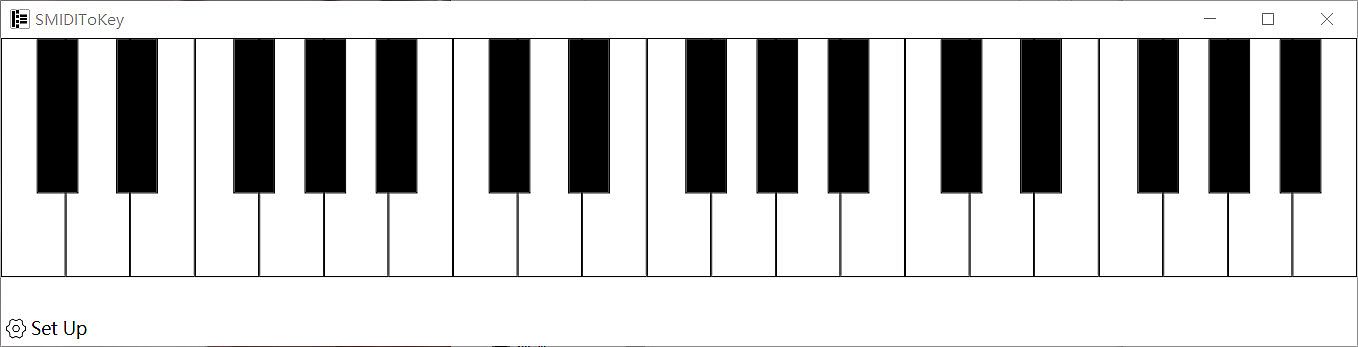
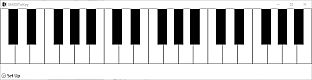
Transform your MIDI keyboard into a full computer keyboard for typing and gaming. Map MIDI inputs to keystrokes seamlessly, letting you control games or enter text without switching devices. On PC, select the right MIDI port in Settings under Commonly used to monitor multiple connected devices-double-click to activate.
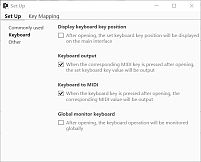
Enable global monitor mode to create music from your regular keyboard typing. Run as administrator for games that resist mapping by right-clicking the executable. Audio production pros and gamers who juggle MIDI gear get the most from this utility's dual input tricks.
Turn your MIDI keyboard into a computer keyboard
You can use MIDI keyboard to type and play games just like using computer keyboard
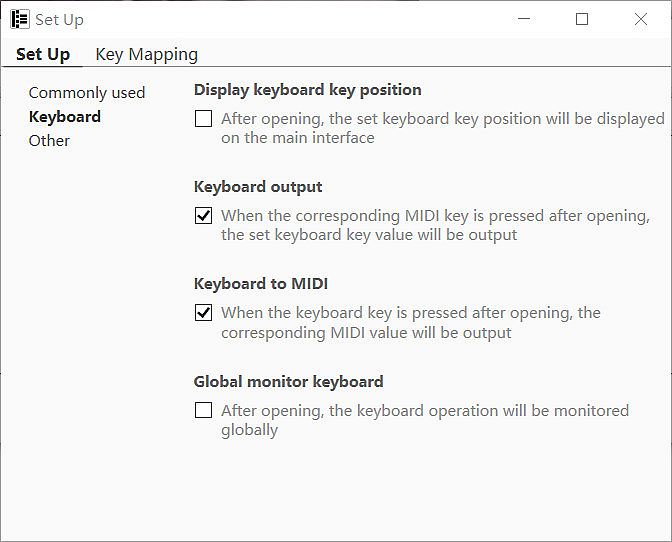
Or turn on [global monitor] to generate music when typing
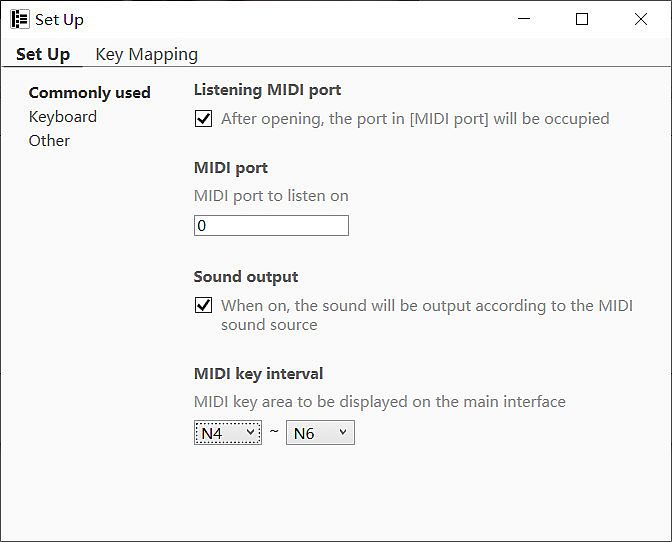
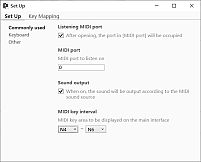
When your computer is connected to multiple MIDI devices, please select the correct MIDI port for listening. Double click the corresponding device in the [Settings] ->[Commonly used] ->[MIDI port] list to achieve monitoring.
※ When some games cannot be mapped, please right-click SMIDIToKey. exe ->to run as an administrator