


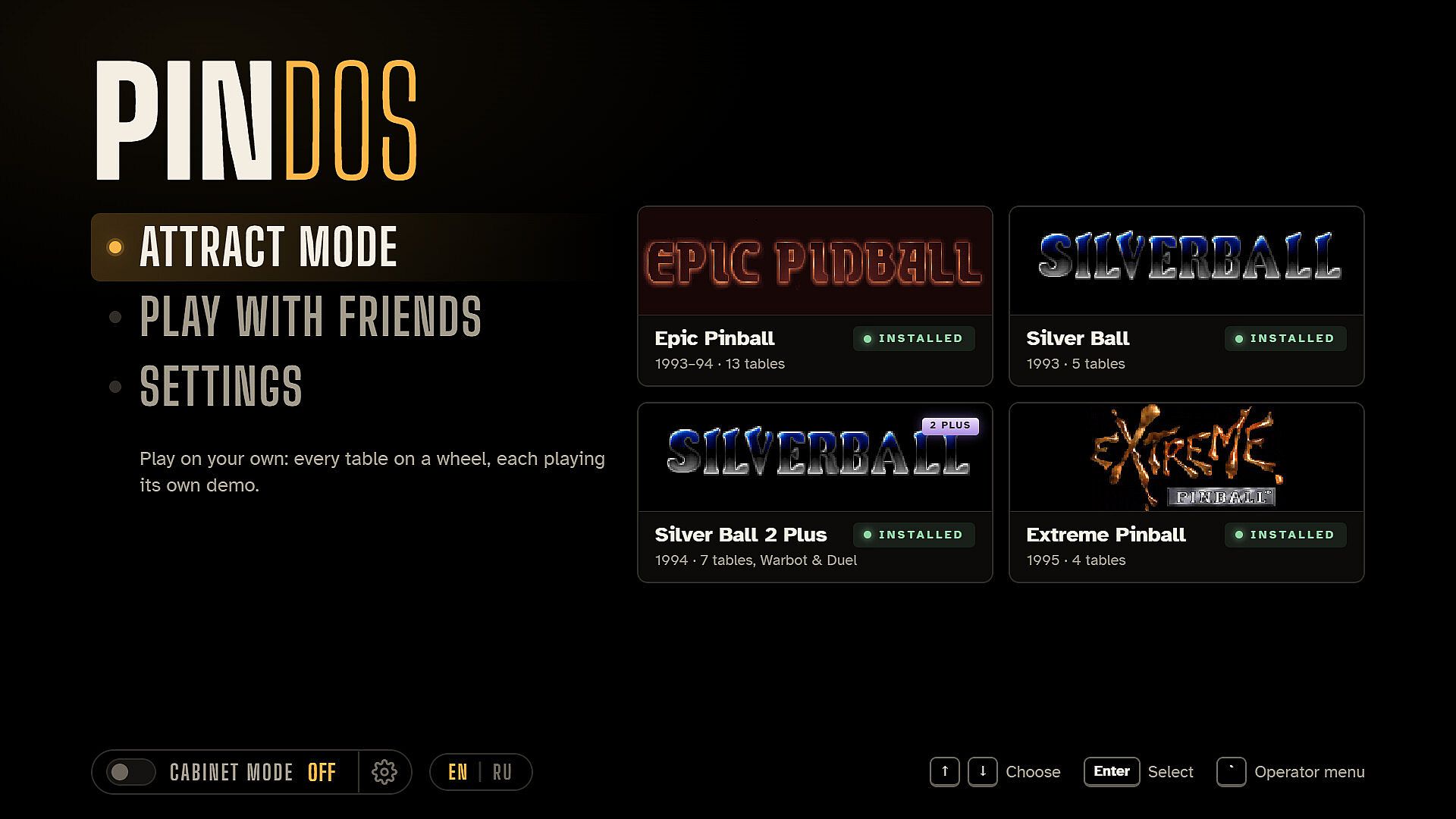
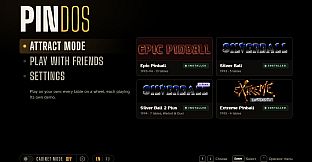
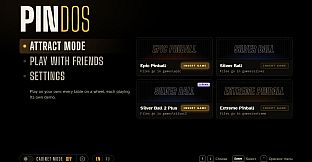
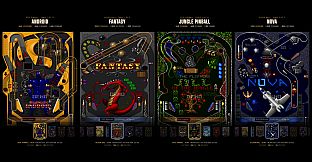
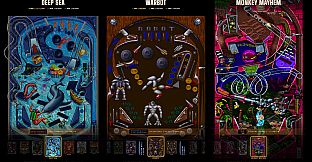


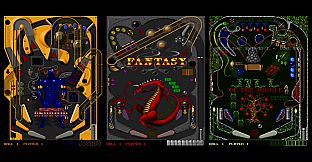
PinDOS serves as a free to play front end for classic DOS pinball titles on PC. It brings together 24 tables from Epic Pinball, Silver Ball, Silver Ball 2 Plus and Extreme Pinball without including the original game files themselves. Players supply their own copies of the games they wish to run, after which the front end handles display, controls and additional features while preserving every aspect of the original rules, physics and scoring.
Gameplay
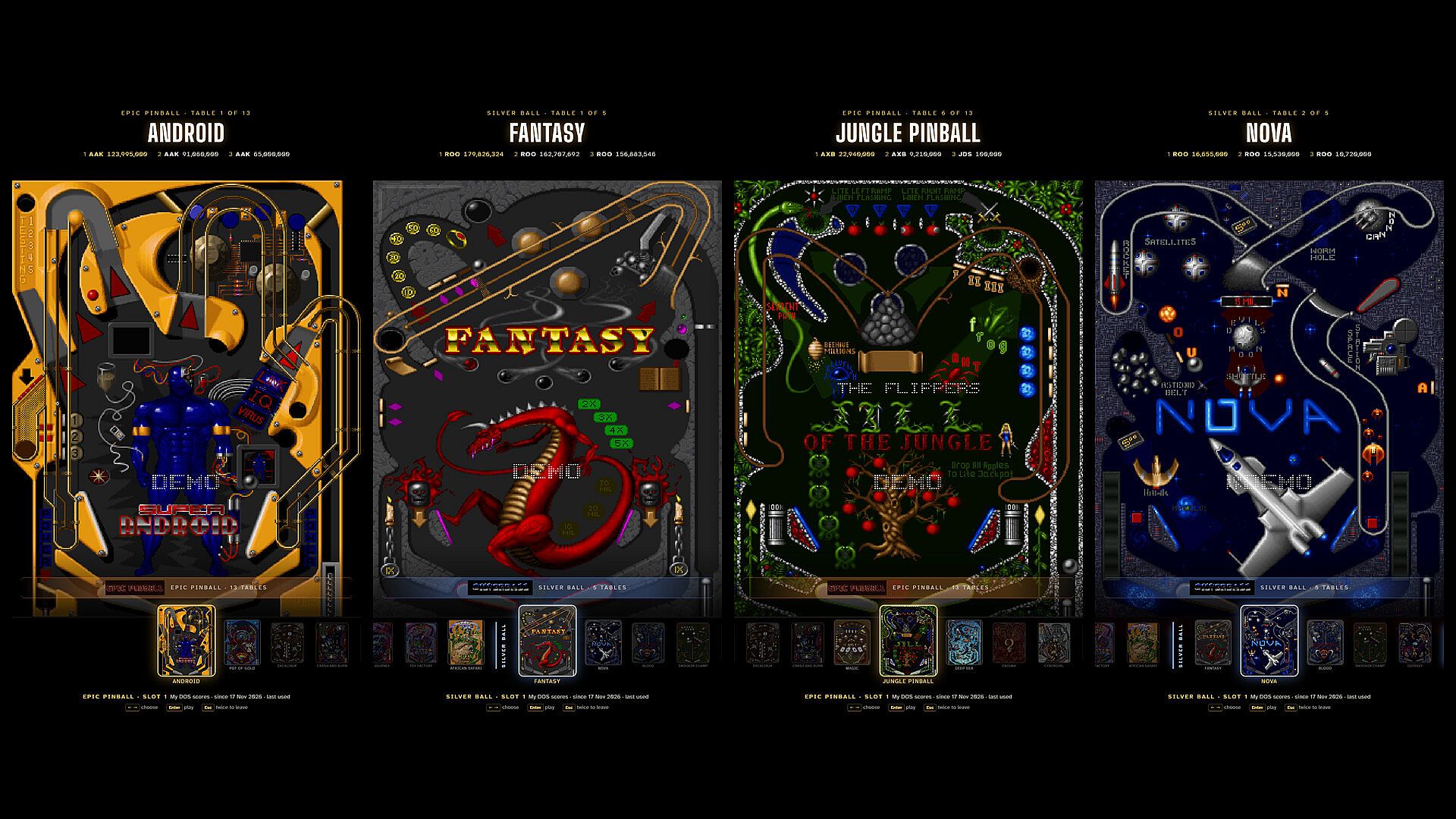
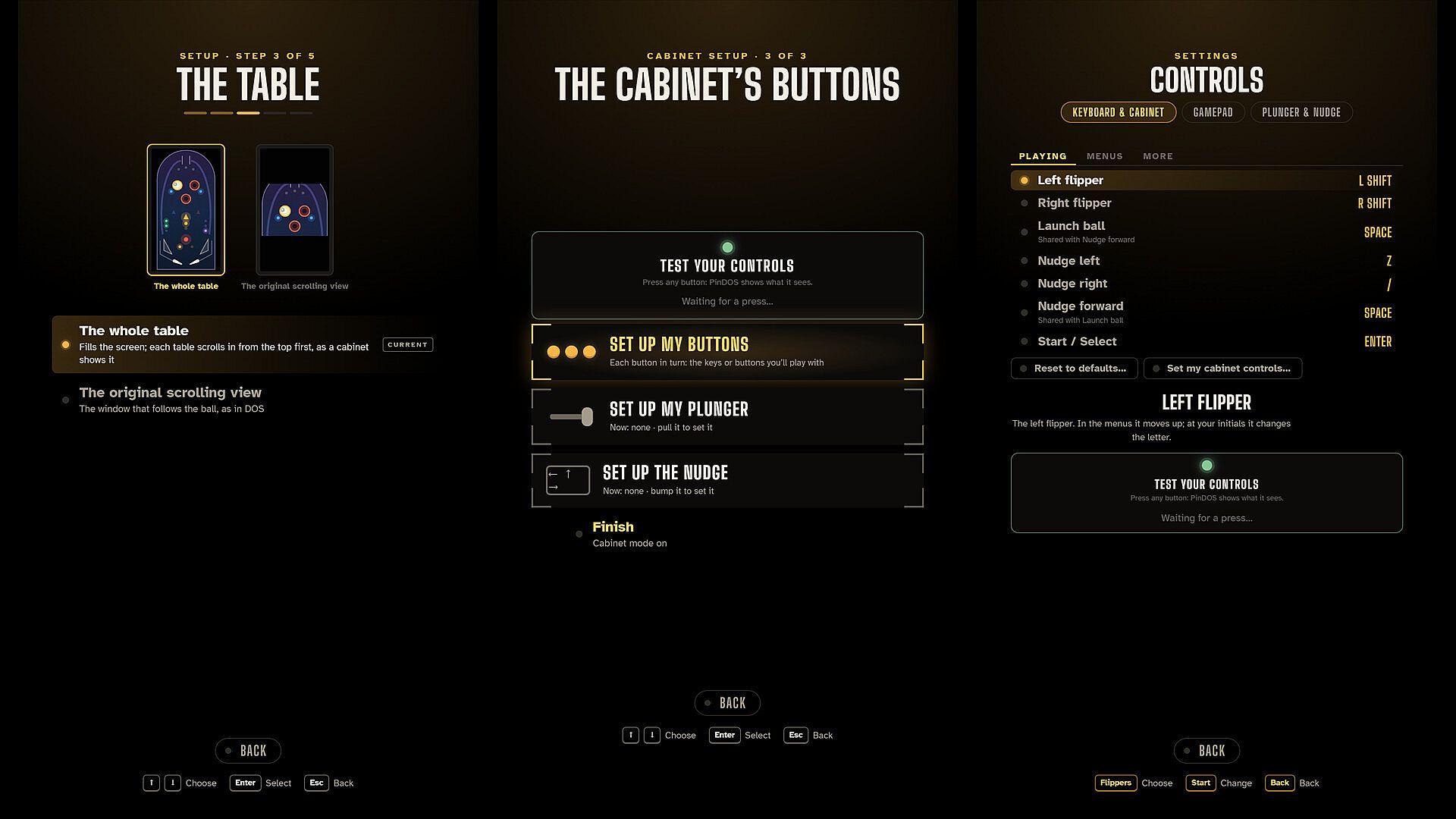
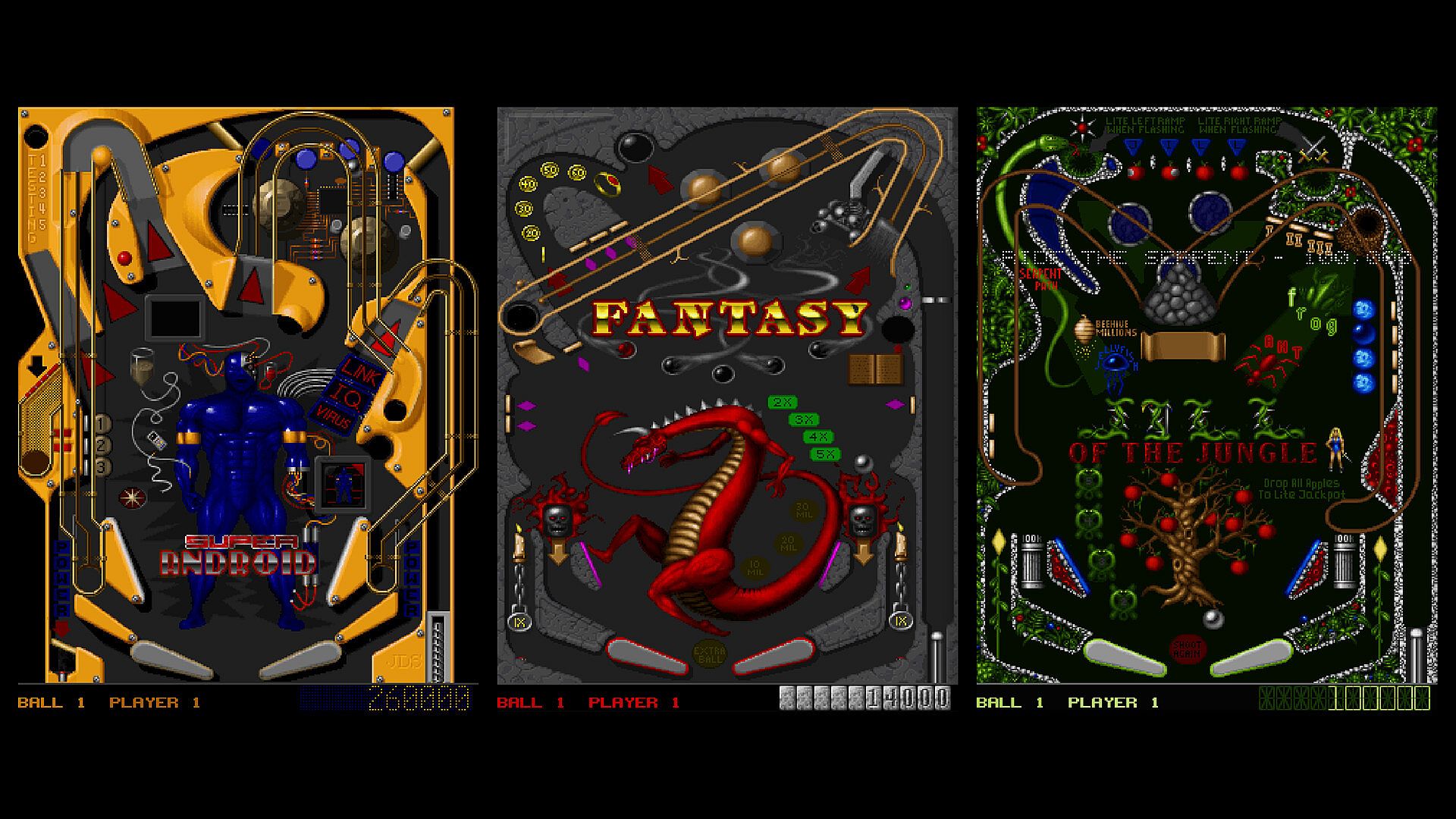
The core experience centers on authentic pinball action from the 1990s. Each table operates exactly as it did in its original DOS release, including all quirks, timing and high score tracking. PinDOS layers modern presentation options around these unchanged tables. The default view displays the entire table on a single tall screen, eliminating the scrolling required in the originals. This layout suits any monitor but shines on portrait orientations or dedicated cabinet playfield displays. A traditional scrolling view remains available through the settings menu for those who prefer it.
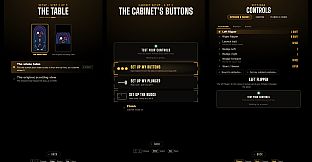
Controls follow straightforward keyboard mappings for desktop play, with left and right shift keys or arrow keys handling flippers, spacebar managing the plunger and Z or forward slash keys for nudges. Cabinet mode expands these options to support dedicated hardware such as real plungers that map one to one with on screen movement, accelerometer based nudges and custom button assignments for flippers, launch and other functions. Multiple save slots per game preserve high score tables independently, and old DOS high score files integrate directly into a chosen slot without altering the source files.
Picture and sound adjustments cover full screen, borderless or windowed modes across any monitor. An operator menu centralizes all configuration for visuals, audio and input. The front end supports English and Russian interfaces while leaving the original game screens untouched. Everything resides in a single folder that transfers easily between a desktop PC and a cabinet setup.
Game Modes
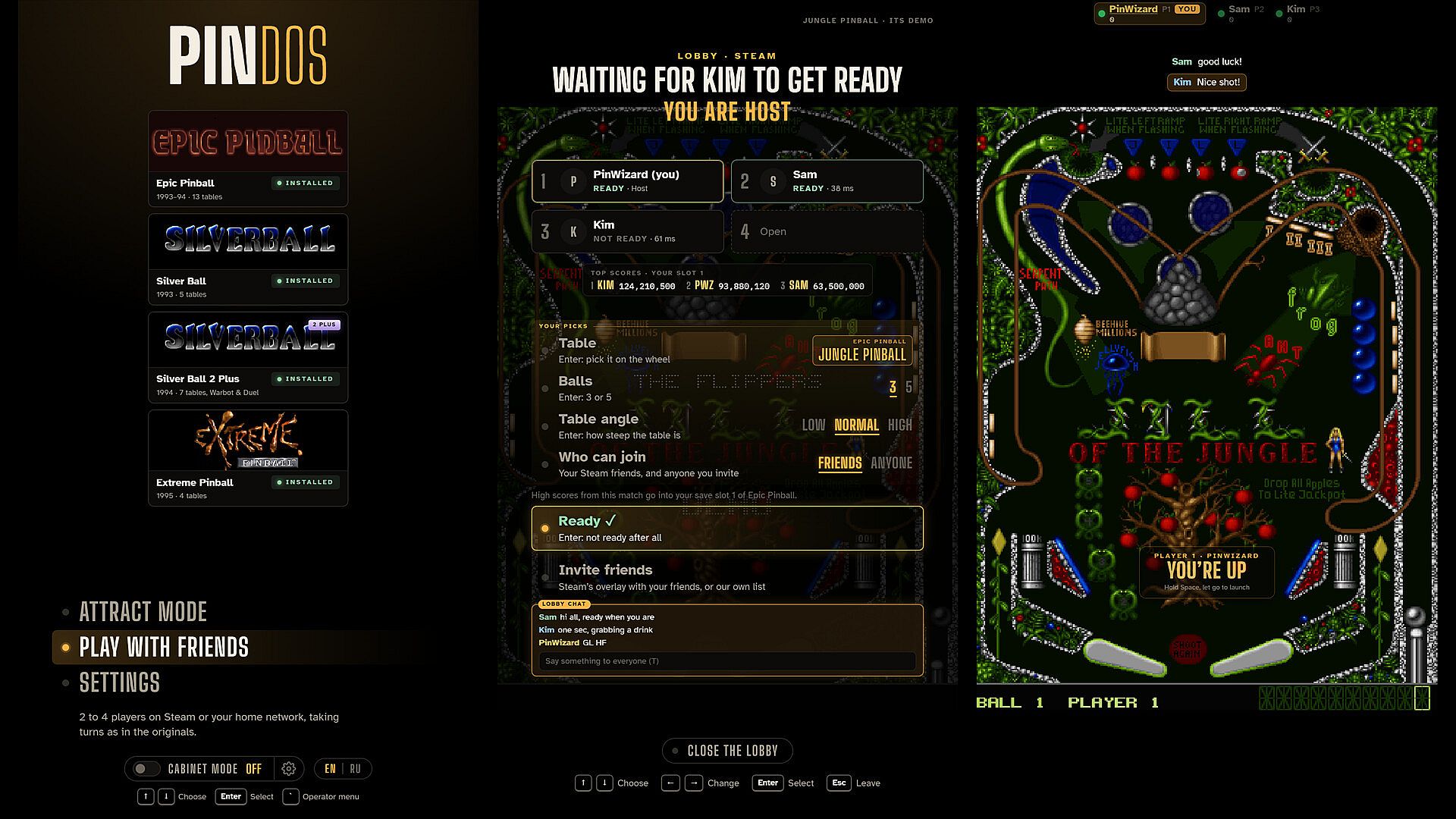
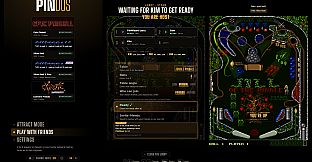
Multiplayer supports two to four participants, each running their own copy of the selected game on separate PCs connected via Steam or a local network. The host selects the table and ball count, after which players ready up and take turns on their individual machines while others observe the action live. Chat functions and quick messages keep communication open during sessions, and a live scoreboard tracks progress. Each participant enters their own initials for high scores, which then save to the host's chosen slot.
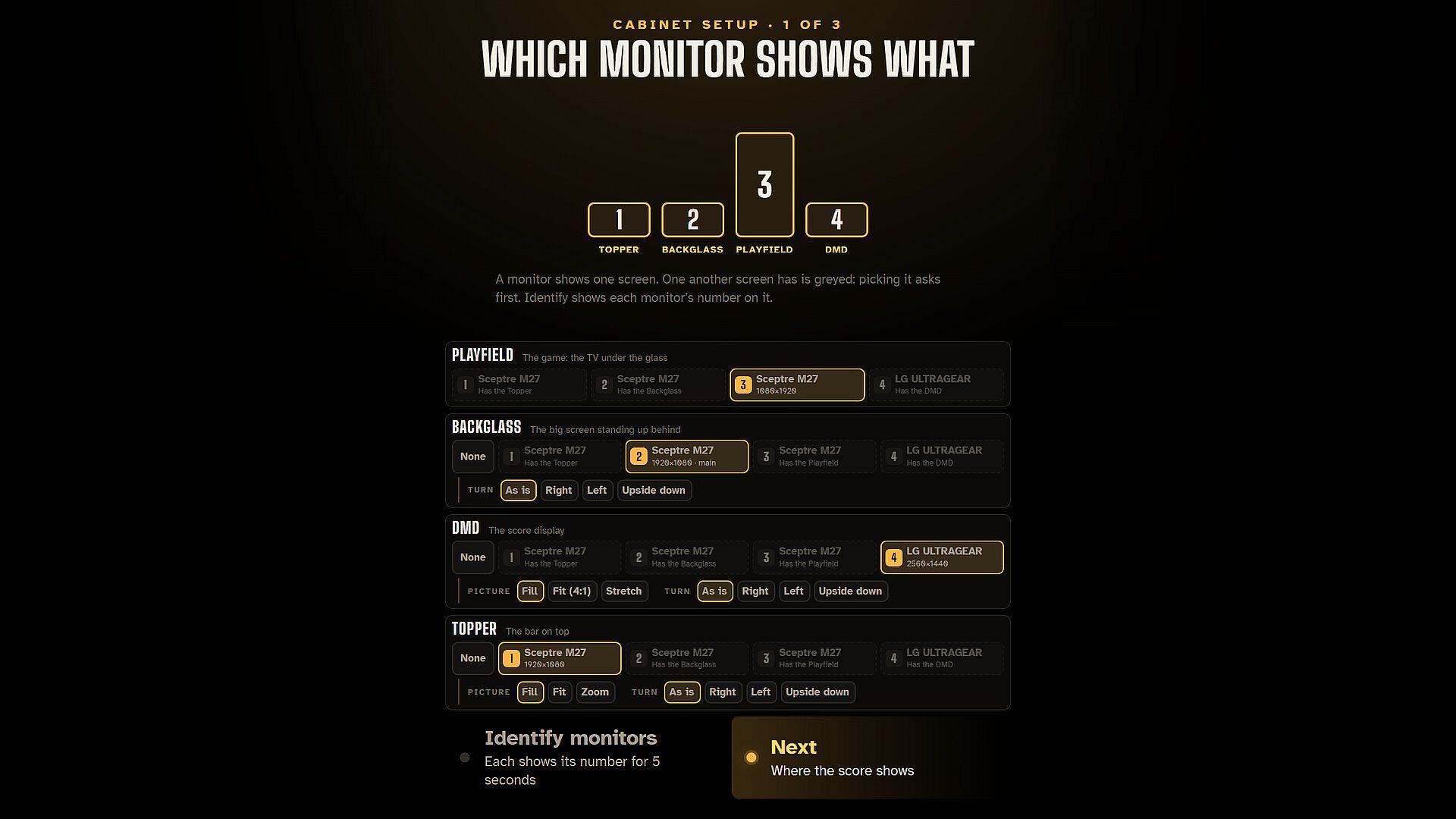
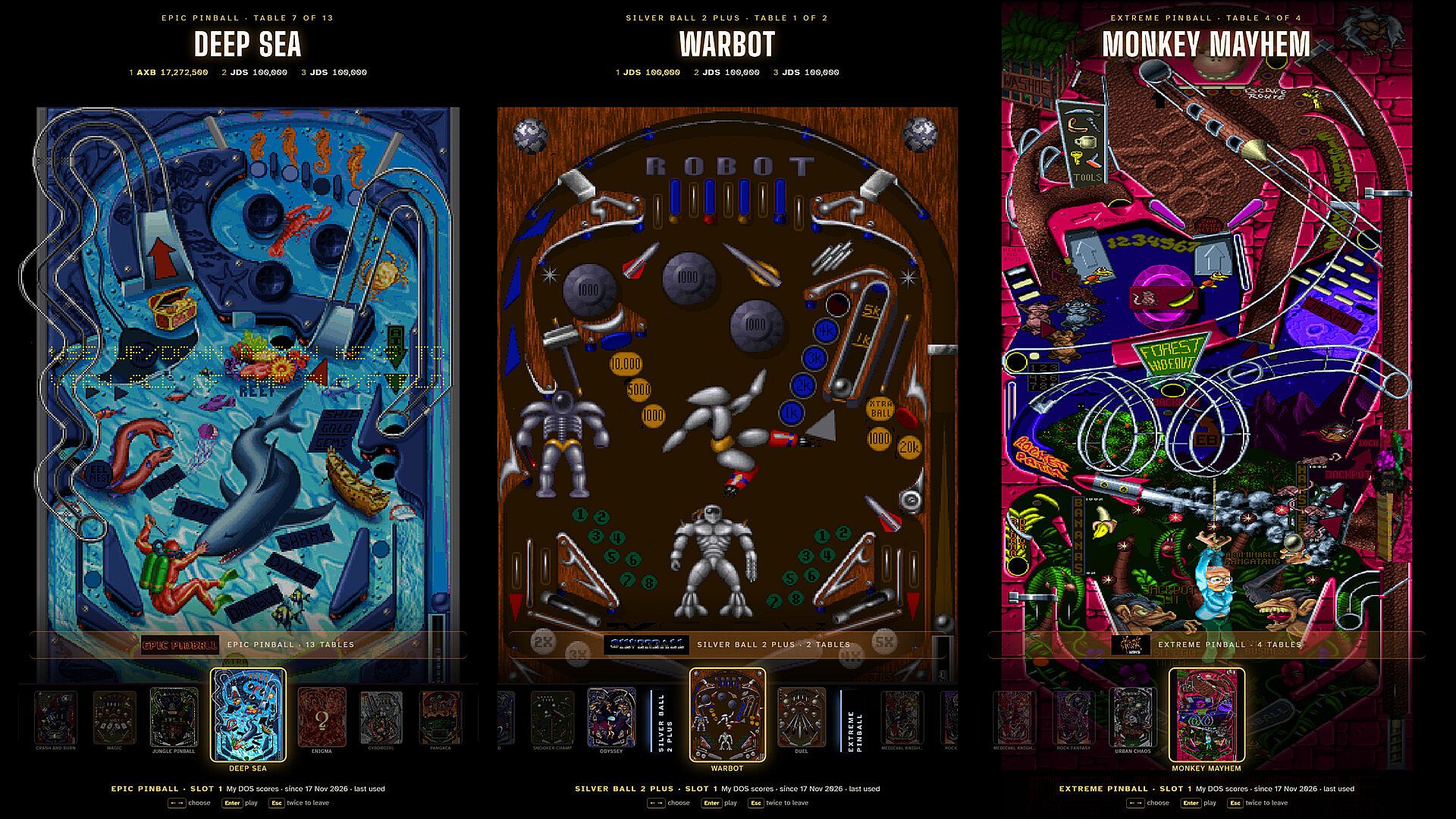
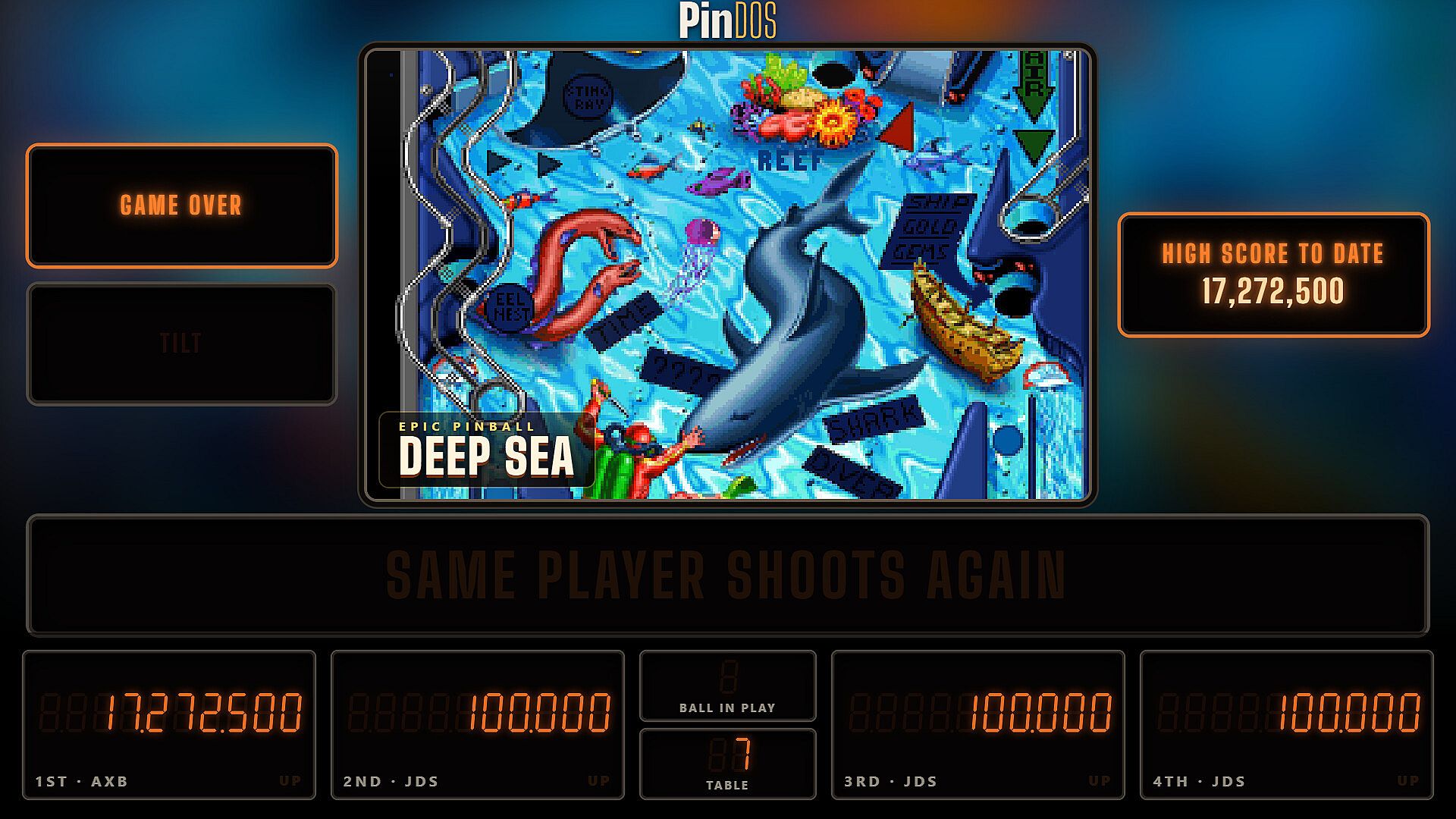
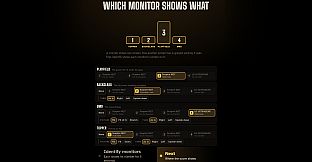
Attract mode presents every available table on a rotating wheel, with each one running its own demo sequence alongside displayed high scores. Selecting a table launches play, and completion leads to a results screen for initial entry before returning to the wheel. Cabinet mode configures the playfield, backglass, DMD and topper across separate monitors, with the playfield orientation matching the cabinet's physical layout. Backglass displays incorporate the current table, high scores and individual player scores, while the DMD shows the table's native score readout.
Getting Started and Compatibility
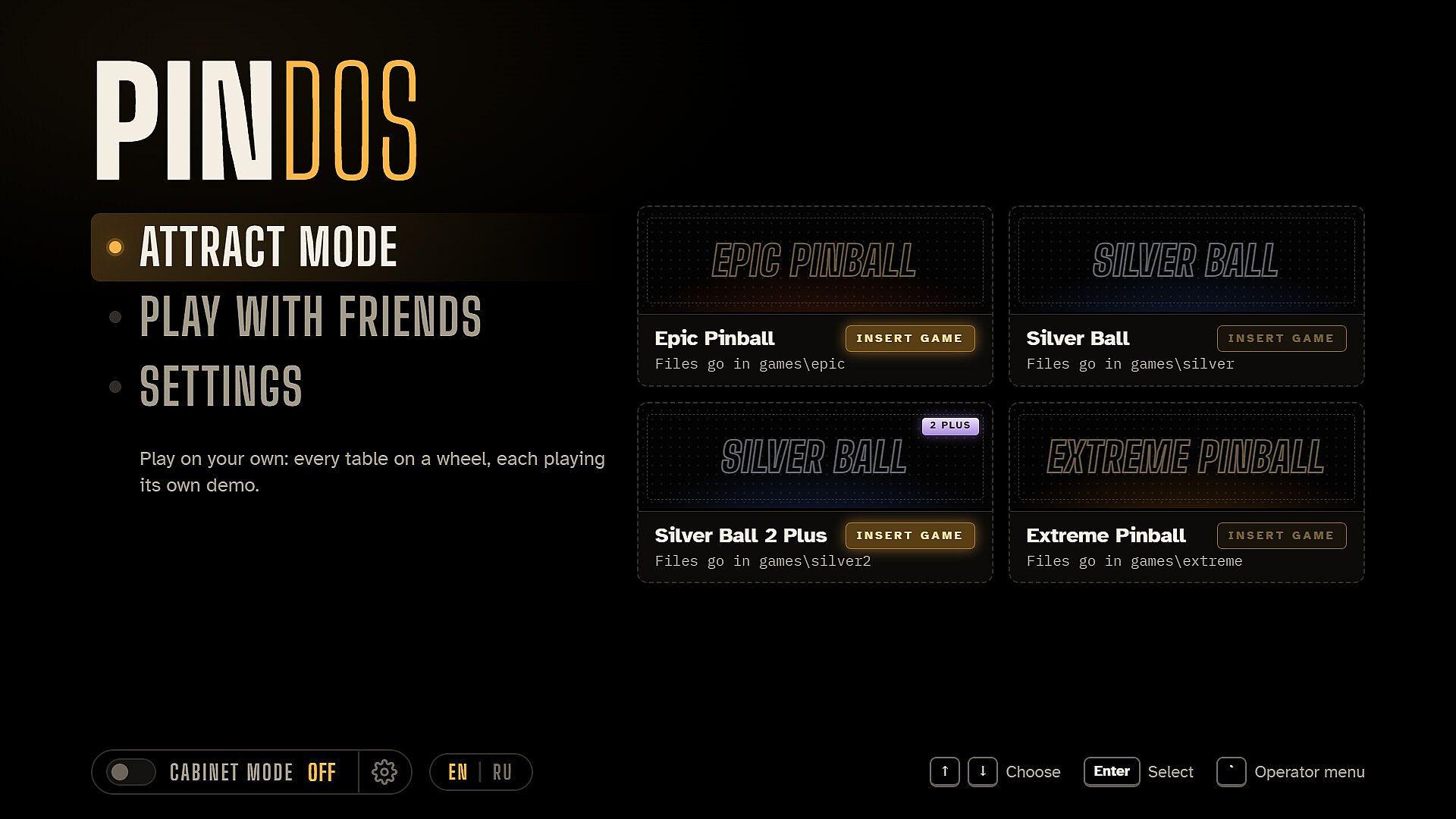
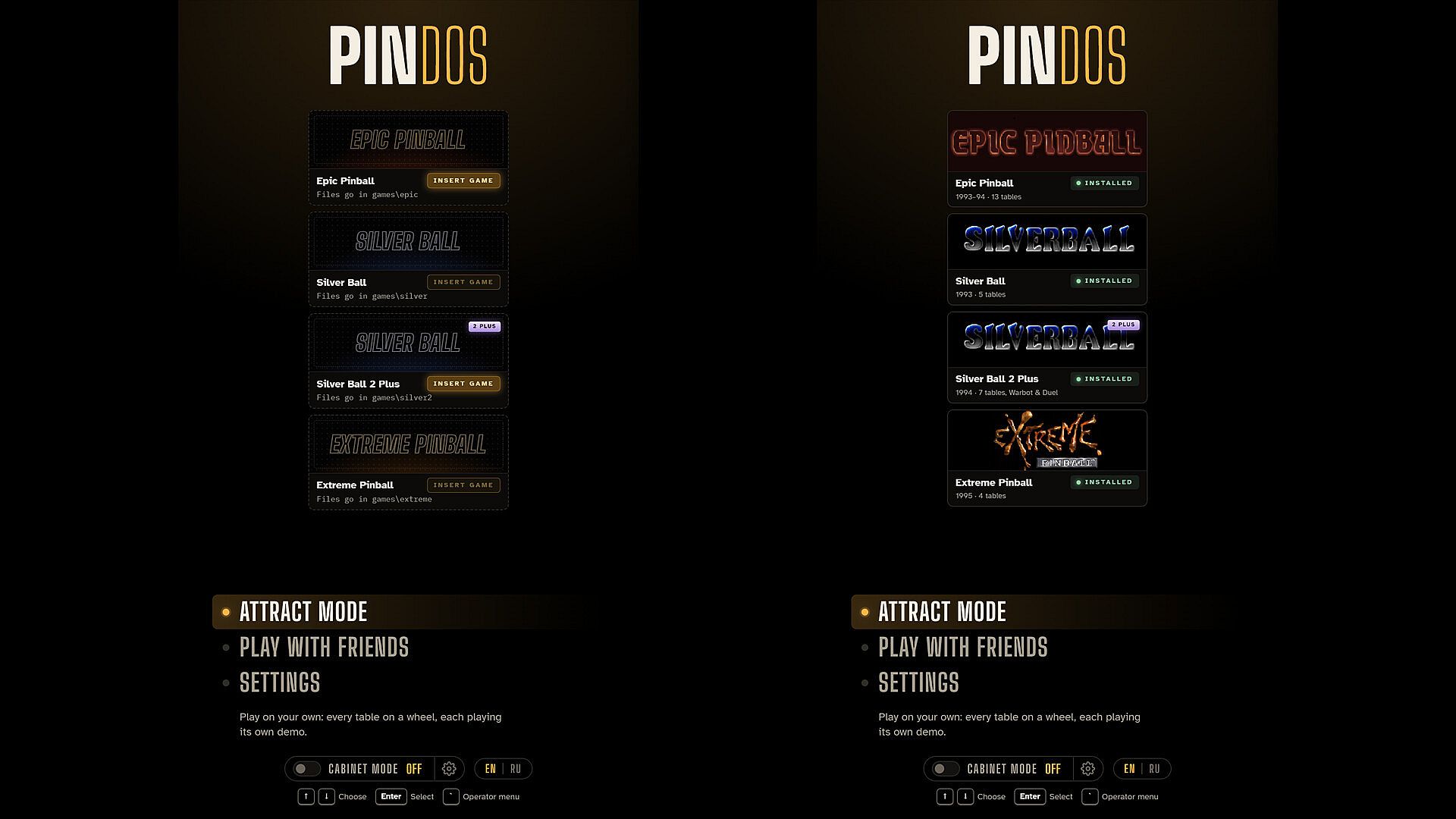
Setup begins by launching PinDOS and selecting any game listed as INSERT GAME. The front end can locate an installed copy from GOG or another source, copying necessary files into its own directory while leaving the original folder untouched. Older installations from floppies, CDs or prior PCs also work once the game is installed. PinDOS verifies file versions against those it was tested with and flags any mismatches. Shareware editions fall short of requirements, as only full versions enable complete table access. Three save slots per game allow separate high score collections to coexist.
Is It Worth Playing?
PinDOS appeals directly to owners of the original DOS pinball games who want updated presentation and connectivity without altering the core tables. The full table view, online multiplayer and cabinet integration address common limitations of the 1990s originals while keeping every rule and behavior intact. Those without the source games see no benefit, as the front end requires them. As an unofficial fan project it carries no official support or endorsements from the original developers, yet it delivers practical enhancements for single player sessions, local network play or virtual cabinet builds. Players seeking faithful recreations paired with modern conveniences will find the experience matches their needs precisely.