

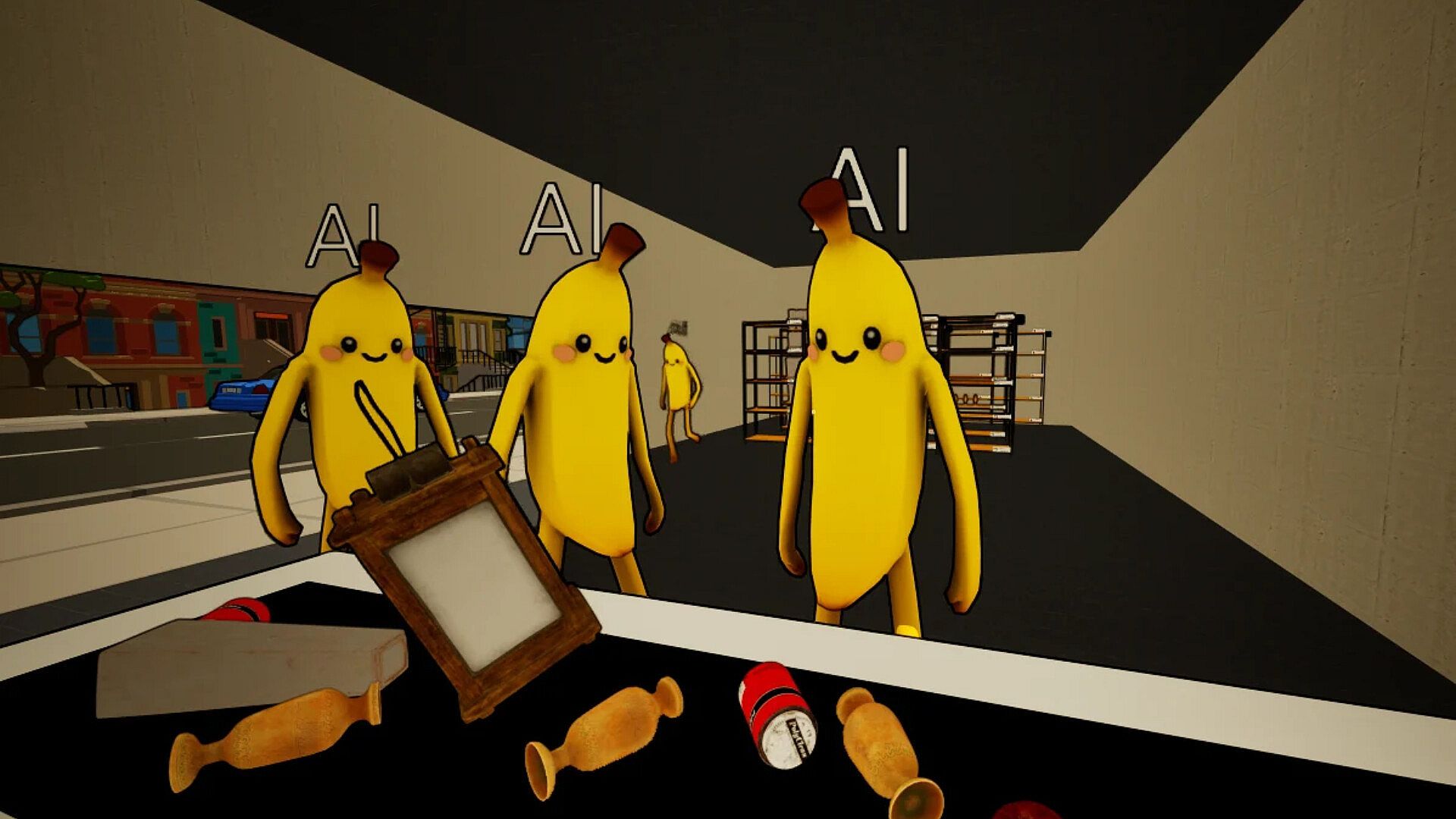


Scan N Go: Store Simulator is a casual simulation game focused on managing a convenience store. Players handle daily operations such as stocking shelves, ordering merchandise, and serving customers, either alone or alongside up to seven others in online co-op on PC.
Gameplay
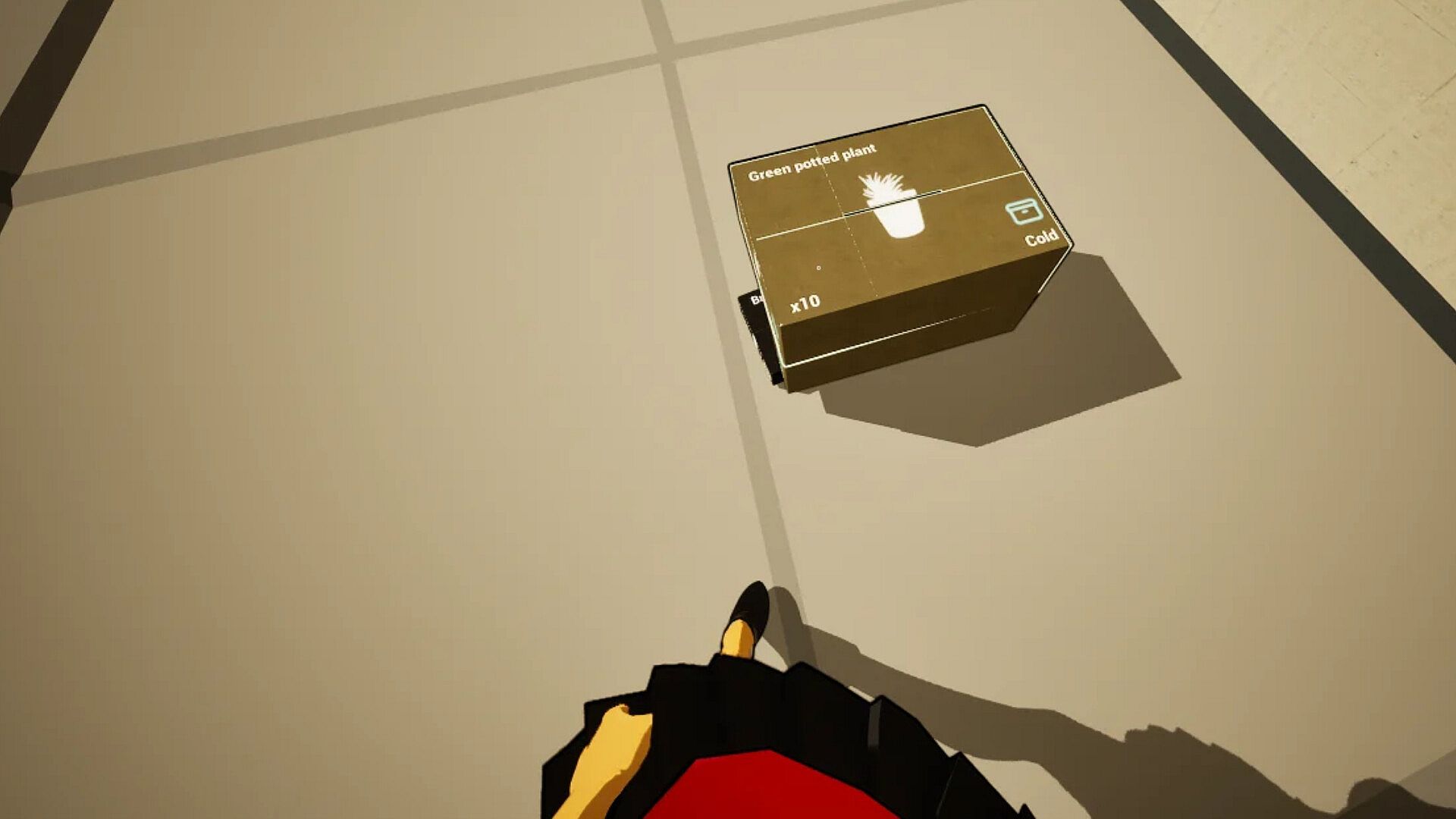
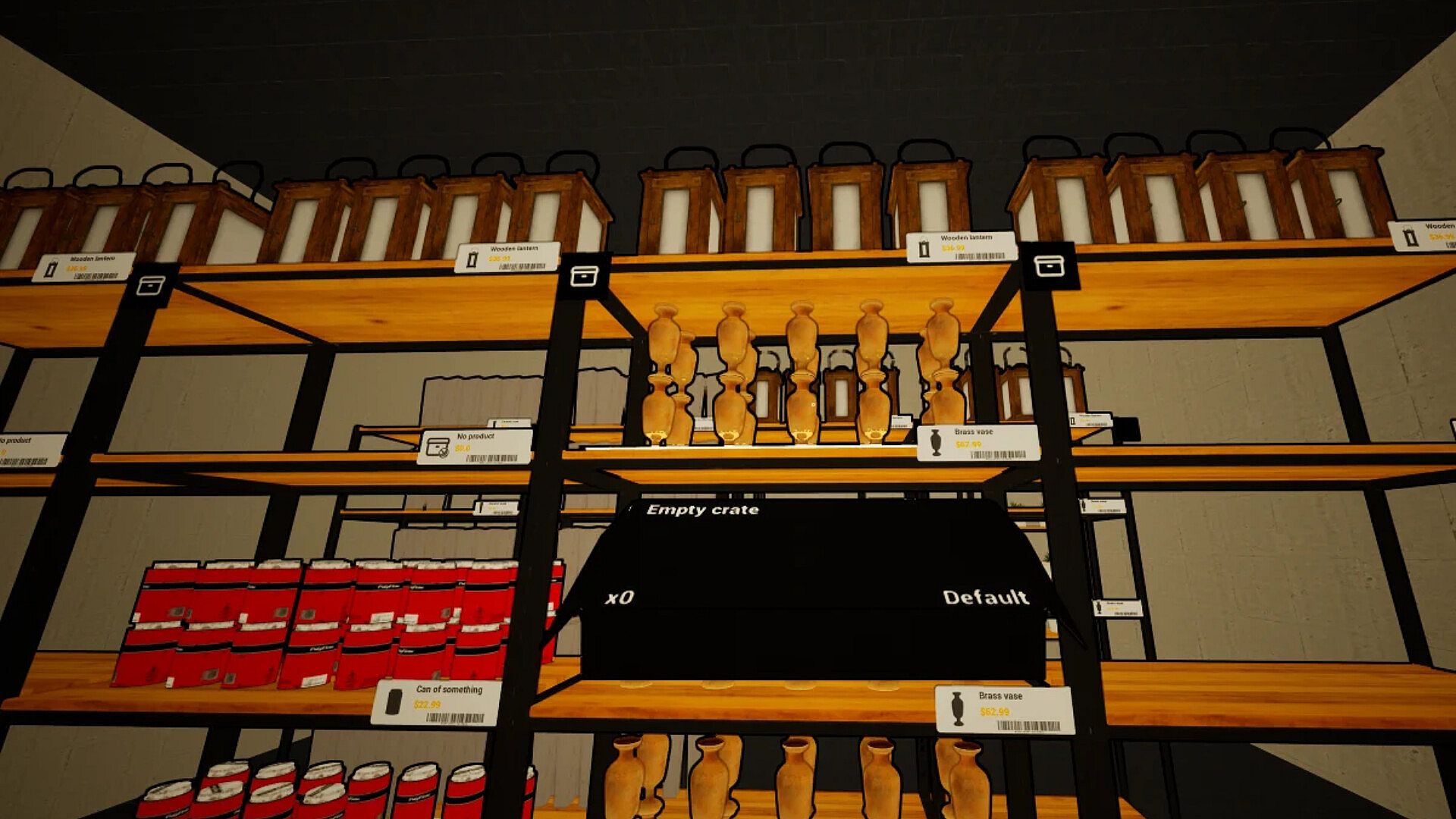
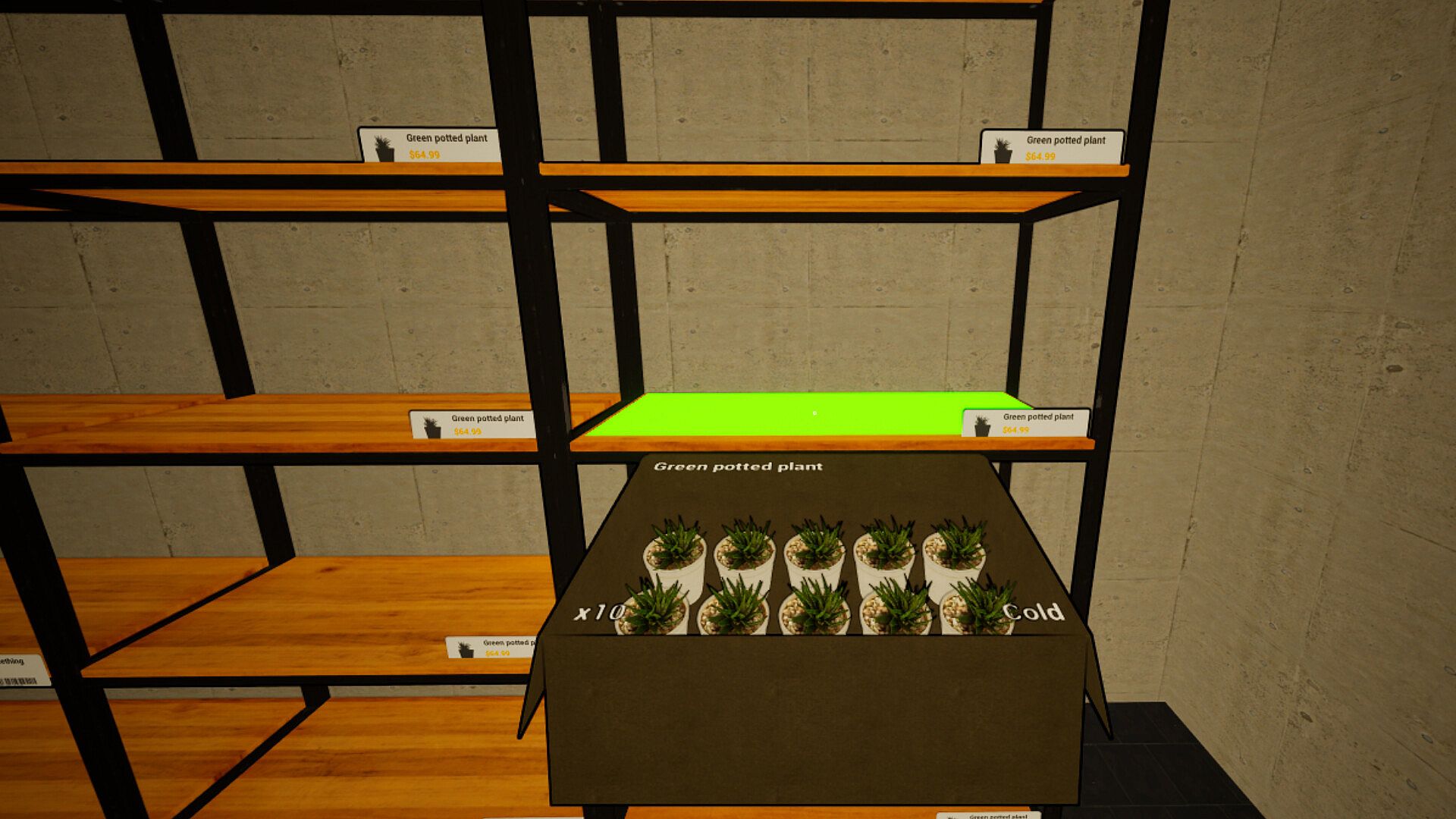
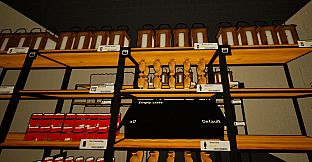
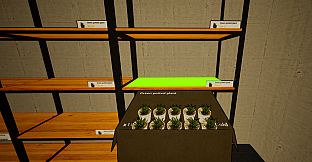
The core loop centers on keeping the store running smoothly through hands-on tasks. Shelves must stay stocked because customers often seek specific items. The business menu serves as the central hub for placing purchase orders, acquiring upgrades, and handling other store enhancements. This menu also supports store expansion, which unlocks additional space for more shelves and a wider product selection.
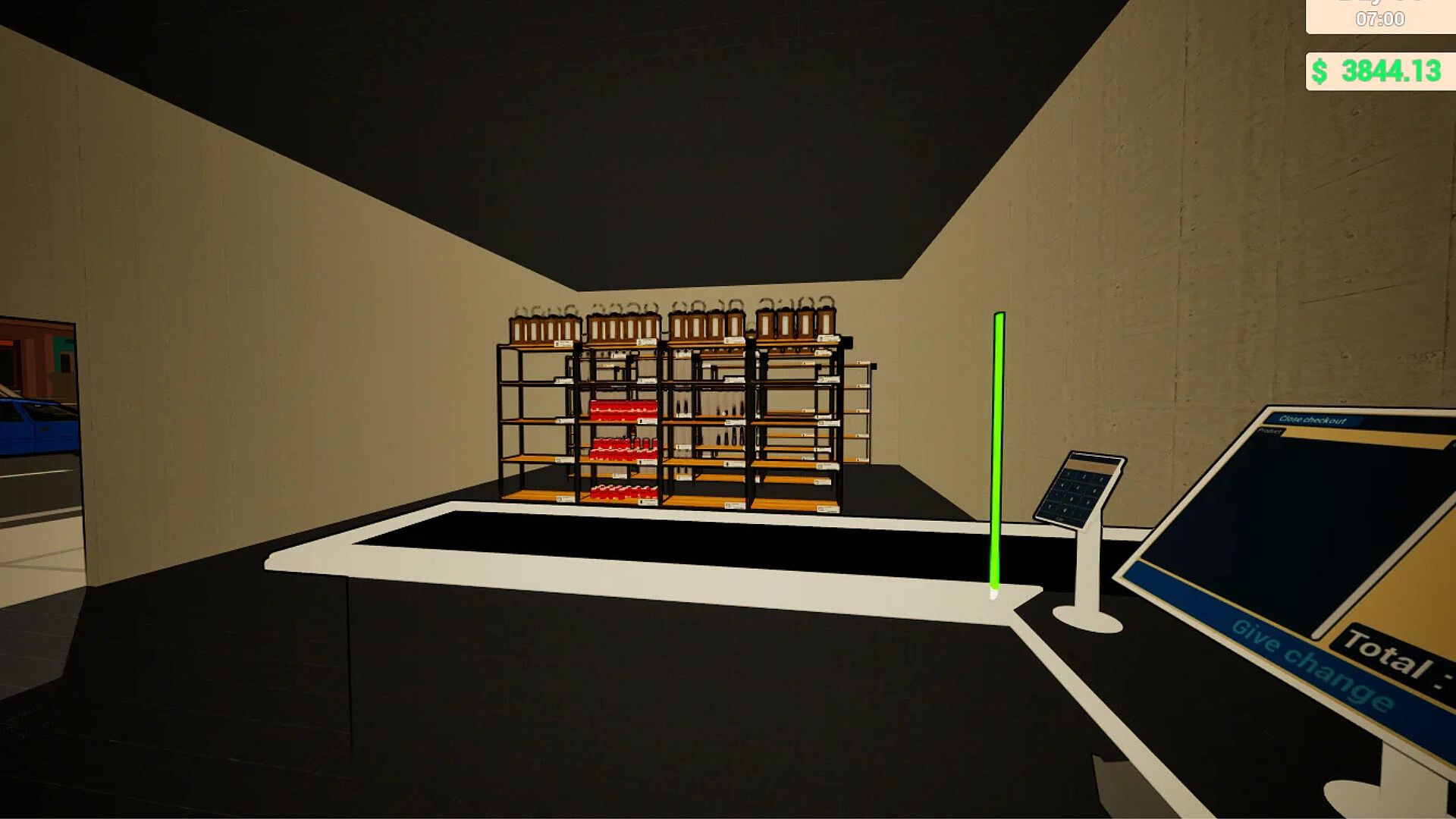
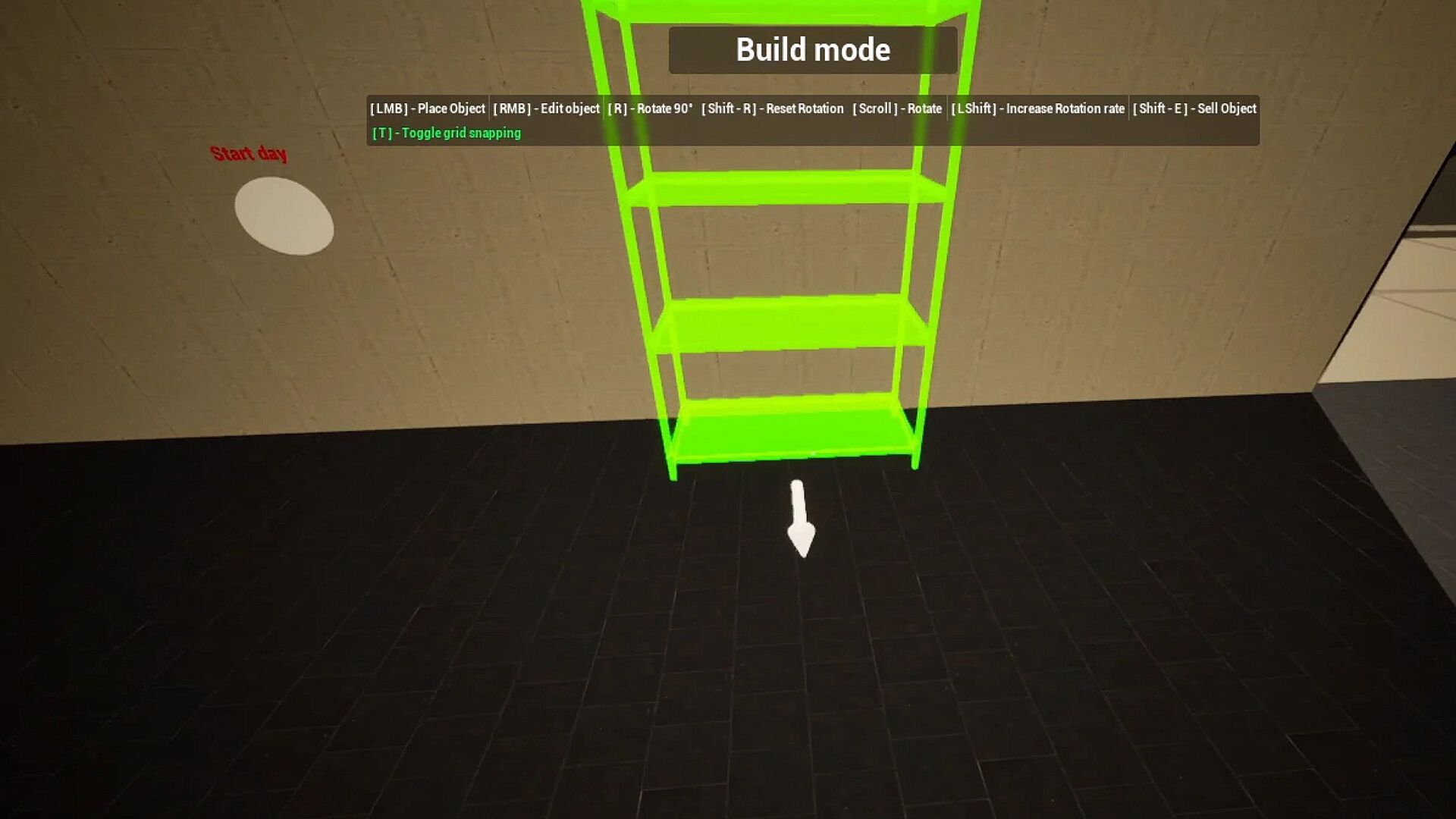
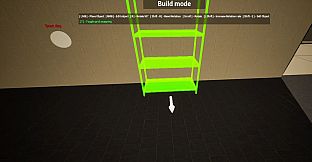
Inside the store, players build and arrange essential fixtures including product shelves, storage shelves, and checkout stations. These elements determine how efficiently the space operates and how many customers can be served at once. Hiring employees adds another layer, with each new hire assigned a specific role such as operating a checkout station or restocking items from storage shelves. Employees require regular payment to remain active, so managing wages forms part of the ongoing financial responsibilities.
Every decision ties back to maintaining customer satisfaction and store profitability. Poor stocking leads to lost sales, while timely expansions and upgrades improve capacity and revenue potential. The systems encourage steady progression through careful resource allocation and layout planning.
Game Modes
Two primary ways to play exist. Solo mode lets a single player manage every aspect of the store independently, from ordering stock to handling checkouts and employee oversight. This approach suits those who prefer complete control over pacing and strategy.
Online co-op supports up to eight players working together in the same store. Friends can divide tasks such as one person focusing on restocking while another manages checkouts or another handles business menu orders. Shared responsibility speeds up operations and allows larger expansions to be tackled more quickly through coordinated effort.
Store Expansion and Customization
Progression revolves around growing the physical store. Initial space limits the number of shelves and products available. Expanding through the business menu adds room for additional fixtures and inventory variety, directly increasing sales opportunities. Players decide where to place new checkout stations or storage areas to optimize customer flow and employee efficiency.
Building options extend beyond basic placement. Custom arrangements of shelves and stations influence how quickly stock moves and how many simultaneous transactions can occur. These choices shape the store's long-term viability without relying on external events or seasonal changes.
Employee Management and Finances
Employees provide automation once hired and assigned roles. Checkout staff process customer purchases faster, while restockers keep storage shelves clear and products on display. Balancing the number of hires against available wages keeps the operation sustainable.
Bill payments occur regularly and must be covered from store earnings. Failure to pay employees or other expenses risks disruptions to service. The financial side rewards consistent stocking and smart ordering through the business menu, creating a steady cycle of investment and return.
Is It Worth Playing?
This title appeals to players who enjoy methodical store management simulations with both single-player depth and optional group play. The combination of building, hiring, and daily operations provides a clear progression path that rewards attention to layout and resource use. Those who like dividing tasks with friends will find the co-op support adds variety without complicating the core systems. Solo players receive the same full set of mechanics in a self-paced format. The game suits anyone seeking a focused retail simulation rather than action or narrative elements.