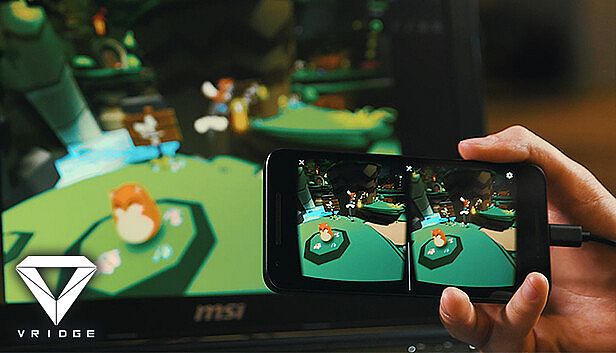
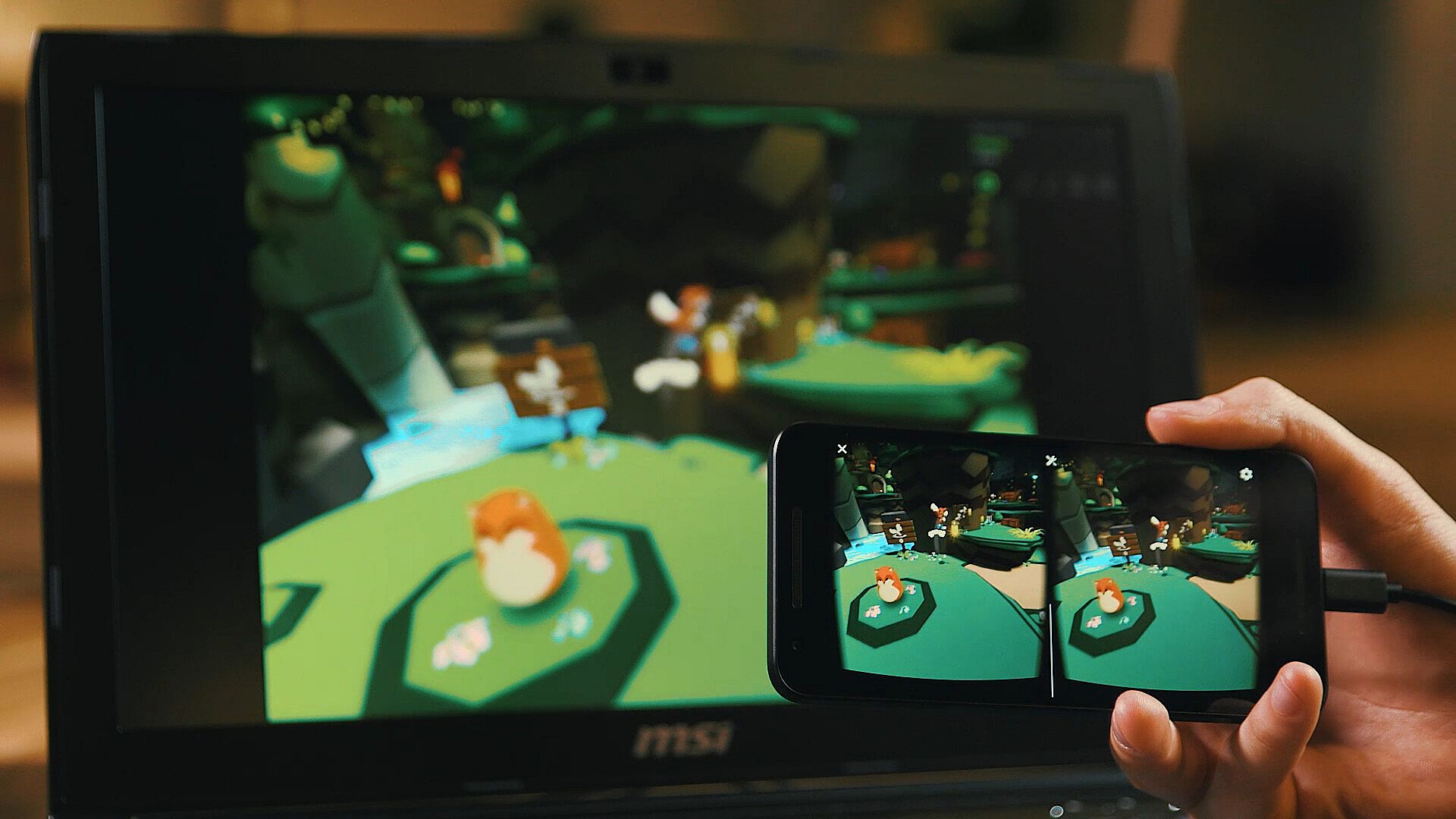
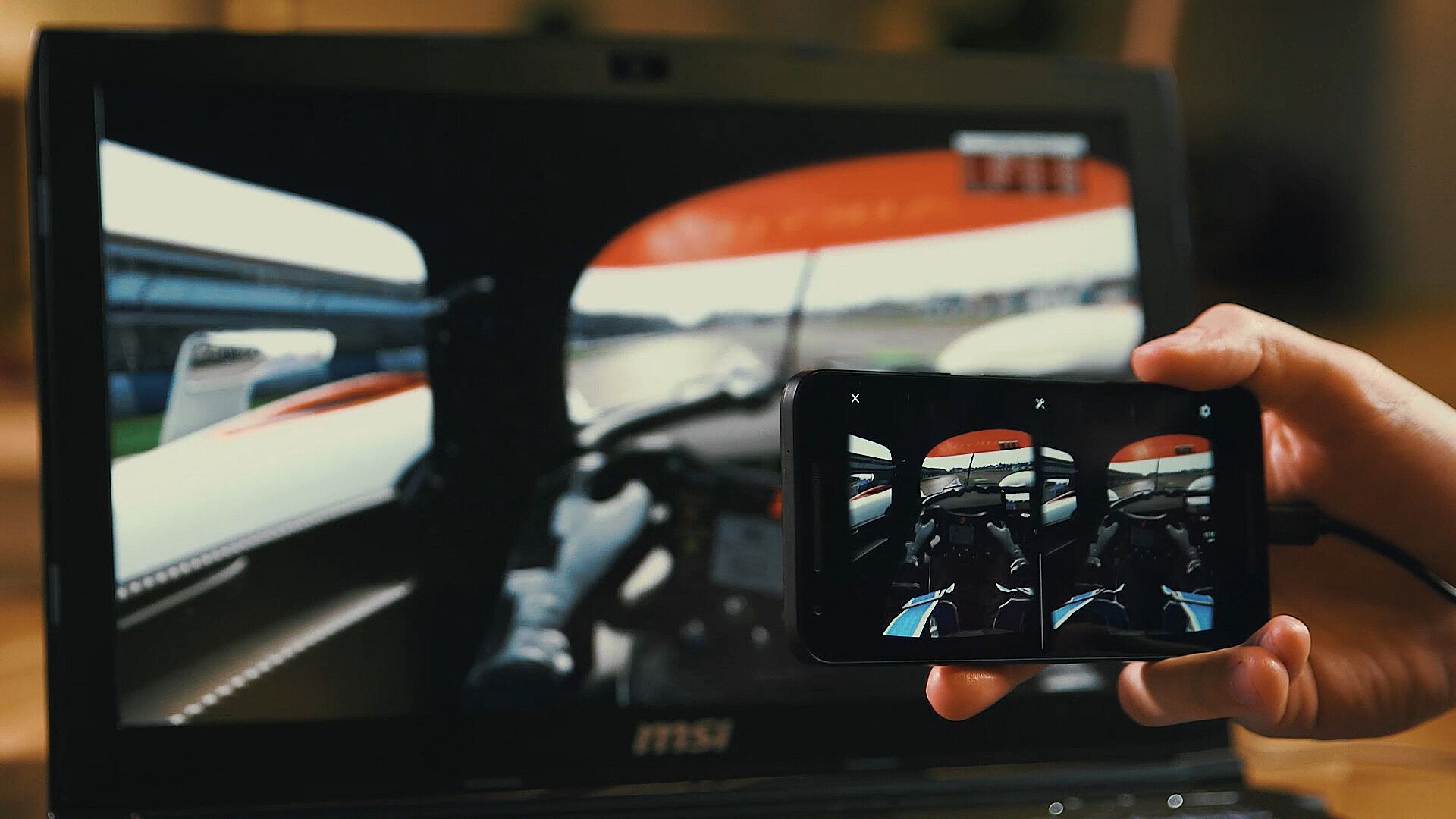
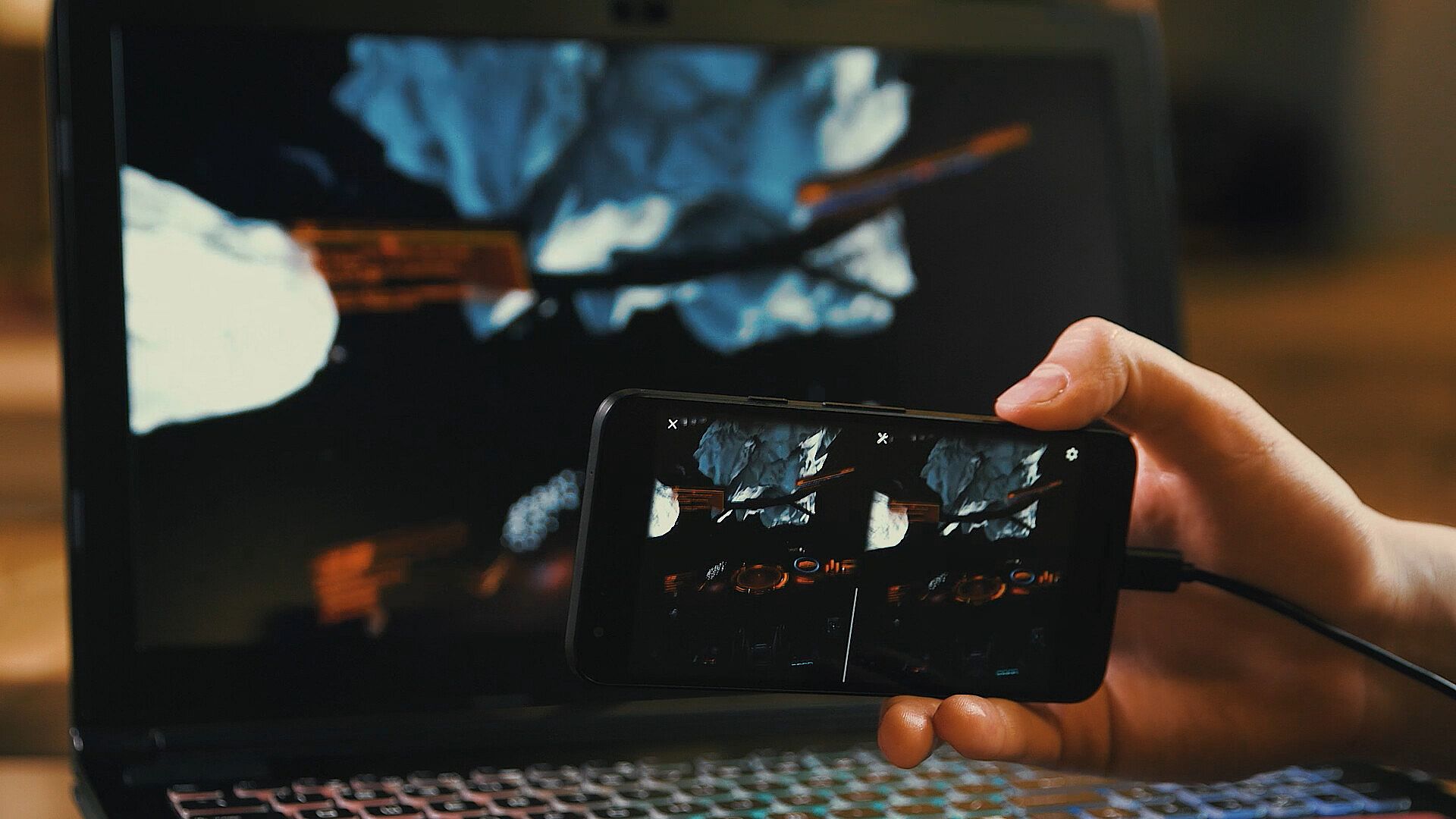
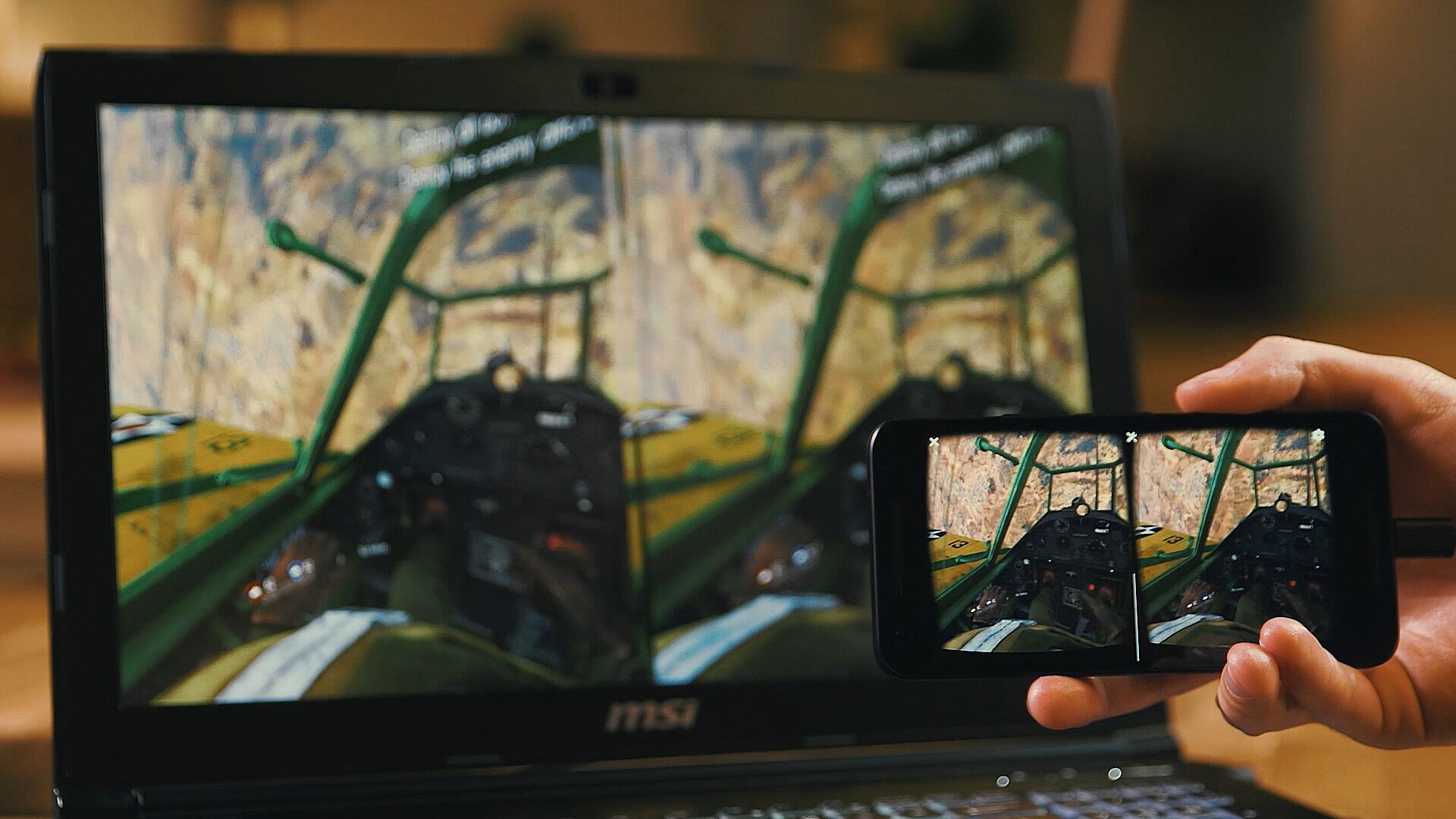
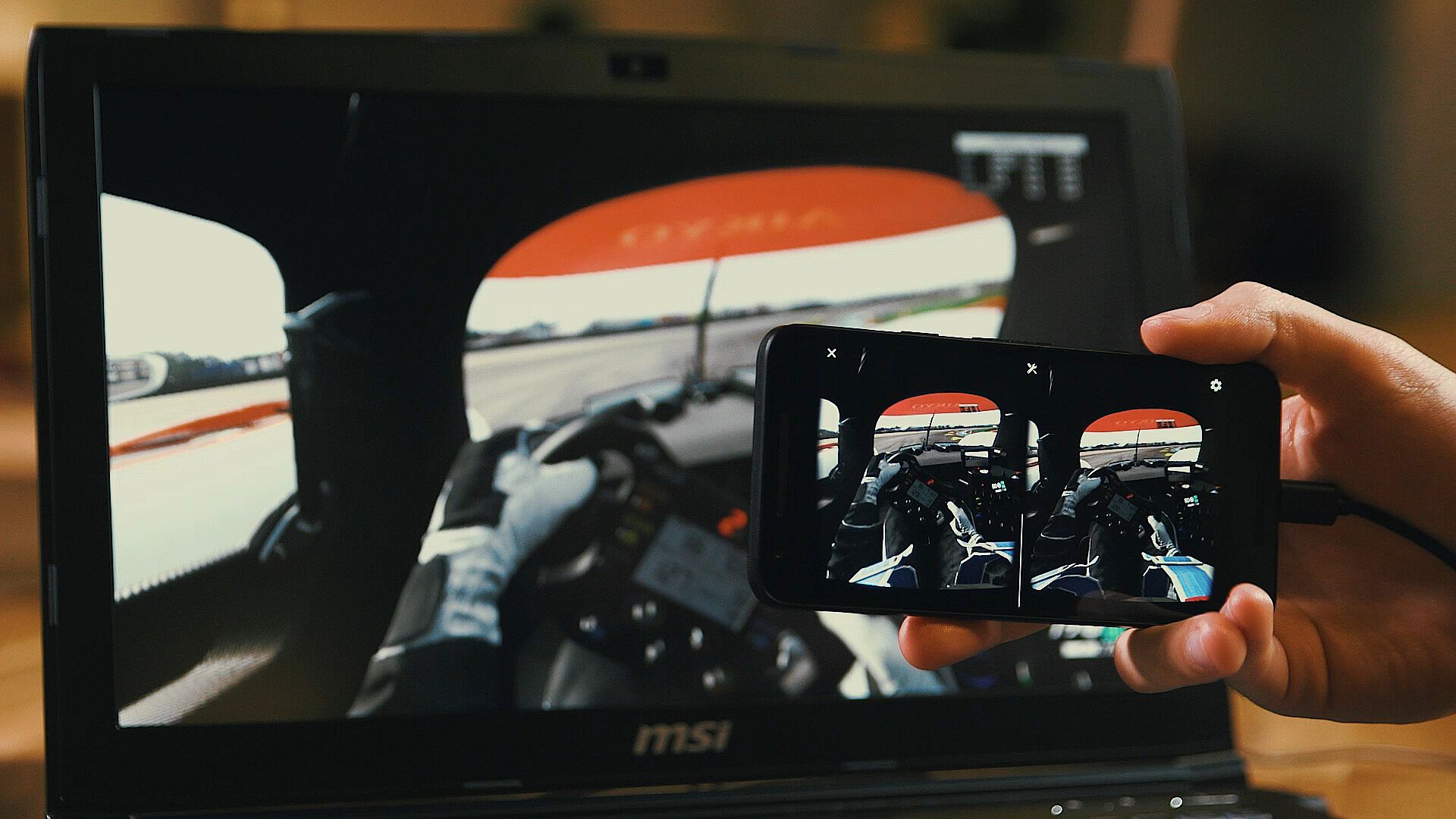
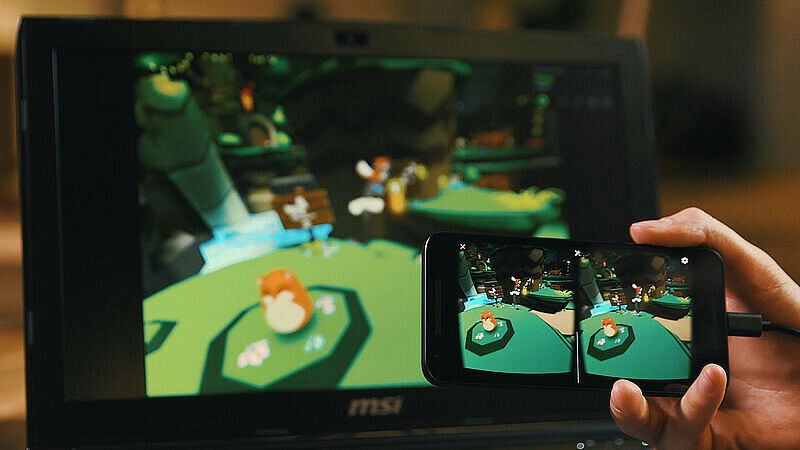
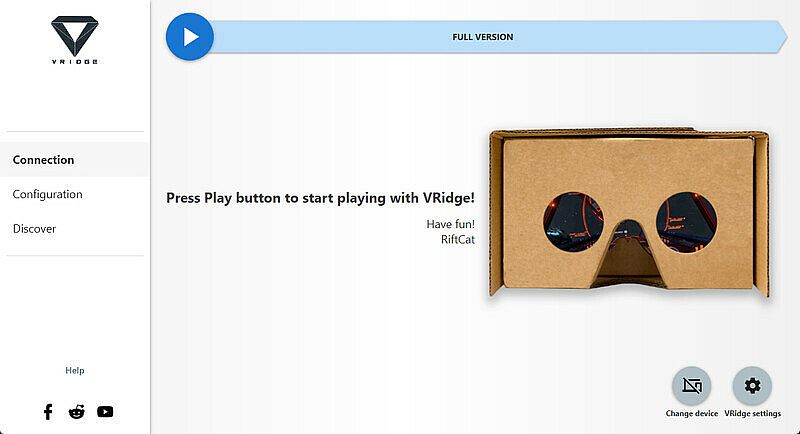
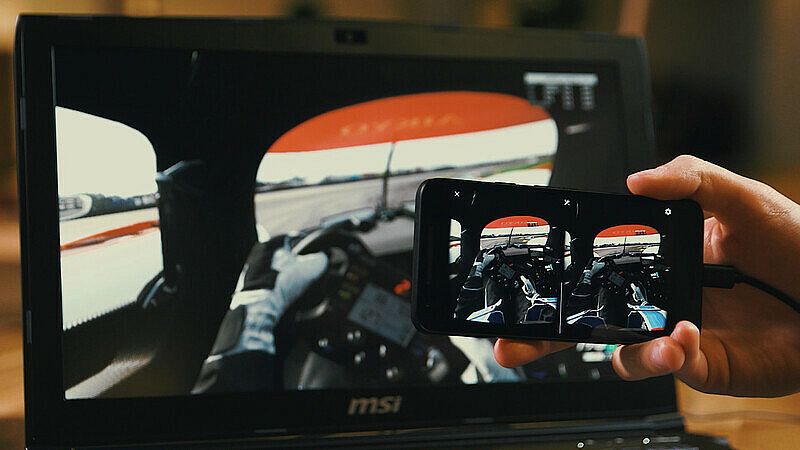
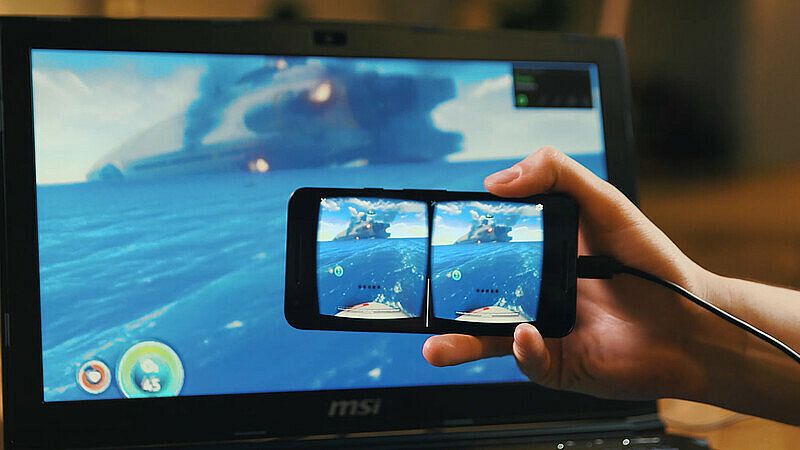
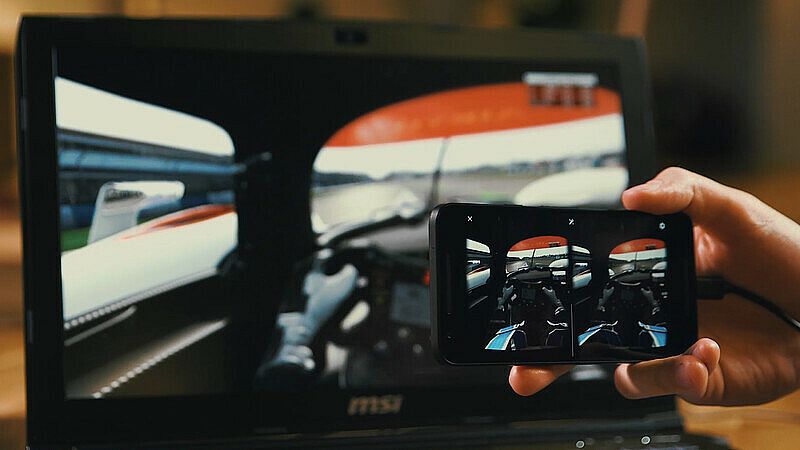
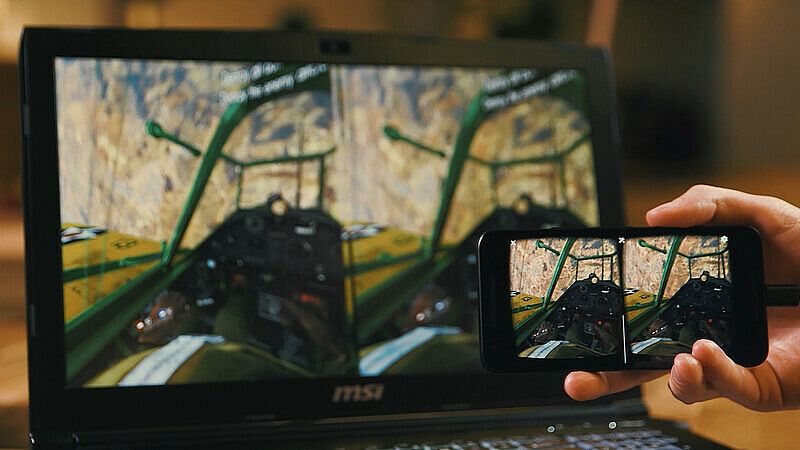
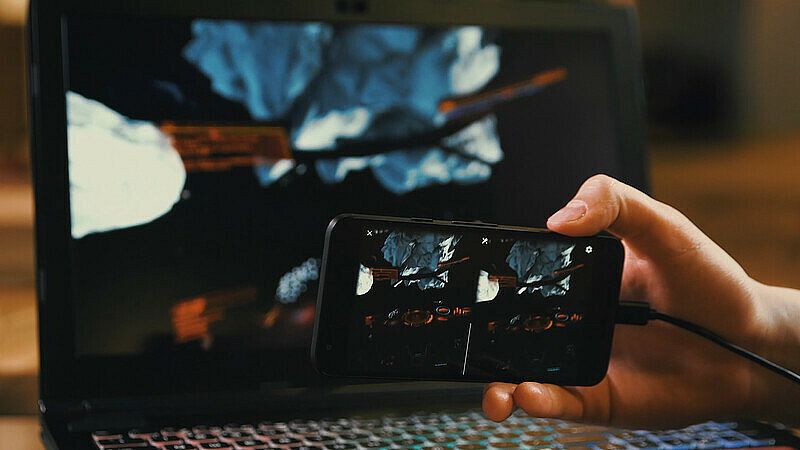
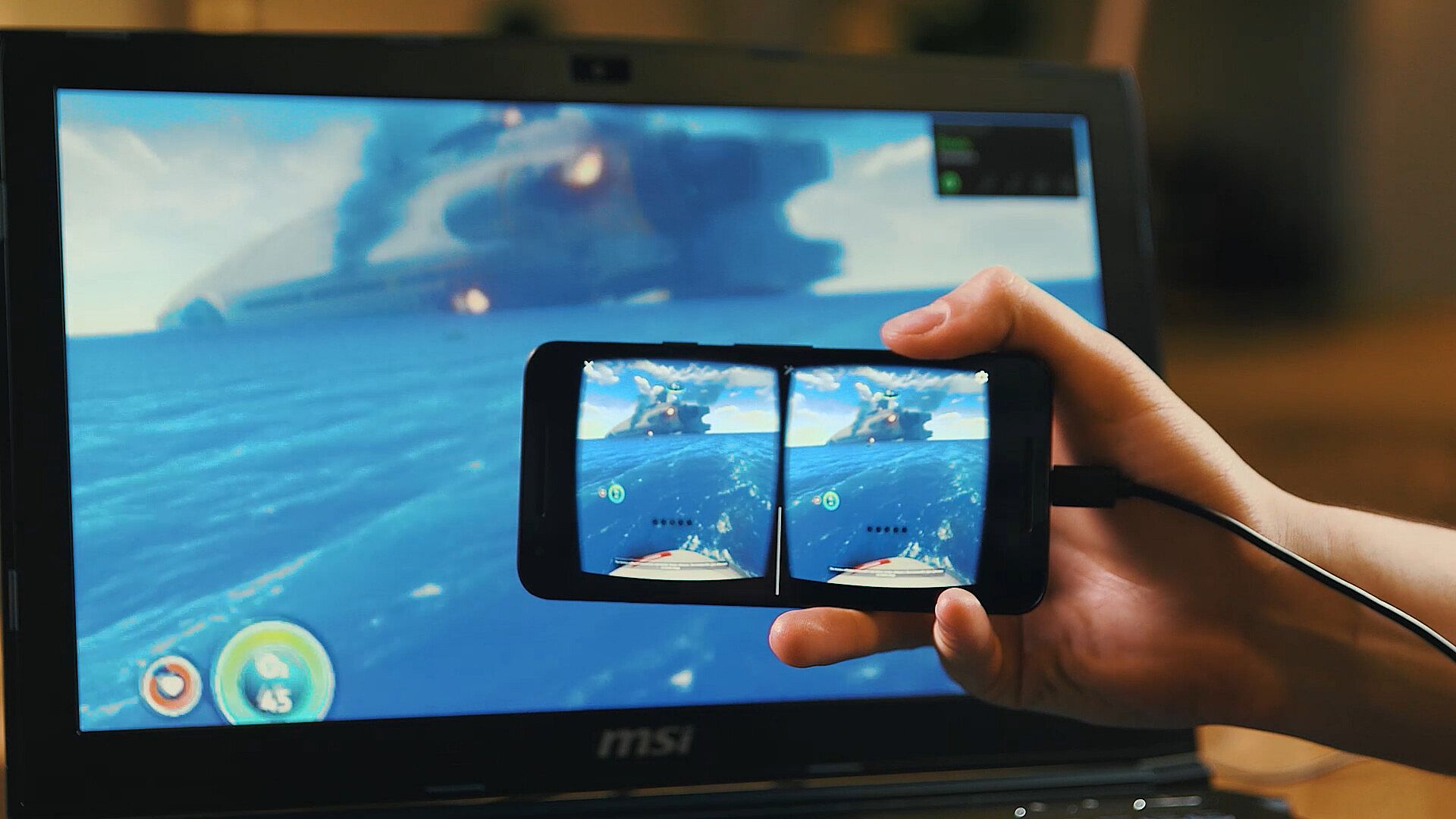
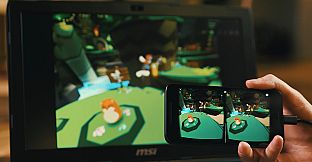
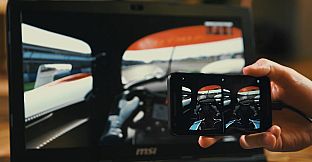
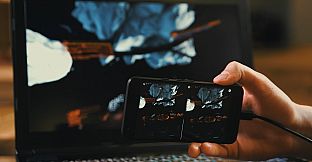
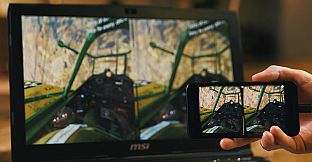
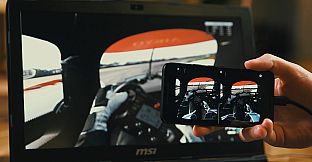
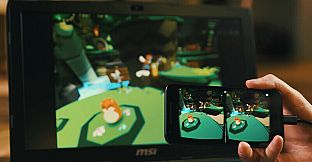
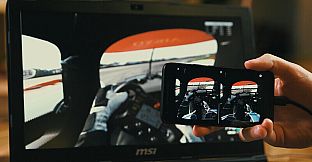
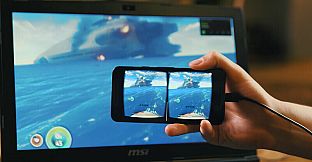
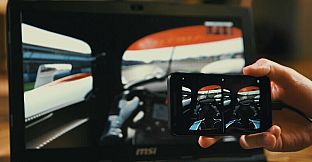
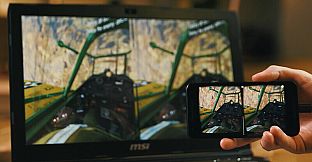
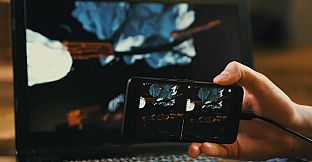
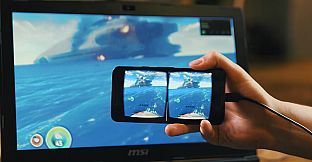
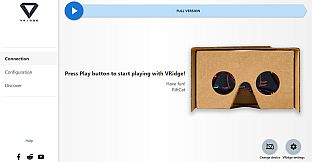
VRidge relie votre appareil mobile à un PC pour en faire un casque compatible SteamVR. Il diffuse les apps SteamVR en vidéo haute performance, avec un suivi complet de la tête et des contrôleurs. Associez-le à un viewer VR mobile ou en carton pour un accès instantané.
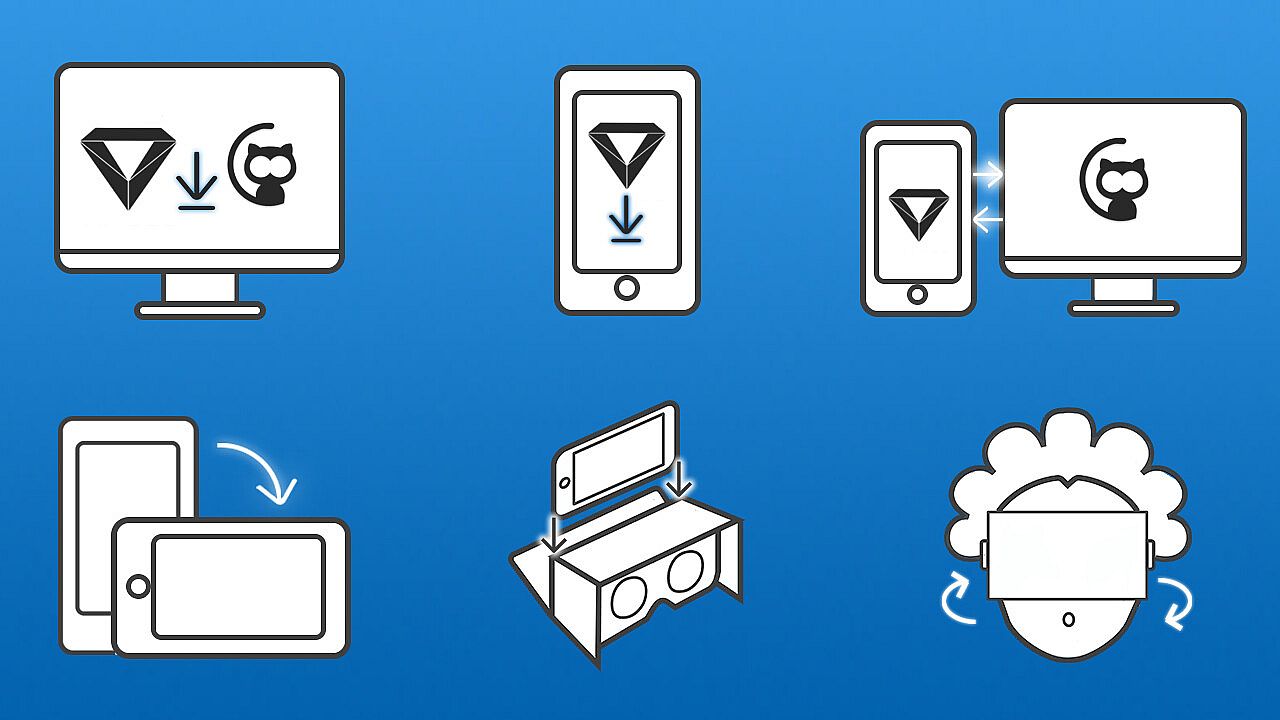
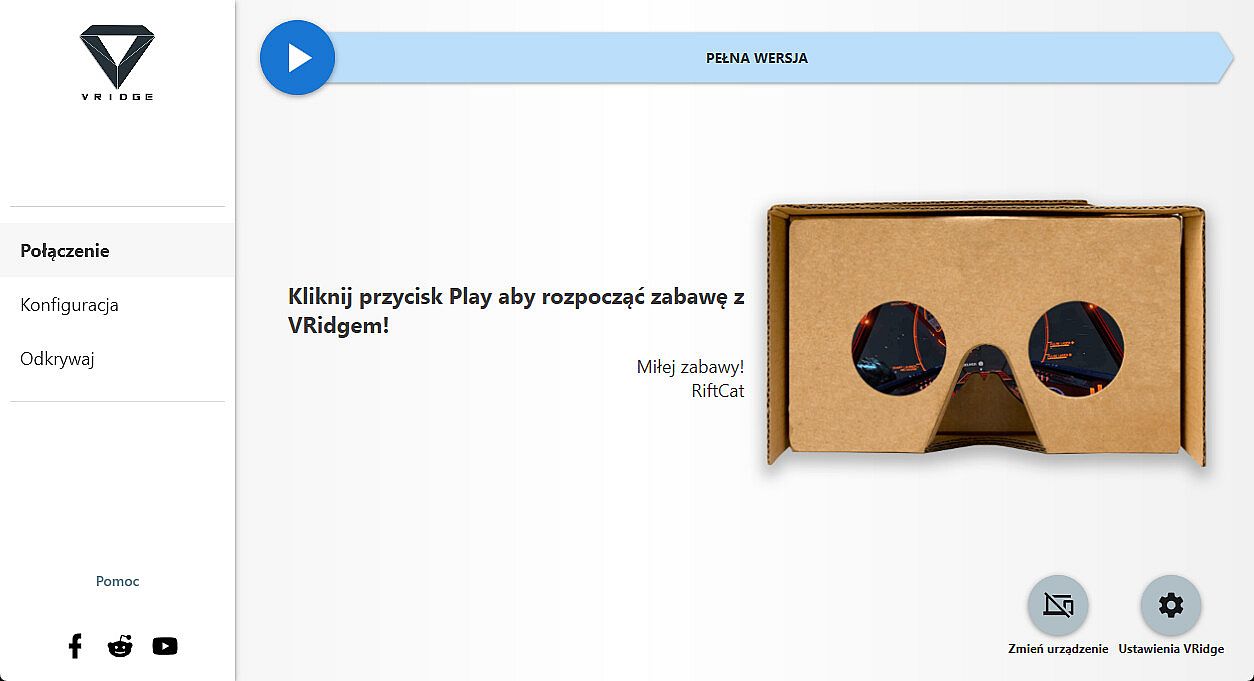
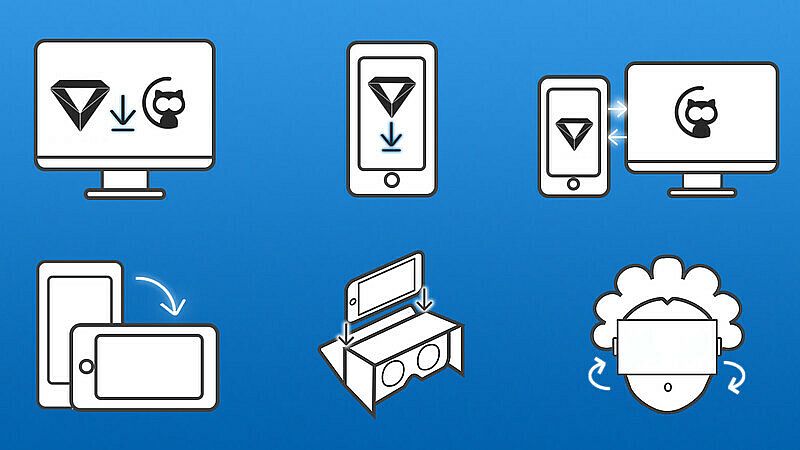
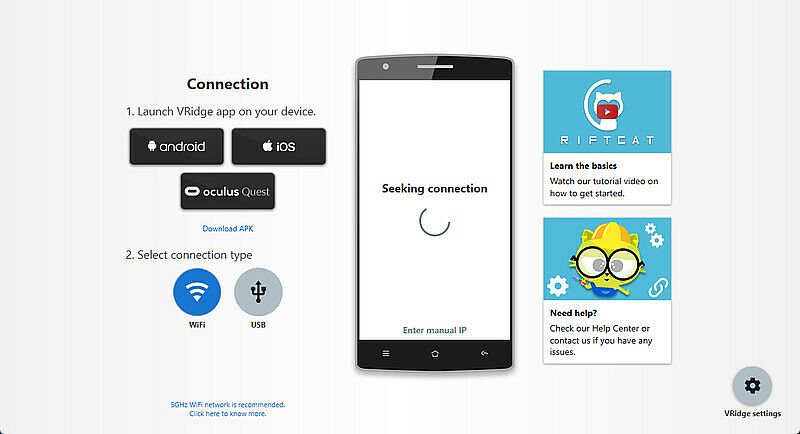
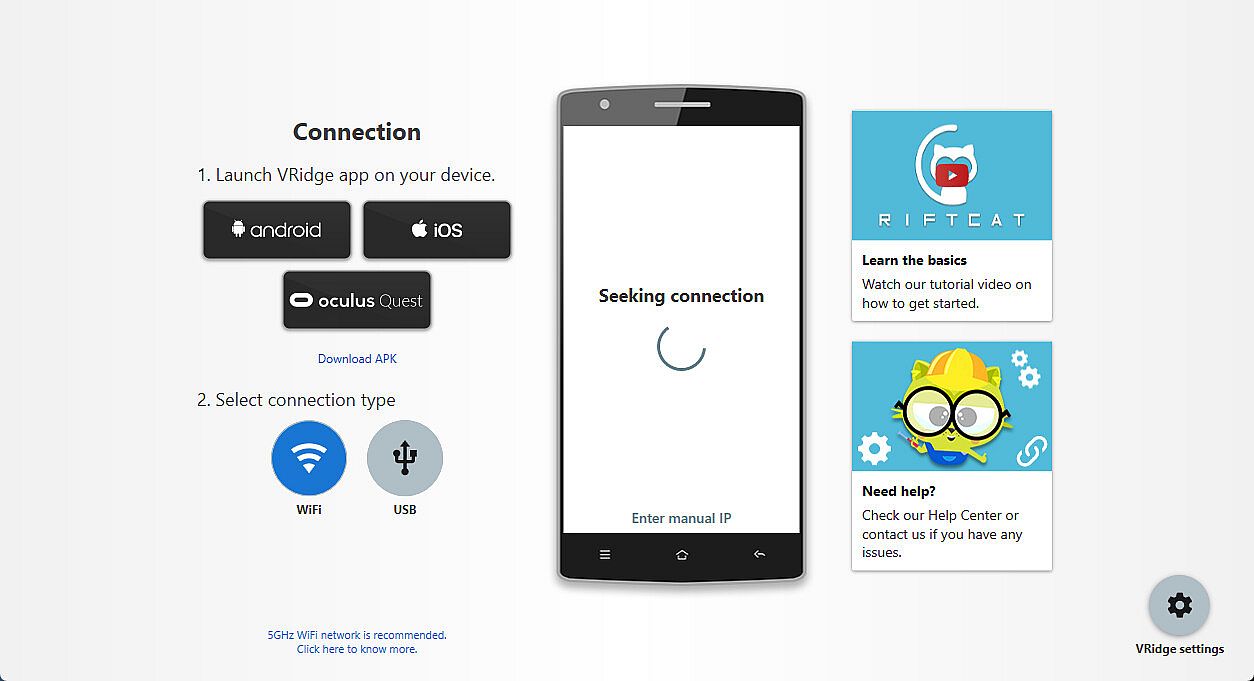
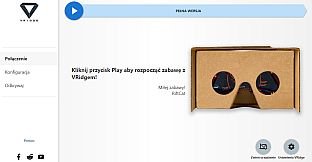
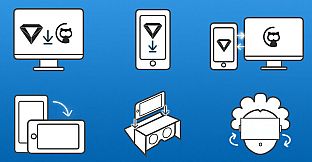
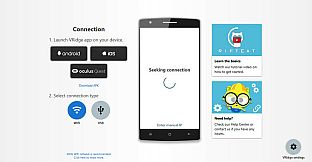
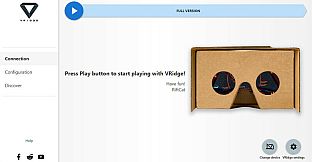
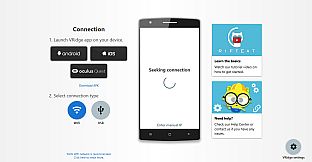
Installez le client RiftCat sur votre PC via Steam, puis lancez VRidge sur votre appareil mobile dans le viewer. Activez les deux, connectez-vous en WiFi en suivant les guides de l'app, et jouez. Testez d'abord avec la démo pour vérifier des performances fluides. Ces utilitaires VR conviennent parfaitement aux possesseurs de PC qui veulent du VR mobile sans matériel supplémentaire.
VRidge connects your mobile device to your PC, transforming it into a powerful SteamVR-compatible virtual reality headset. It will then stream SteamVR apps to your mobile device as a high-performance video with full head and controller tracking. All you need is a mobile or cardboard VR viewer to enjoy the experience!
Getting started
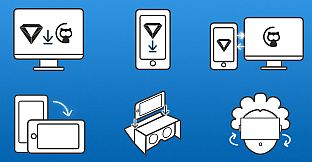
- Install RiftCat client application on your computer via Steam.
- Install VRidge on your mobile device and place it inside your mobile VR viewer.
- Launch both apps.
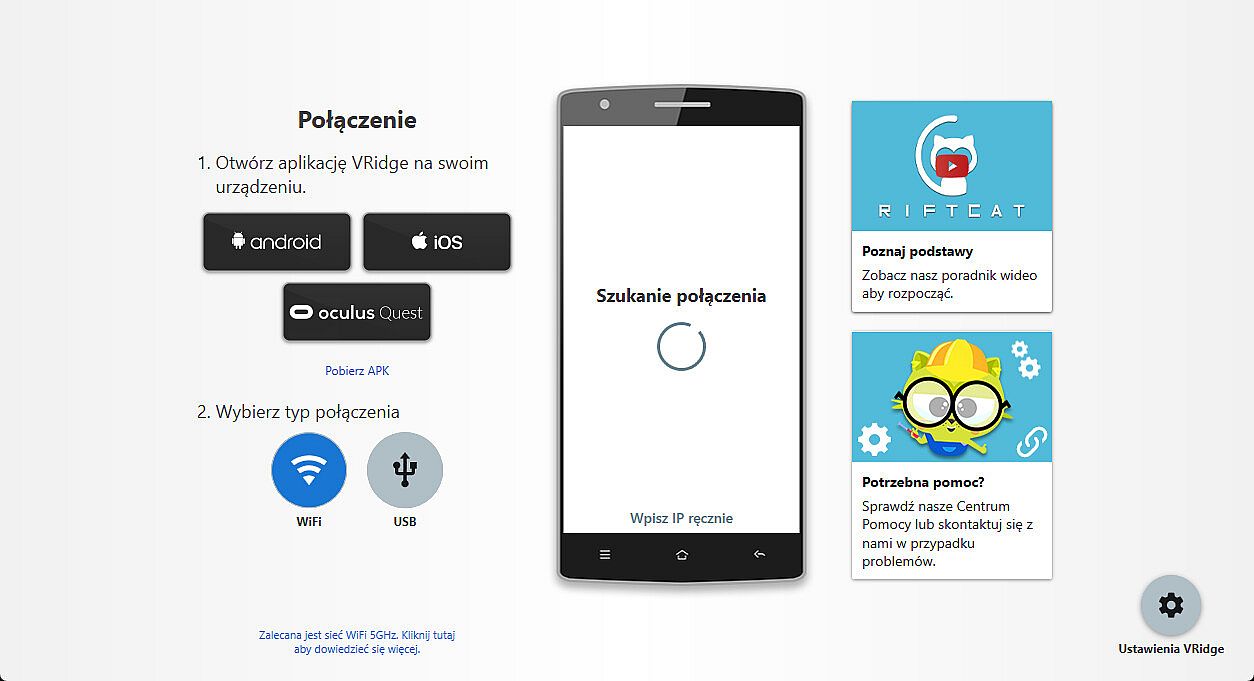
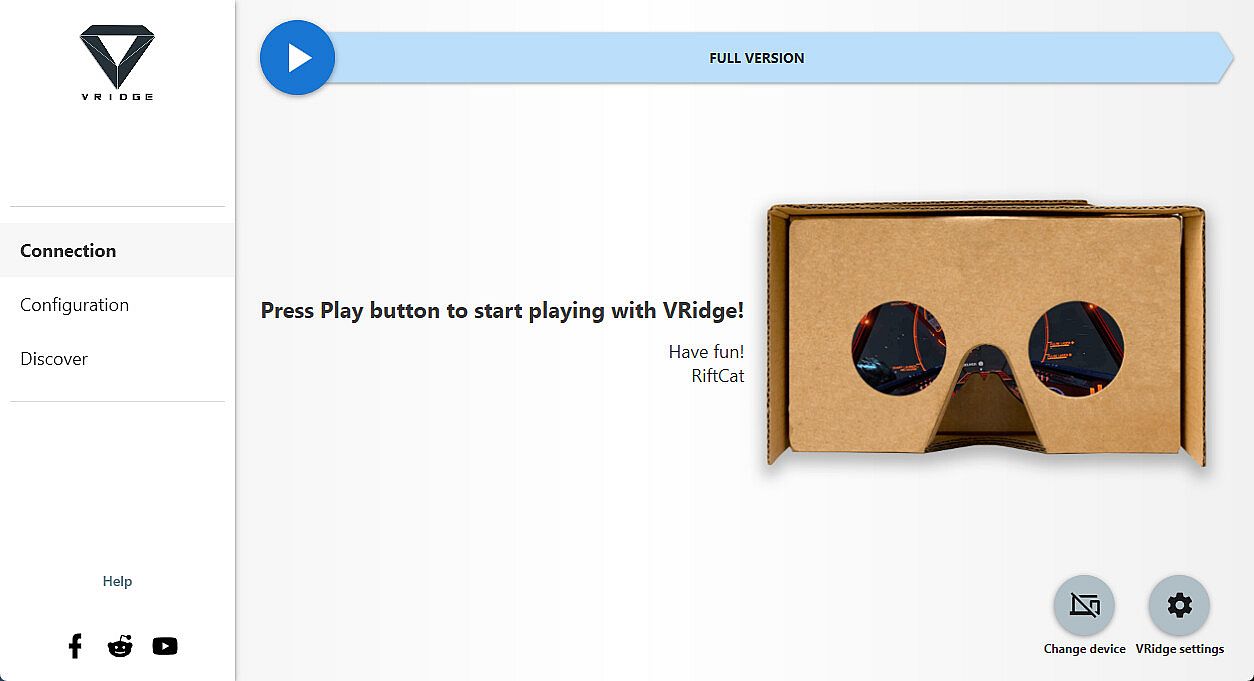
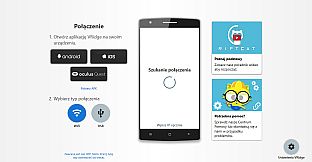
- Follow the built-in instructions in the RiftCat application to connect them via WiFi.
- Enjoy!
Test your setup first
Try out your
VRidge hardware setup with the
Demo version to ensure everything works correctly before making a purchase.