











Ballad is an indie casual simulation game focused on music creation and playful interaction with melodies. Players experiment with tunes on PC through a flexible set of tools that blend composition, physics-based performance, rhythm challenges, and visual customization. The experience centers on taking a melody, whether original or generated, and shaping how it comes to life in different ways.
Gameplay
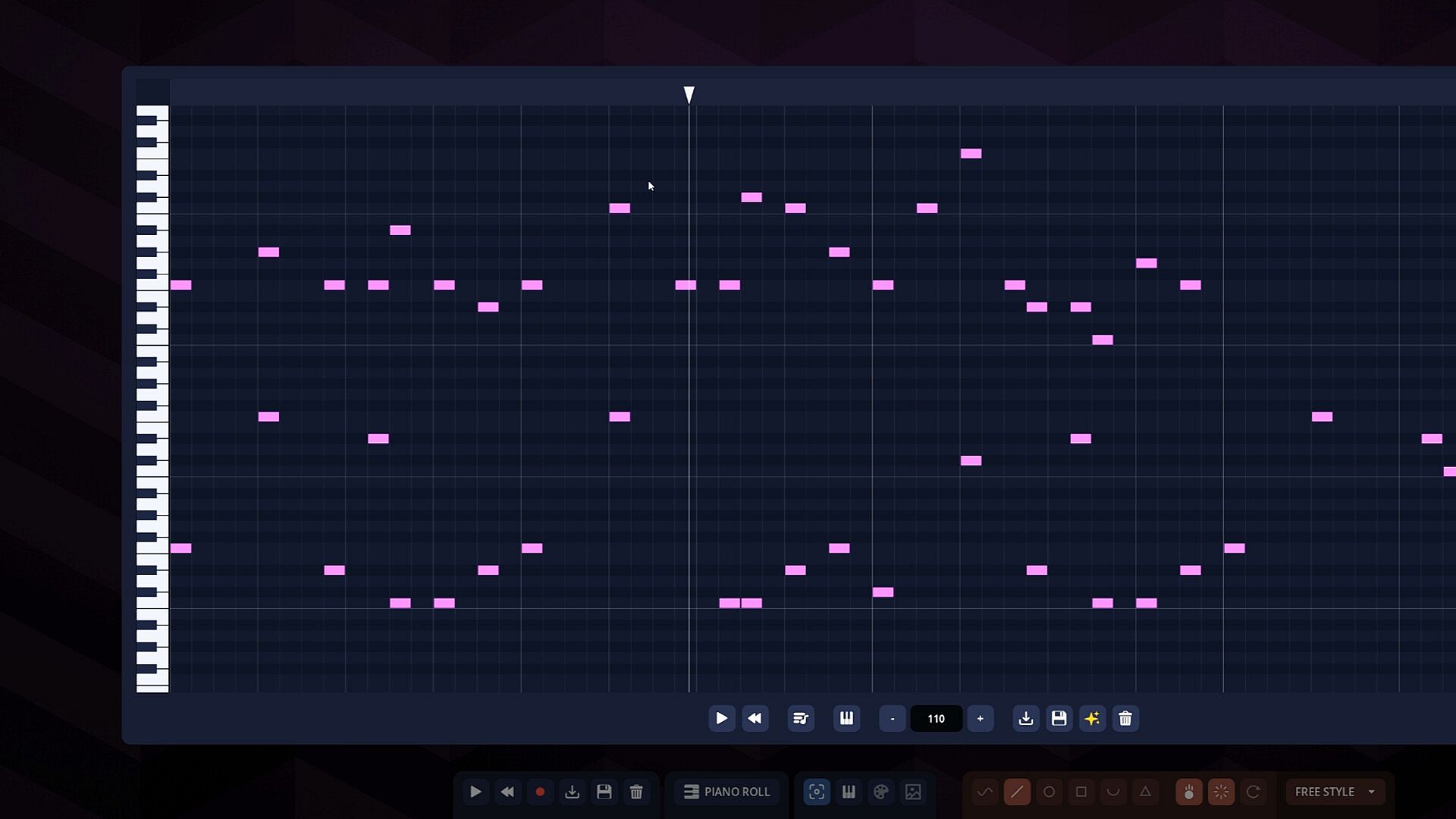
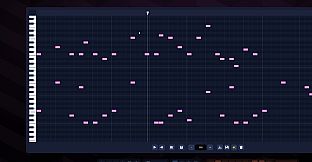
The core loop revolves around selecting or creating a melody and then interacting with it across several stages. In the compose section, a piano roll interface lets users paint notes directly, stack chords, and adjust tempo to build original pieces. A built-in melody generator provides instant starting tunes when inspiration is low. Users can also load tracks from an included song library or import their own MIDI files, with the option to export created work back as MIDI for use elsewhere.
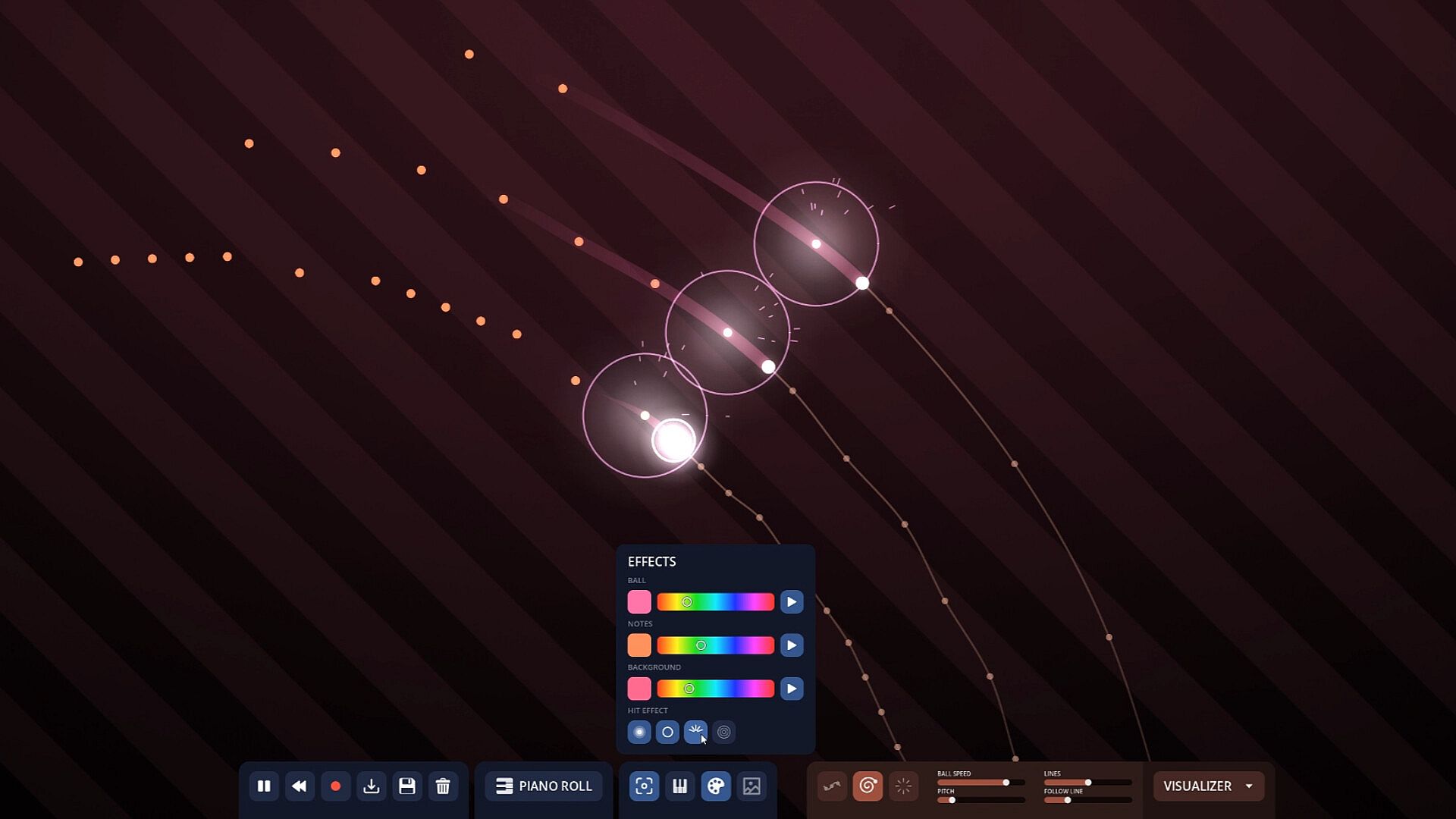
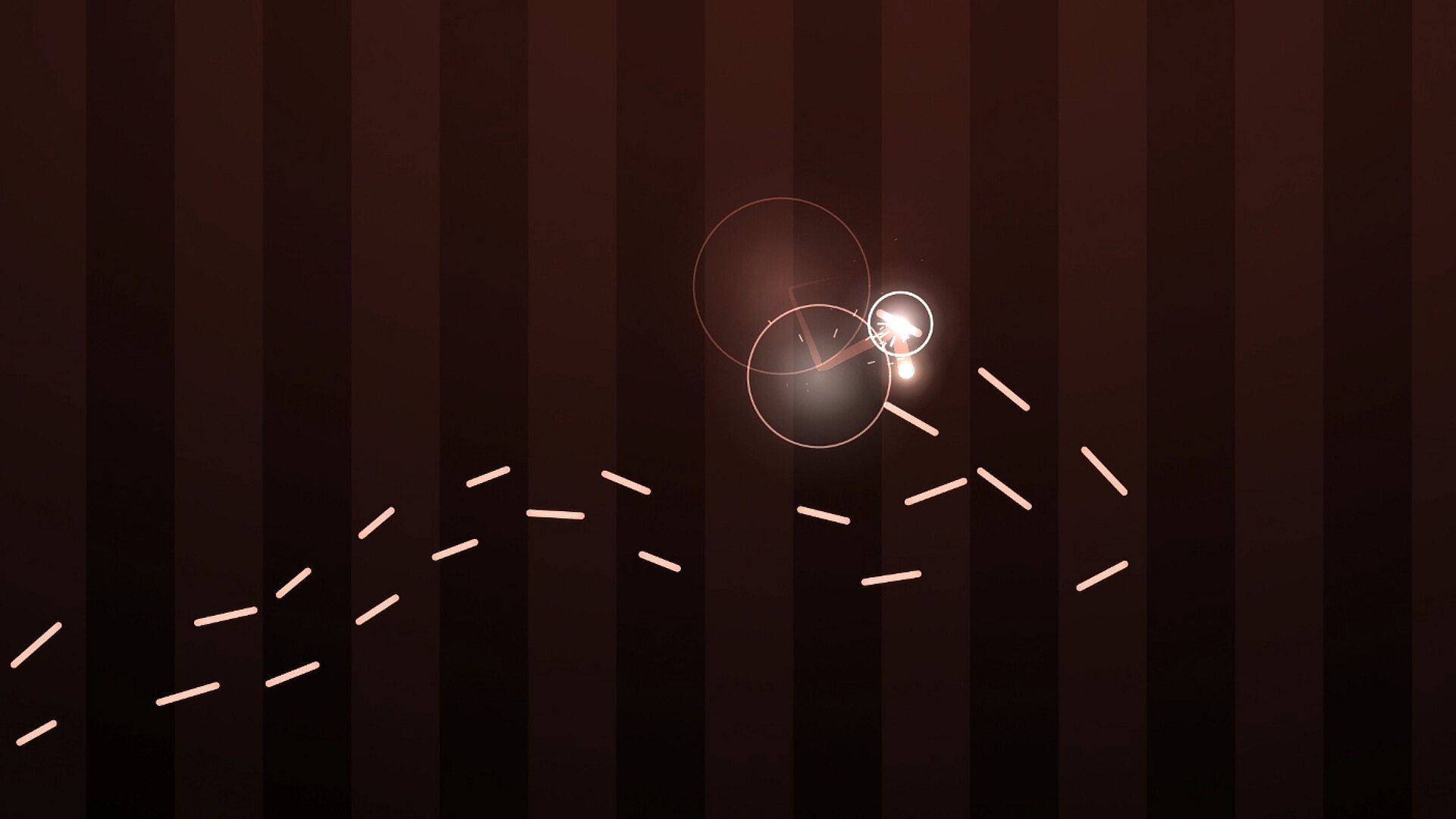
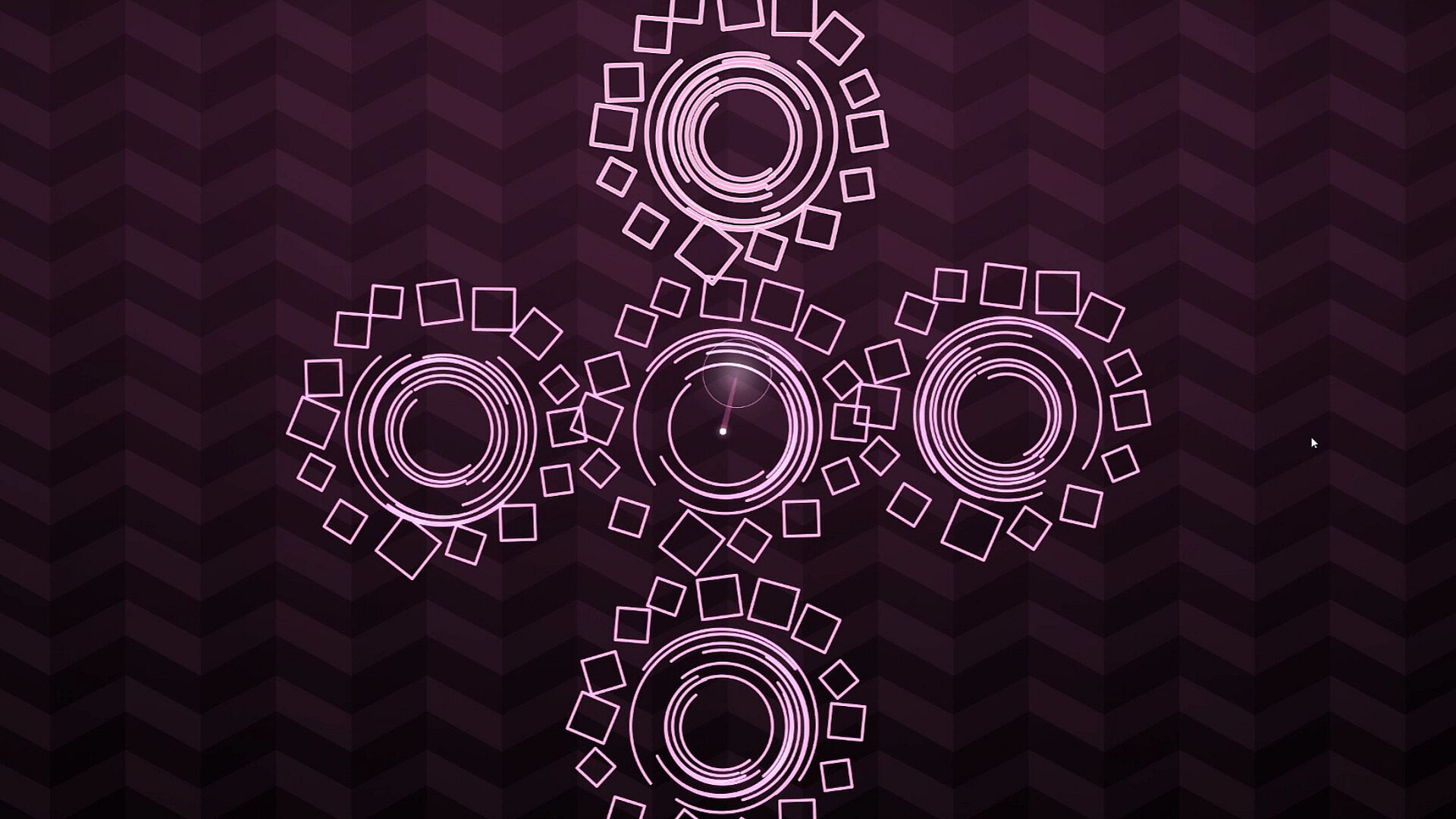
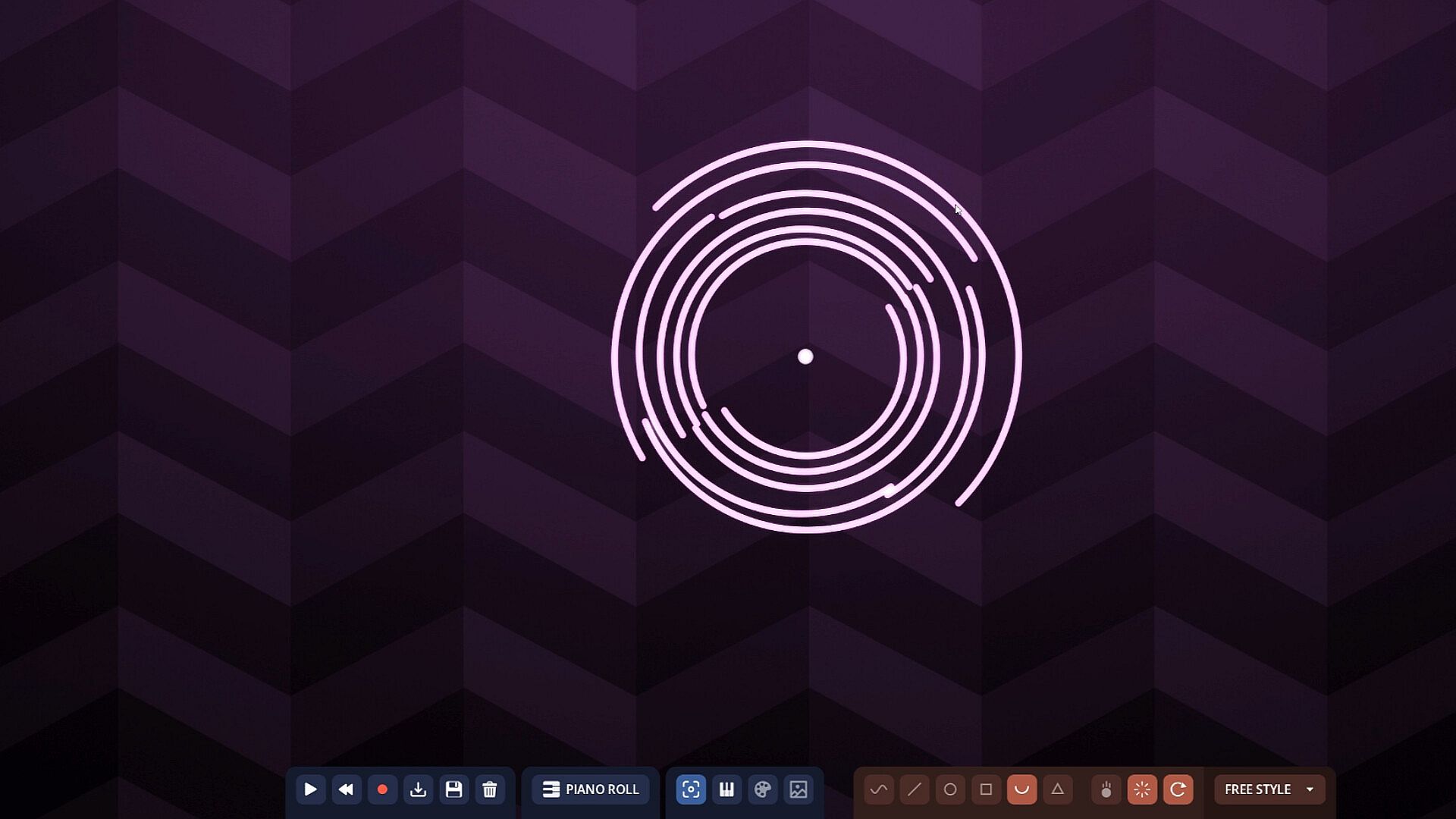
Once a melody exists, the build phase turns it into a physical performance. Players draw shapes on a canvas and drop a ball onto them to see how the physics drives the notes. Gravity can be toggled on or off, shapes can be set to vanish or rotate, and playback controls include pause, reverse, and keyboard shortcuts for fine adjustments. Built-in generators and visualizers help create automatic tracks, while an autoplay feature lays out a precise course that matches the melody's rhythm and loops it indefinitely.
Customization extends to the visual and sonic presentation. Multiple instruments are available for selection, and users can import their own sounds. Ball hit effects range from bloom and sparks to ripple styles, with full control over colors and patterns to match personal taste. The entire session or individual melody can be saved, and a built-in recorder captures video output in any chosen aspect ratio and resolution.
Game Modes
Ballad organizes its features into distinct but interconnected activities. The compose activity serves as the foundation for creating or modifying tunes with the piano roll and generator tools. The machine-building activity focuses on physics simulation, where drawn shapes and ball movement translate melody into visual performance with options for gravity, rotation, and timing controls.
Rhythm mode converts the same melody into a falling-notes challenge. Players choose between one and ten lanes to match their skill level and can rebind keys freely or enable autoplay for passive viewing. This mode emphasizes timing and reaction while staying tied to the original melody's structure.
Additional layers include visual dressing of the performance and recording. Instrument swaps, effect choices, and color adjustments let players personalize the output without altering the underlying melody. Saving and video recording wrap up each session for preservation or sharing.
Who the Game Appeals To
Ballad suits players interested in casual music experimentation rather than traditional performance or competitive play. Its simulation elements appeal to those who enjoy building systems and watching emergent results, while the rhythm component offers light skill-based engagement. The single-player focus and flexible tools make it accessible for short sessions or extended creative exploration on PC.
Mechanics emphasize creativity over strict rules, allowing users to move fluidly between composition, physical simulation, and rhythm practice. MIDI support broadens compatibility with external music workflows, and the recording tools support content creation without additional software.
Is It Worth Playing?
Ballad delivers a self-contained creative sandbox that rewards experimentation with melodies through its physics and rhythm systems. The combination of piano-roll composition, ball-and-shape machine building, and adjustable rhythm lanes provides multiple entry points for different play styles. Players who value hands-on music tools and visual feedback will find consistent depth in how melodies translate across modes.
Because the game operates as a standalone simulation without ongoing seasonal content or multiplayer elements, its value lies in repeated personal use rather than live-service progression. Those seeking a relaxed environment for melody crafting, physics tinkering, and video output will likely appreciate the focused feature set described in the available materials. The indie casual simulation approach keeps the experience approachable while offering enough mechanical variety to sustain interest across multiple sessions.