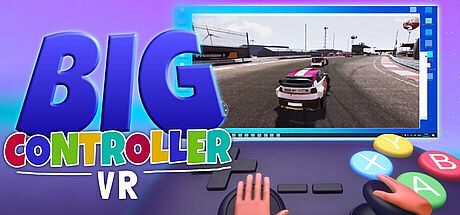


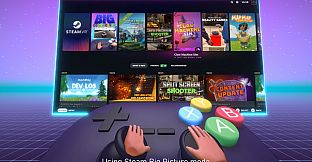
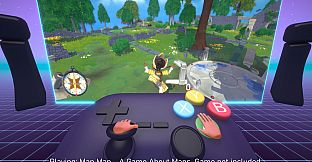
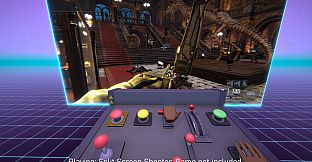
Big Controller VR is a casual indie simulation title built exclusively for PC VR. It lets players handle oversized virtual game controllers while a mirrored desktop screen appears in the headset, turning any supported flat game into a VR experience through Windows-level input emulation.
Gameplay
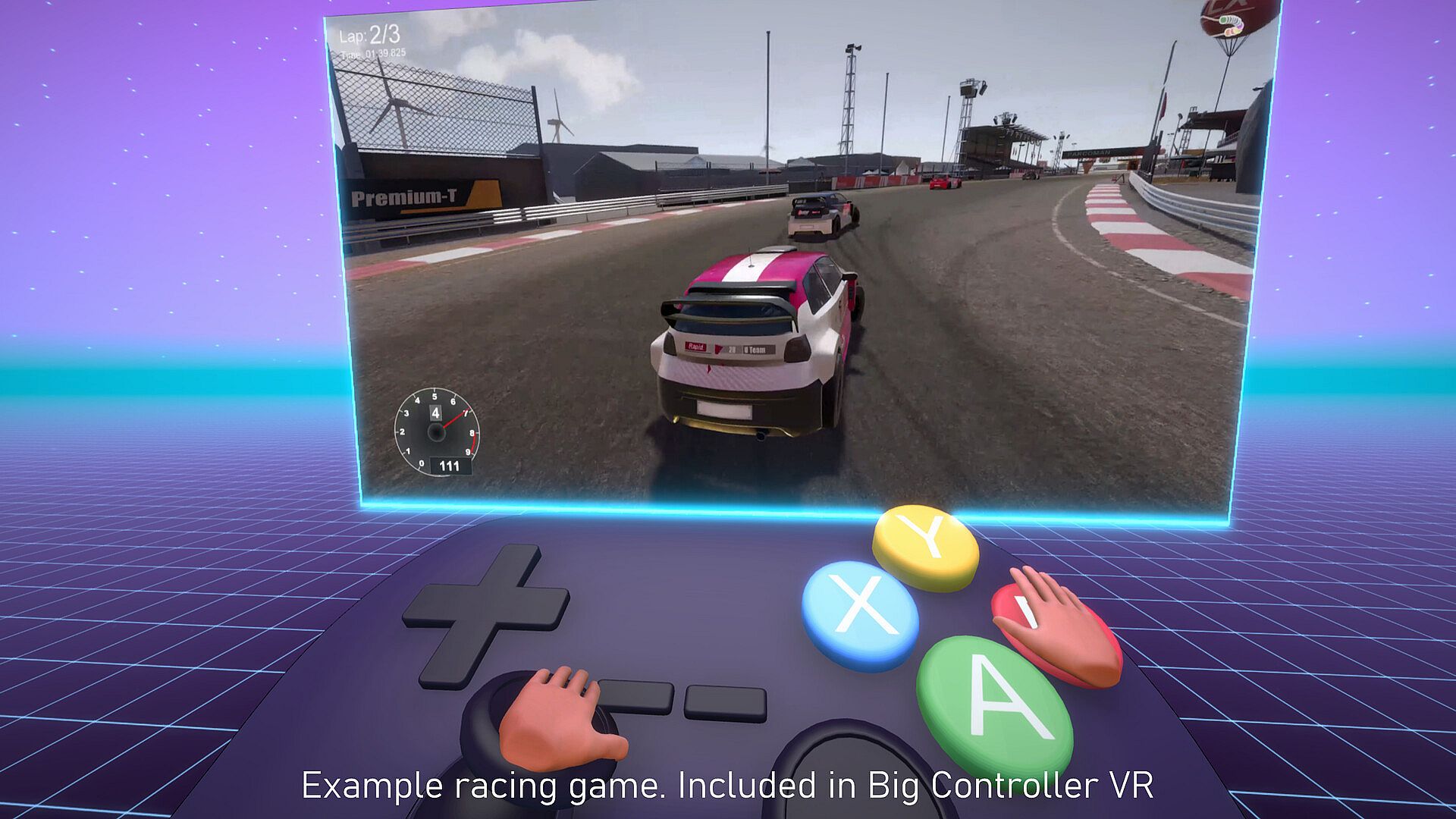
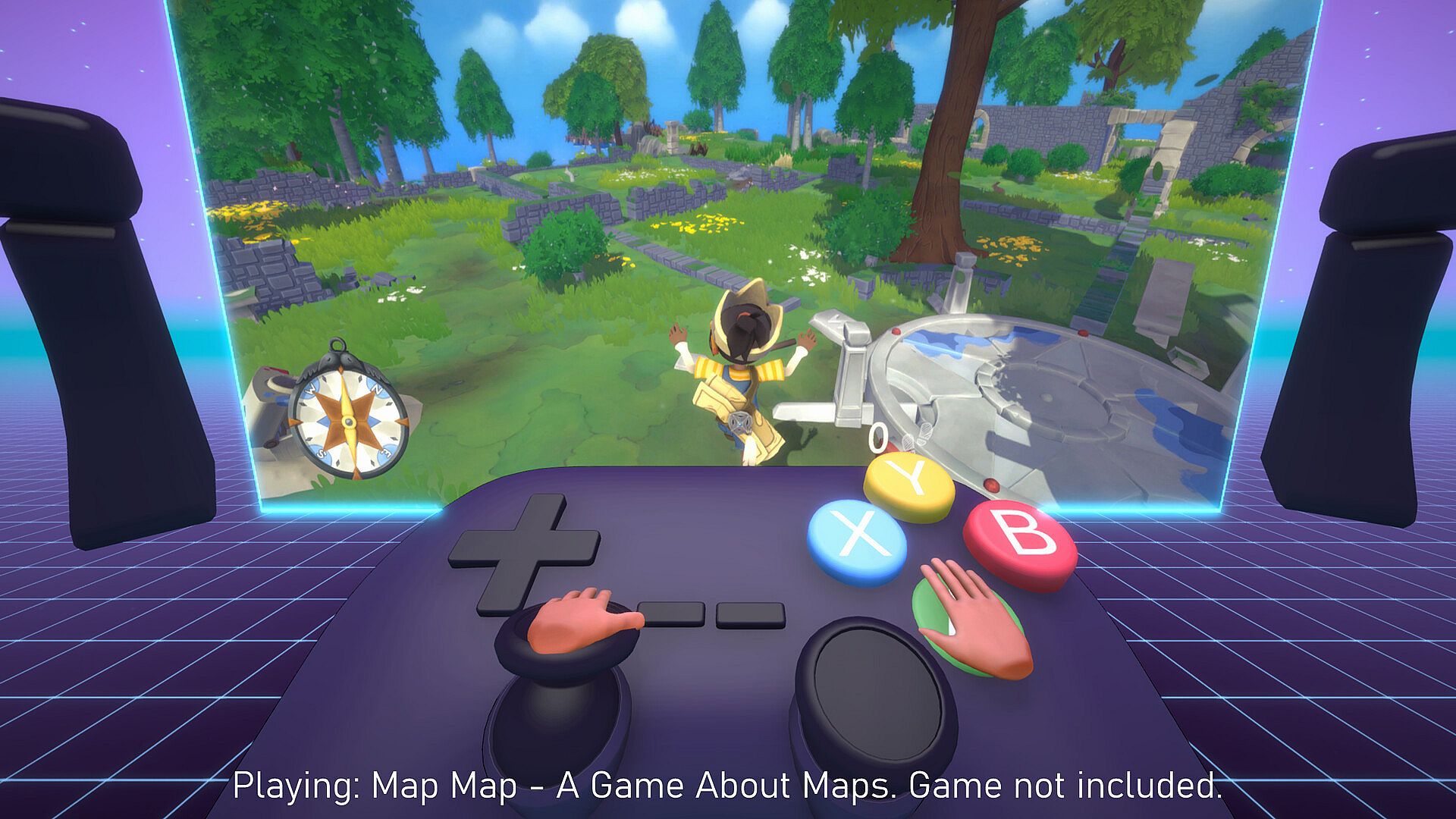
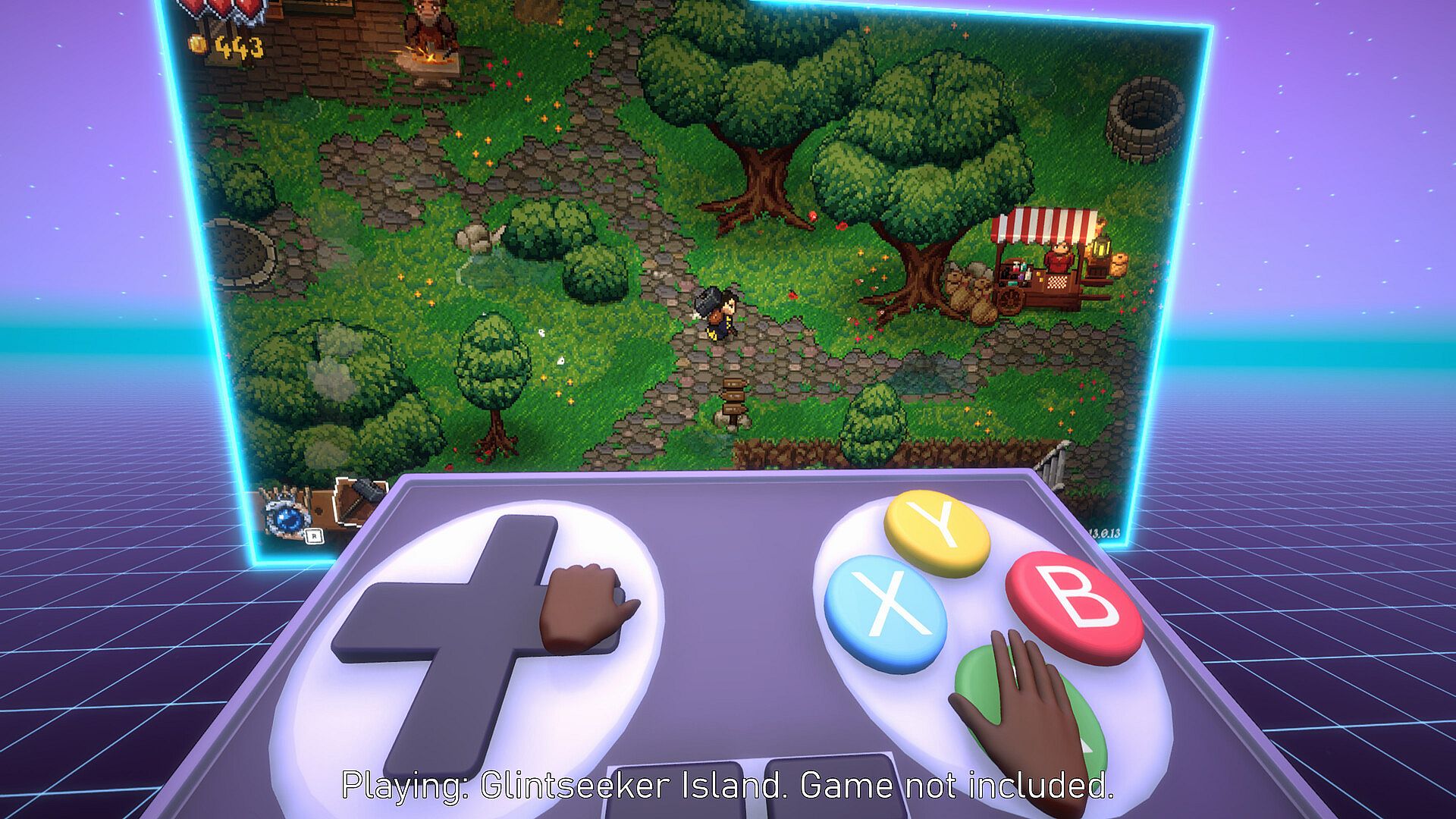
The core loop centers on selecting one of several large virtual controllers and using it to interact with games displayed on a virtual screen in front of the player. Motion controllers track hand movements to press buttons, move joysticks, and activate triggers that sit in the air beside the virtual device for easier reach. Button mapping can be adjusted individually for each controller layout, allowing personal tweaks to suit different titles.
Performance considerations apply when running demanding games through the emulation layer. Lowering graphics settings helps maintain smooth frame rates, particularly with more intensive releases. The system works with cloud gaming services as long as the target game accepts standard controller input.
Triggers receive special placement options because standard rear locations would be difficult to access in VR. Players can leave them floating beside the controller or remap them directly onto the main body for convenience during longer sessions.
Game Modes
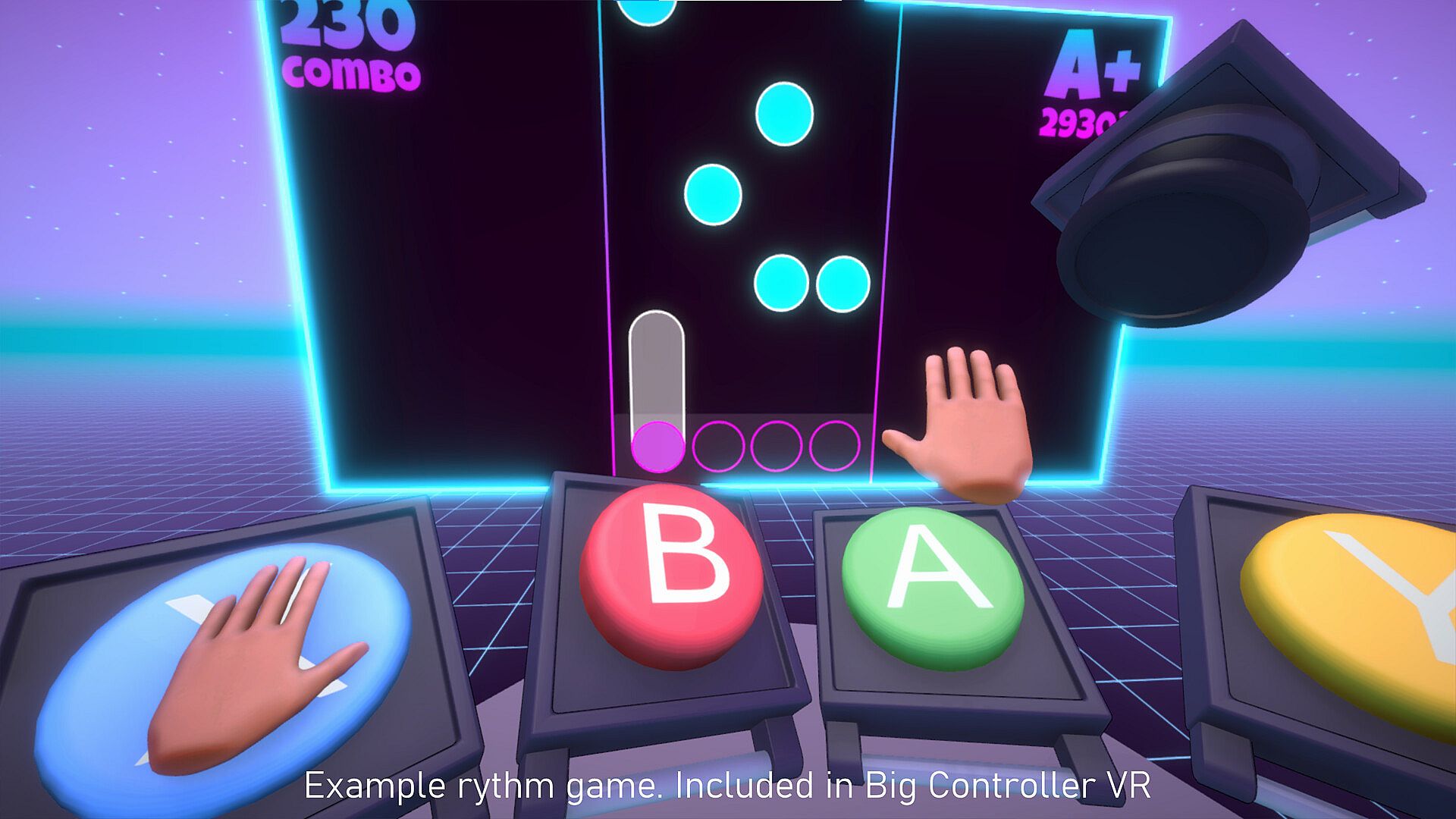
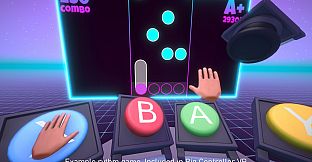
Two built-in example games provide immediate hands-on play without leaving the VR environment. A straightforward racing game tests steering and acceleration with any of the available controllers. A retro-style 2D endless runner offers simple side-scrolling action that responds to button presses and joystick tilts.
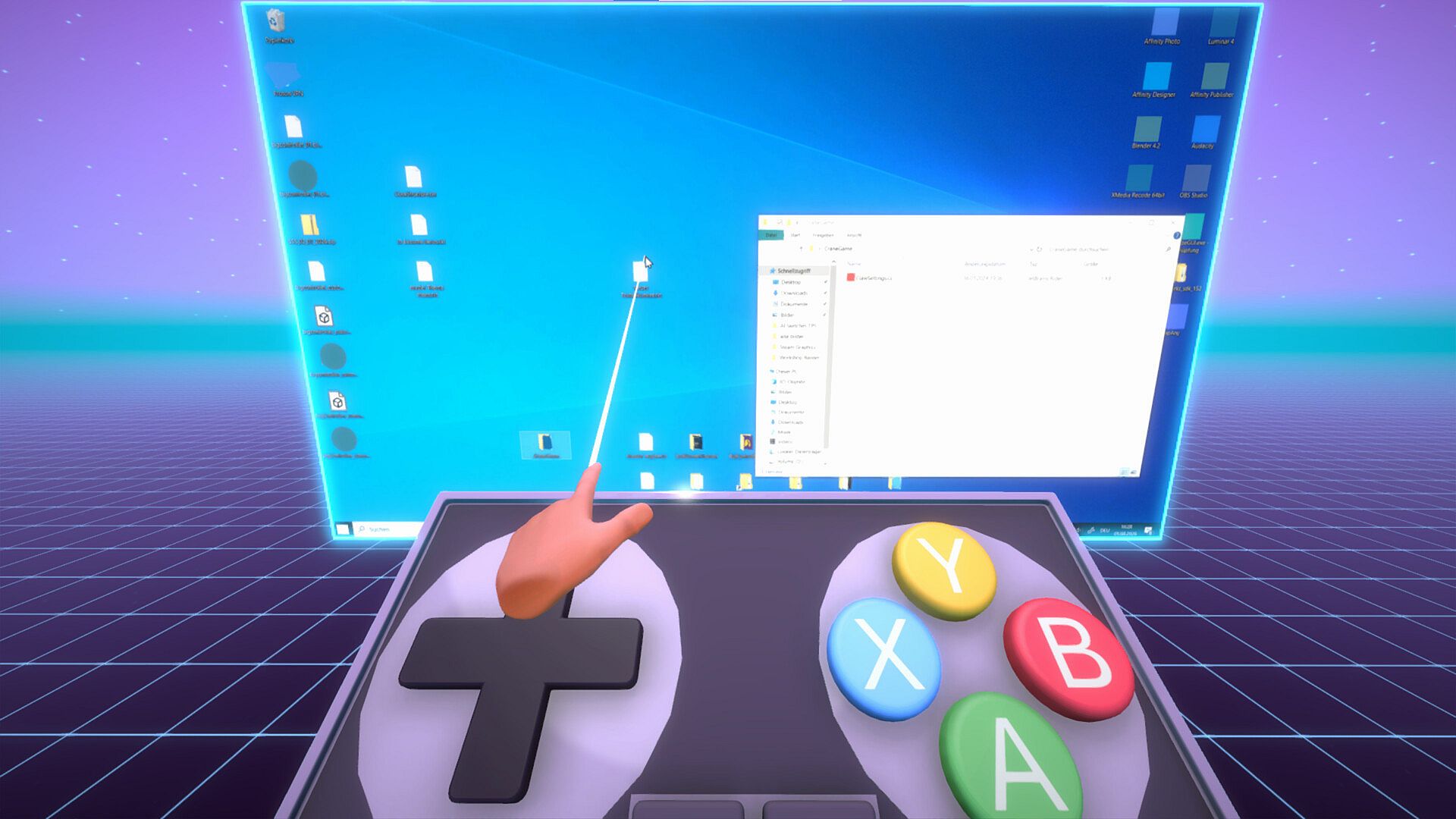
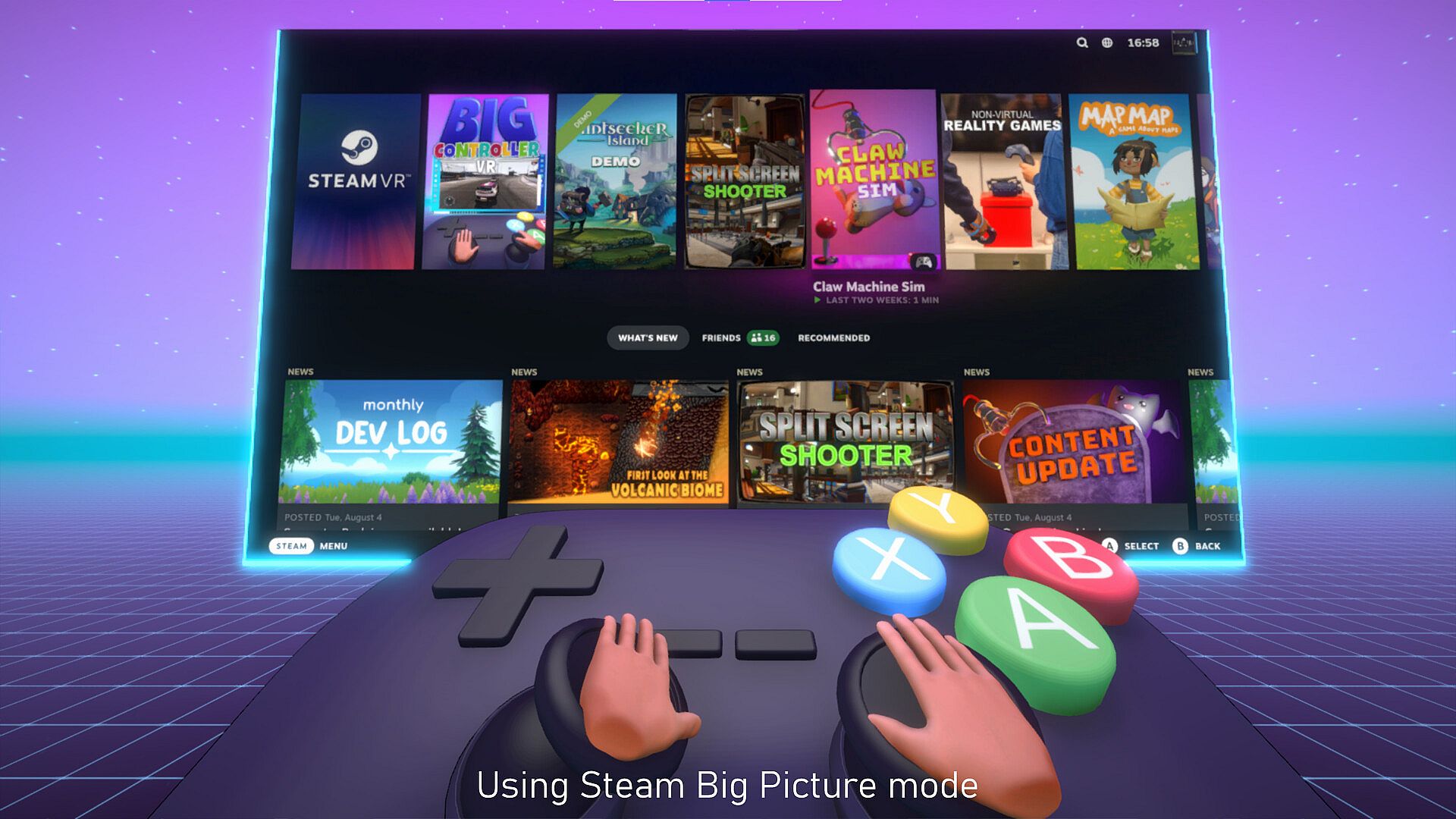
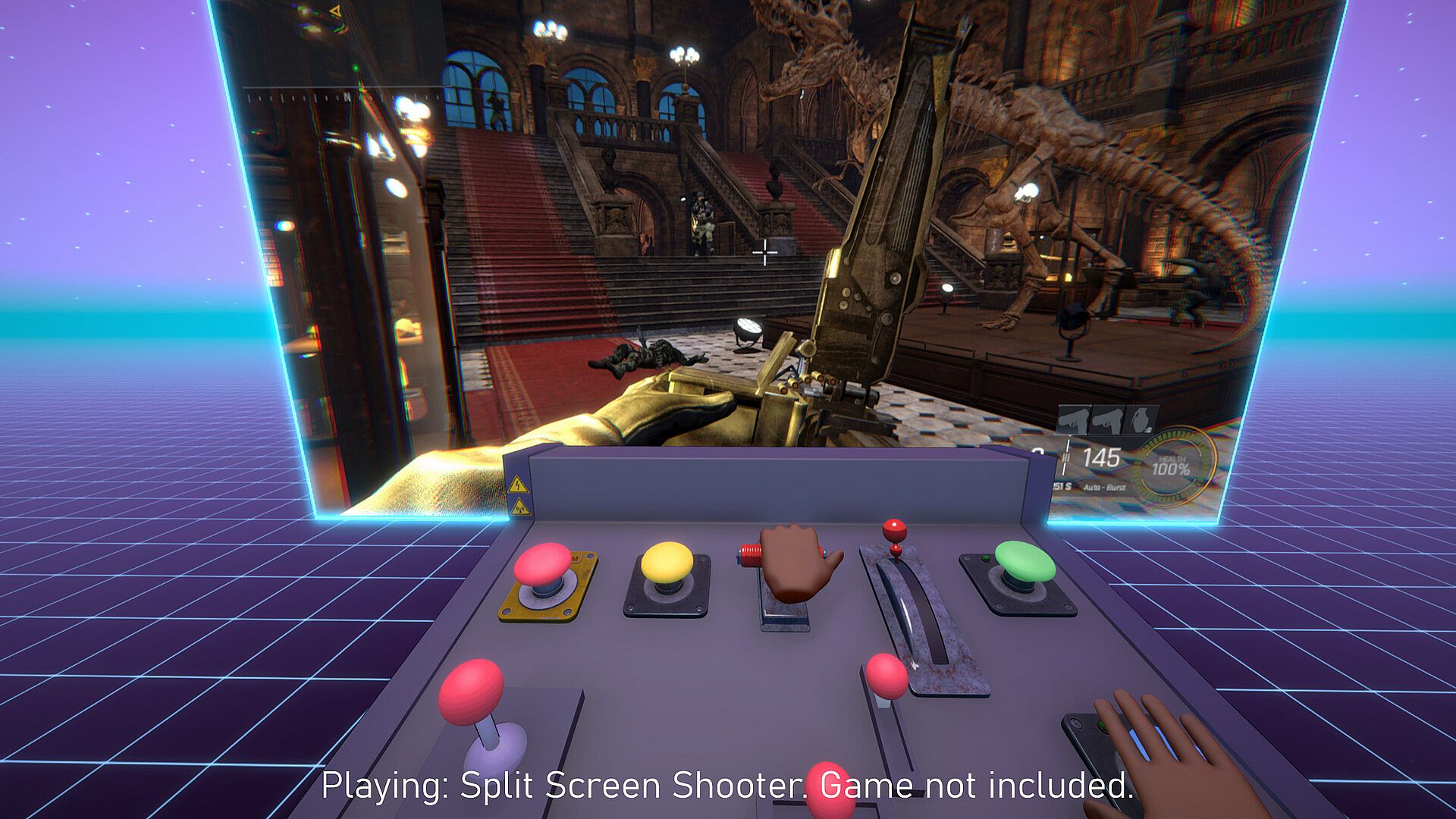
Desktop mode expands the experience beyond the included titles. Switching to this view mirrors the full PC desktop, so any installed game with controller support becomes playable through the oversized virtual inputs. The emulation operates at the operating system level, supporting a wide range of single-player experiences and compatible cloud titles.
Controller Options
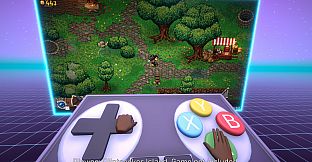
Four distinct controller designs give variety in feel and functionality. The modern game controller offers two joystick layout choices for contemporary titles. A retro controller evokes older hardware with its button and stick arrangement. The sandbox controller permits free placement of buttons and the joystick anywhere on its surface. An industrial console controller provides a more rugged, specialized appearance.
Each design supports full customization of button assignments. This flexibility helps match the virtual hardware to the control scheme of whatever game appears on the mirrored screen.
Is It Worth Playing?
Big Controller VR remains listed as coming soon, so no widespread player feedback or review scores exist yet. The concept appeals most to VR owners who already enjoy casual simulation experiences and want a novel way to engage with controller-supported PC games. Its single-player focus and included example titles make it straightforward to try once released.
Those who value customizable interfaces and the ability to bring flat games into VR without native ports may find the setup engaging. The notice about virtual controller compatibility in multiplayer or competitive games serves as a practical reminder to check title requirements beforehand. Overall the experience suits players seeking lighthearted experimentation rather than high-stakes competitive play.