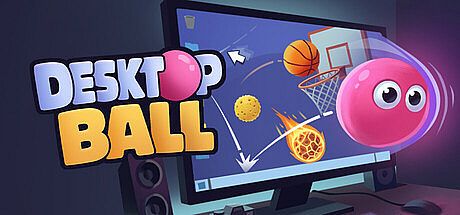


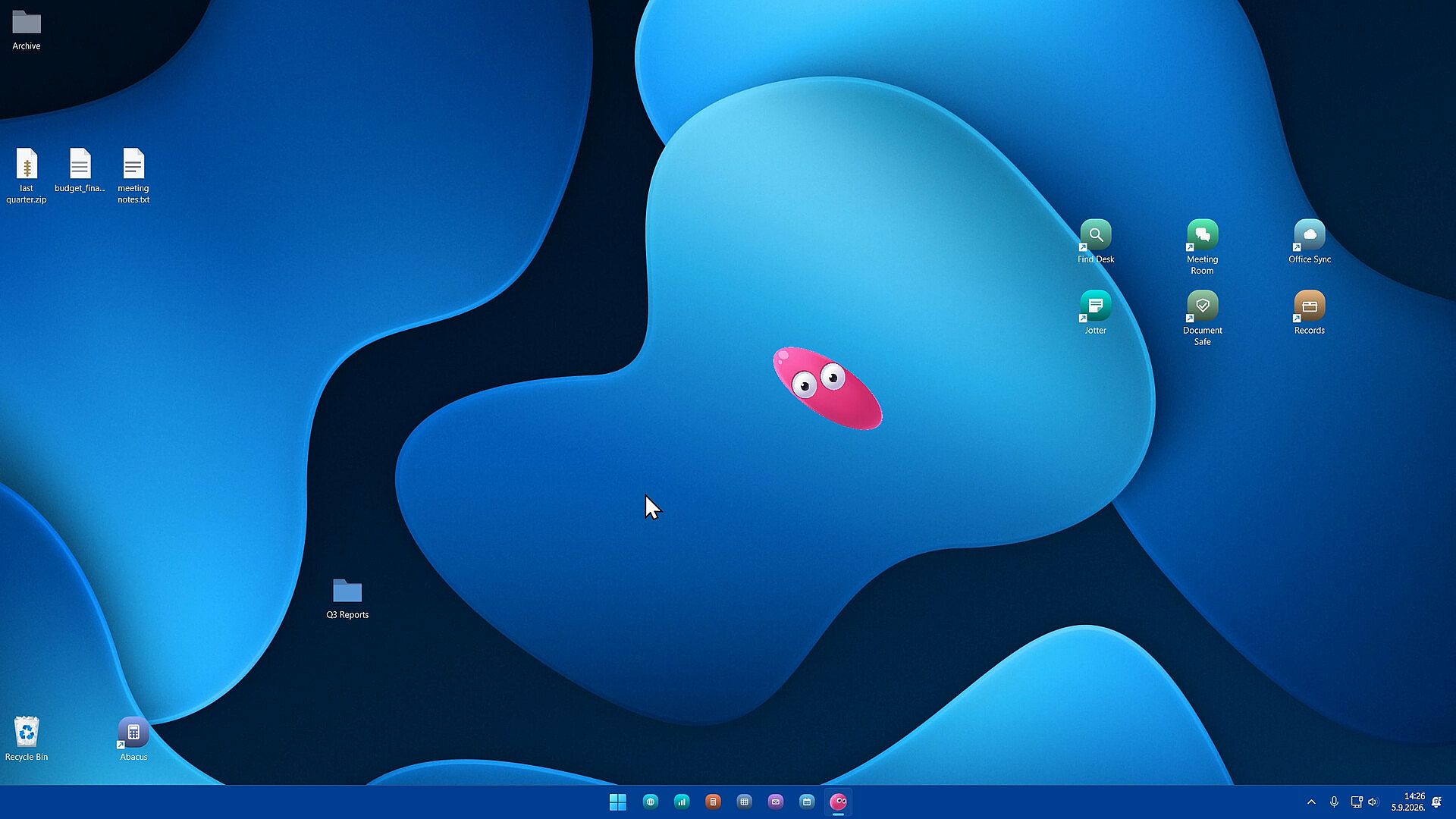



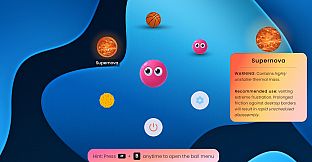
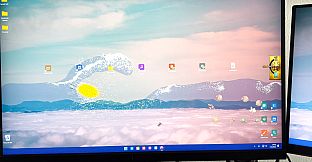
Desktop Ball is an indie casual simulation game for PC that places a playful physics toy directly on your desktop. It functions as a digital fidget item you can interact with during downtime, whether waiting in a queue, sitting through a meeting, or pausing a long render. The core appeal lies in its seamless integration with your workspace, allowing quick sessions of grabbing, flinging, and bouncing the ball across monitor edges without interrupting other programs.
Gameplay
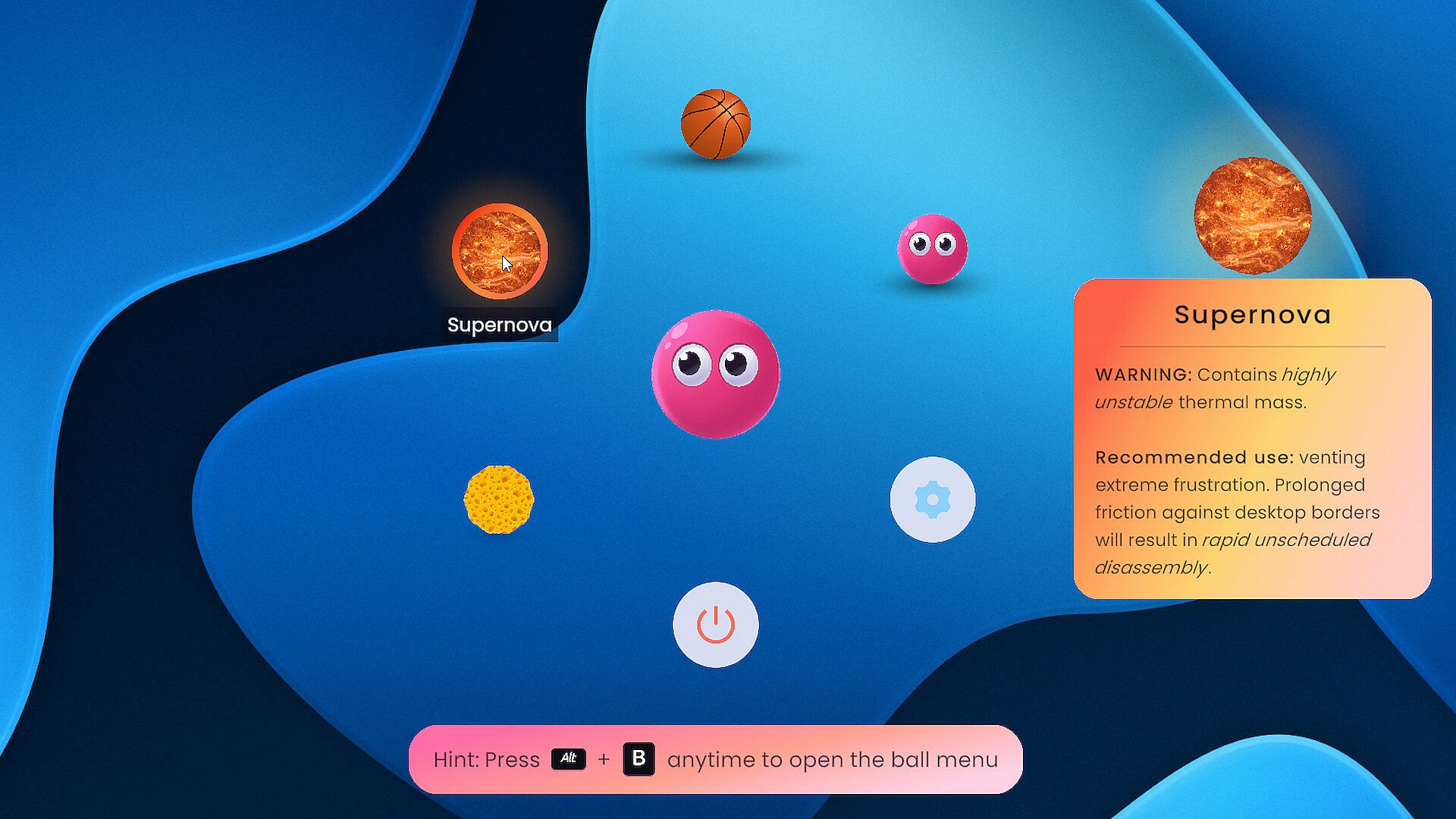
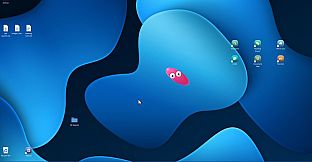
The experience centers on direct mouse interaction with a small ball that rests atop your desktop. You pick it up, release it with momentum, and watch it collide with screen boundaries in satisfying arcs. When idle, the ball tucks away automatically or slides into a magnetic corner to stay out of the way. Fullscreen applications trigger it to hide entirely, preserving focus on primary tasks. The physics feel responsive and forgiving, encouraging repeated short bursts of play rather than extended sessions. Four distinct balls are available from the start, each with its own visual style and interaction quirks that encourage experimentation during idle moments.
Game Modes
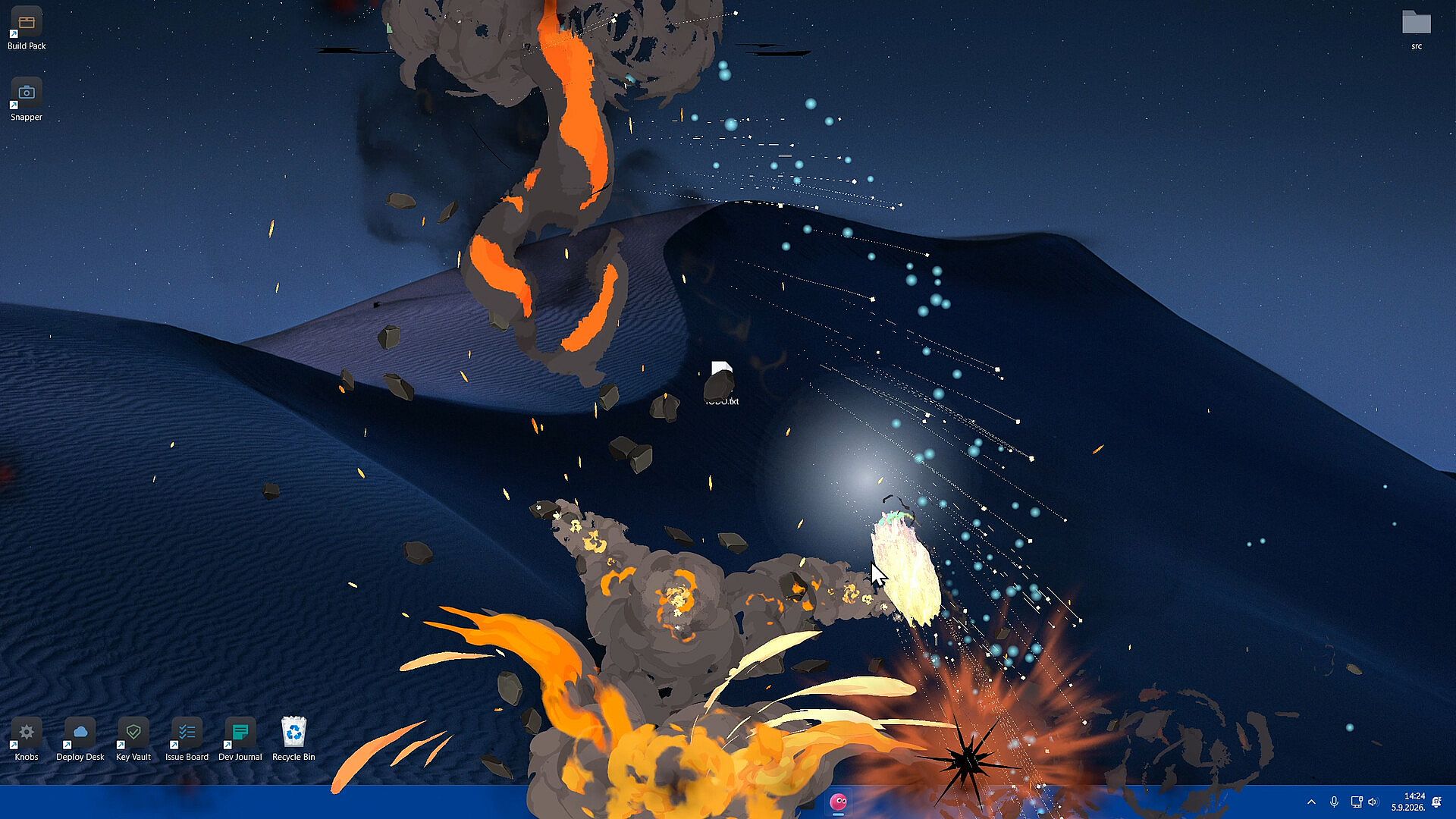
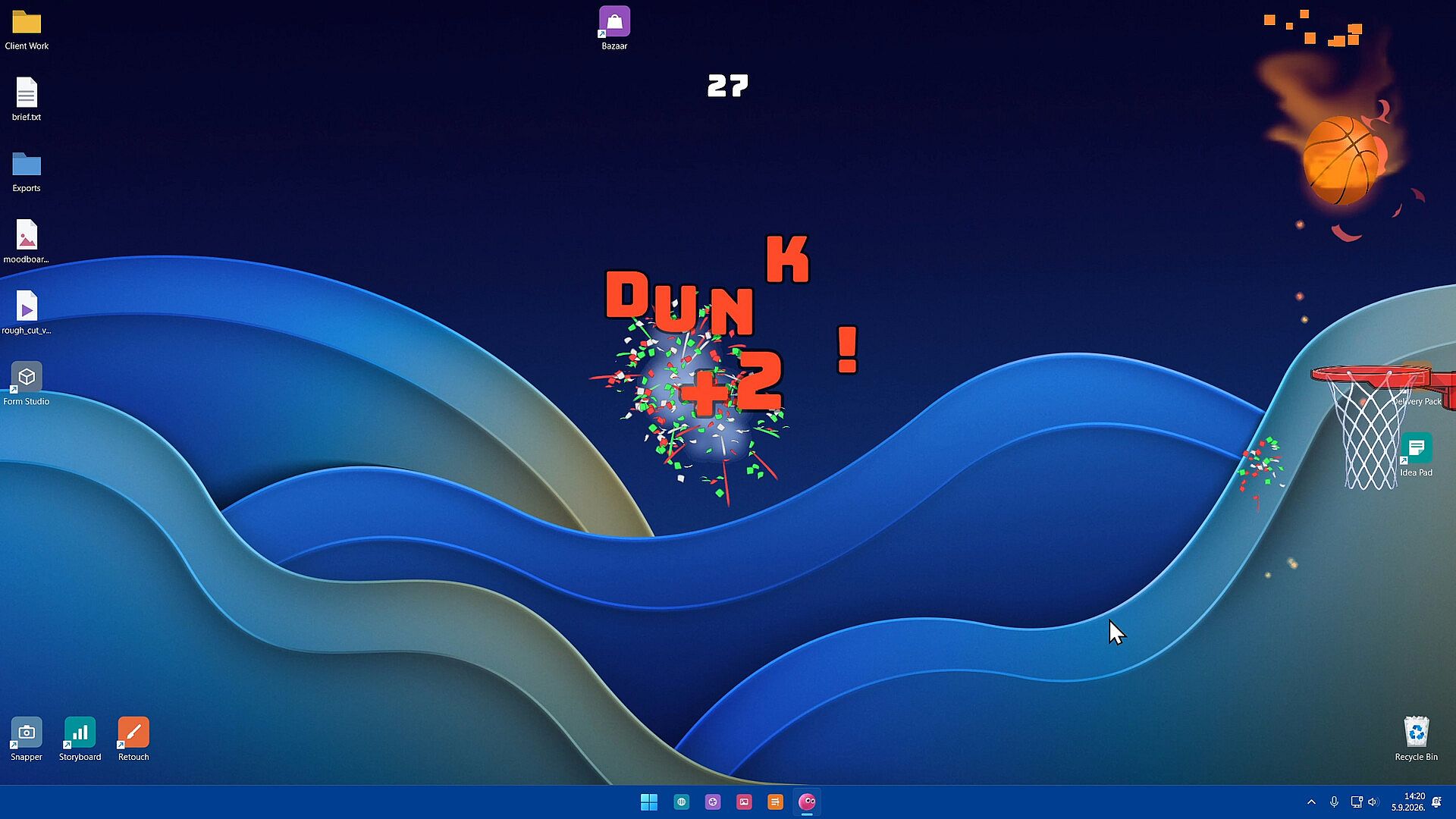
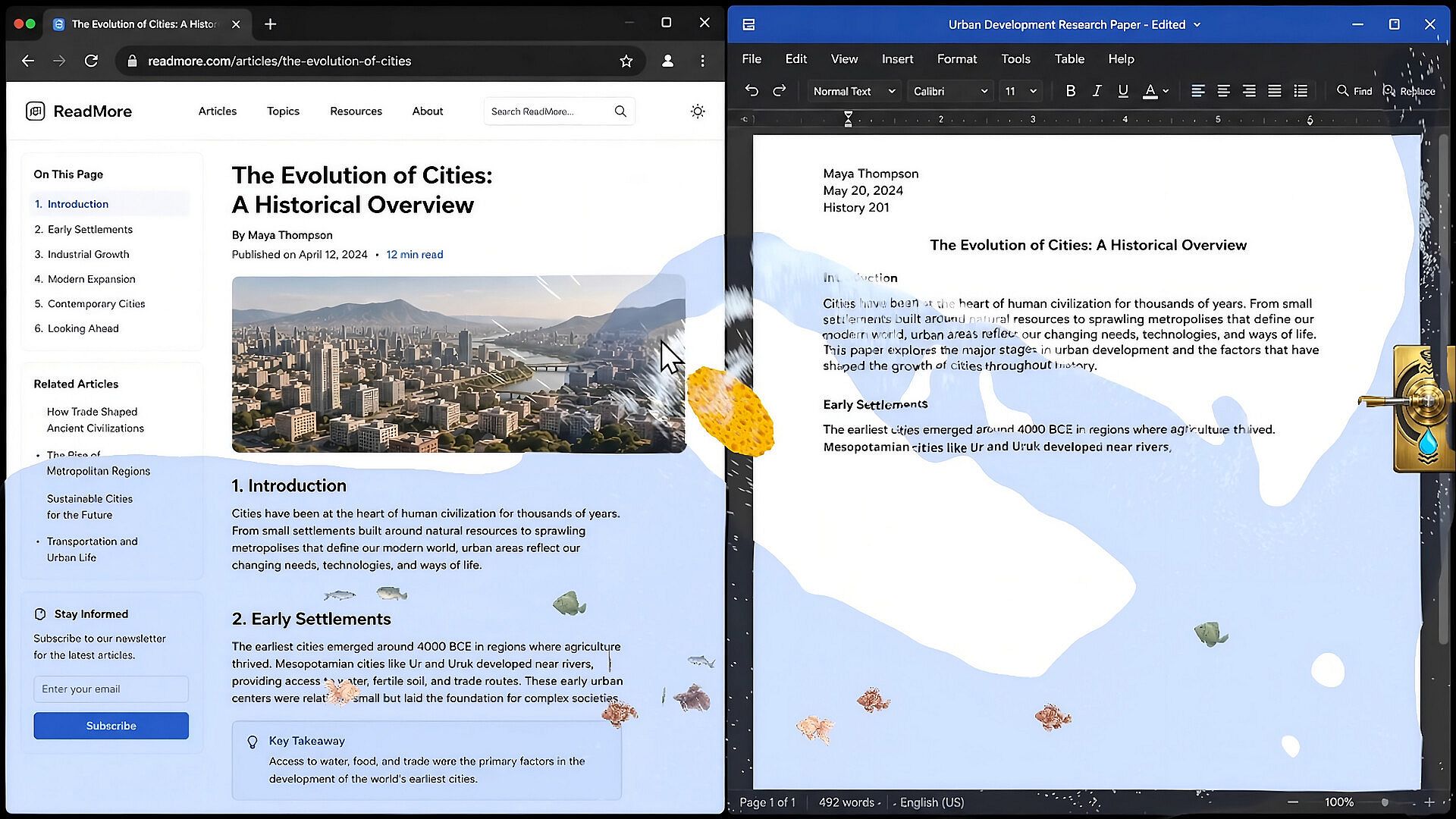
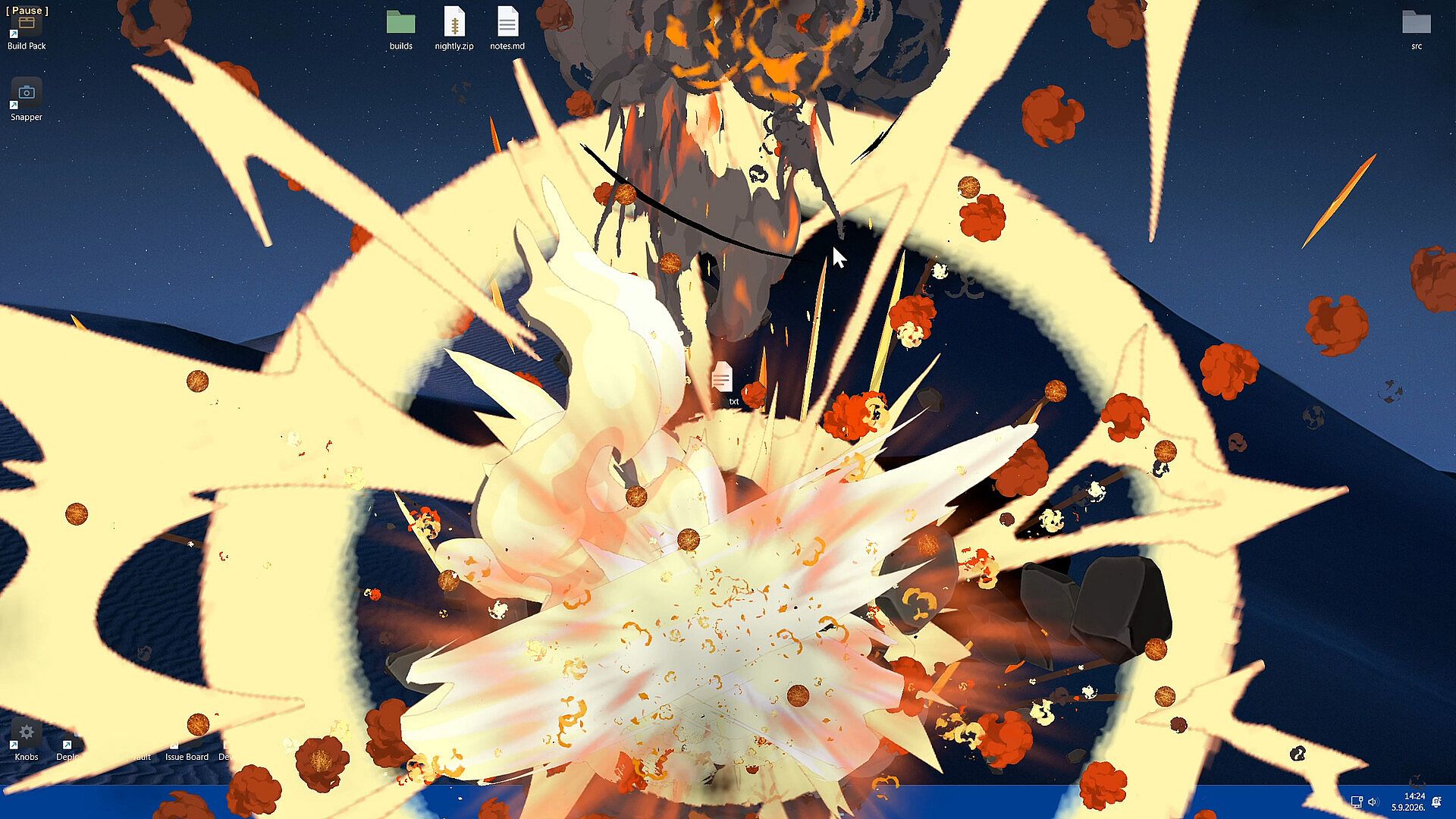
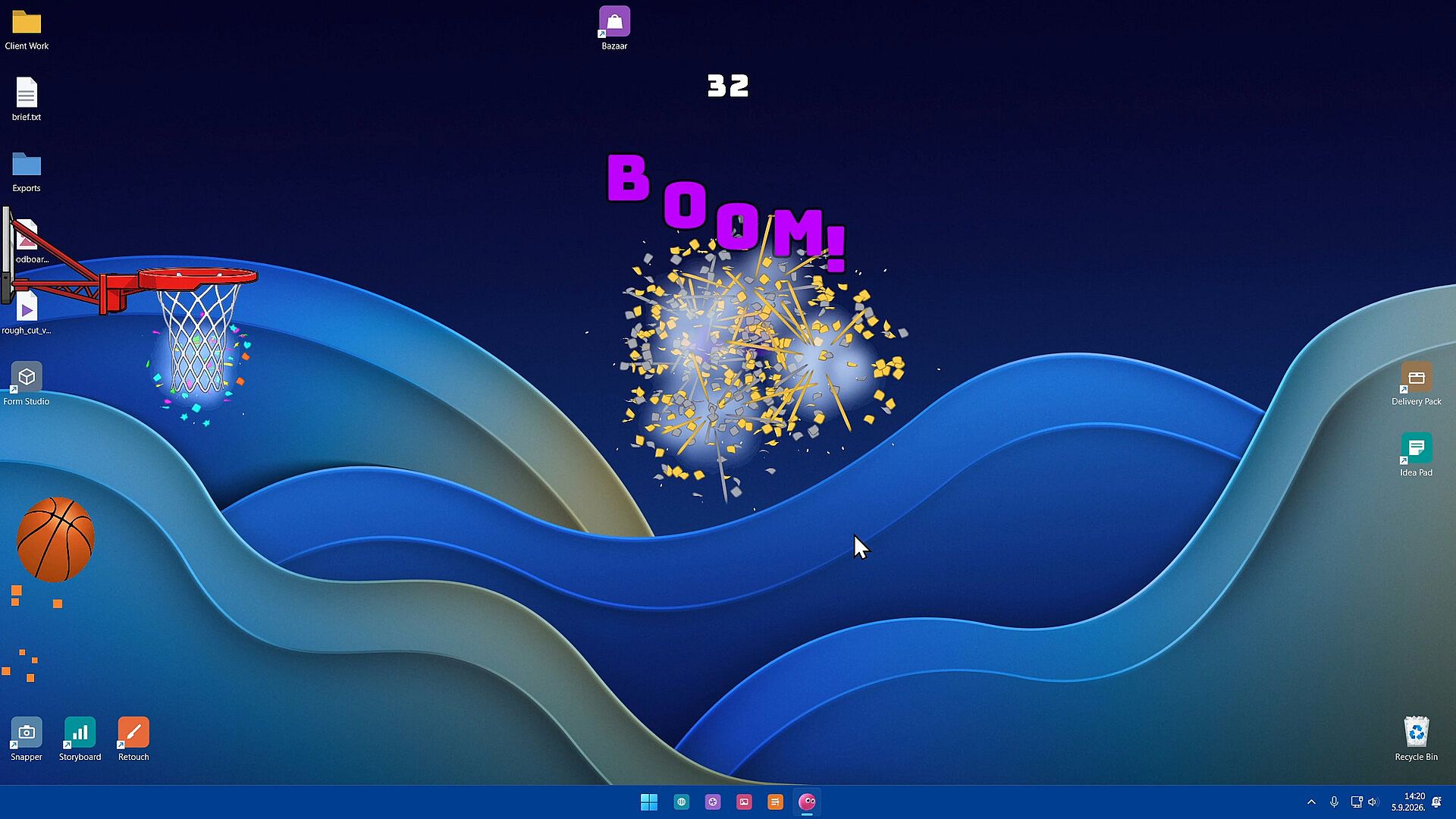
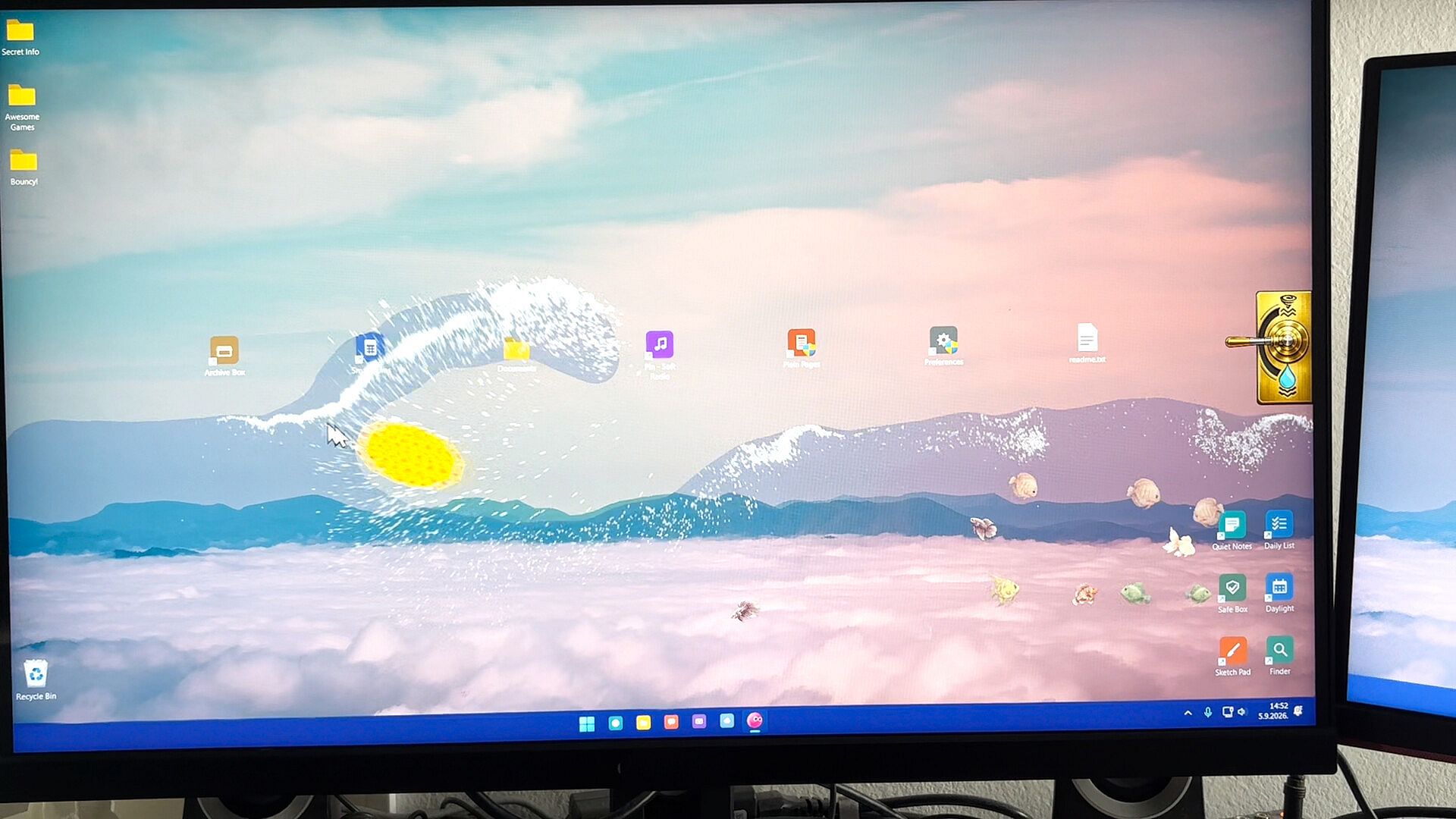
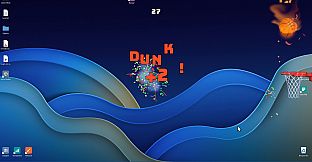
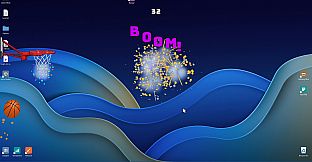
Players switch between ball variants to change the tone of each session. Pinky serves as the straightforward default option for simple flinging and bouncing. The Basketball variant introduces a hoop that extends from the monitor edge, rewarding chained trick shots and multipliers that culminate in fiery dunks accompanied by confetti bursts. Supernova mode lets you pin the ball against the screen boundary until it overheats and triggers a thermonuclear-style explosion, temporarily marking the wallpaper with scorch effects. Spongeball transforms the screen into a contained water simulation complete with a school of fish and an absorbent sponge; players can submerge the sponge to add weight, wring it out along the edge, or stir the water vigorously to affect the fish. These options provide variety without requiring menu navigation or complex setup.
Core Mechanics and Features
Physics simulation drives every interaction, from basic bounces to specialized behaviors like heat buildup or water absorption. The ball remains accessible at all times yet non-intrusive, supporting both passive observation and active manipulation. Magnetic corners offer quick storage, while the automatic hide function ensures compatibility with productivity workflows. Additional balls are planned for future addition, expanding the selection over time. The entire package emphasizes low-commitment entertainment that fits around existing computer use rather than demanding dedicated playtime.
Is It Worth Playing?
Desktop Ball suits anyone seeking light, tactile distraction during routine computer tasks. Its casual simulation style delivers immediate feedback through responsive physics and distinct ball personalities without overwhelming complexity. The low price point relative to typical entertainment options makes it an easy addition for users who enjoy desktop companions or brief stress relief. Those who appreciate simple, always-available toys will find consistent value in cycling through the available variants during short breaks. The game remains in active development with more content expected, maintaining a focused scope that prioritizes polish over breadth.