

Desktop Slime Graveyard: Tap Reaper is an indie RPG casual simulation game for PC where players defend their desktop from invading slimes through mouse clicks and keyboard taps while handling other tasks.
Gameplay
The core loop centers on turning everyday computer use into combat. Slimes appear on screen during work, chatting, or coding sessions, and each click or key press serves as an attack to clear them. This setup keeps the action integrated with normal desktop activity rather than requiring dedicated play sessions.
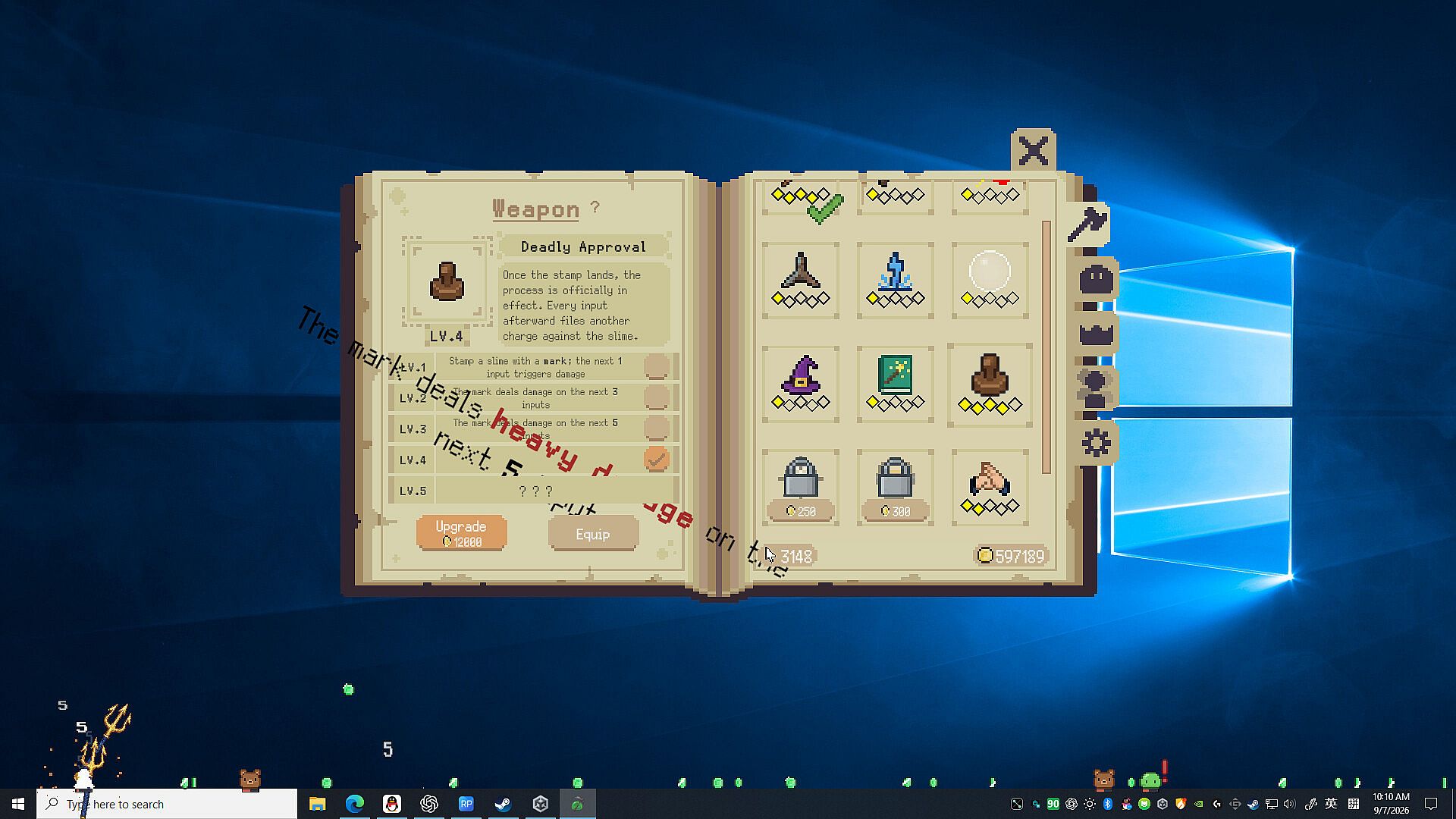
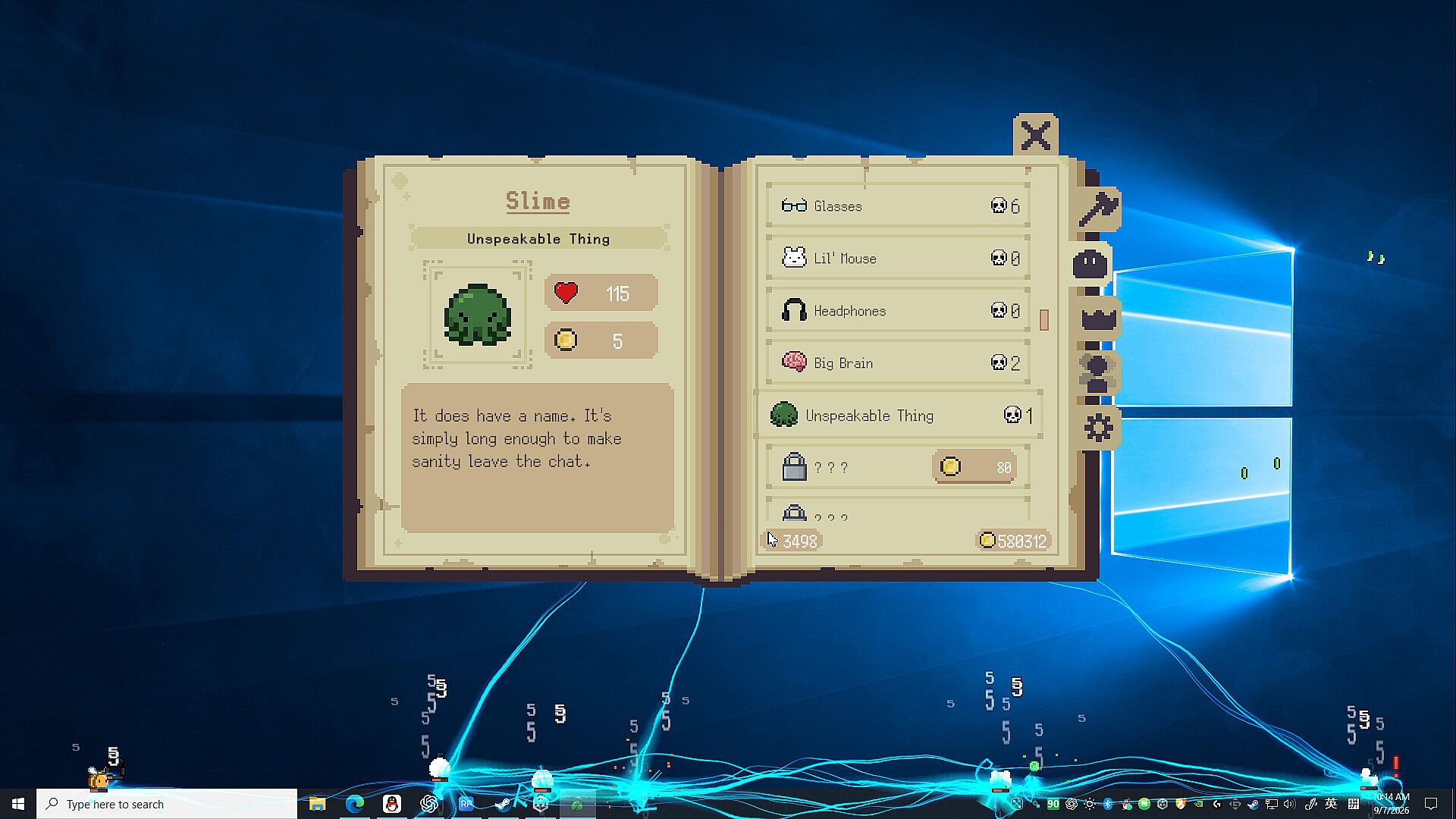
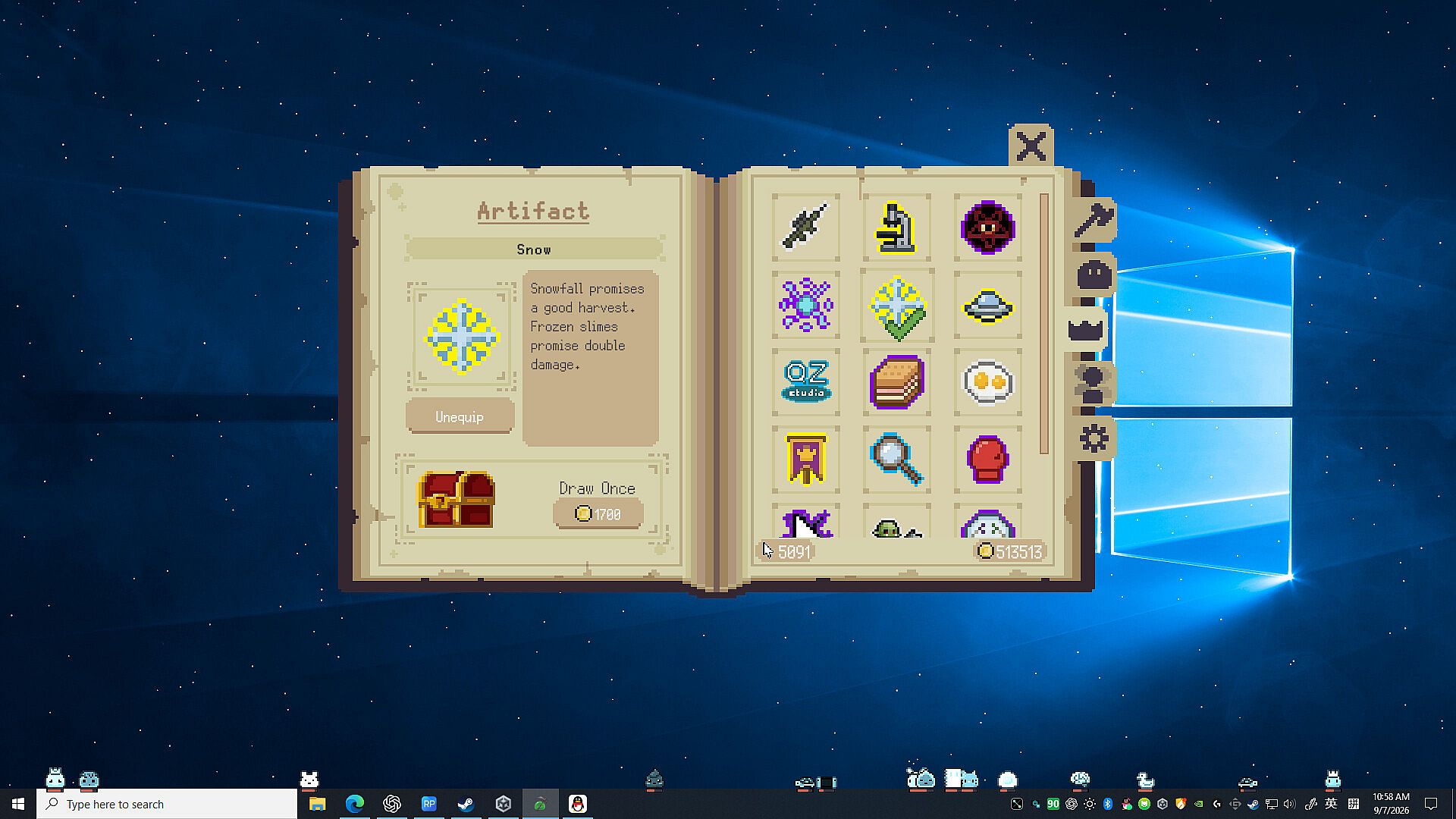
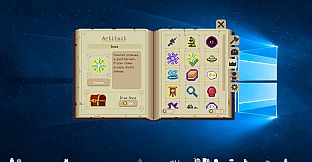
Players collect coins from defeated slimes to fund upgrades and unlock artifacts. These artifacts grant inventive powers that can be combined freely to shape a personal fighting approach, encouraging experimentation with different setups. Over 200 slime varieties appear over time, each added to a personal Slime Codex for collection and reference.
Progress remains flexible through adjustable settings. Users control the slime limit to match their preferred pace, whether taking things slowly or pushing for faster clears. Chests provide steady rewards, and legendary items appear regularly to support steady advancement without excessive grinding.
Game Modes
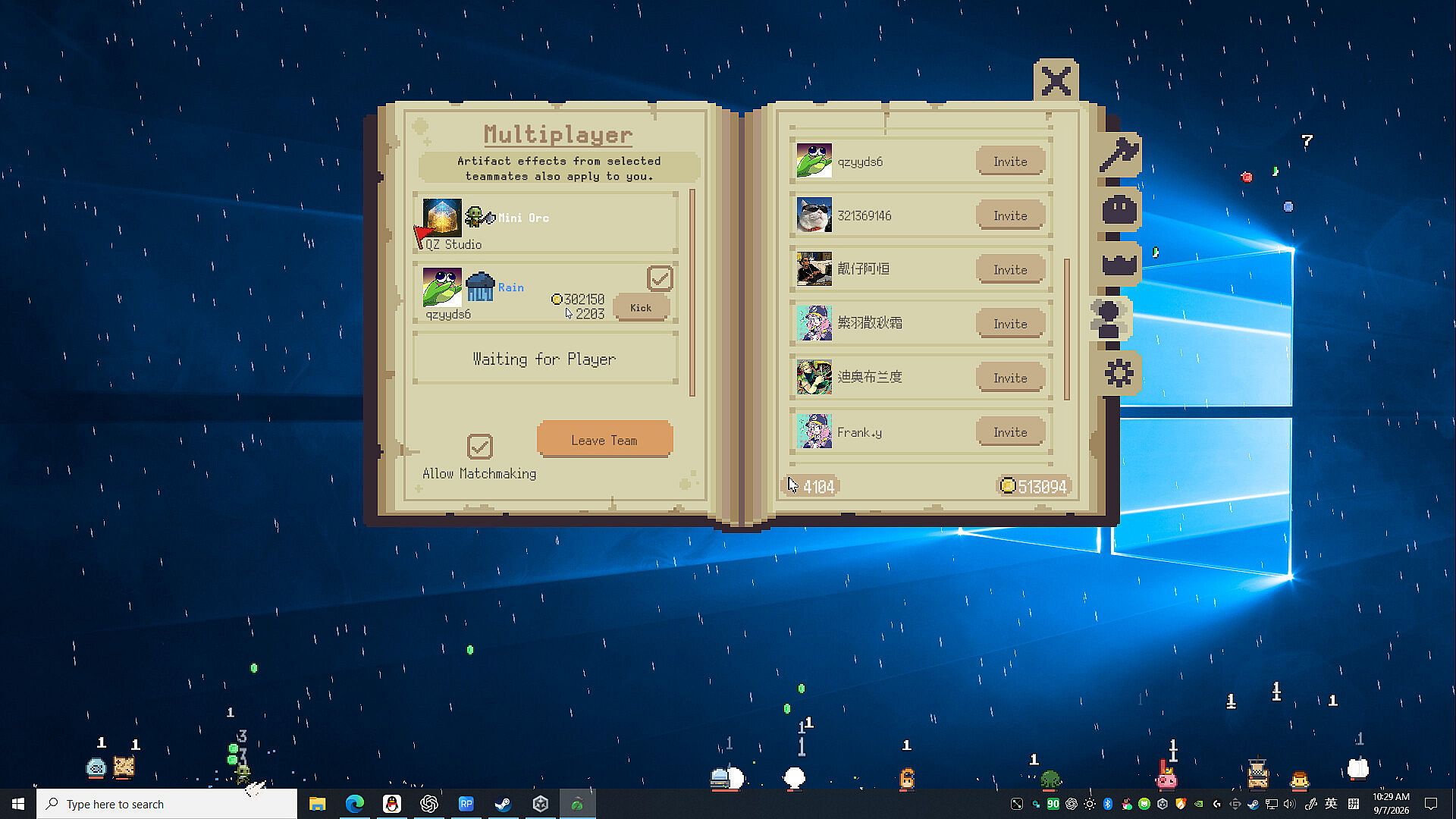
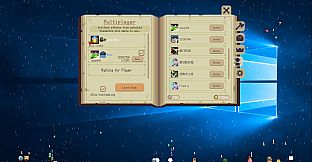
The game supports both independent and collaborative play. Solo sessions focus on managing slimes directly on the desktop while continuing regular computer work. Multiplayer options allow joining random teams or inviting friends, where artifact effects are shared across participants to stack bonuses and amplify team performance.
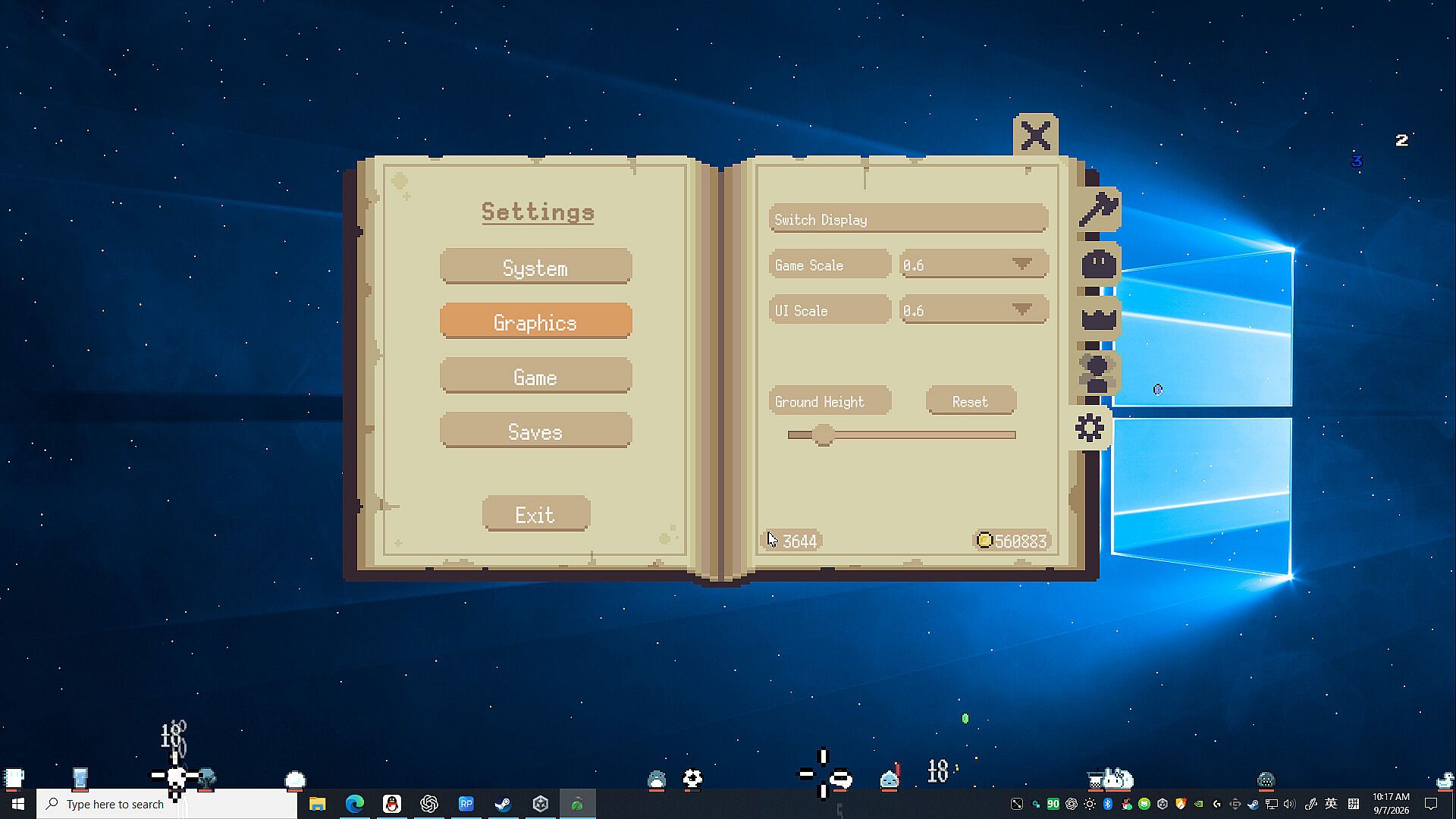
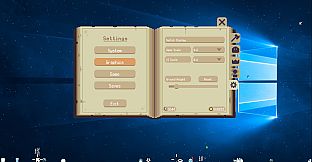
Customization options further shape the experience. Settings cover game size, UI scale, display switching, always-on-top behavior, frame rate limits, ground height, auto-collect for coins, visibility of damage and coin numbers, health bars, and cursor protection. Multiple languages are available to suit different users.
Key Features and Systems
Artifact combination forms the main progression system, letting players mix powers into unique styles that suit their approach. The Slime Codex tracks discoveries and provides a sense of completion as new varieties are encountered and unlocked. Team artifact sharing adds a layer of cooperative strategy, where combined effects can reach high levels through coordinated play.
Desktop integration remains central, with options to adjust visibility and interaction so the game overlays without interfering with other applications. Auto-collect and adjustable limits help maintain flow during extended sessions.
Is It Worth Playing?
This title suits players who enjoy casual simulation and incremental RPG elements blended with desktop activity. The flexible pacing, generous reward structure, and artifact experimentation appeal to those who prefer relaxed or adjustable gameplay over intense dedicated sessions. Multiplayer team features add variety for users interested in sharing progress with friends. The extensive customization supports different hardware and play preferences, making it accessible for varied routines.