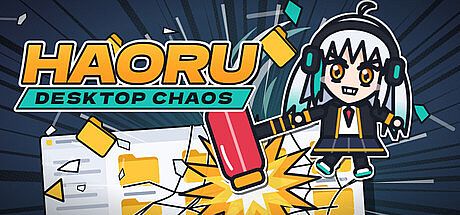


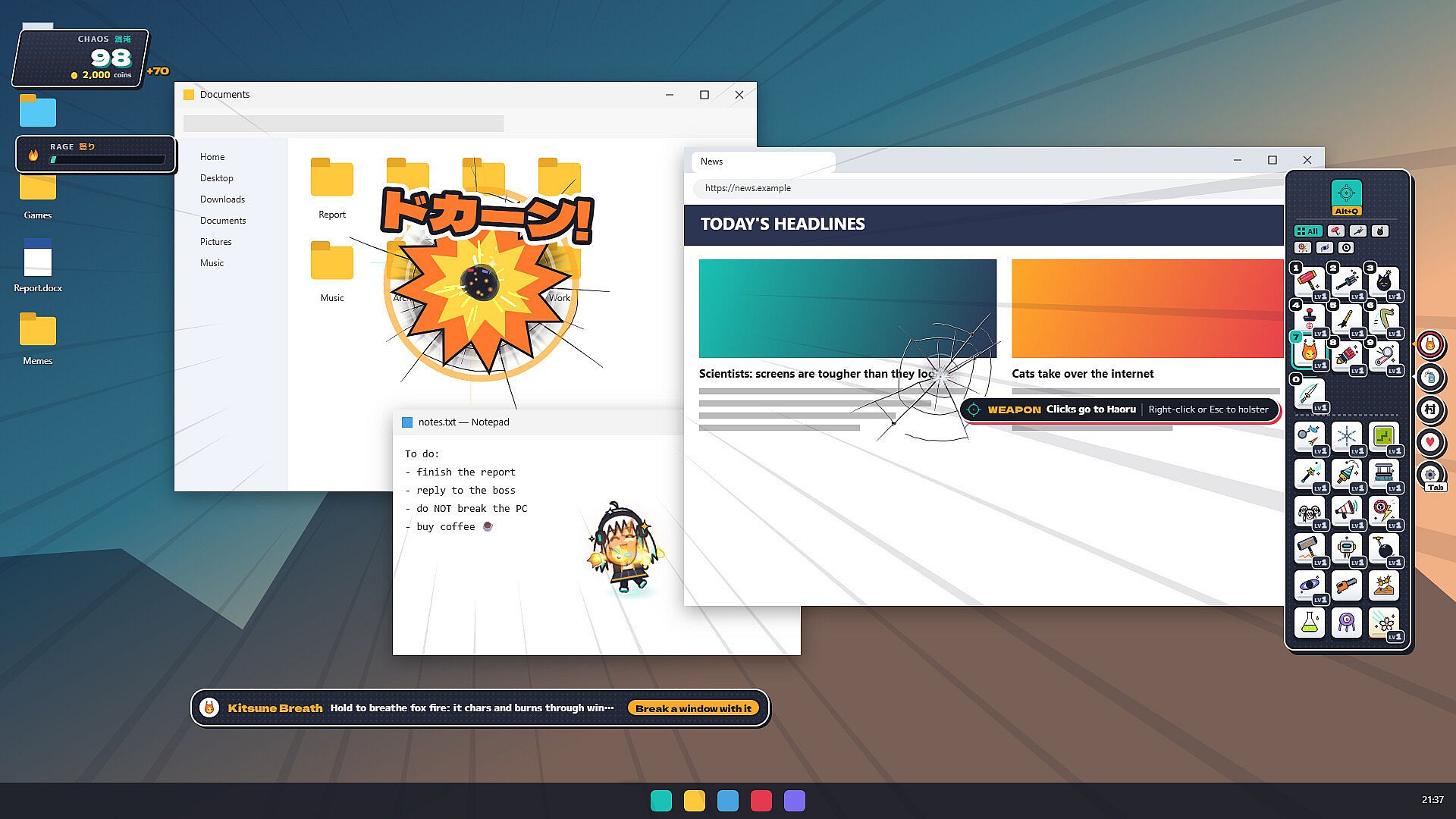
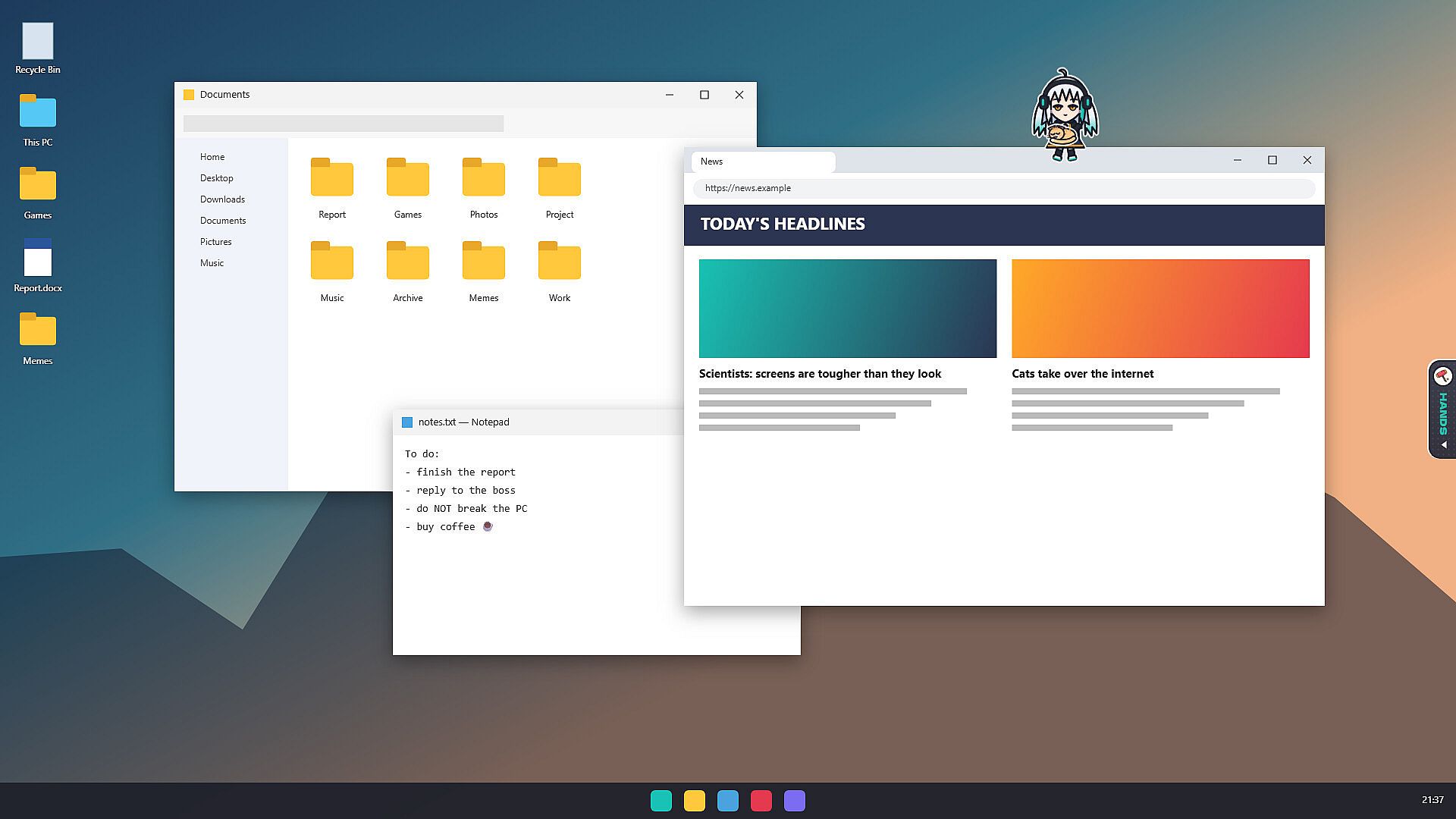
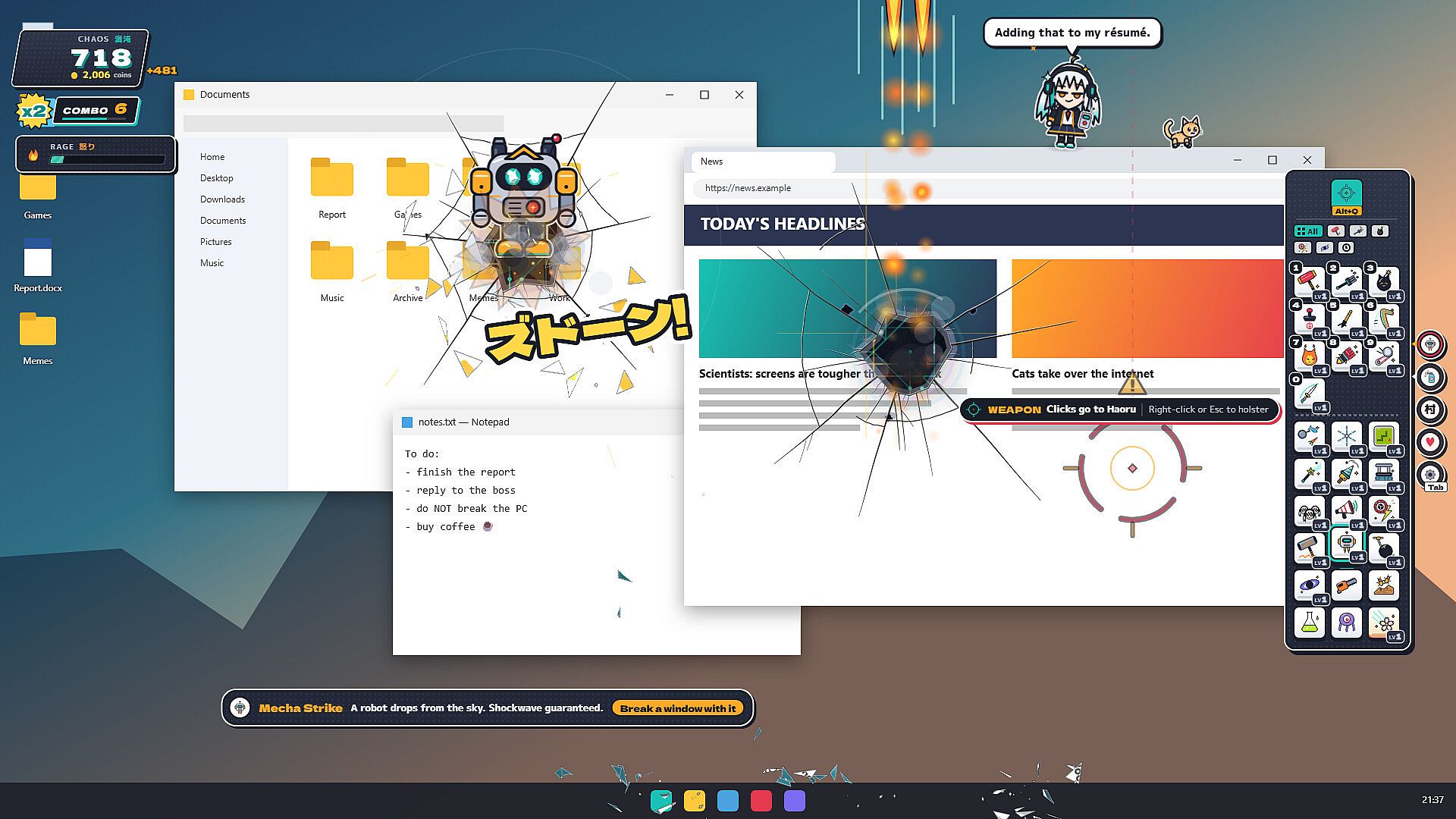
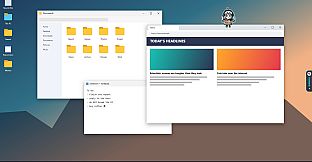
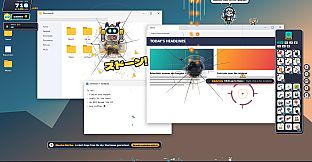
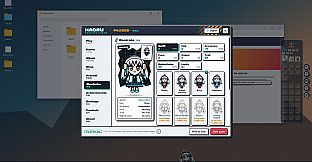
Haoru: Desktop Chaos is an indie casual simulation game for PC that places a lively chibi heroine directly onto your real Windows desktop. Players interact with Haoru through a transparent overlay that lets her interact with open windows, folders, and the desktop itself without affecting actual files or programs. The core experience blends light destruction mechanics with companion simulation, where everyday PC use becomes the backdrop for playful chaos and relaxed companionship.
Gameplay
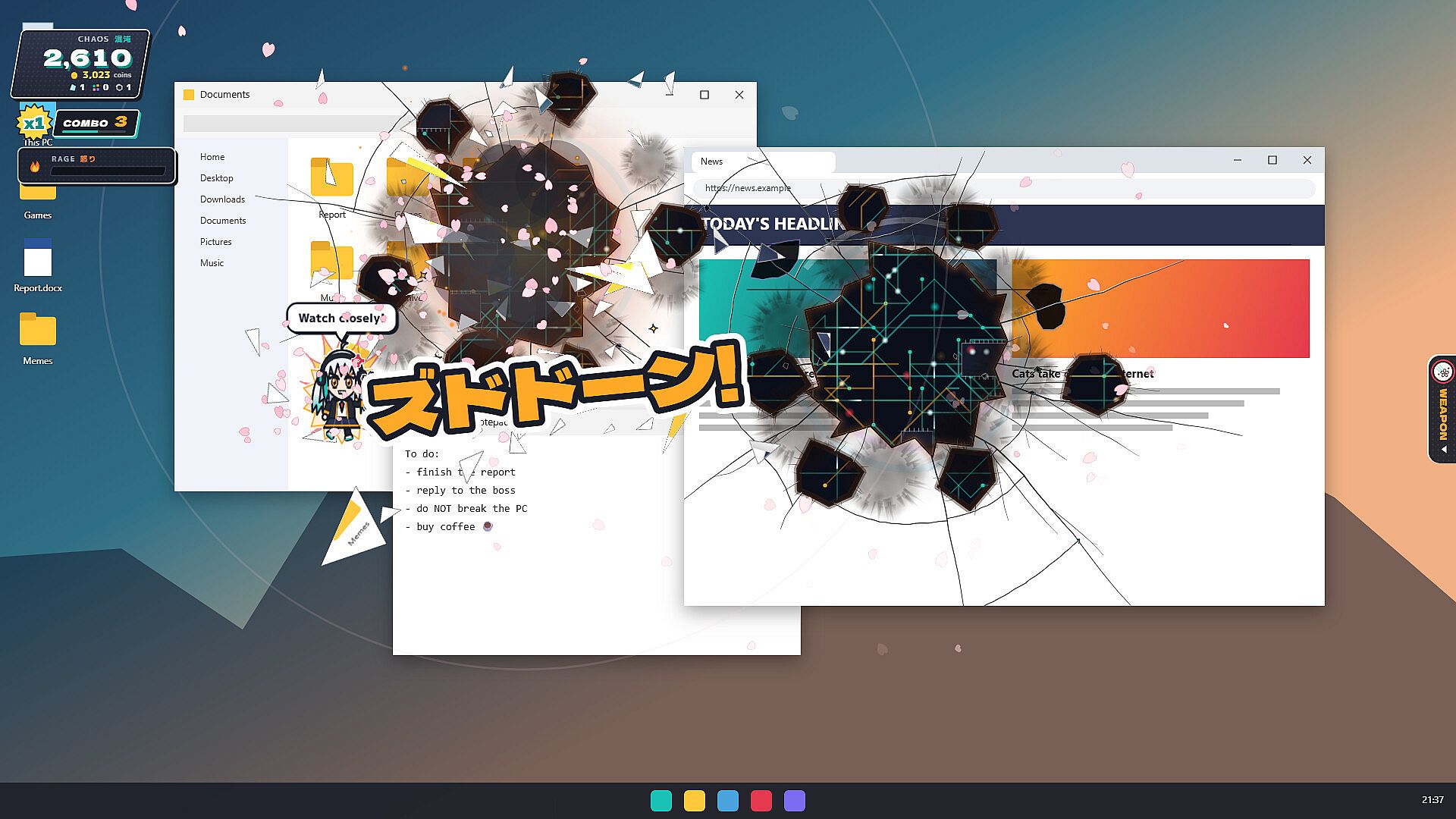
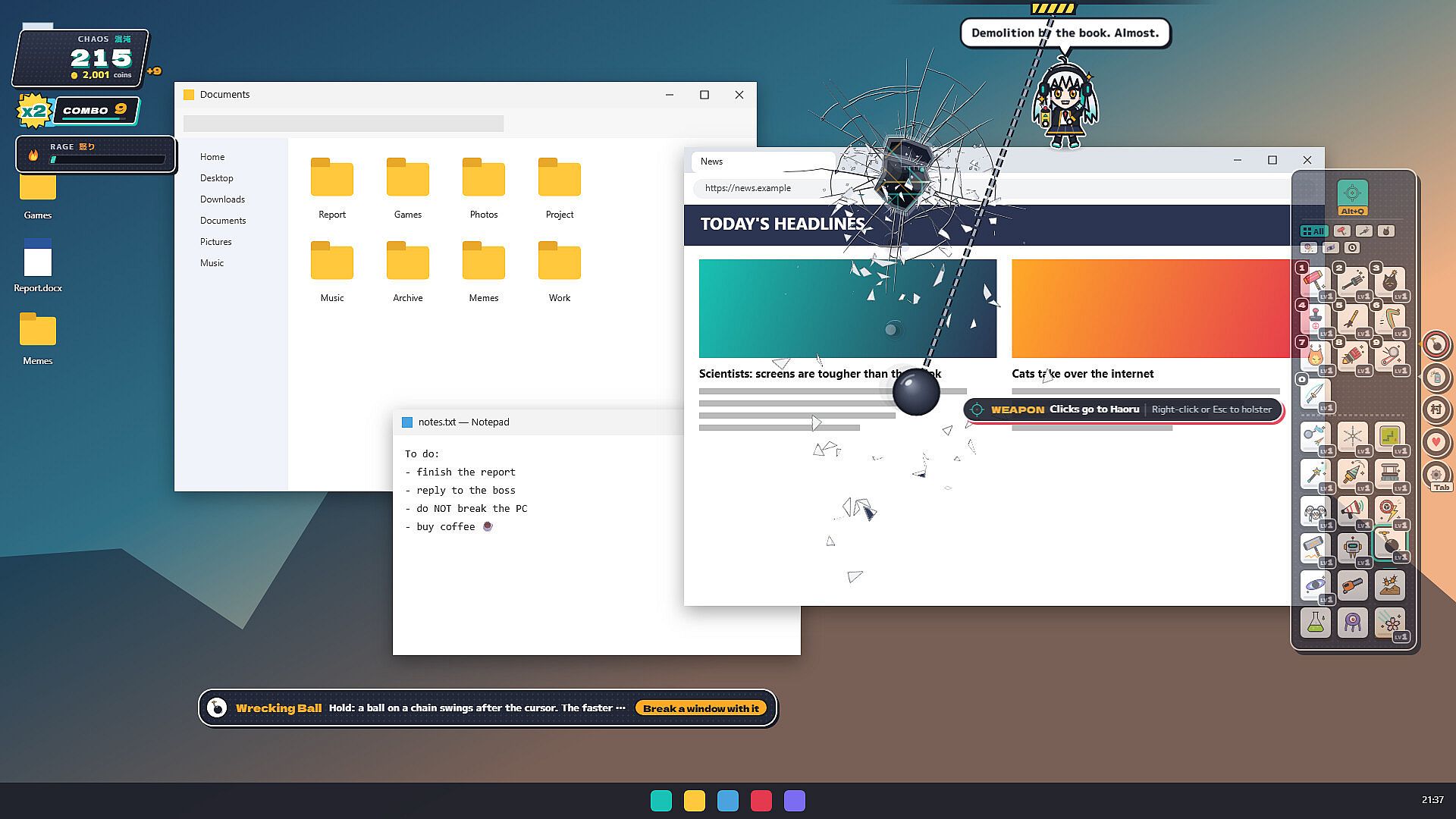
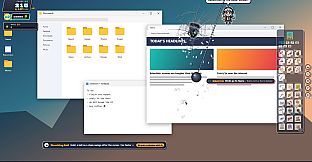
Haoru appears as a silver-haired character with teal tips and amber eyes, complete with oversized headphones. She moves independently across the screen, jumping between windows or riding them when dragged. Players equip her with weapons to create visual damage effects on the desktop image, such as cracks, burns, or elemental effects that persist on individual windows until repaired or closed. Damage remains cosmetic only, restoring fully when the session ends or the repair function activates.
Progression centers on using 27 weapons that level up through repeated use, unlocking perks and stronger effects. Coins earned from destruction fund purchases in the shop for additional weapons, outfits, and accessories. A favorites system lets players select up to eight preferred tools for quick access via a dock or the Q key. Haoru also engages in idle activities like reading, sketching, or dancing to music when left alone, and a kitten companion follows her movements.
Interaction extends beyond combat through a ring menu accessed by right-clicking in hands mode. Options include petting, offering treats, or playing simple mini-games such as rock-paper-scissors. Her mood and bond level respond to player actions, with rewards tied to higher friendship tiers recorded in a personal diary.
Game Modes
Live Chaos runs as a real-time overlay on the active desktop, allowing weapons and tools to affect open applications while clicks pass through to Windows when the weapon is holstered. This mode supports multi-monitor setups where Haoru can move between displays. Snapshot mode freezes the current screen into a static image for focused destruction sessions without live interference.
Focus mode applies the Pomodoro technique with 25-minute work intervals followed by five-minute breaks, during which Haoru remains quiet before offering bonus coin rewards for chaotic play. Companion mode disables weapons and the dock entirely, reducing performance demands so she simply accompanies the user during regular computer tasks.
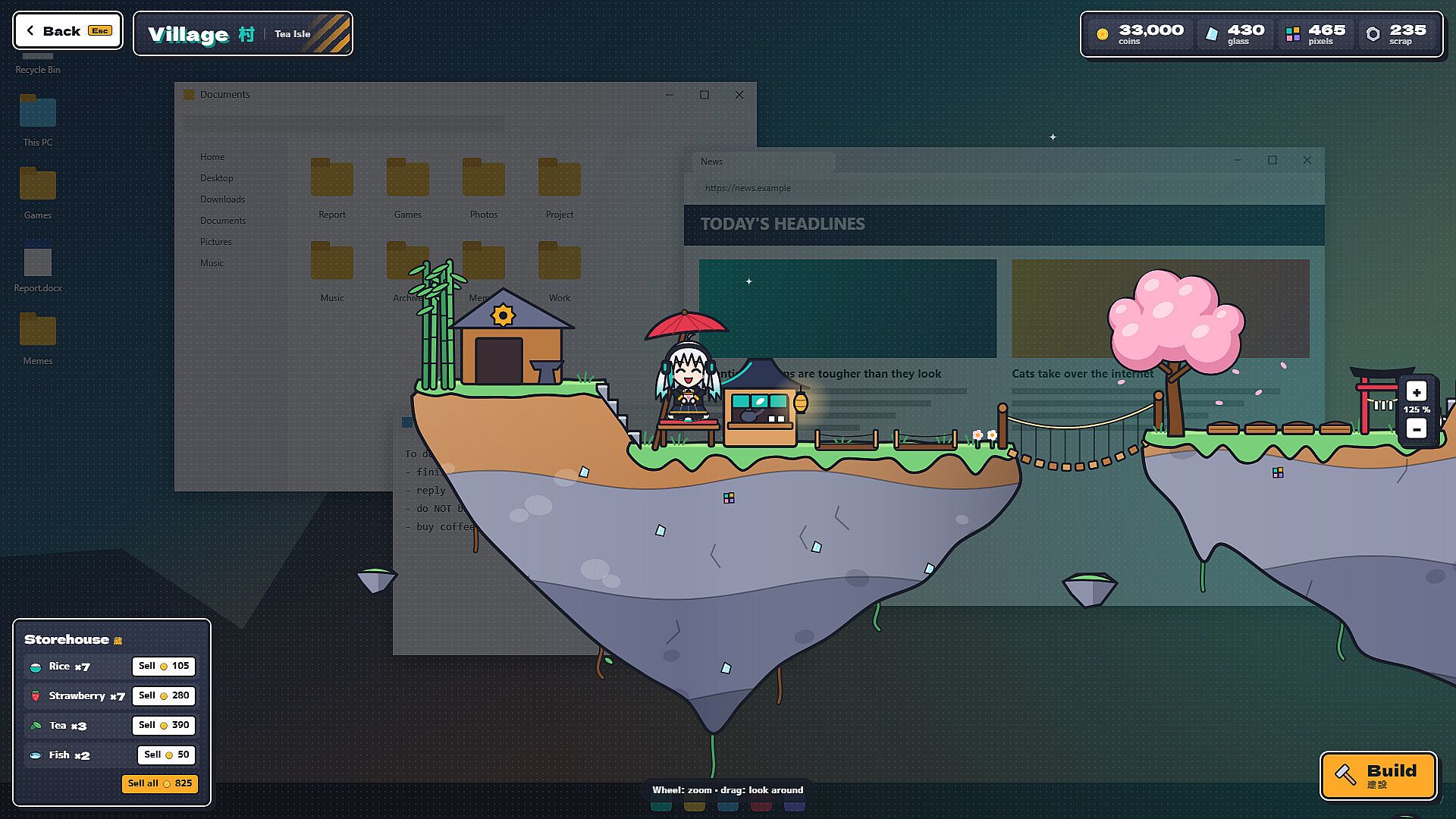
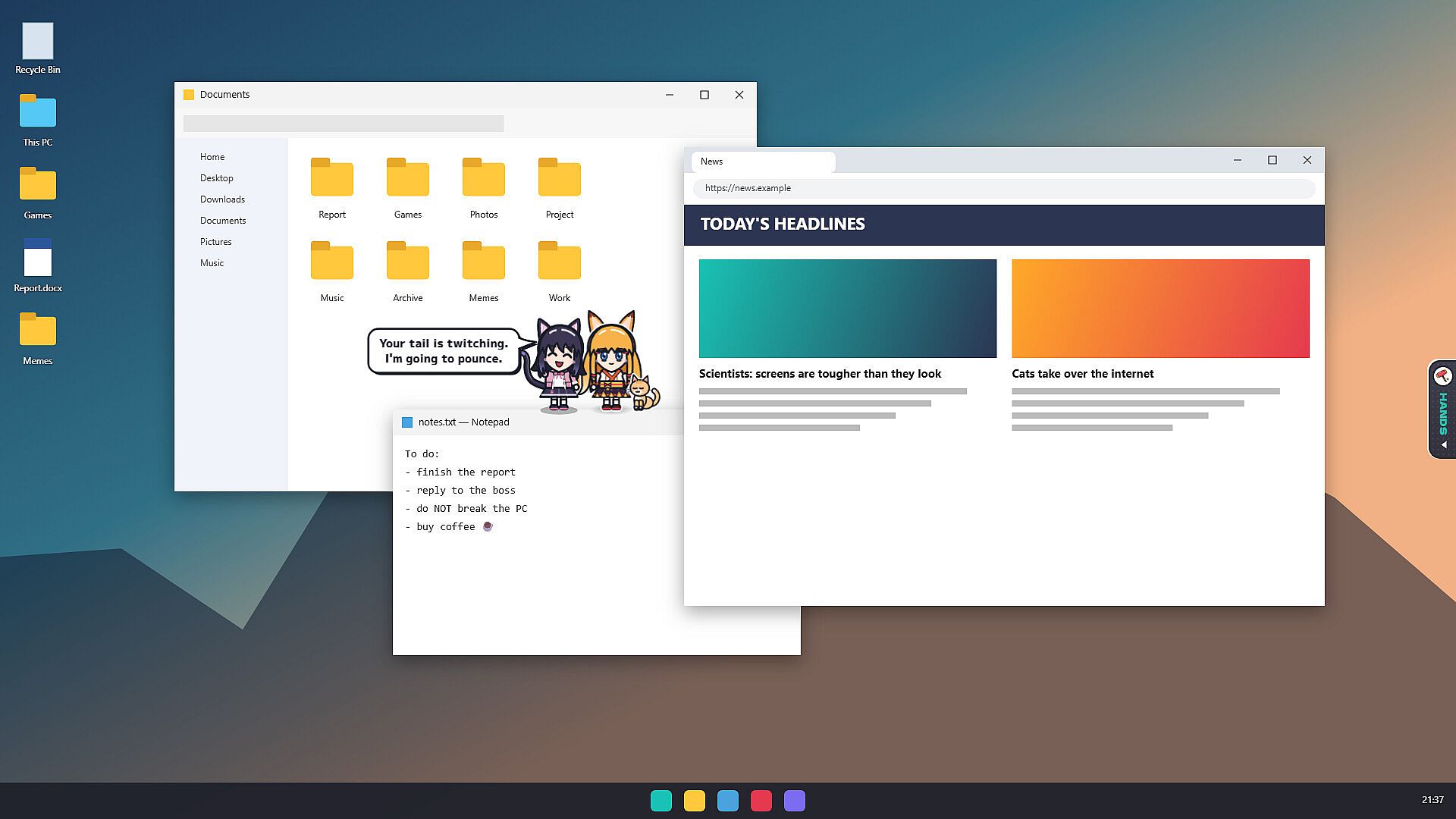
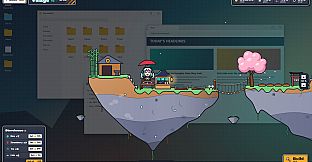
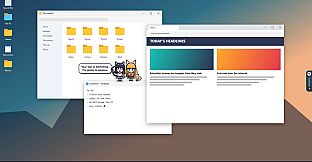
Additional systems include desktop defense against waves of pests that appear on screen, and an island village builder accessed via the dock. Wreckage materials combine with coins to construct and expand Haoru's home and surrounding structures, where befriended spirits like Kitsune and Neko establish their own routines and visit the desktop.
Customization and Features
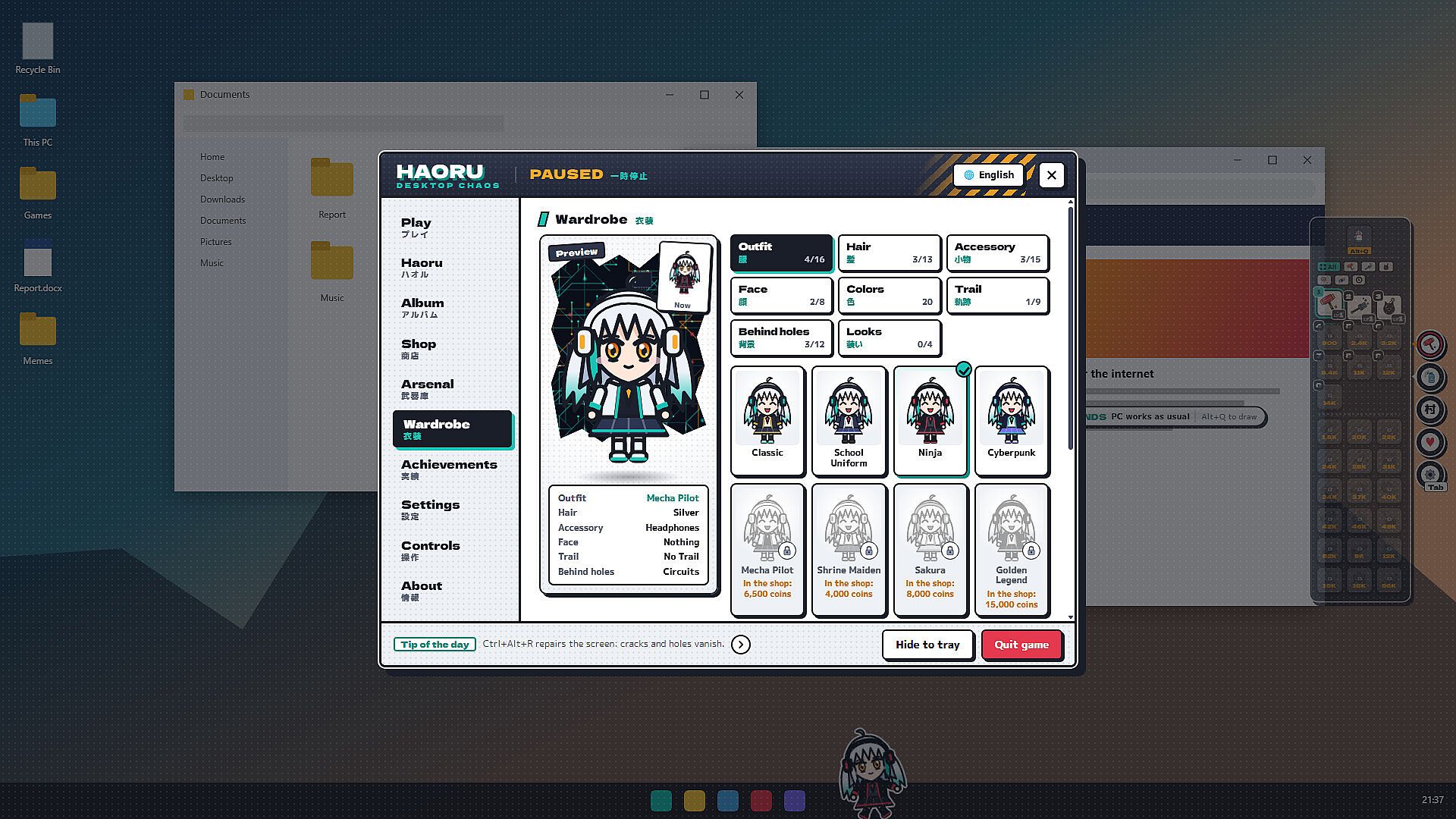
Outfit and appearance options cover six mix-and-match slots with dozens of items available through the shop or achievement unlocks. Players recolor hair, eyes, and clothing, then save multiple full looks for quick switching. Photo mode captures posed images with frames and stickers for an in-game album.
Accessibility options adjust interface scale, text size, color palettes, and motion intensity. Laptop users benefit from automatic frame reduction on battery power, while streamer mode provides a dedicated capture window. Hotkeys handle weapon drawing, hiding, repairs, and menu access, with full rebinding support.
- 63 Steam achievements track various activities from weapon mastery to bond progression.
- Daily and weekly quests provide ongoing structure.
- Original vector art in an action-manga style renders all visuals in code.
Is It Worth Playing?
Haoru: Desktop Chaos suits players seeking a relaxed single-player experience that integrates with normal PC use rather than demanding dedicated play sessions. Its combination of visual destruction, character interaction, and building elements creates a persistent companion without requiring constant attention. The absence of online requirements, loot systems, or time-limited events keeps the focus on personal pacing and offline enjoyment. Those who enjoy casual simulation titles with creative overlays and light progression will find consistent value in the verified mechanics and customization depth available at launch.