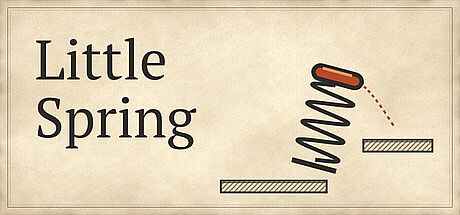


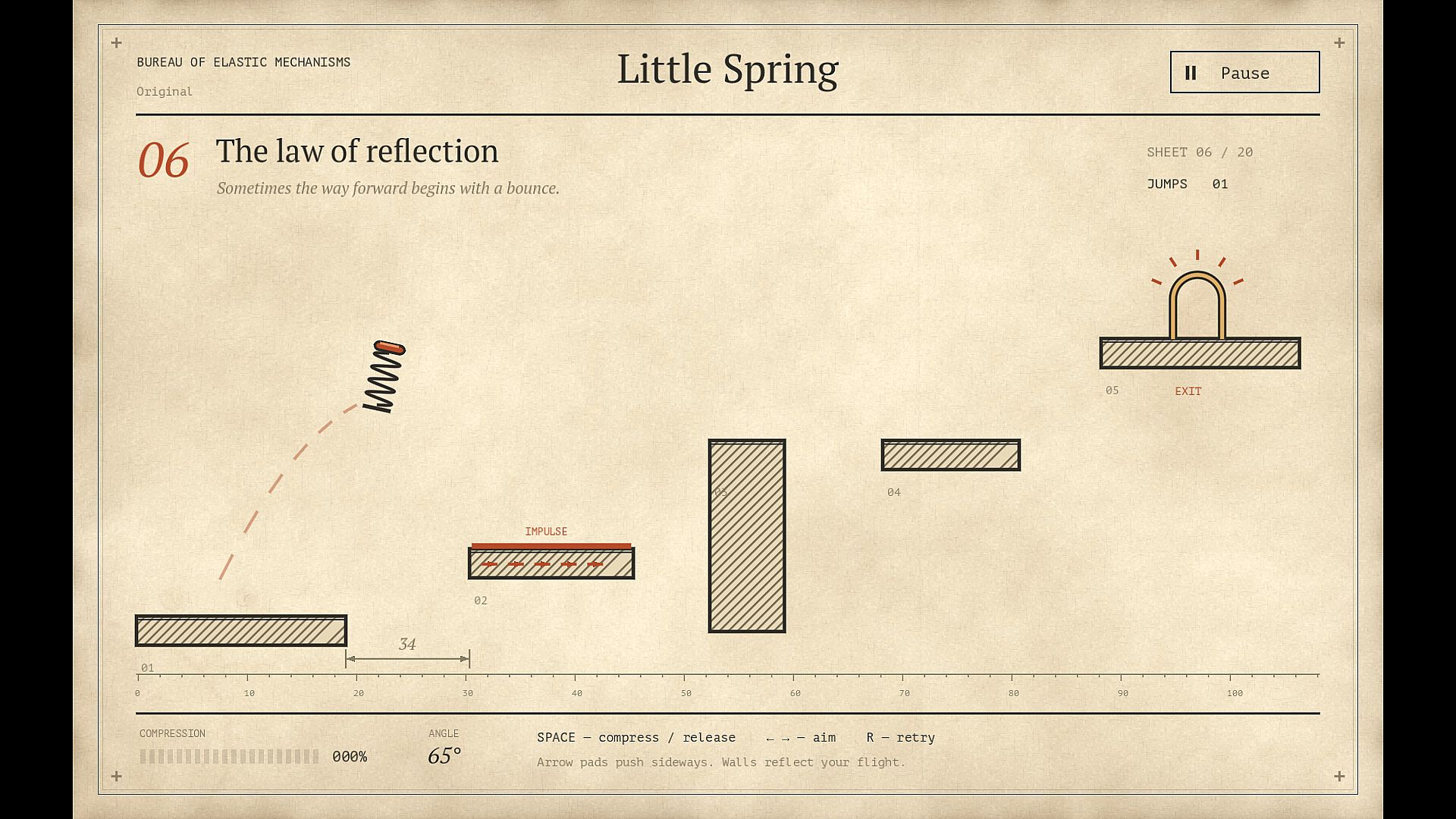
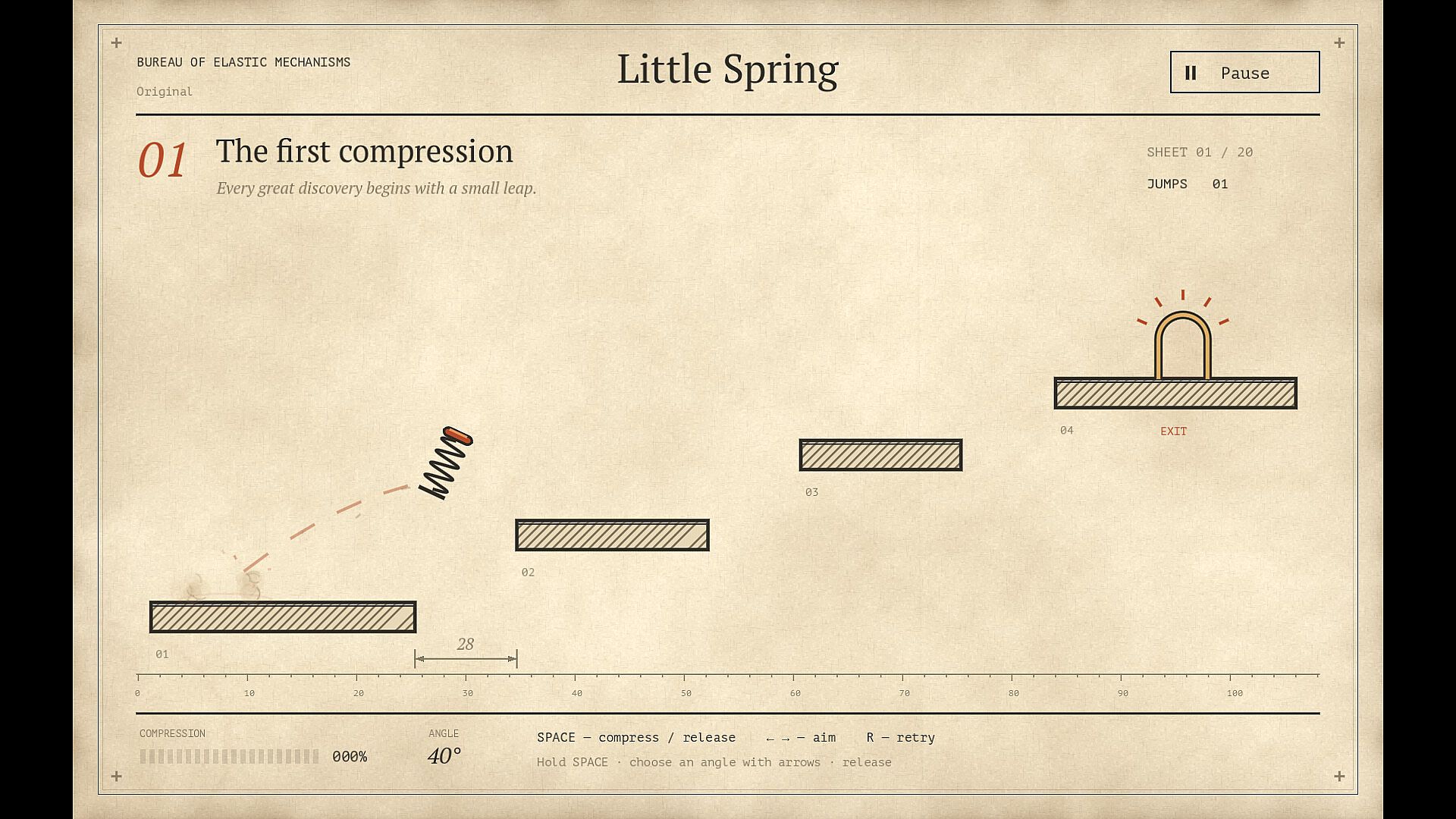
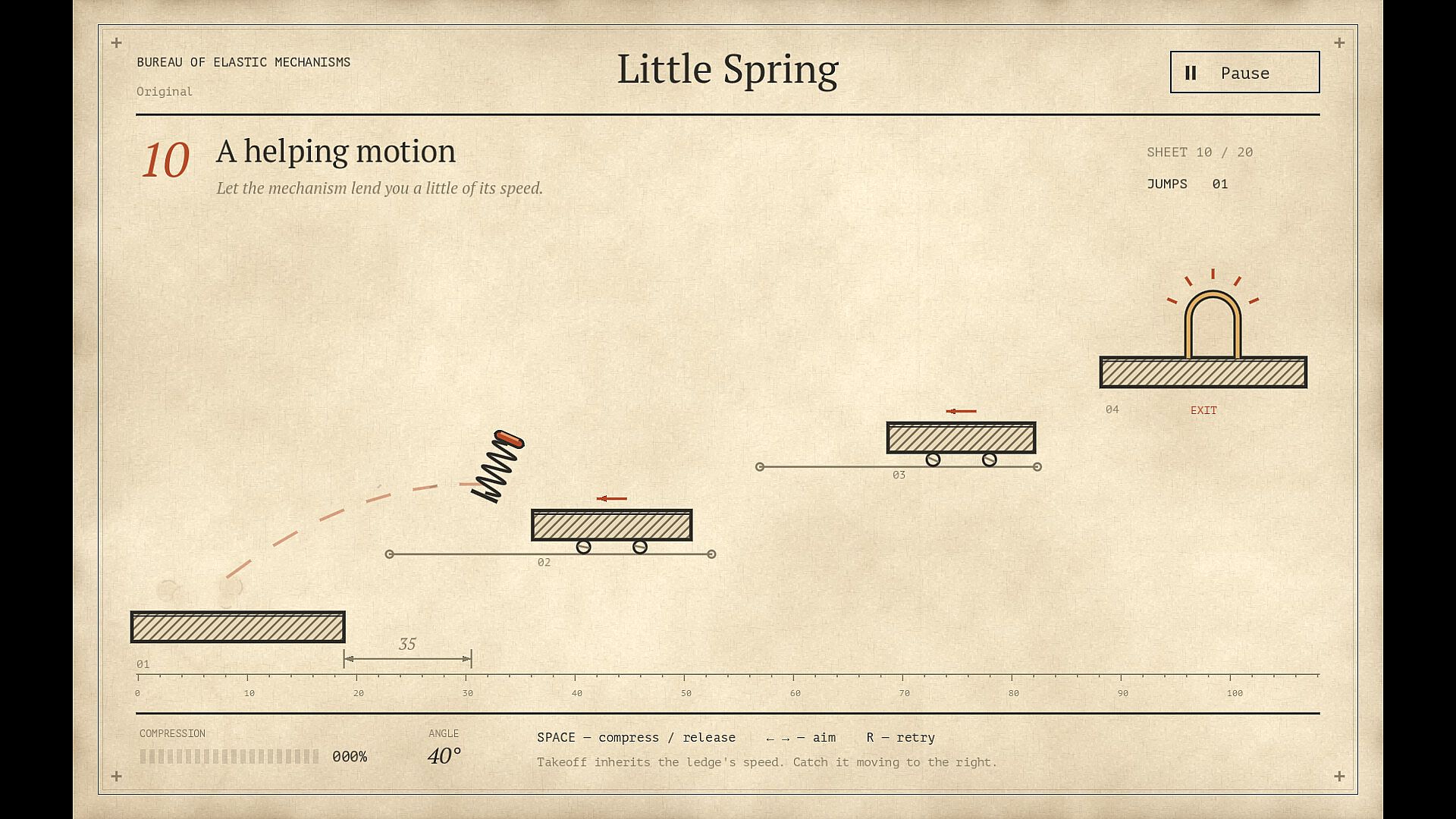
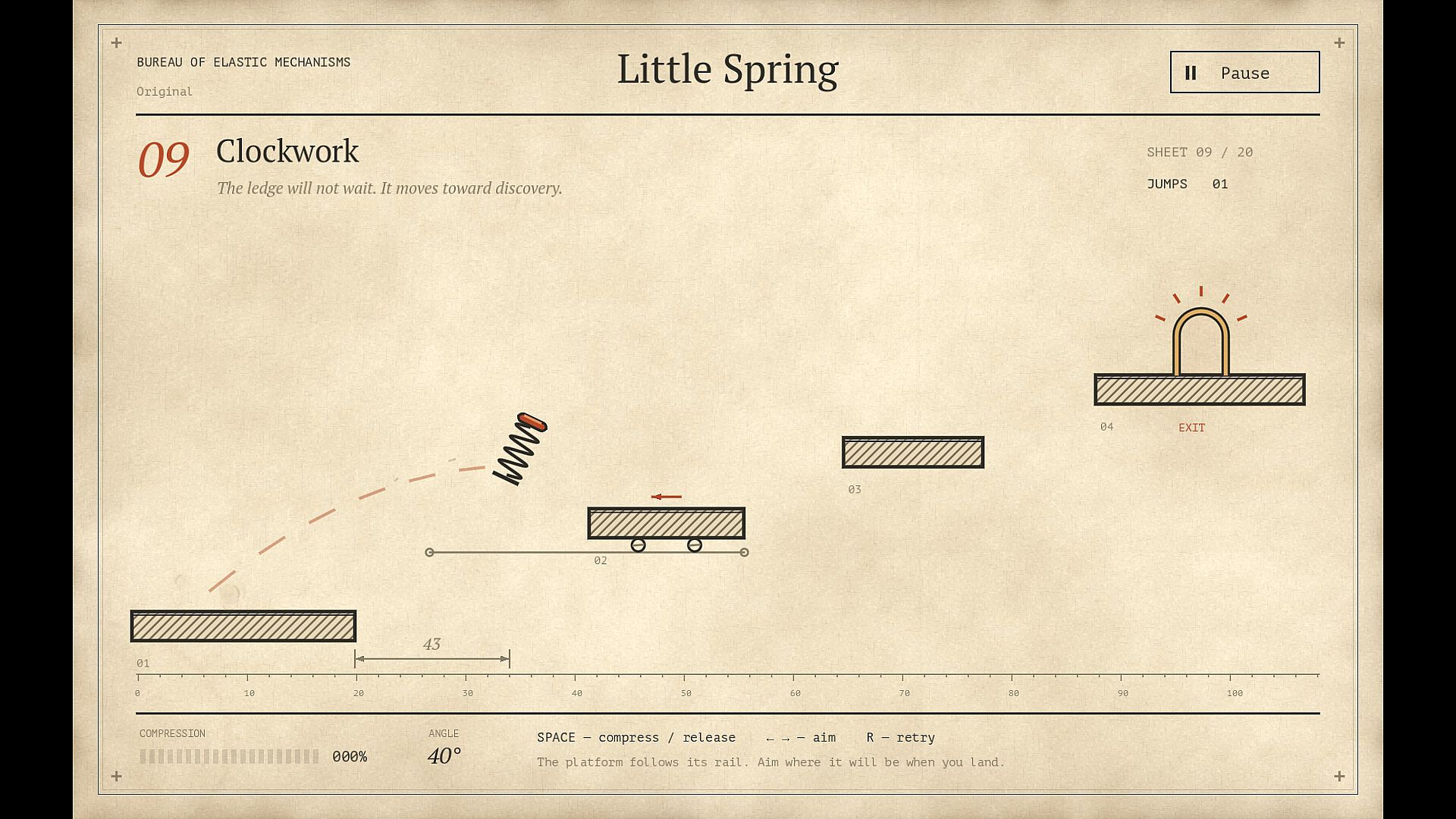
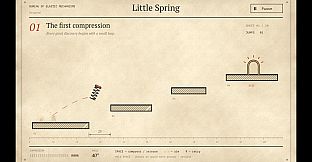
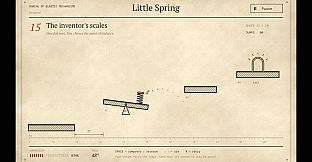
Little Spring is an indie physics platformer for PC that challenges players to guide a spring across hand-drawn levels on the pages of an old patent. The core loop centers on precise aiming and timing as you compress the spring, select an angle, and release to propel forward. Momentum carries over on landings, and slopes or well-timed boosts can alter trajectories in unexpected ways, turning what looks like a simple jump into a multi-step navigation puzzle.
Gameplay
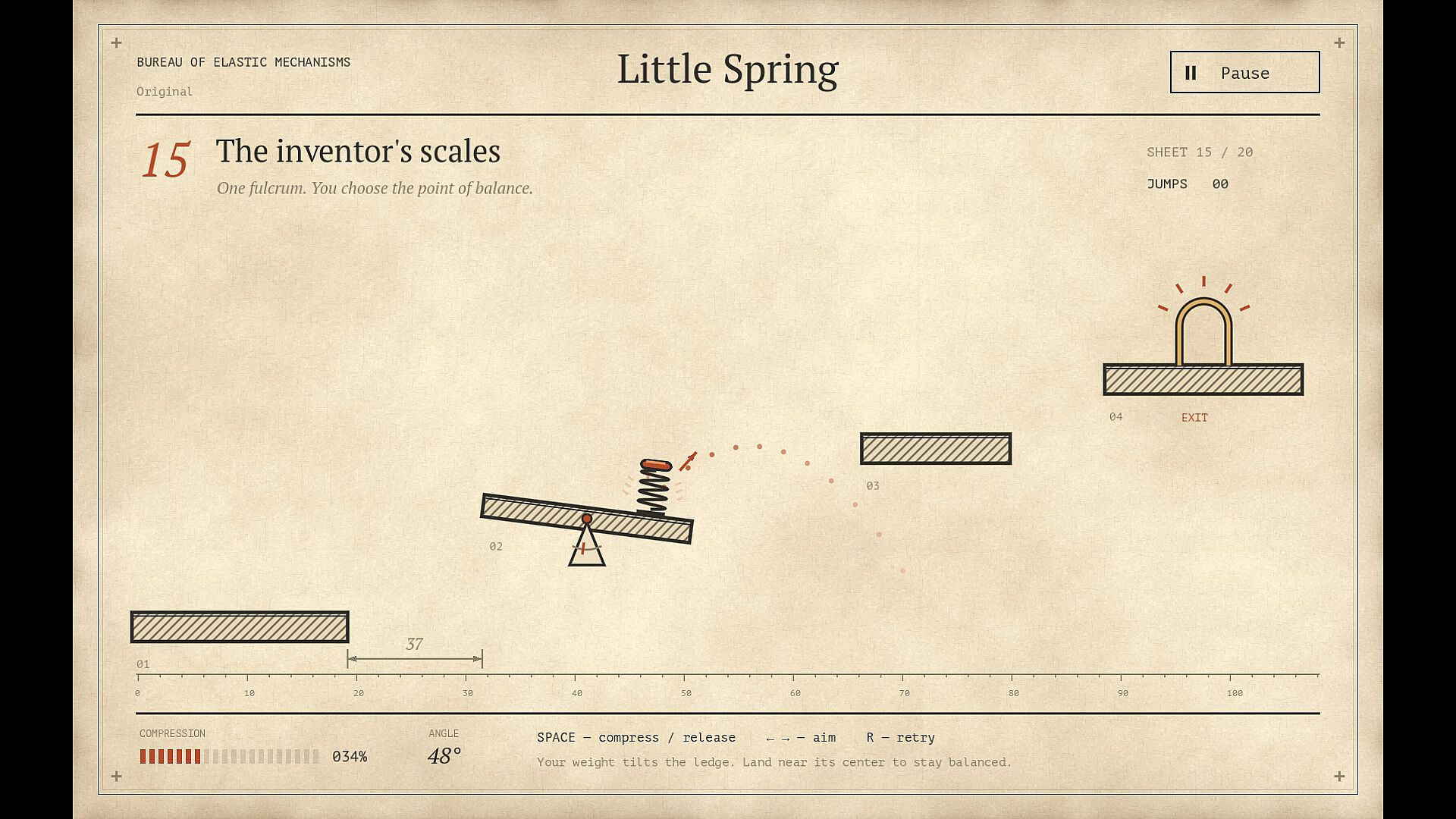
Players hold to build compression, then aim with the mouse or keyboard before releasing the spring. A dotted guide line previews the initial flight path, while the spring retains some momentum upon landing. Slopes can accelerate or redirect movement, and players must account for this carryover when lining up the next jump. Each landing demands careful force and direction choices to maintain control across the level.
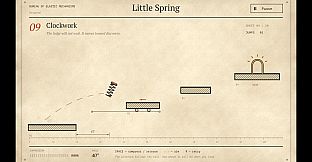
The visual style uses warm paper textures, hatched lines, and technical drawings that make every stage feel like a working mechanical sketch. Subtle animations show the spring flexing and rebounding, with floating paper dust particles and soft synthesized audio cues marking each attempt. These elements reinforce the inventive, prototype-like atmosphere without distracting from the precision required.
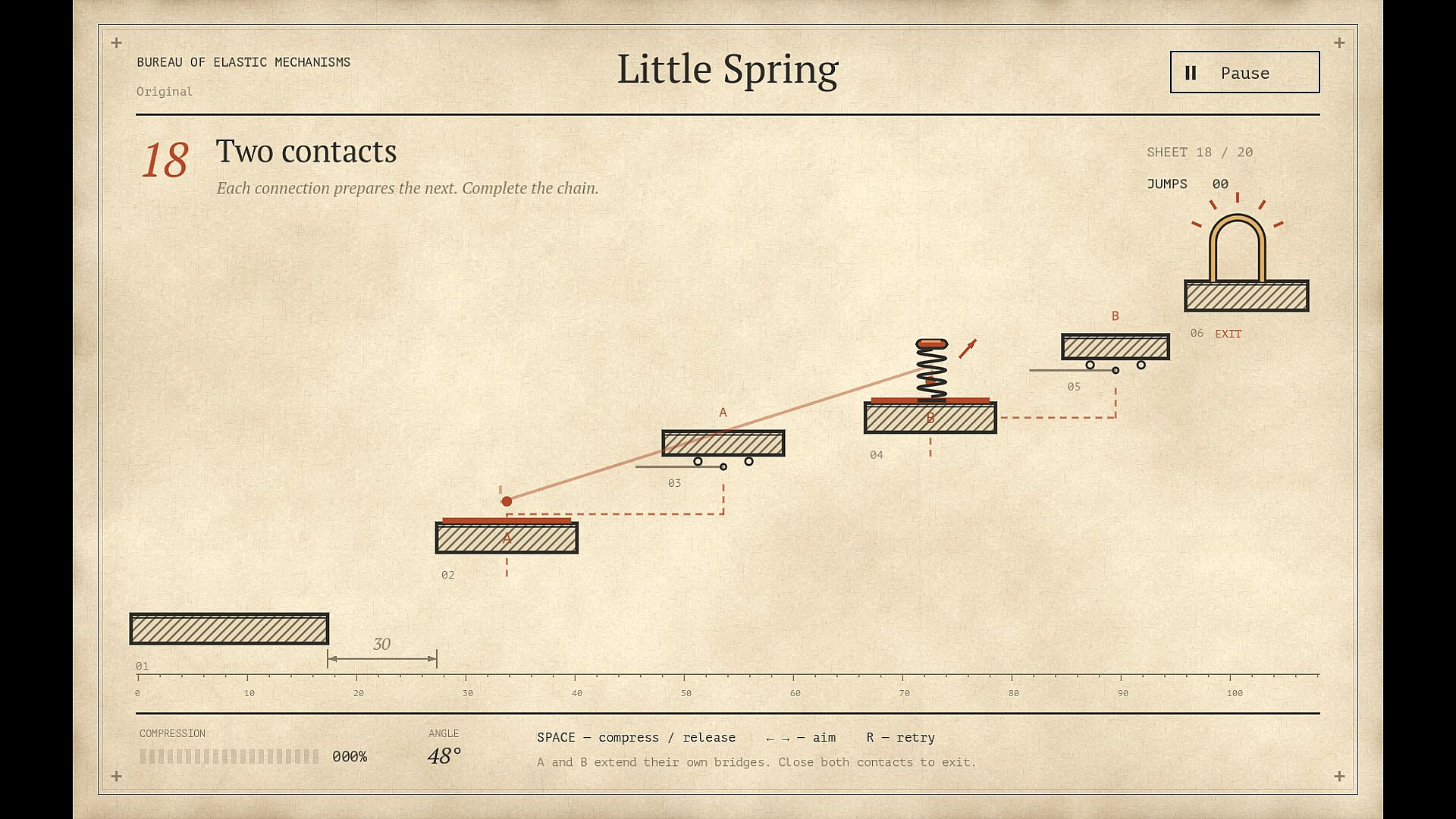
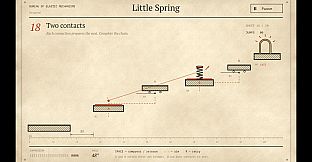
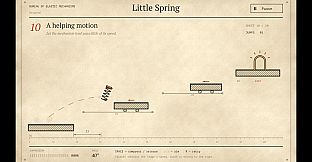
Progression introduces new interactive elements gradually. Early stages focus on static ledges and inclines. Later ones incorporate moving platforms, crumbling supports, rotating boosters, tilting seesaws, copper contacts that likely complete circuits, and extending bridges. Each addition changes how players interpret the route and plan their sequence of jumps.
Game Modes
Little Spring offers a single-player experience built around 20 handcrafted, single-screen trials divided into three chapters. The structure moves from basic ledge and incline navigation to more complex setups with dynamic and interactive devices. There are no separate multiplayer modes or competitive formats; the focus remains on completing each trial through repeated attempts and refinement.
Unlockable springs provide variety within the same levels. Six designs become available after clearing stages, each varying slightly in jump strength, charging time, grip on surfaces, and rebound behavior. These differences encourage players to revisit earlier trials with new tools to achieve better personal best jump counts. Decorative cap details serve as visual rewards for progress and can be equipped without altering core mechanics.
Controls and Progression
Controls support both mouse aiming for precise angle selection and keyboard inputs for those who prefer it. Local progress tracking records completed levels, allows instant replays of any cleared trial, and displays personal best jump counts for each stage. This system supports experimentation and improvement without external leaderboards or online features.
Unlocking springs and caps happens naturally through level completion. Returning to earlier chapters with upgraded springs lets players optimize routes and reduce the number of jumps needed, adding replay value focused on mastery rather than new content.
Is It Worth Playing?
Little Spring suits players who enjoy deliberate, physics-driven platforming where small adjustments in timing and angle produce big differences in outcome. The single-screen format keeps sessions focused, and the three-chapter structure provides a clear path from fundamentals to advanced mechanical interactions. Those drawn to games that reward observation and iteration over speed or reflexes will find the handcrafted trials engaging.
With six distinct springs to experiment with and the ability to chase better jump counts on completed stages, the game offers meaningful replay without expanding into unrelated modes. Its paper-and-ink presentation and understated sound design create a consistent, inventive mood that complements the mechanical challenges. If precise control and puzzle-like navigation appeal to you, the game delivers a compact, self-contained experience worth trying on PC.