


Make It Cozy is a casual single-player interior design game for PC that focuses on rearranging furniture and planning living spaces with Feng Shui-inspired principles in mind. Players take on the role of a designer who helps clients transform awkward rooms into comfortable homes while also unlocking tools to build entirely custom layouts from scratch.
Gameplay
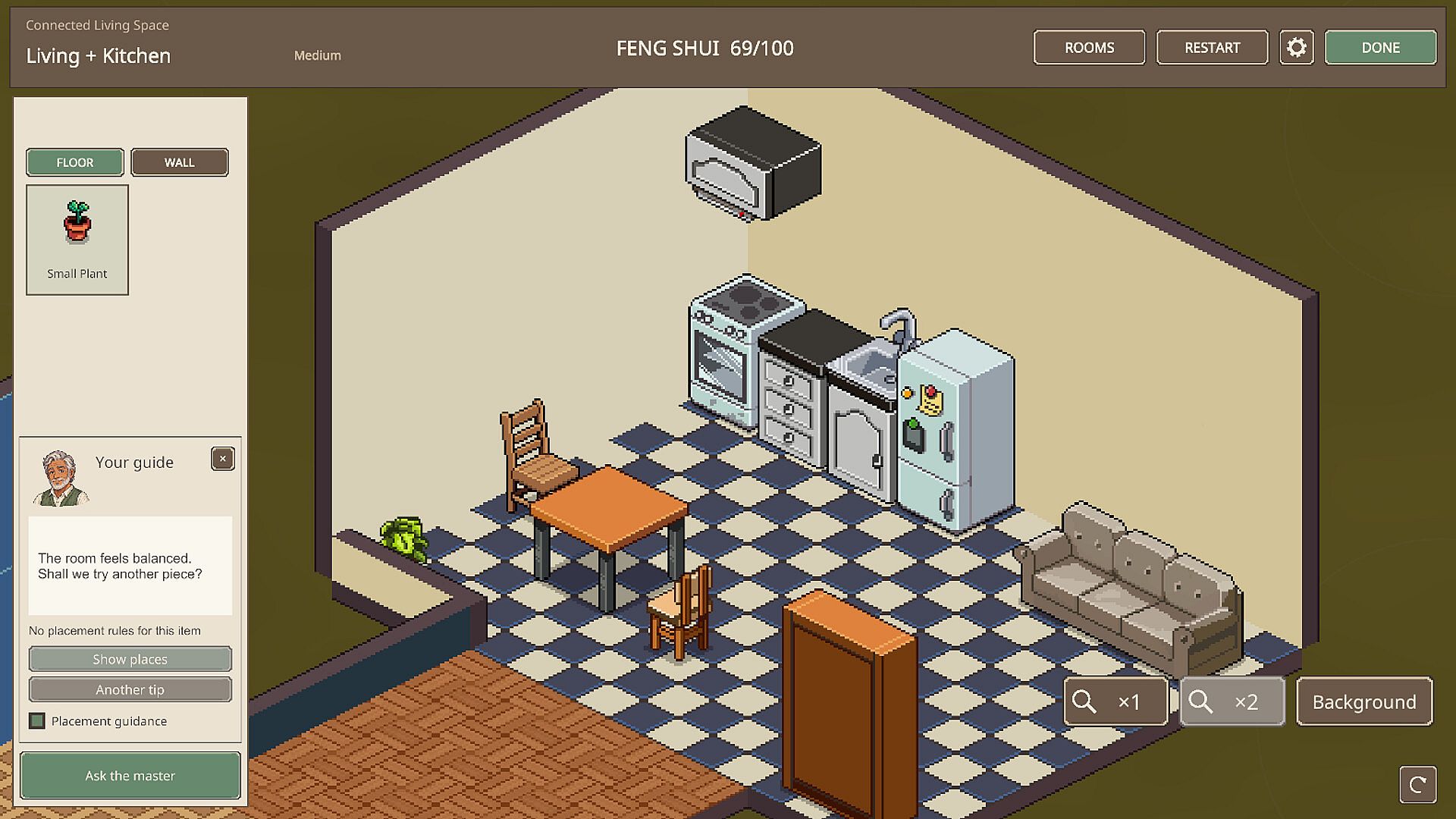
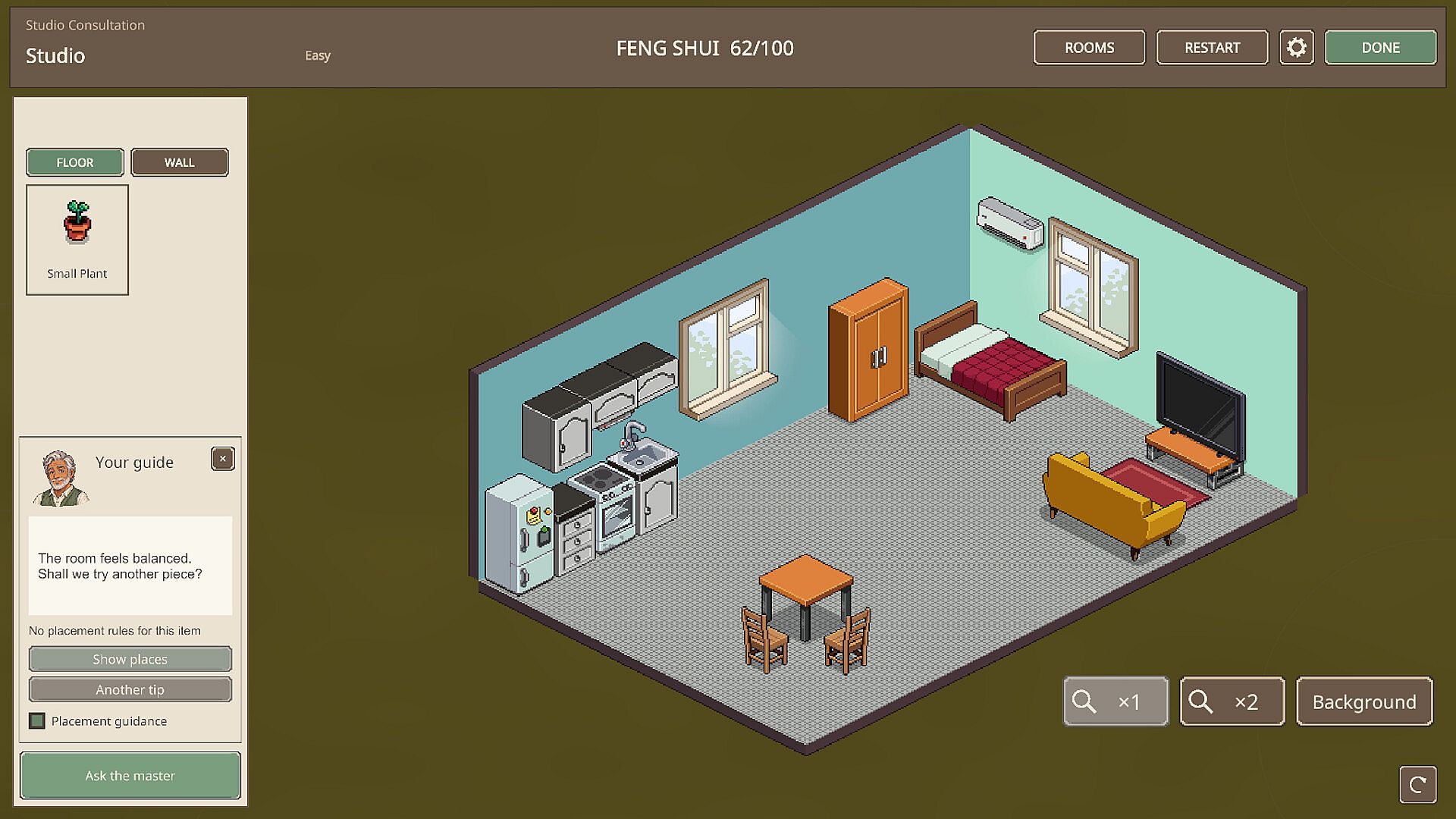
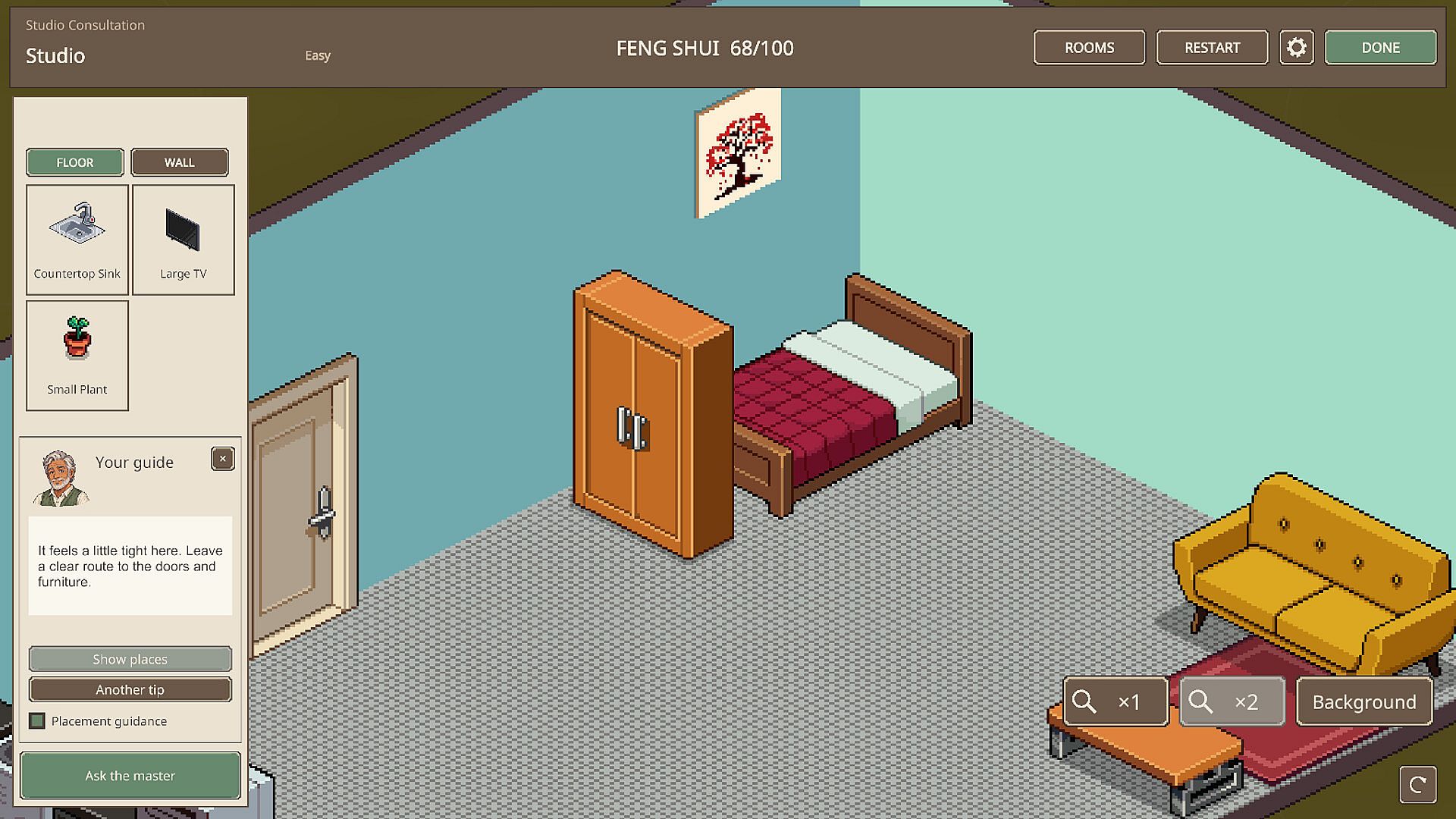
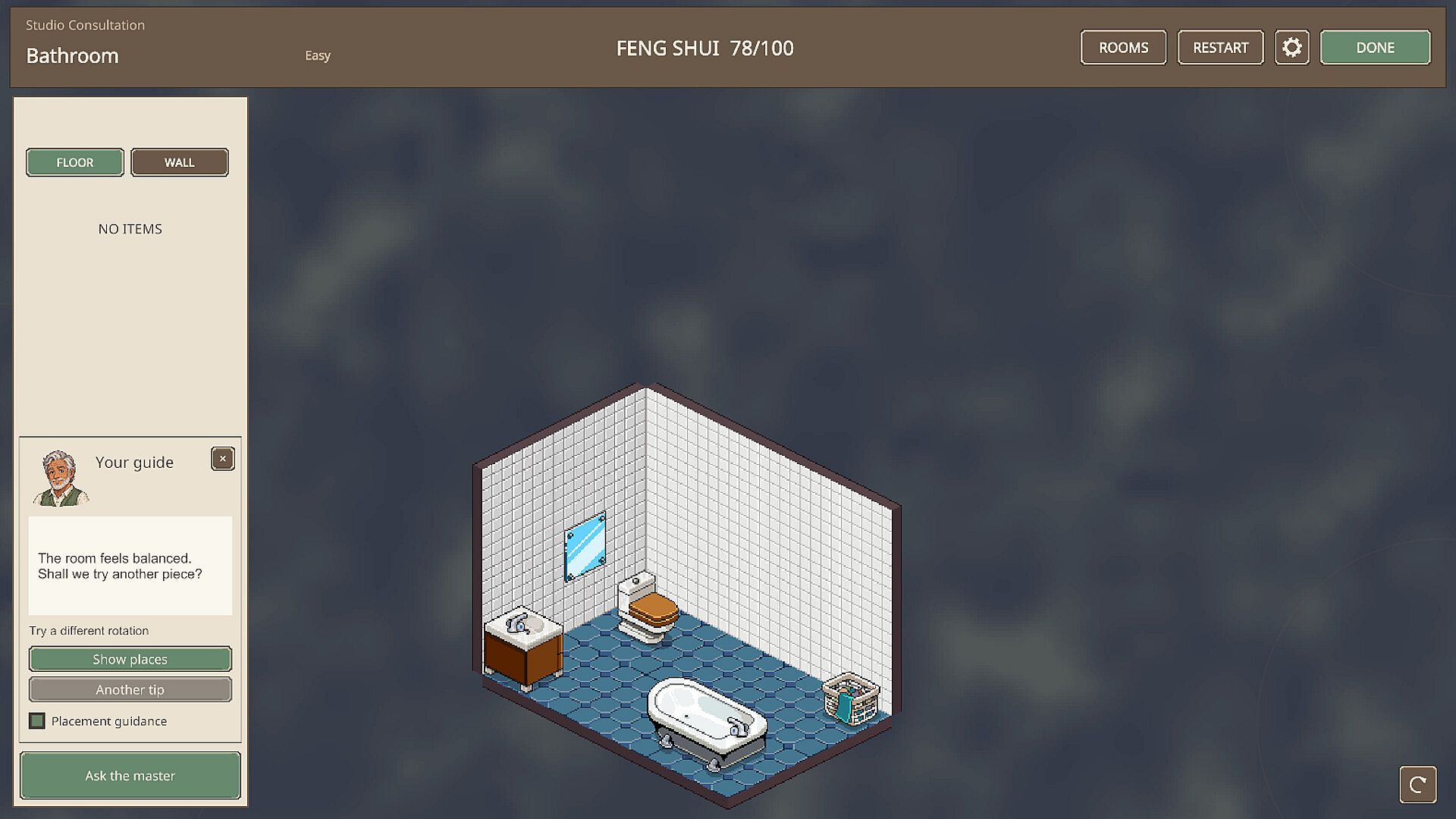
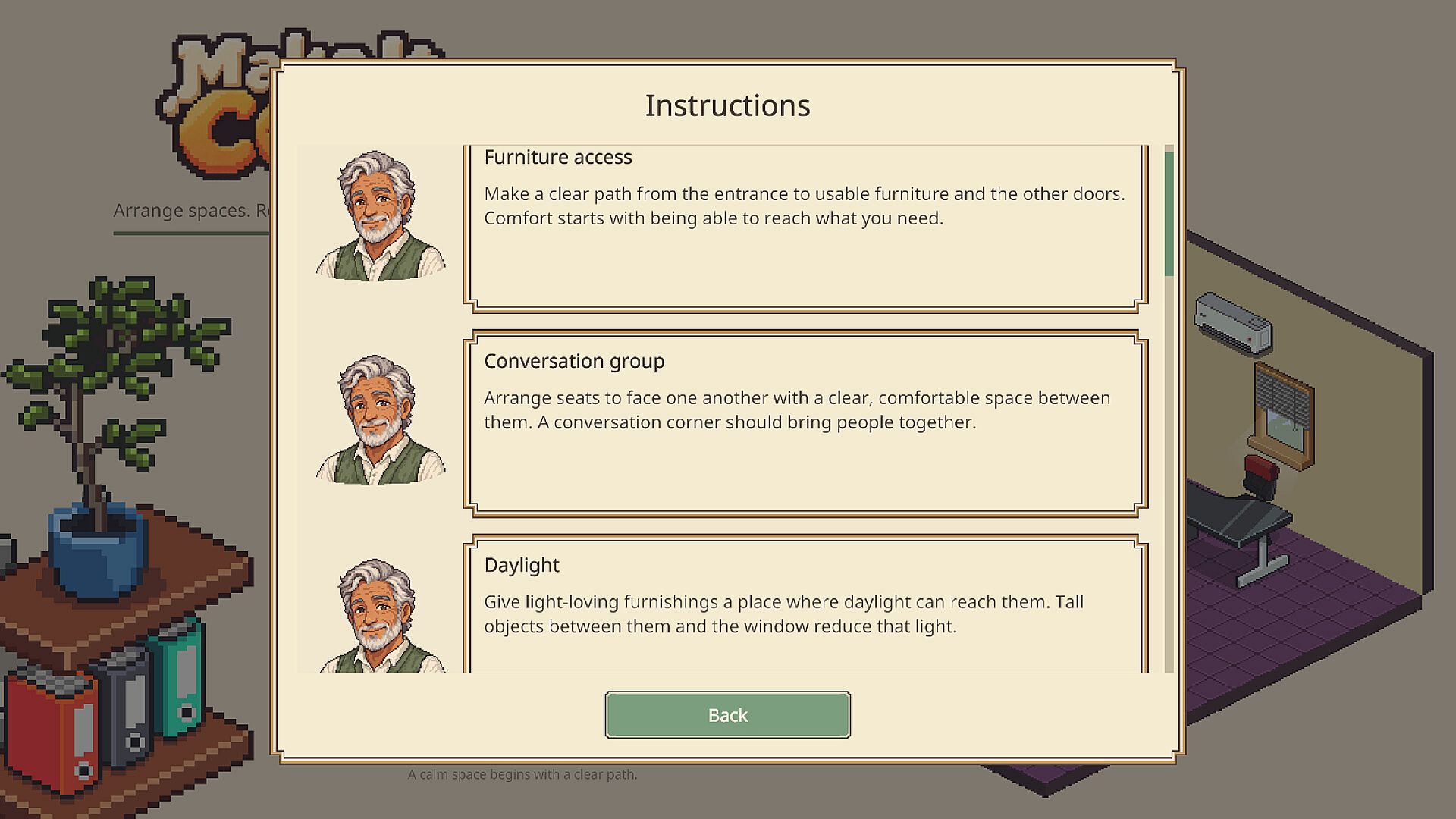
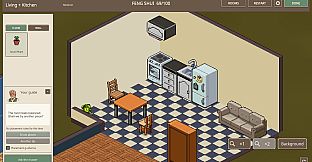
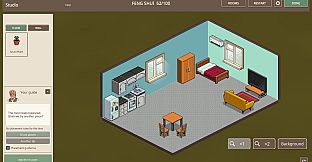
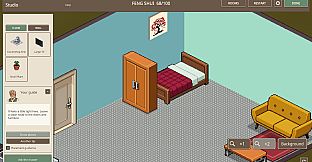
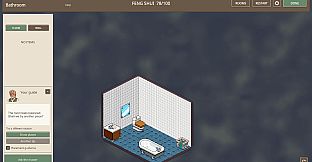
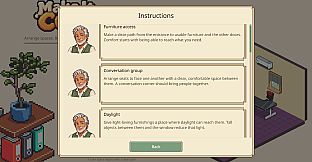
The core loop centers on selecting furniture pieces, moving them around an isometric view, and rotating items to find balanced arrangements. Players consider practical elements like leaving clear pathways, positioning everyday activities near natural light sources, and defining distinct zones for sleeping, dining, and relaxation. Feng Shui-inspired rules provide guidance on what makes a layout feel right, though multiple valid solutions exist for each space. An in-game master offers optional advice and visual placement suggestions when needed, allowing players to experiment freely or follow hints at their own pace. Rooms come with existing furniture collections that change per assignment, encouraging fresh approaches each time.
Game Modes
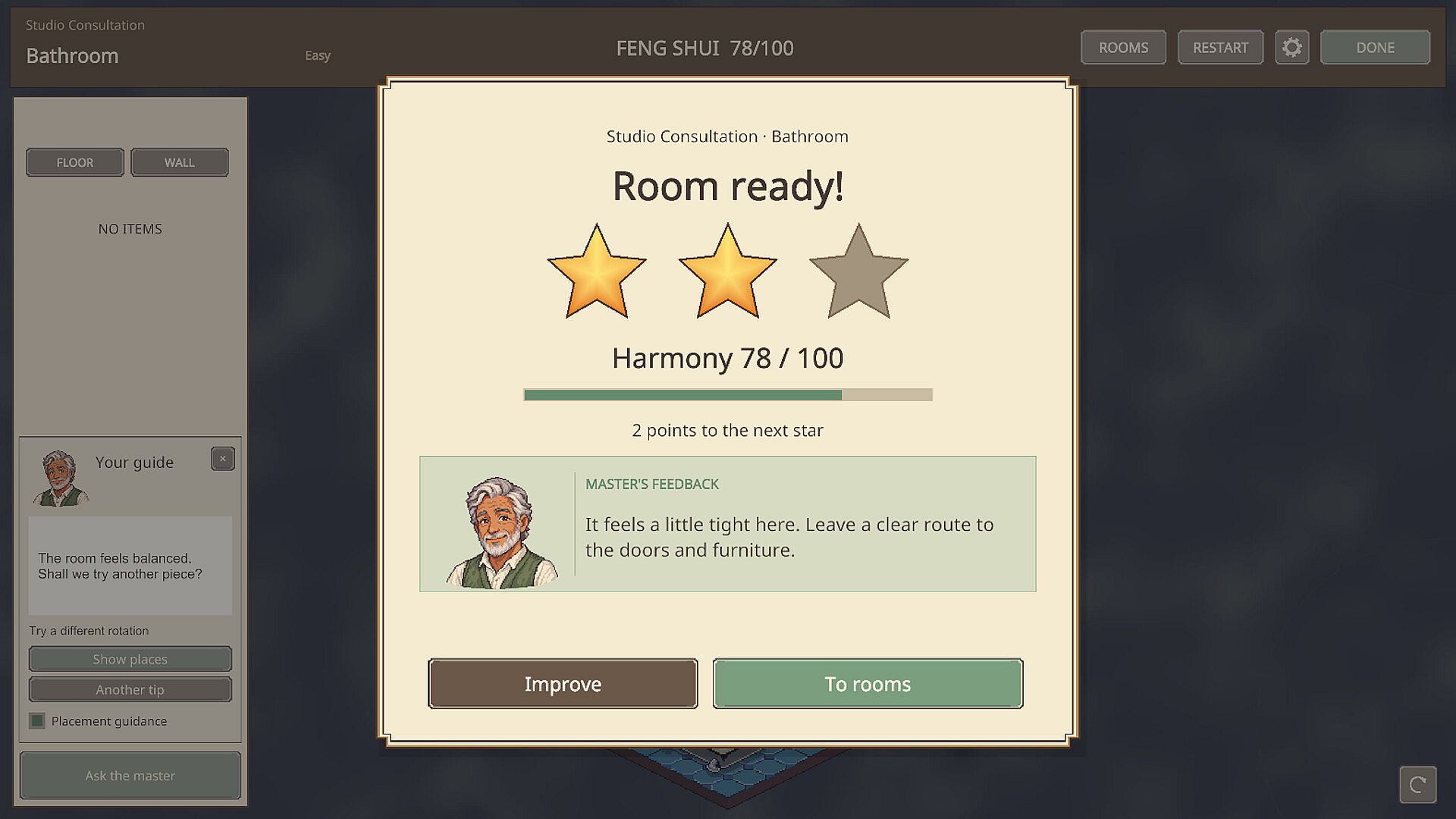
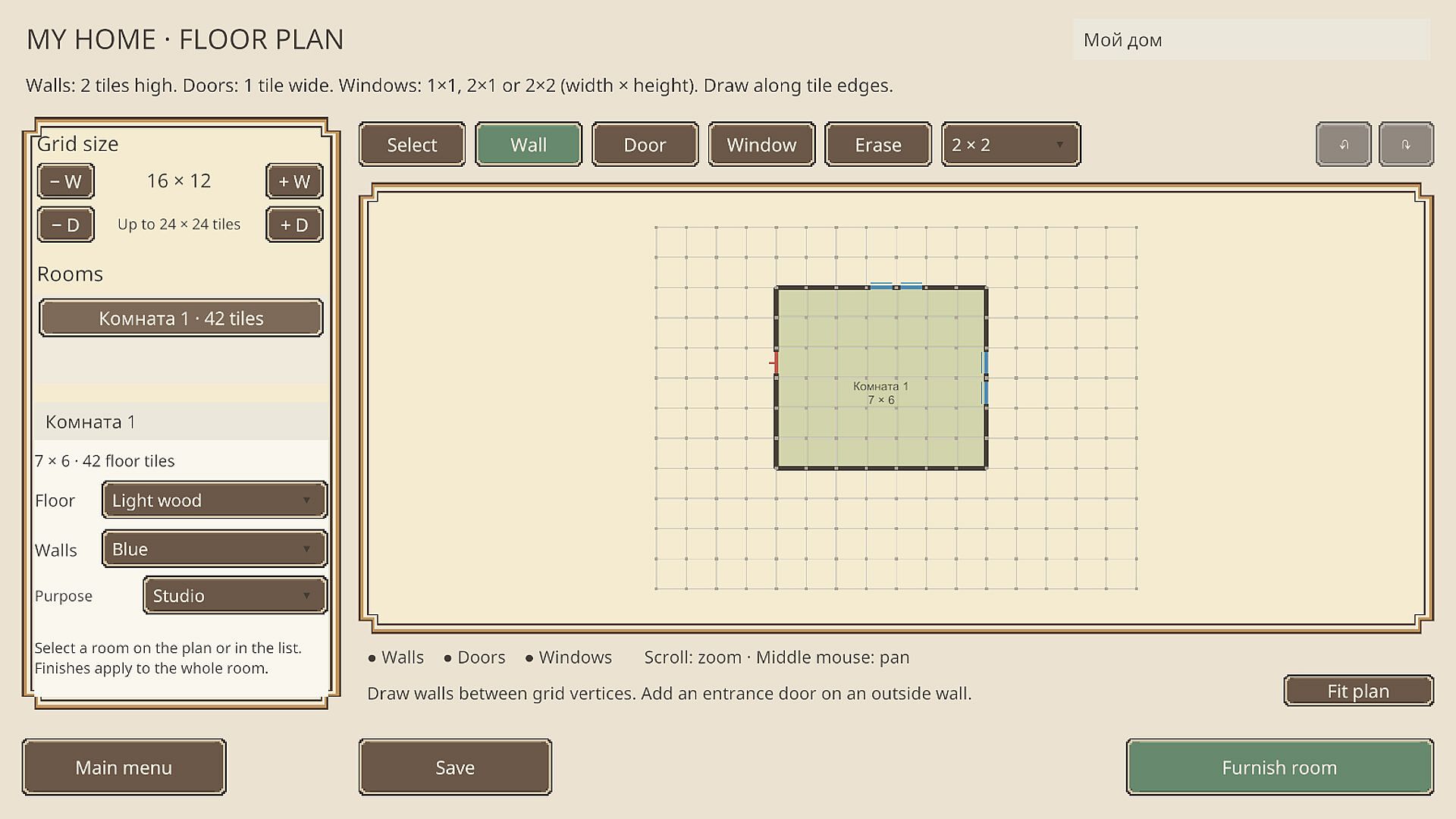
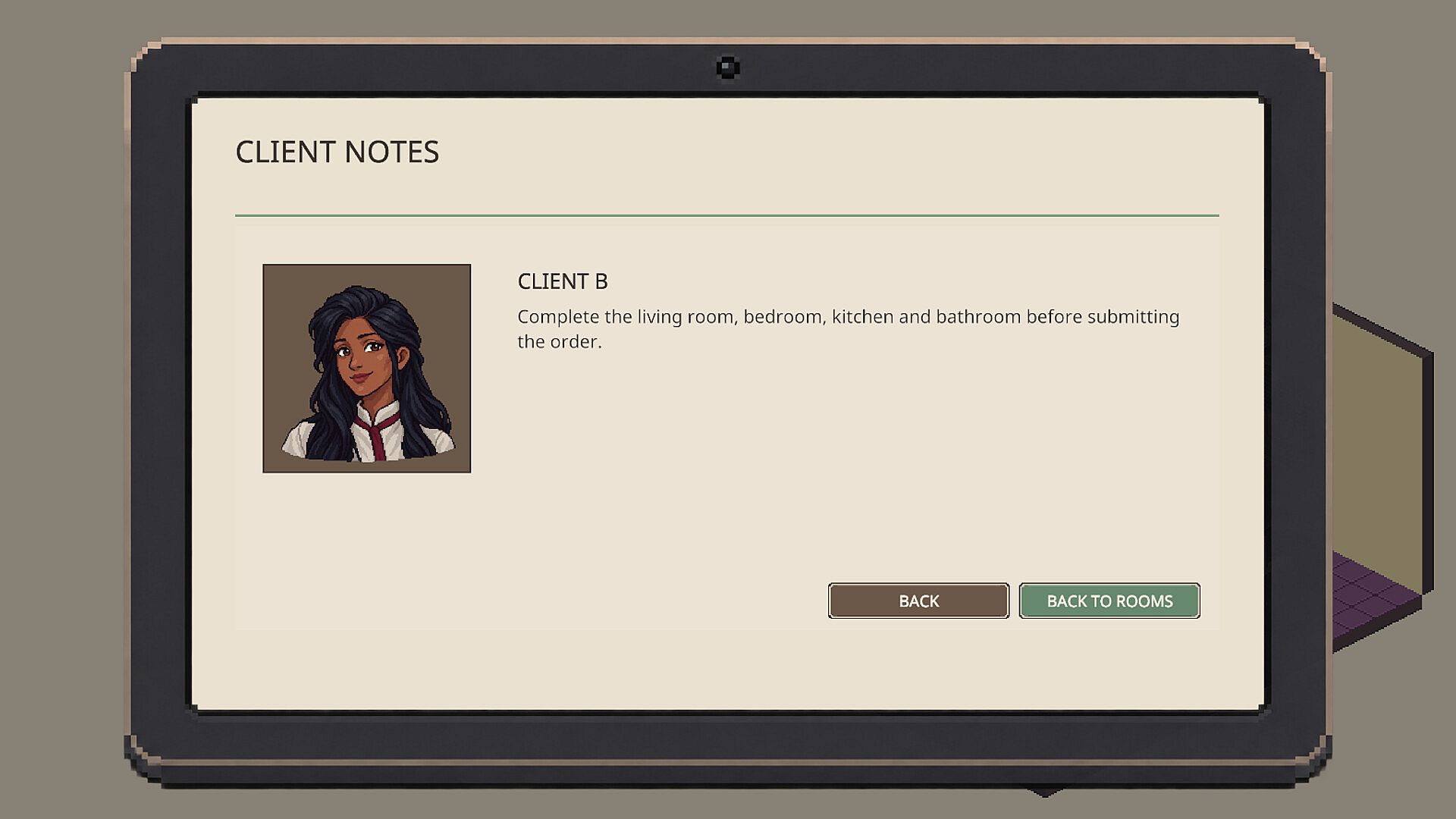
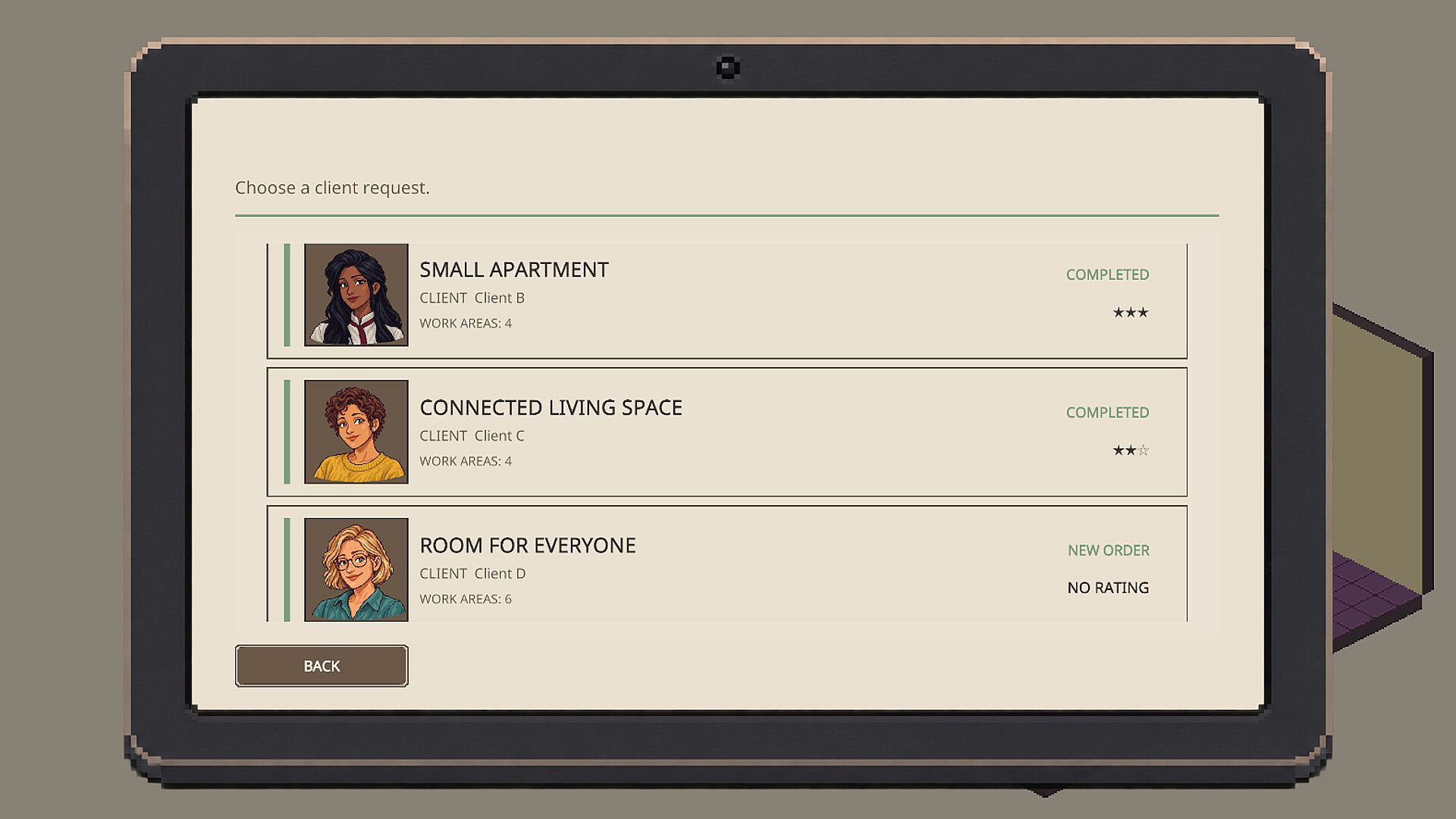
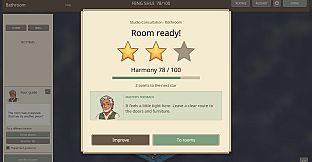
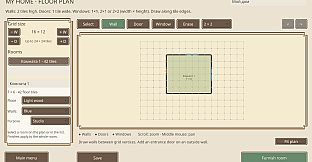
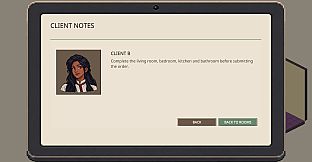
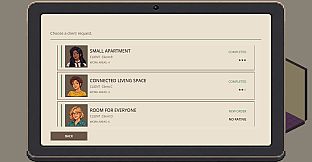
Client orders form the main structured experience. These assignments cover studios, apartments, and full houses, each with unique floor plans and furniture sets. Players can tackle rooms in any order, refine placements after initial attempts, and submit the final result for a rating of up to three stars. Revisiting earlier layouts to improve scores adds a layer of iterative play. After completing the first three orders, My Home mode unlocks. Here players draw custom walls, place doors and windows, select finishes for surfaces, and assign room purposes before furnishing the space. Creations can be saved and revisited for further adjustments or entirely new ideas.
Client Assignments and Progression
Each client order presents a fresh challenge through varied room sizes and furniture options. The process rewards thoughtful placement that satisfies both visual appeal and functional comfort. Star ratings reflect how well a layout meets client expectations, motivating players to return and tweak details for better results. The progression naturally leads into the creative freedom of My Home once the initial orders are complete.
Customization and Creative Tools
Beyond rearranging provided items, players customize rooms with additional decorations and surface finishes. The isometric perspective makes it easy to visualize flow and balance across multiple angles. My Home expands this further by letting players start from a blank slate, defining the entire structure before adding personal touches. This combination supports both guided tasks and open-ended building.
Is It Worth Playing?
Make It Cozy suits players who enjoy slow-paced, thoughtful design experiences without time pressure or combat elements. The combination of client-driven tasks and a dedicated sandbox mode for original floor plans provides a clear path from structured practice to full creative control. With its focus on practical layout rules and flexible experimentation, the game appeals to anyone interested in relaxing interior arrangement on PC. As an upcoming title with no reviews available yet, its value will depend on how well the systems deliver satisfying results across different home sizes and personal styles. Those drawn to casual simulation and home design titles will likely find the mechanics align closely with that preference.