


Acheter Marble on Rails PC

Où acheter la clé Steam Marble on Rails {6} la moins chère ? Vérifiez et comparez les prix de 1 boutiques pour trouver l'option la meilleure et la moins chère parmi 1 offres sur XD.deals. Actuellement, le prix Marble on Rails {6} le plus bas sur les keyshops est disponible sur 2,99 € (0% de réduction).

Date de sortie : 01 sept. 2022
Steam:
Overwhelmingly Negative (4)
Keyshops
Indisponible
Acheter sur une boutique officielle :
2,99 €
Acheter sur les keyshops :
Voir l'historique des prix

Boutiques officielles (1)

DRM:
Steam
Steam
Steam
Marble on Rails
Windows
il y a 1sem
DRM:
Steam
Steam
2,99 €

Ă€ propos de Marble on Rails

Marble on Rails - Ă  propos du jeu
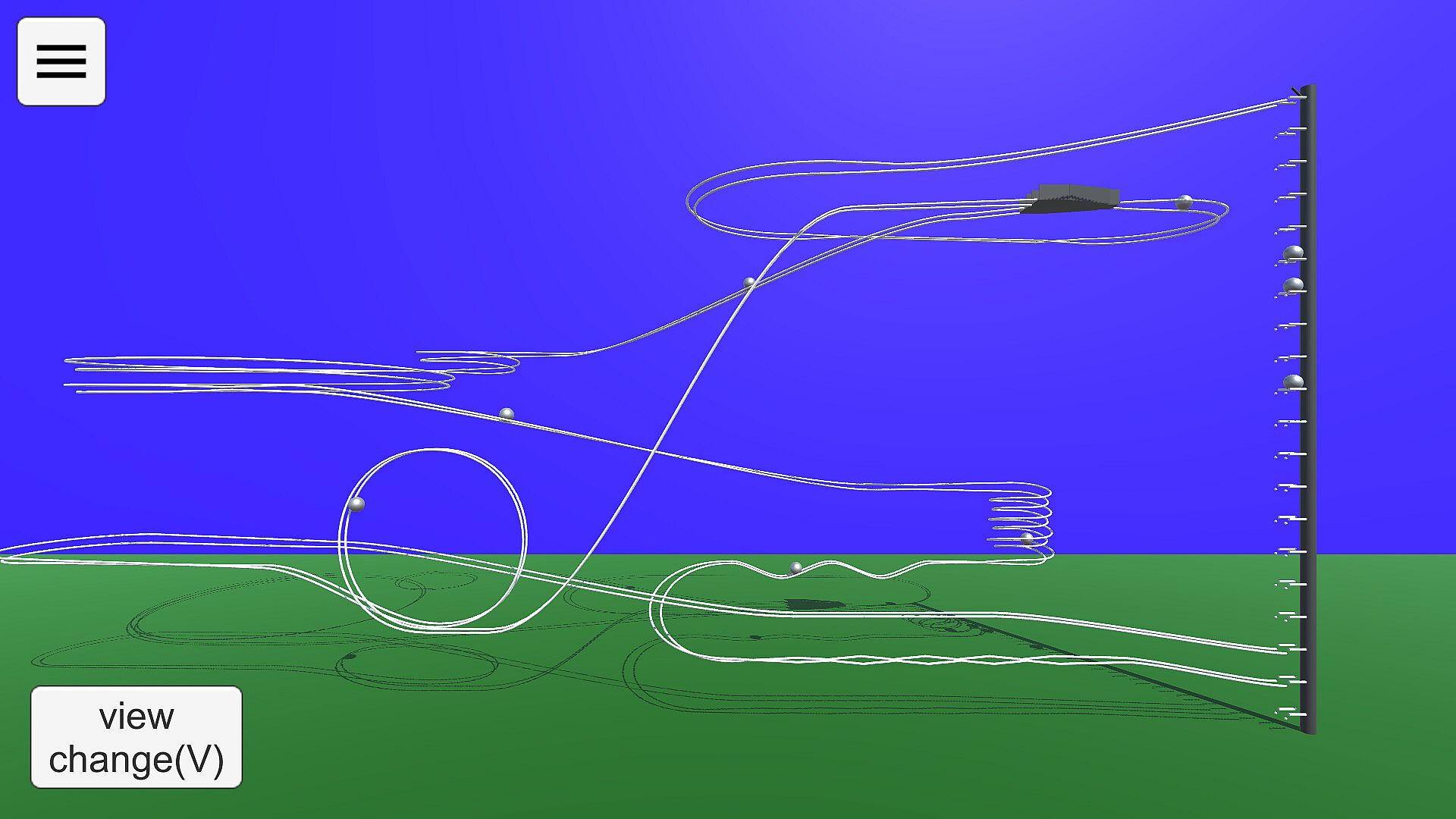
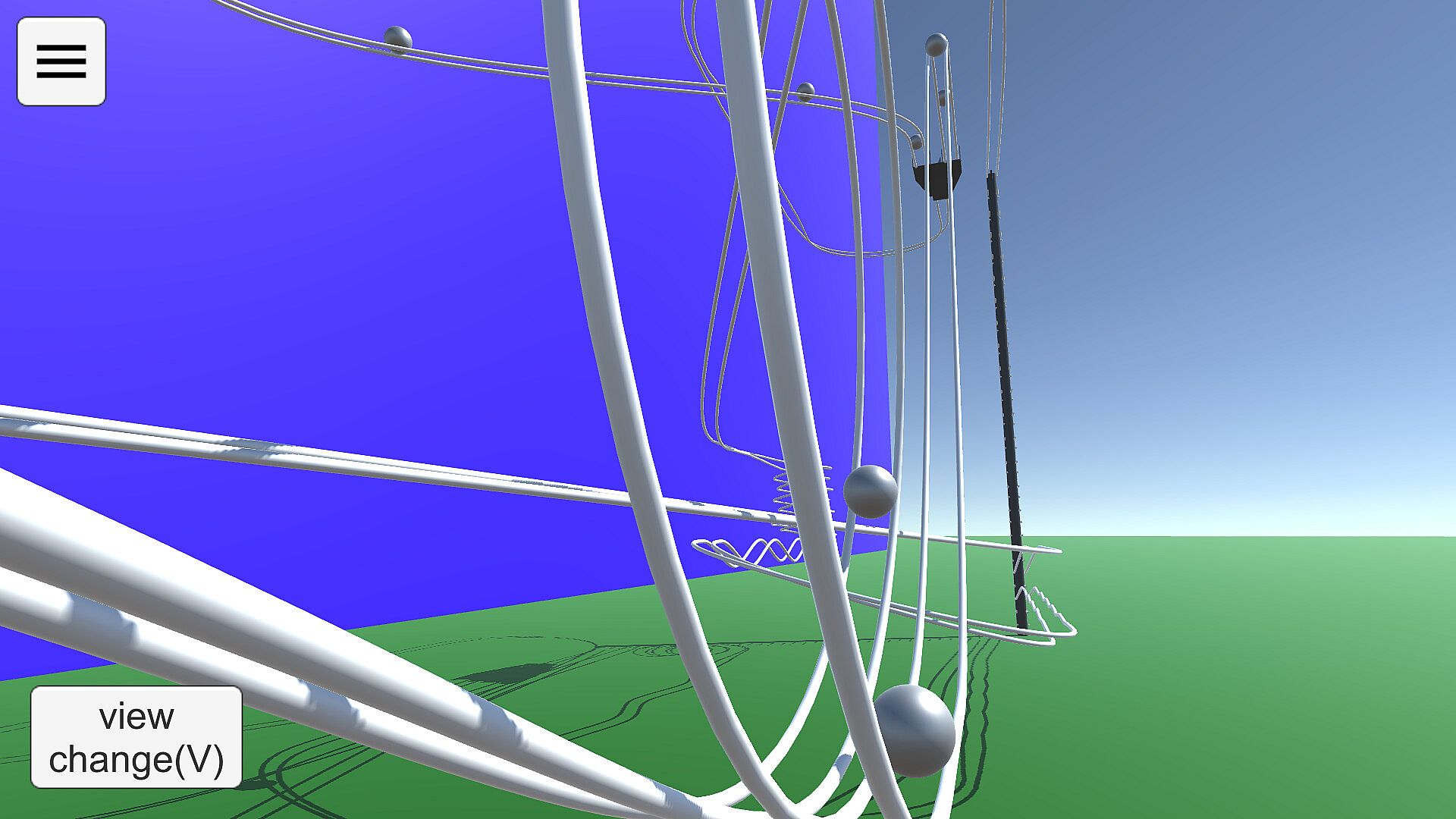
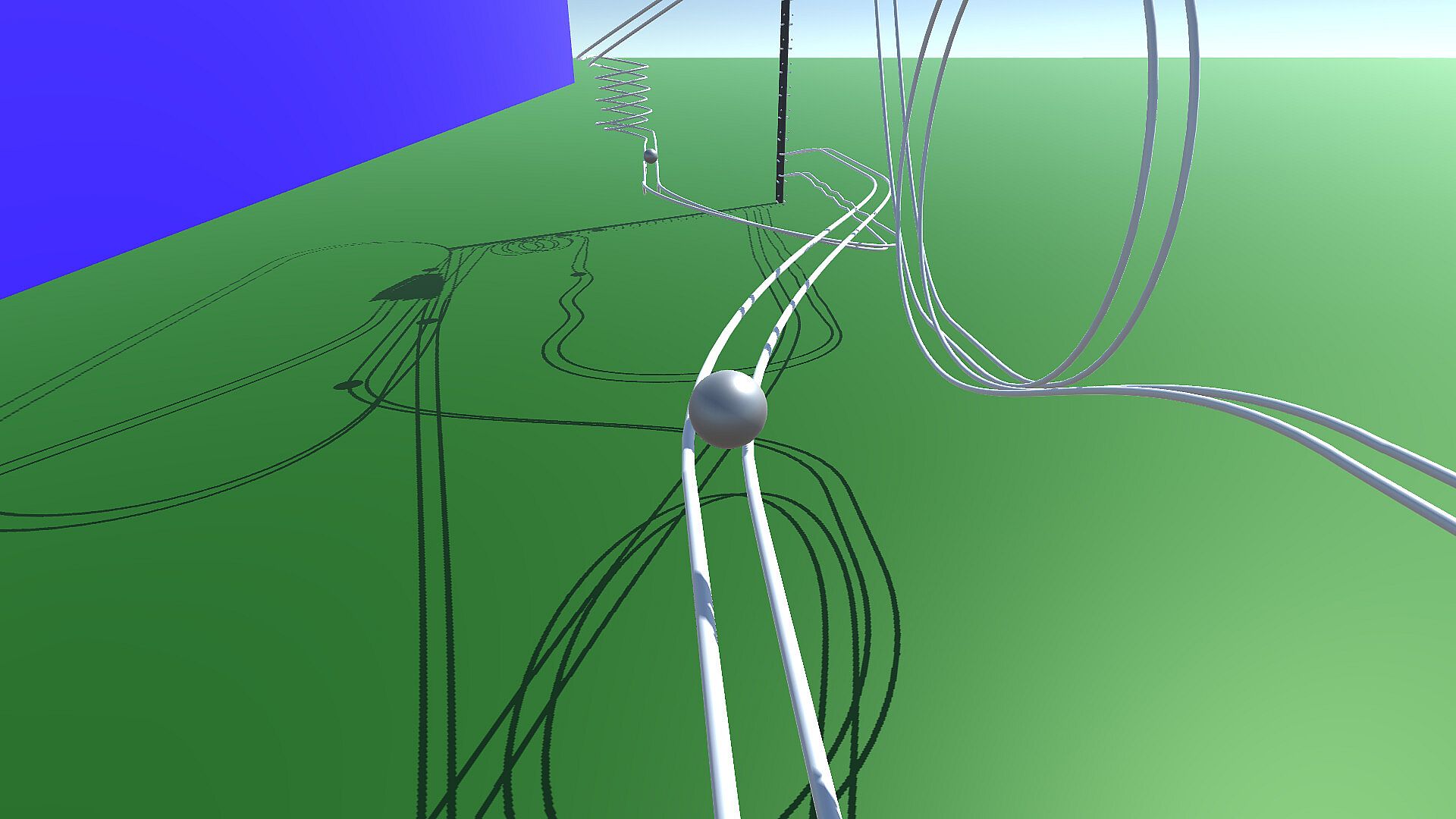
Build and test intricate marble runs in this indie simulation on PC. Switch between View Mode to observe marble paths on your courses or samples, tweaking cameras with shortcuts like 1-5 for fixed angles and WSADQE keys for movement. Drag the screen to adjust direction, track specific balls, or reset runs for quick checks. In Edit Mode, place rails like in drawing software by setting anchor points and Bezier control points within ground lines, adding preset shapes such as straights, curves, or loops. Fine-tune bank angles, position up to five cameras, and configure the elevator for ejections and connections to loop marbles back. Share creations via Steam Workshop and enjoy enhanced physics accuracy with shadows over the Android version, perfect for simulation fans who craft precise tracks.

How to play
'Marble on Rails' is a marble run simulation application.
The application has two modes: View Mode and Edit Mode.
View Mode
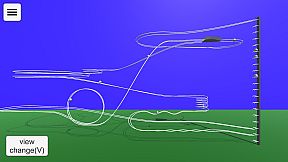
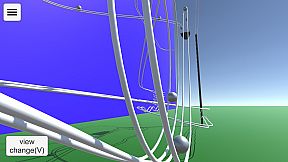
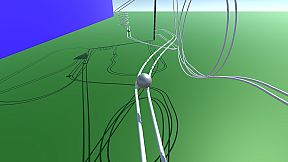
In View Mode, you can view the behavior of the courses you have created so far and sample courses.
The viewpoint can be switched using the buttons, and the marbles to be gazed at can be changed. You can change the camera direction by dragging the screen with the mouse.
You can use the keyboard (WSADQE, cursor keys) to move the viewpoint as desired.
The drawer menu is displayed by pressing the hamburger button in the upper left corner. You can change some settings and modes, and exit the application.
Keyboard Shortcuts in View Mode
1-5 Camera Switching. Fixed camera to be set when editing course.
6 Ball tracking side angle camera. operated by WS, cursor keys.
7 Ball tracking rear angle camera, operated with WS and cursor keys.
8 Rotational camera.
0 Fixed camera, ball tracking. With zoom. Zoom size can be changed with up/down cursor keys.
V Switch camera in sequence.
B Switching the ball in focus
M Toggle on-screen button display
R Ball reset
Period(.) Random camera switching mode.
Edit Mode
You can create your own courses.
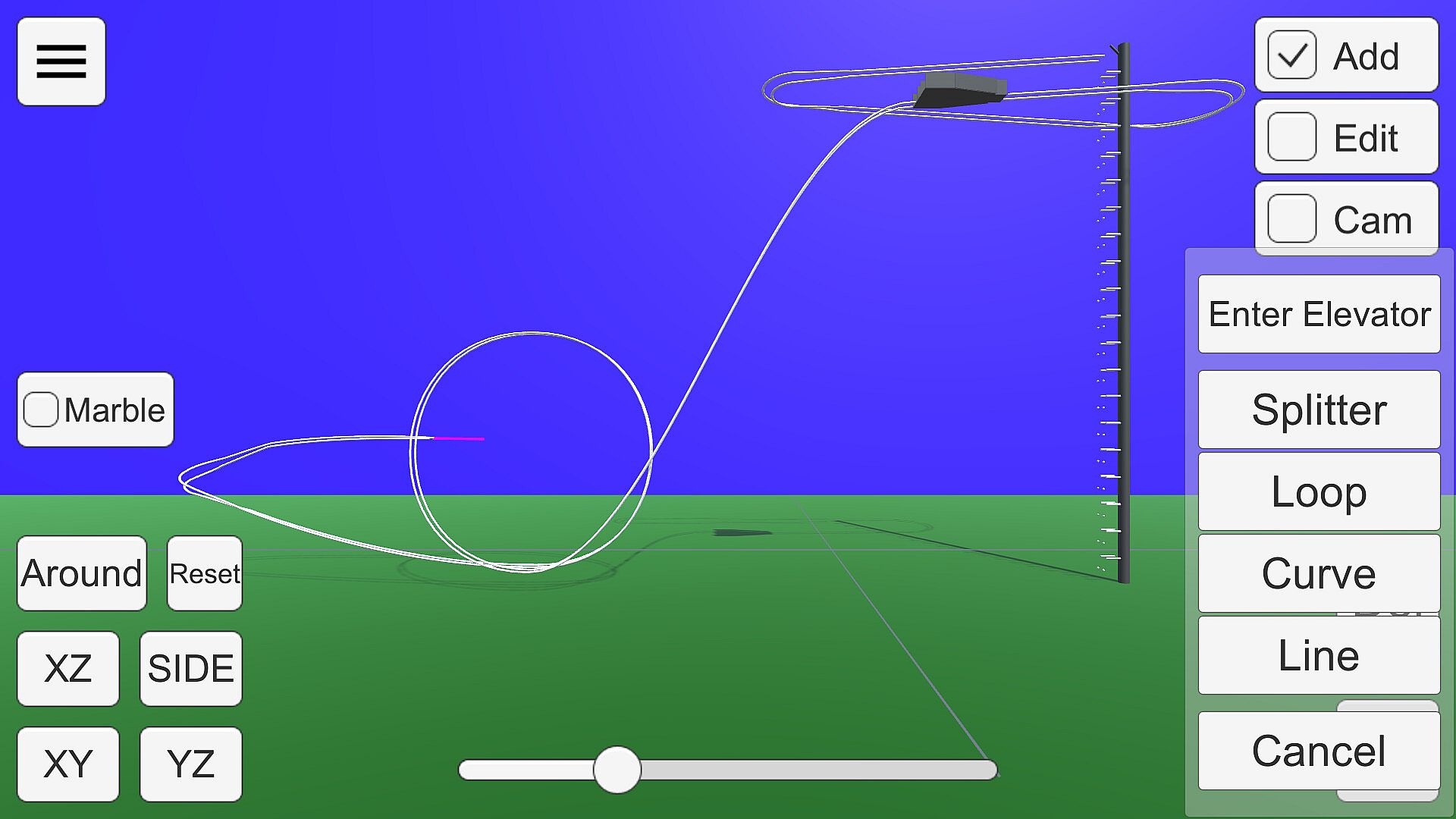
The rails are placed and edited in the same way as in drawing software. Smooth rails can be generated by setting anchor points and control points in space.
Anchor points can be placed within the white line drawn on the ground in the edit screen.

There are several states in the edit mode.

Add:
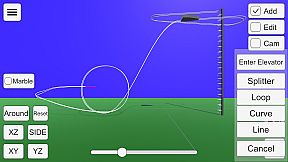
Press the + button to add a rail with a preset shape, such as straight, curved, or looped.
A pink bar is displayed at the position to be added. If there are multiple positions to which rails can be added, press the Add button again to change the add position.
You can delete the anchor point at the position of the pink bar by pressing the Del key.
If there are no more positions to add (all rails are connected to the elevator), this state will no longer be selectable.
If you want to delete a connection to the elevator, put the point of connection to the elevator in Edit state and select "Disconnect from elevator".
Edit:
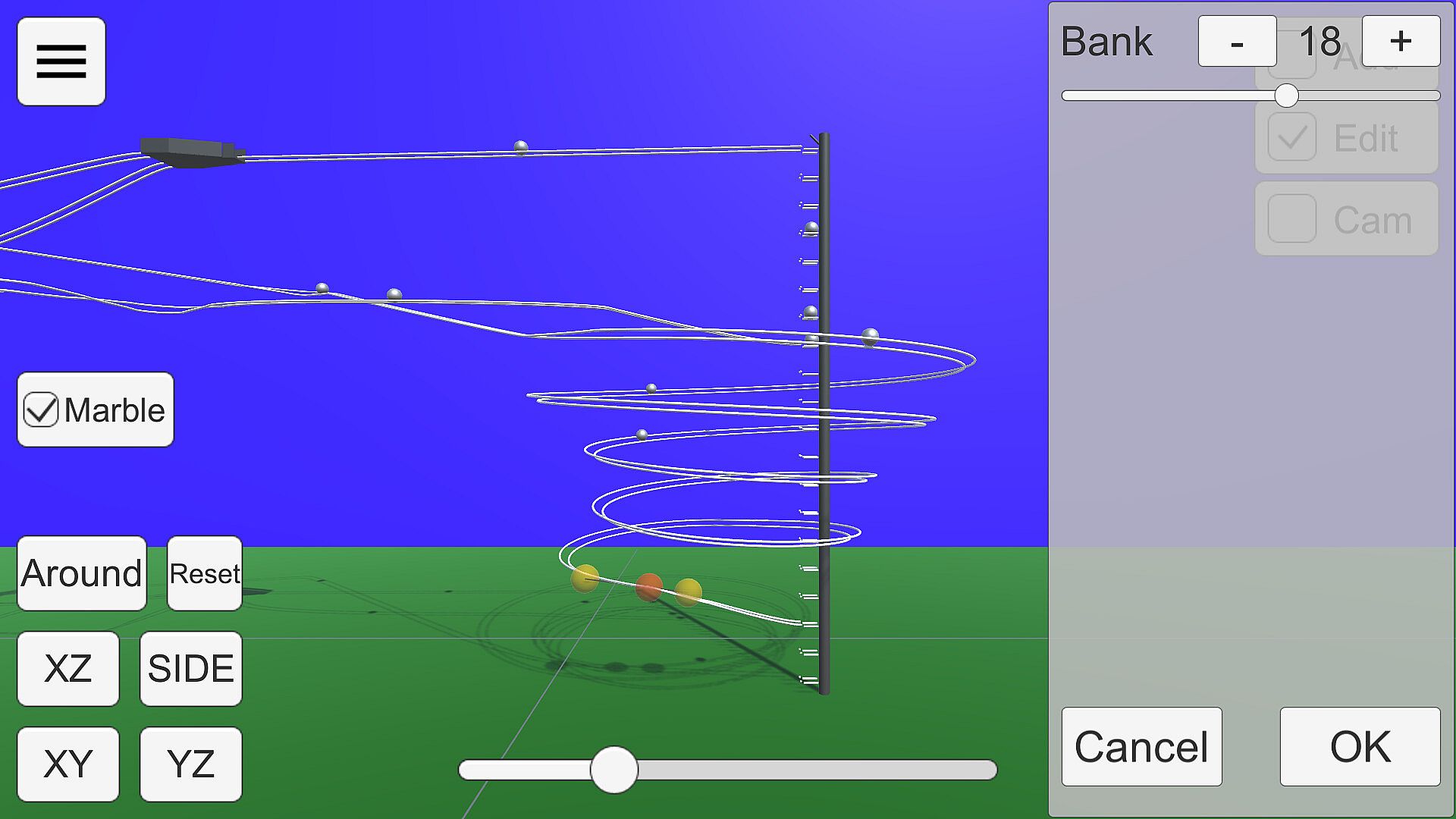
The anchor point of the rail is displayed as a gray sphere.

Click on the sphere to enter anchor point edit mode.

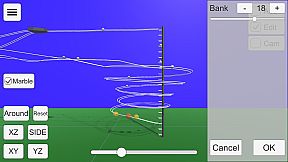
Anchor points are displayed as red spheres and Bezier curve control points as yellow spheres.
Each sphere can be moved by dragging.
The bank angle of the rail can be edited in the window displayed on the right.
Cam:
You can edit up to five camera positions to be used in View Mode.
Use the buttons in the lower right corner to switch camera numbers and move the camera with the mouse or keyboard (WSADQE).
About the viewpoint
The 'XY', 'YZ', 'XZ', 'SIDE', and 'Reset' buttons in the lower left corner and the seek bar for zoom control the viewpoint.
Press 'XY', 'YZ', and 'SIDE' twice to get the view from the back side.
The Bezier curve control points move on the visible plane when editing, so proper viewpoint switching is necessary. XZ' or 'SIDE' is recommended.
About the Elevator
In Edit mode, select the center sphere of the elevator to open the elevator setting window.
In this state, it can be moved by dragging. From the side panel, you can select the direction of ejection, height, and three-way.
Connecting to an Elevator
Selecting 'Enter Elevator' in Add mode adds a straight line connecting the current position to the nearest elevator point.
In order to successfully return the ball to the elevator, the rail must be connected to the elevator and the ball must be controlled to roll in the direction of the elevator.
Mouse Controls
Drag to move the ball parallel to the screen.
Right-click and drag to rotate around the gazing point. If there is no gazing point, rotate the camera.
Keyboard shortcuts
Escape key cancels a dialog or opens a drawer menu.
See below for shortcuts when in edit mode.
Miscellaneous
You can run Marble for testing by checking the Test checkbox.
Steam Workshop
You can share the courses you have created.
Uploading is available from the Edit Mode menu. You can upload the course you are currently editing. Tapping the notification that the upload is complete will open the Steam item page. The preview image will use the camera setting Cam1.
If you want to view a course shared in the workshop on your own computer, you can subscribe to it on the Steam Workshop. The subscribed courses will be downloaded automatically. You can select the downloaded course from the "Steam Workshop" menu in View Mode.
Differences from the Android version
Compared to the Android version, the accuracy of physics calculation has been improved. This allows Marble to run more smoothly.
Shadows are drawn
Elevator three-way support

Interface:
EnglishJapanese

Classification par âge

Indisponible
Steam:
Overwhelmingly Negative (4)

Minimum :

  • Processeur: Intel Core i3 4160
  • MĂ©moire: 4 GB RAM
  • Graphismes: Intel HD Graphics 4400
  • DirectX: Version 10
  • Stockage: 200 MB available space

Recommandé :

Plus bas historique
Historique des prix des boutiques officielles
-
-
-
Historique des prix des keyshops
-
-
-

FAQ

8 questions

Avant de chercher une cle Marble on Rails pas chere, verifiez l'essentiel. Développé par dbitware. Publié par dbitware. Date de sortie PC : 01 sept. 2022. Genres : Indie, Simulation. Catégories : Family Sharing, Steam Workshop, Single-player.

Q

Ou acheter une cle Steam Marble on Rails pas chere ?

Grace a notre comparateur de prix et nos codes de reduction verifies, vous pouvez acheter une cle Marble on Rails pour seulement 2,99 €. Cette offre est disponible chez Steam et fait partie des offres les moins cheres du marche. Toutes les cles listees sur XD.deals sont livrees numeriquement et eligibles au telechargement instantane apres paiement. Les prix incluent deja les frais de traitement et les codes promo appliques, vous voyez donc toujours le prix le plus bas pour Marble on Rails sur PC. Consultez l'historique des prix de Marble on Rails pour acheter au meilleur moment.

D'apres notre derniere mise a jour (nous actualisons les prix Steam plusieurs fois par jour), le prix Steam de Marble on Rails est de 2,99 €. Vous pouvez economiser environ 6 % en payant avec une carte cadeau Steam a prix reduit.

Notre traqueur de prix couvre les revendeurs officiels et les keyshops, vous pouvez donc trouver Marble on Rails en promotion meme en dehors des periodes de soldes. Nous detectons actuellement 1 offre active provenant de boutiques officielles et de keyshops. Consultez le tableau ci-dessus, comparez avec le prix le plus bas historique et creez une alerte pour ne jamais manquer la prochaine baisse de prix.

D'apres nos donnees, Marble on Rails n'est pas actuellement disponible sur GeForce NOW. Vous devrez le lancer localement sur votre PC. Parcourez les jeux disponibles sur GeForce NOW.

Oui. Marble on Rails a une page officielle sur le Steam Store. Vous pouvez aussi acheter une cle Steam Marble on Rails aupres de vendeurs tiers. Notre comparateur de prix inclut actuellement 1 offre avec DRM Steam. Choisissez-en une pour vous assurer que votre telechargement de Marble on Rails se fasse sur la plateforme de Valve.

Pas pour le moment. Valve classe Marble on Rails comme non supporte sur Steam Deck. Gardez un oeil sur XD.deals - nous suivons les mises a jour Proton et les correctifs de la communaute. Parcourez les jeux Steam Deck Verified ou Steam Deck Playable.

Marble on Rails ne semble pas etre disponible sur PC Game Pass, EA Play, Ubisoft+ ou tout autre service d'abonnement PC pour le moment. Votre seule option est d'acheter le jeu - utilisez XD.deals pour trouver le meilleur prix.

Non - XD.deals n'est pas une boutique. Nous sommes un comparateur de prix qui suit les meilleures offres pour Marble on Rails sur les boutiques officielles et les keyshops verifies. Cliquez sur "Voir l'offre" a cote de n'importe quelle offre et vous serez redirige vers le site du revendeur pour finaliser votre achat.

Meilleurs prix pour Marble on Rails

1 Steam Steam Official
2,99 €

Vous voulez acheter au meilleur moment ? Creez une alerte de prix sur XD.deals et soyez notifie quand Marble on Rails atteint son prochain prix le plus bas historique.

Créer une alerte
Rejoignez notre Discord
Obtenez de l'aide instantanée de notre communauté et restez à jour sur les dernières offres
Définir des alertes de prix
Recevez une notification par e-mail lorsque le prix d'un jeu atteint votre objectif
Créer un compte gratuit
Débloquez les listes de souhaits, alertes de prix et la synchro Steam










