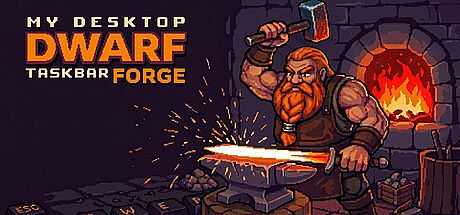


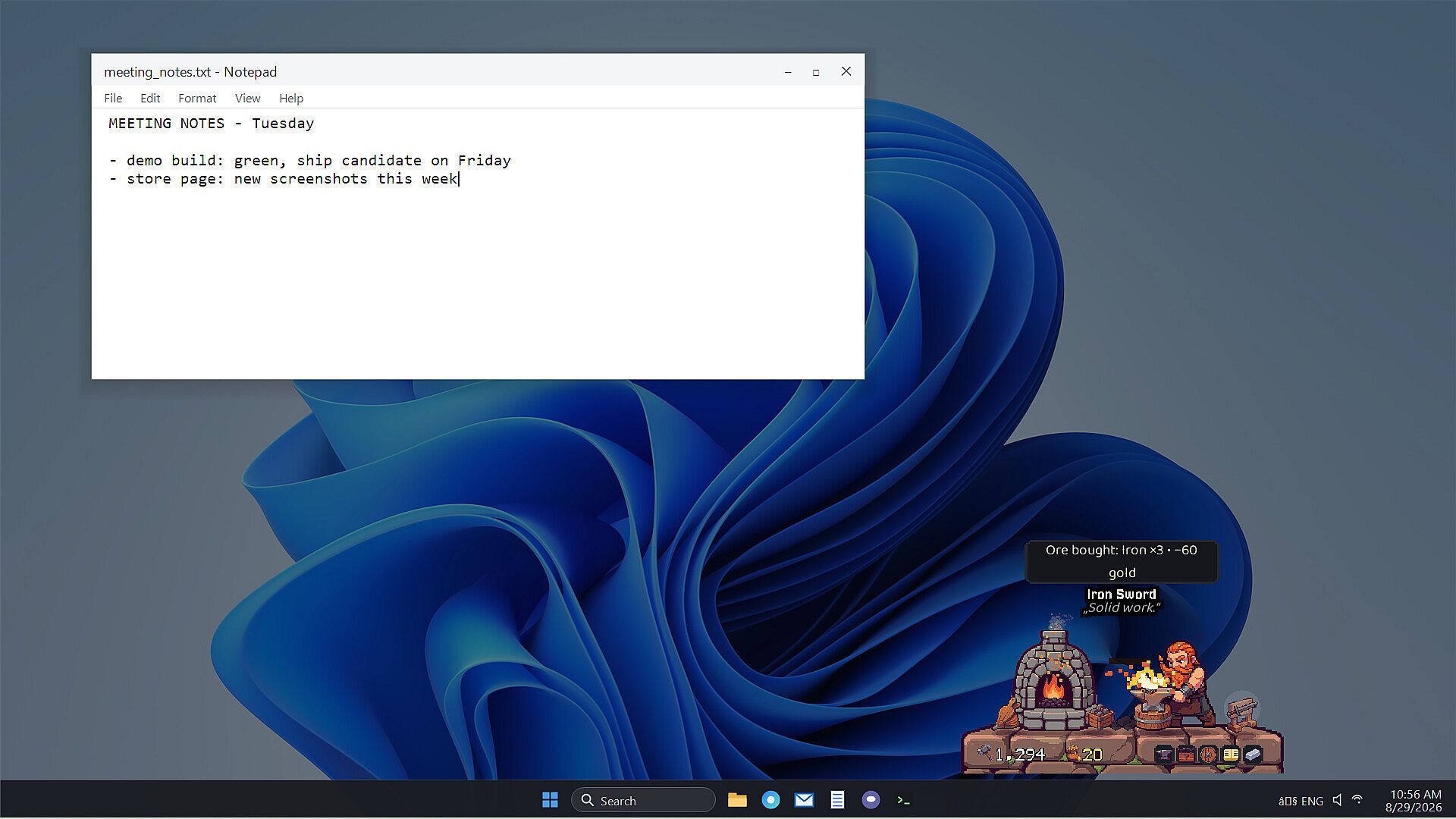
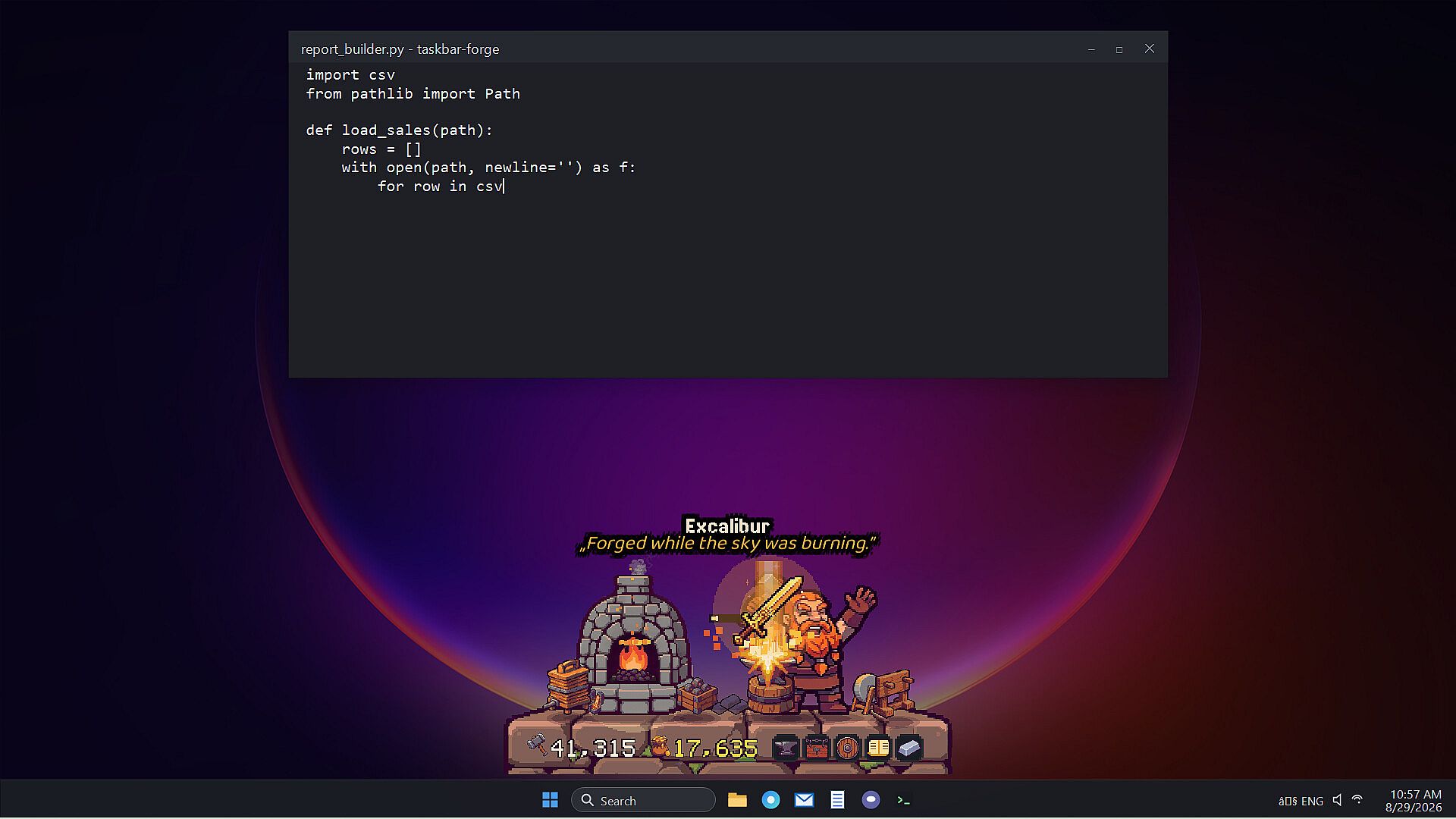
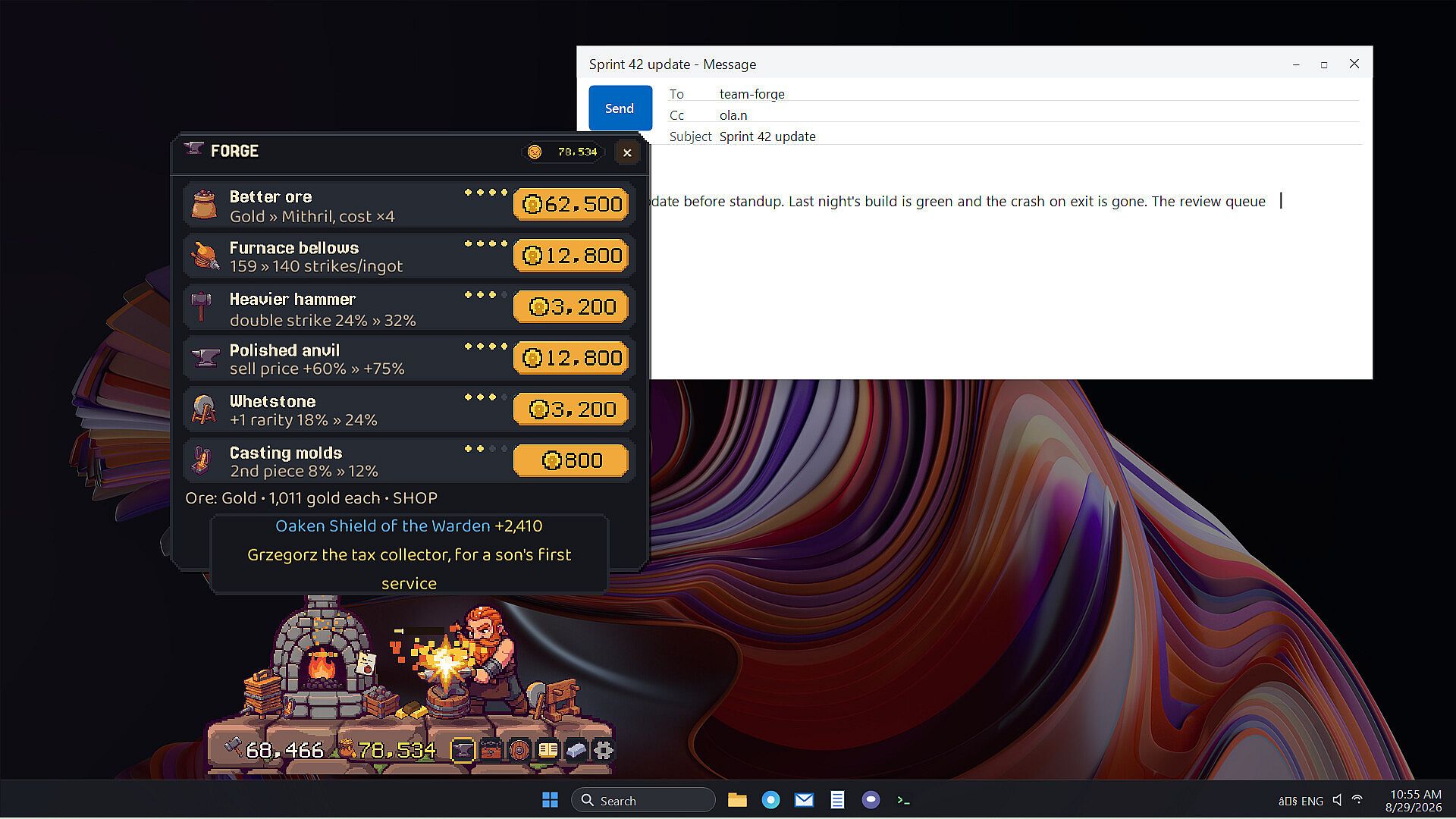
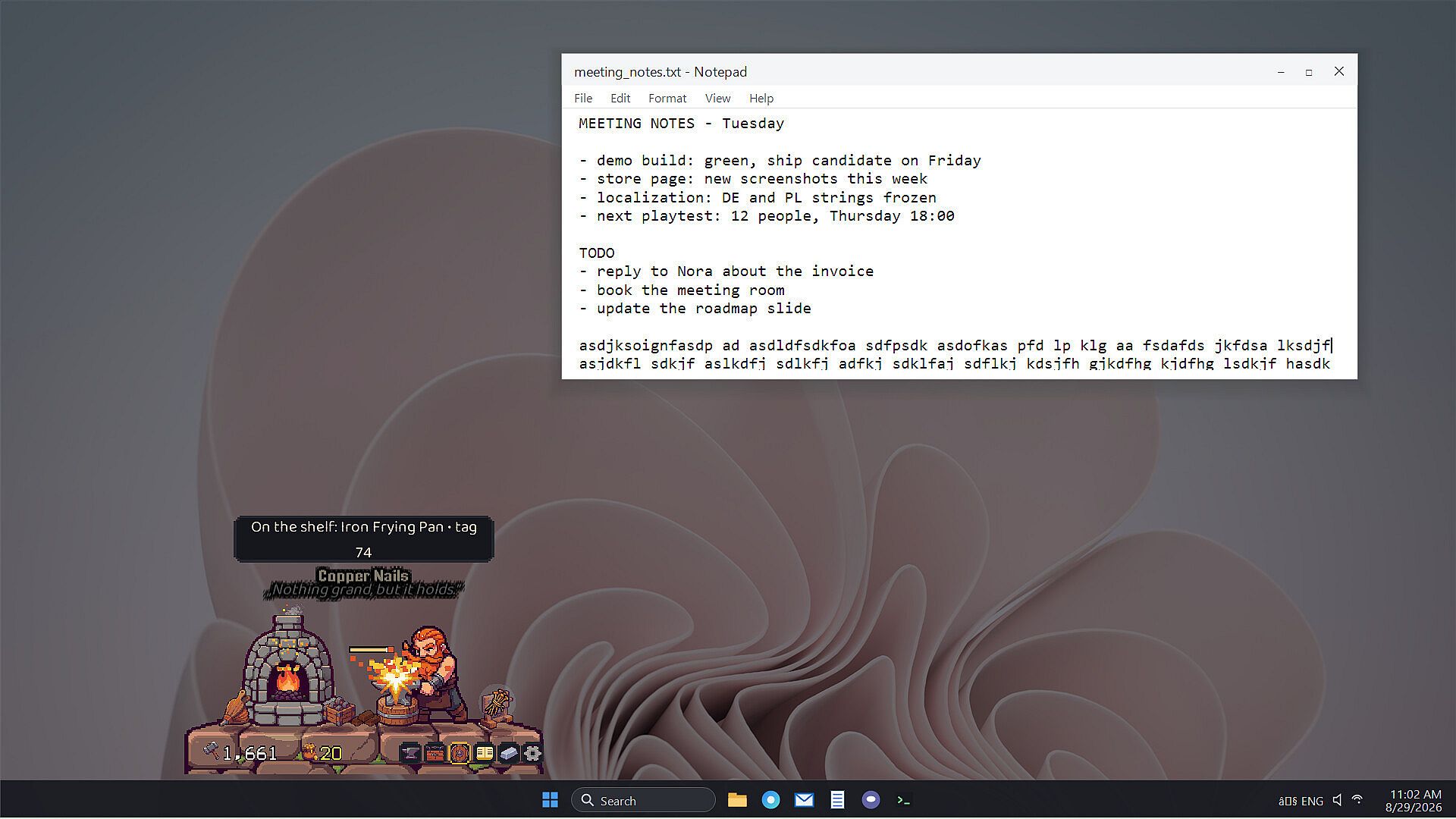
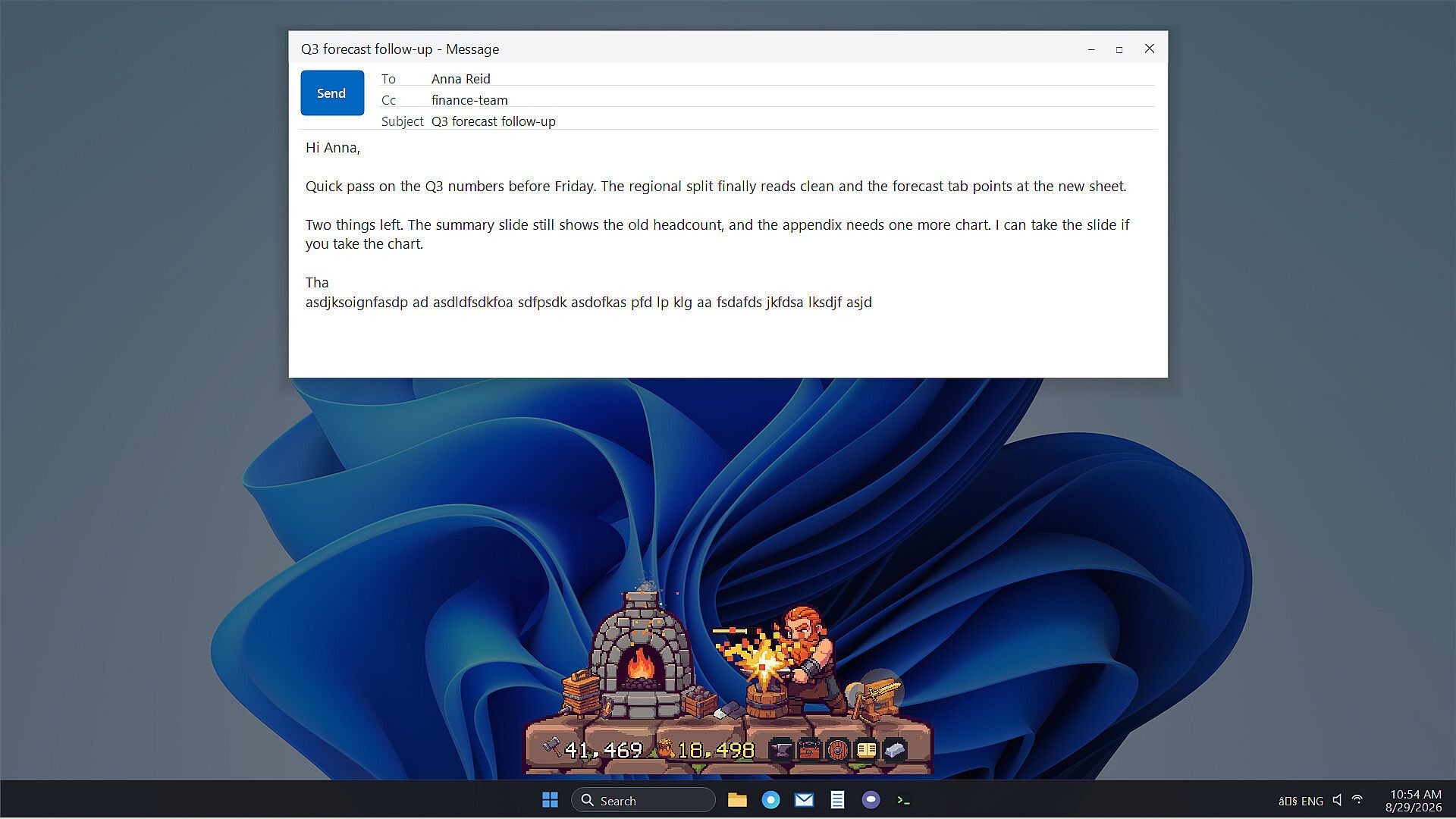
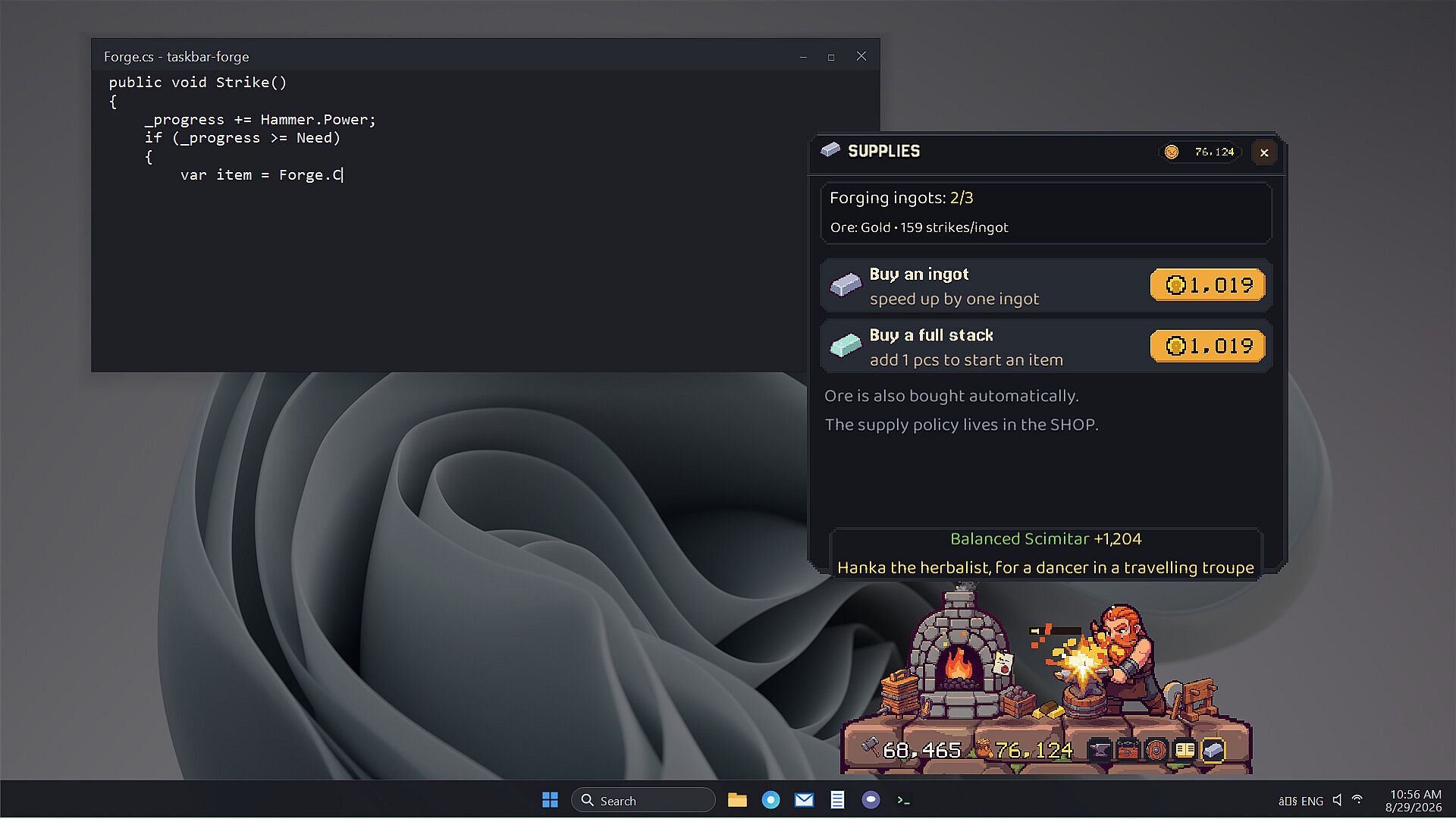
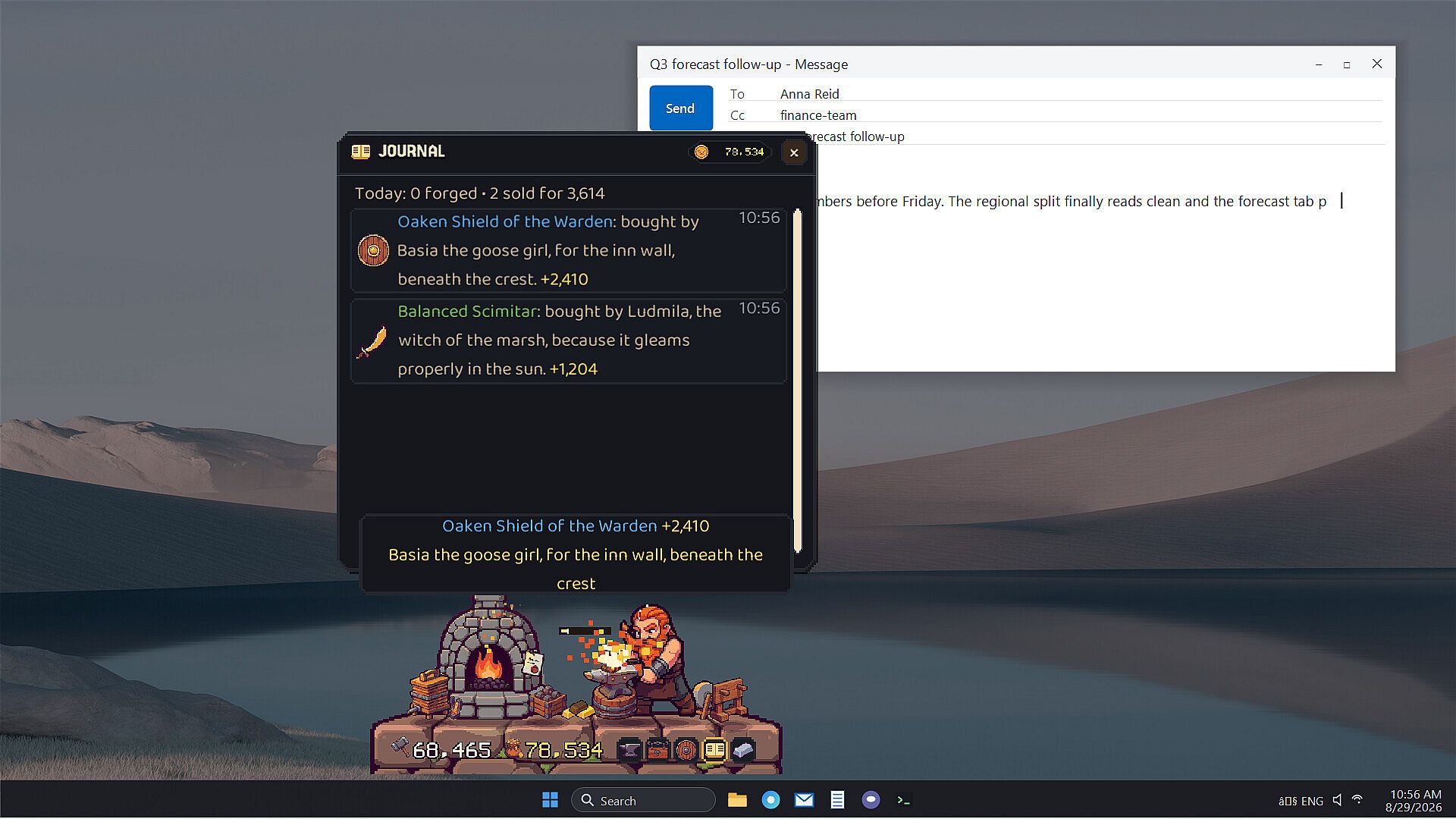
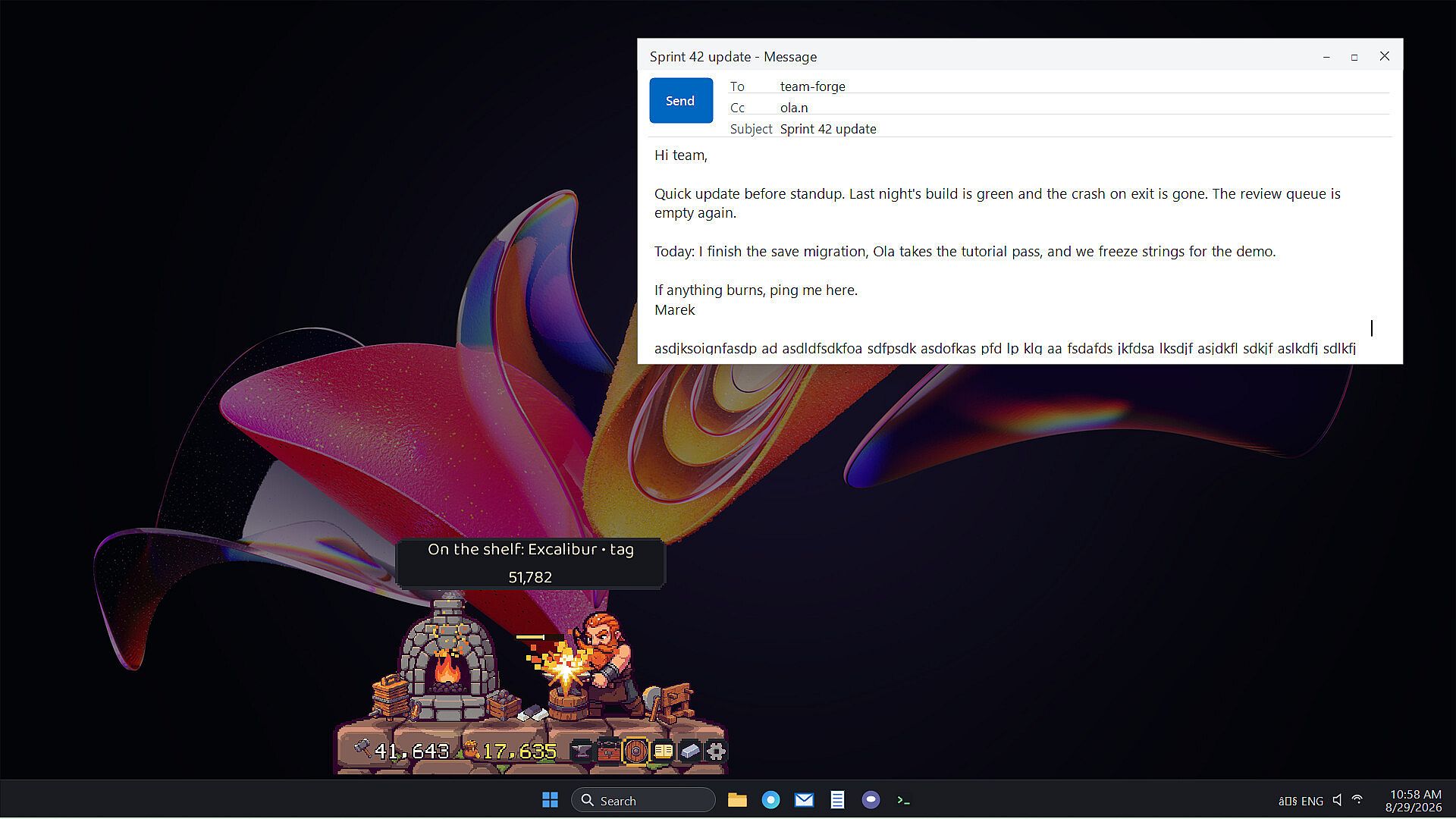
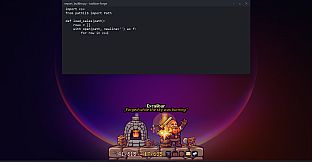
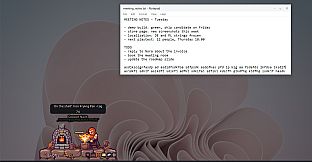
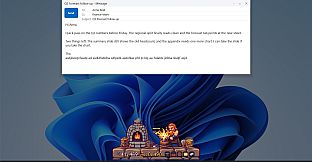
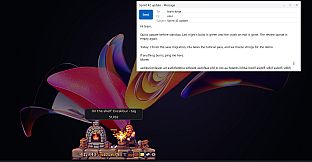
My Desktop Dwarf: Taskbar Forge is an indie casual simulation game for PC that places a dwarf named Brokk and his forge directly above the taskbar. The experience ties directly to keyboard activity, turning everyday typing into the fuel for metalworking. Brokk hammers new pieces whenever the player works on emails, code, or documents, with each keystroke registering as a strike. The furnace intensity rises with faster typing, and the dwarf pauses during breaks to match the user's rhythm.
Gameplay
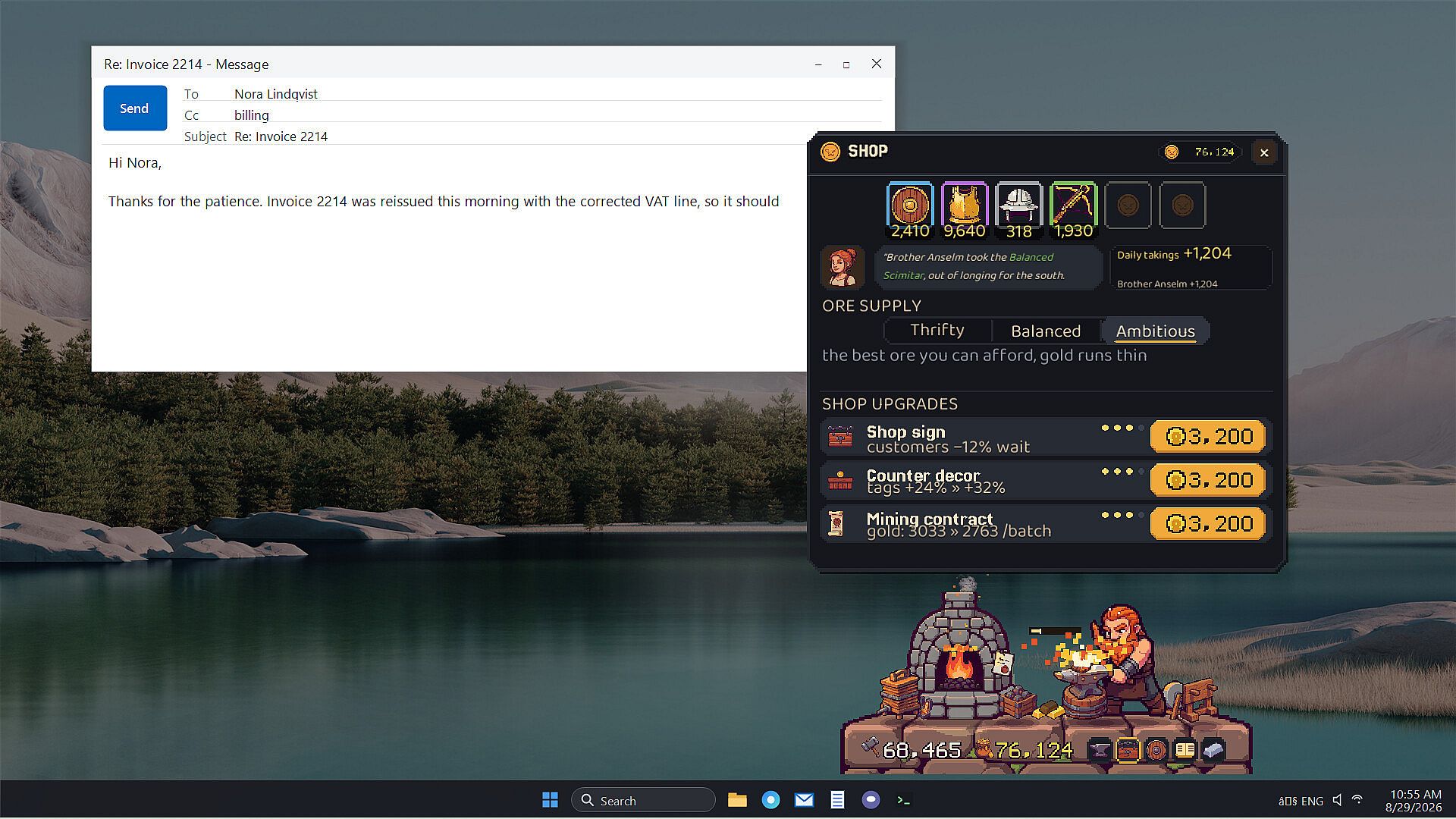
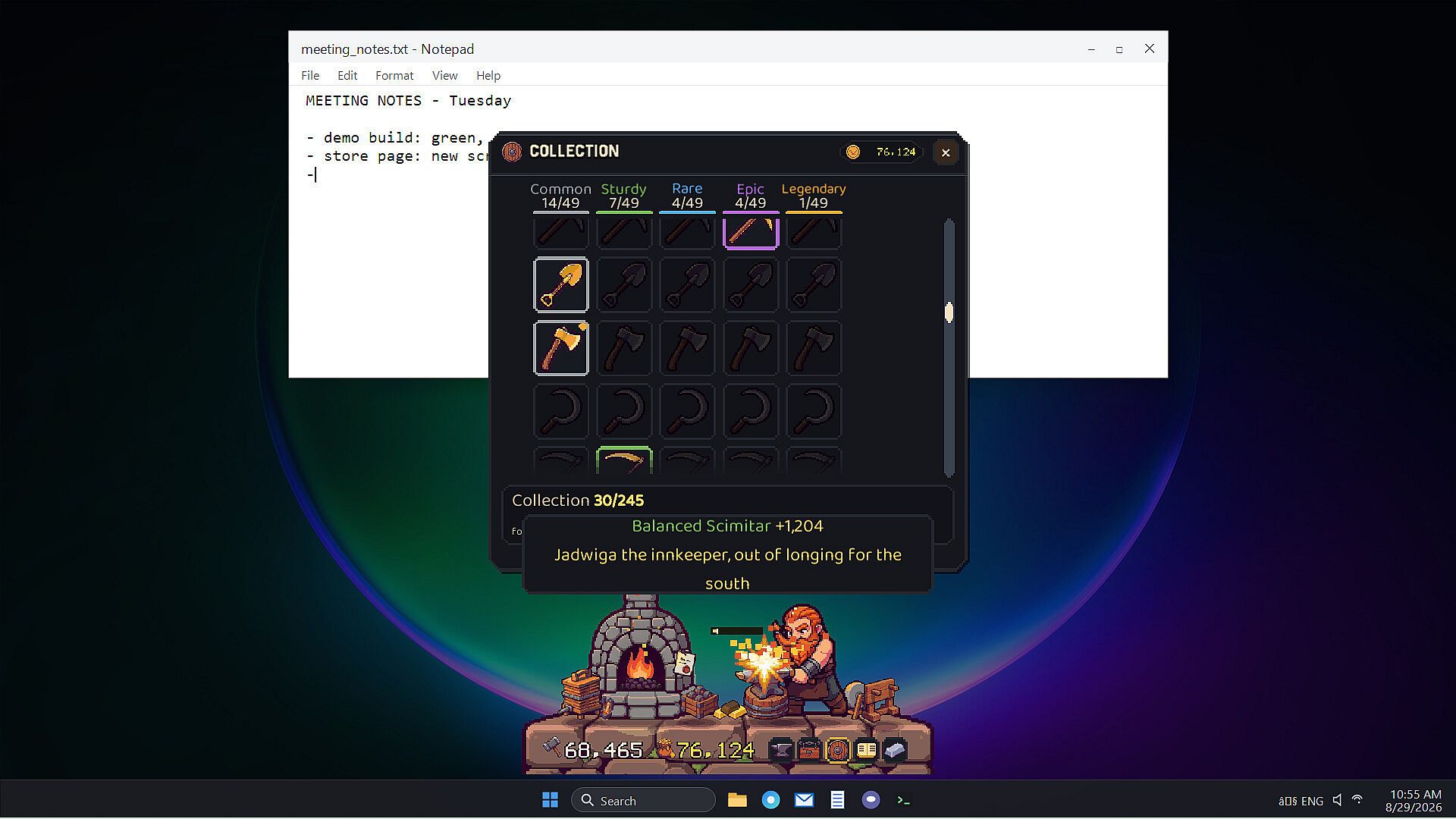
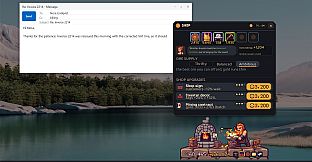
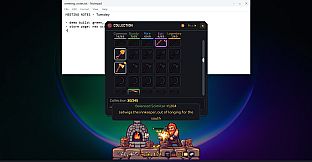
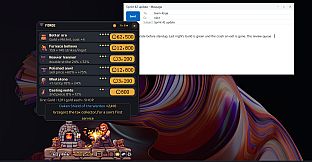
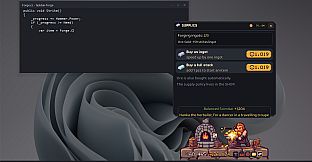
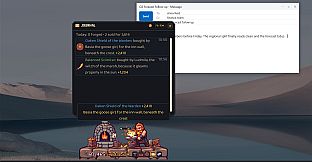
The core loop centers on resource progression from raw ore to finished goods. Ore arrives first, followed by individual ingots shaped one strike at a time into practical items such as daggers, kettles, or horseshoes. Occasional flares in the metal produce legendary results including Szczerbiec, Excalibur, and Mjolnir. A display cabinet tracks 55 distinct patterns available for forging. Brygida manages sales from the shop counter, handling both immediate purchases of displayed stock and special customer orders that yield extra payment. Players control ore acquisition levels, ranging from affordable copper to premium mithril, balancing thrift against quality to sustain output.
Upgrades purchased with sales revenue expand capabilities. These include a heavier hammer for stronger strikes, casting molds for efficiency, and a whetstone that improves piece rarity. The sequence of metals advances through copper, iron, steel, silver, gold, and finally mithril as the forge scales. All activity remains passive during normal work sessions, requiring no clicks or menu navigation to keep the simulation running. The window can be minimized or effects reduced to limit visual distraction while still tracking progress in the background.
Game Modes
The game operates as a single-player simulation without distinct modes or separate campaigns. Activity flows continuously from the typing-driven forging system, with optional manual interventions limited to spending earnings, selling items, or adjusting upgrades. Players return to the interface only when ready to manage resources or review output, then resume their primary tasks. This design supports both hands-off background running and focused sessions where the player types alongside Brokk for added engagement.
Progression Systems
Long-term advancement comes from repeated cycles of forging, selling, and reinvesting. Each metal tier unlocks after sufficient earnings, and upgrades compound to produce higher-value pieces more reliably. The 55 patterns provide variety in output, while legendary items add rare high-reward moments. Brygida's special orders introduce occasional bonuses that accelerate growth. The system rewards consistent keyboard use over time rather than intense bursts, allowing the forge to build its own momentum as the player maintains regular work habits.
Is It Worth Playing?
This simulation suits users seeking a low-interference companion that rewards productive typing sessions with visible progress in a desktop forge. The passive mechanics integrate into existing workflows without demanding dedicated playtime, making it appropriate for anyone who spends hours at a keyboard and wants subtle motivation from incremental achievements. Those who prefer active clicking or competitive elements may find the hands-off nature less engaging, but the design delivers steady advancement for players comfortable with idle-style resource management tied to real-world input. The indie casual simulation approach keeps focus on steady, background-driven growth rather than complex systems or frequent updates.