
Acheter Planet X3 (DOS) PC

Où acheter la clé Steam Planet X3 (DOS) {6} la moins chère ? Vérifiez et comparez les prix de 1 boutiques pour trouver l'option la meilleure et la moins chère parmi 1 offres sur XD.deals. Actuellement, le prix Planet X3 (DOS) {6} le plus bas sur les keyshops est disponible sur 9,75 € (0% de réduction).

Date de sortie : 14 juil. 2023
Steam:
Overwhelmingly Negative (5)
Keyshops
Indisponible
Acheter sur une boutique officielle :
9,75 €
Acheter sur les keyshops :
Voir l'historique des prix

Boutiques officielles (1)

DRM:
Steam
Steam
Steam
Planet X3 (DOS)
Windows
+1
il y a 1a
DRM:
Steam
Steam
9,75 €
Historical Low Deal
Historical low

Ă€ propos de Planet X3 (DOS)

Planet X3 (DOS) - Ă  propos du jeu
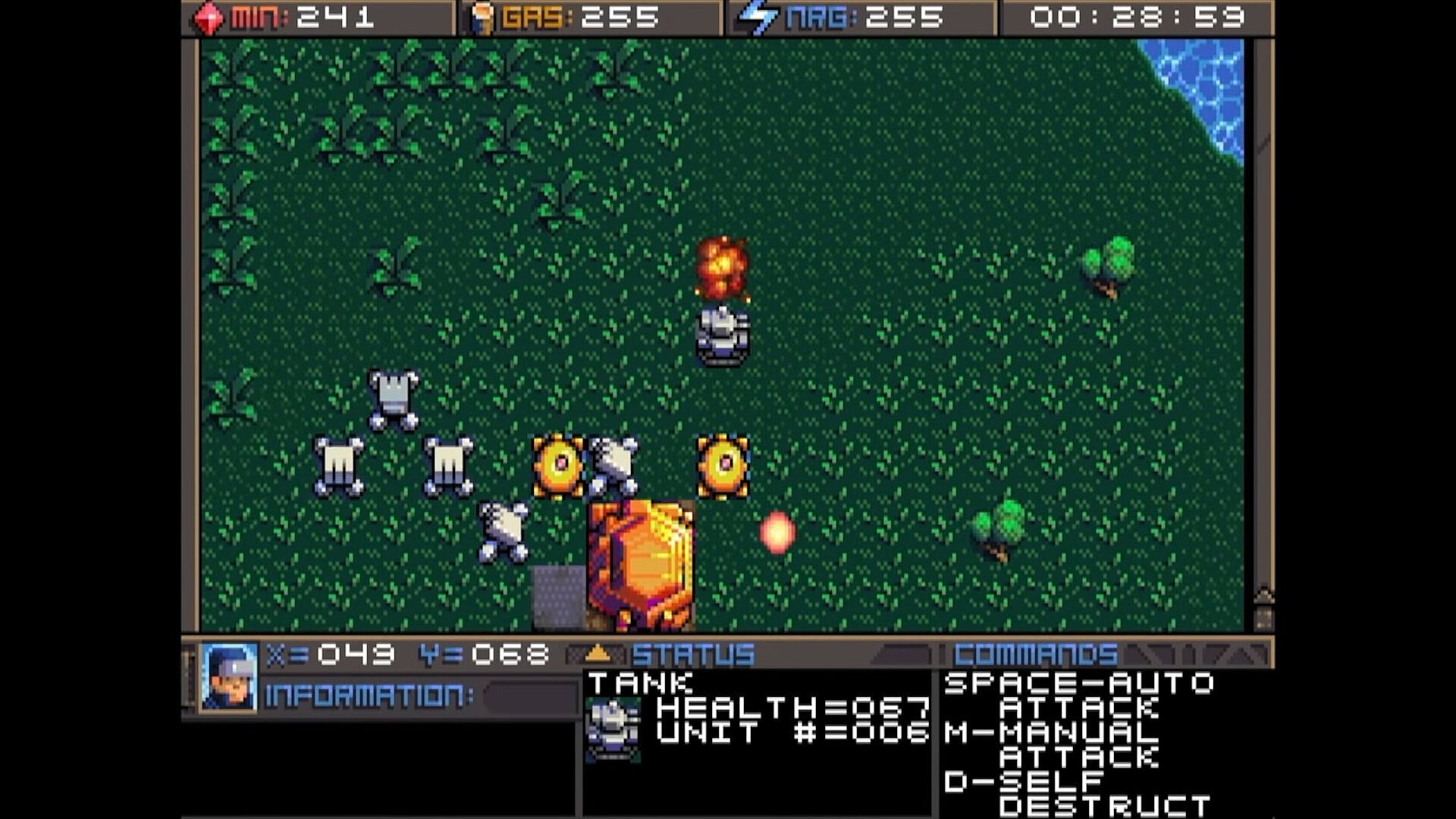
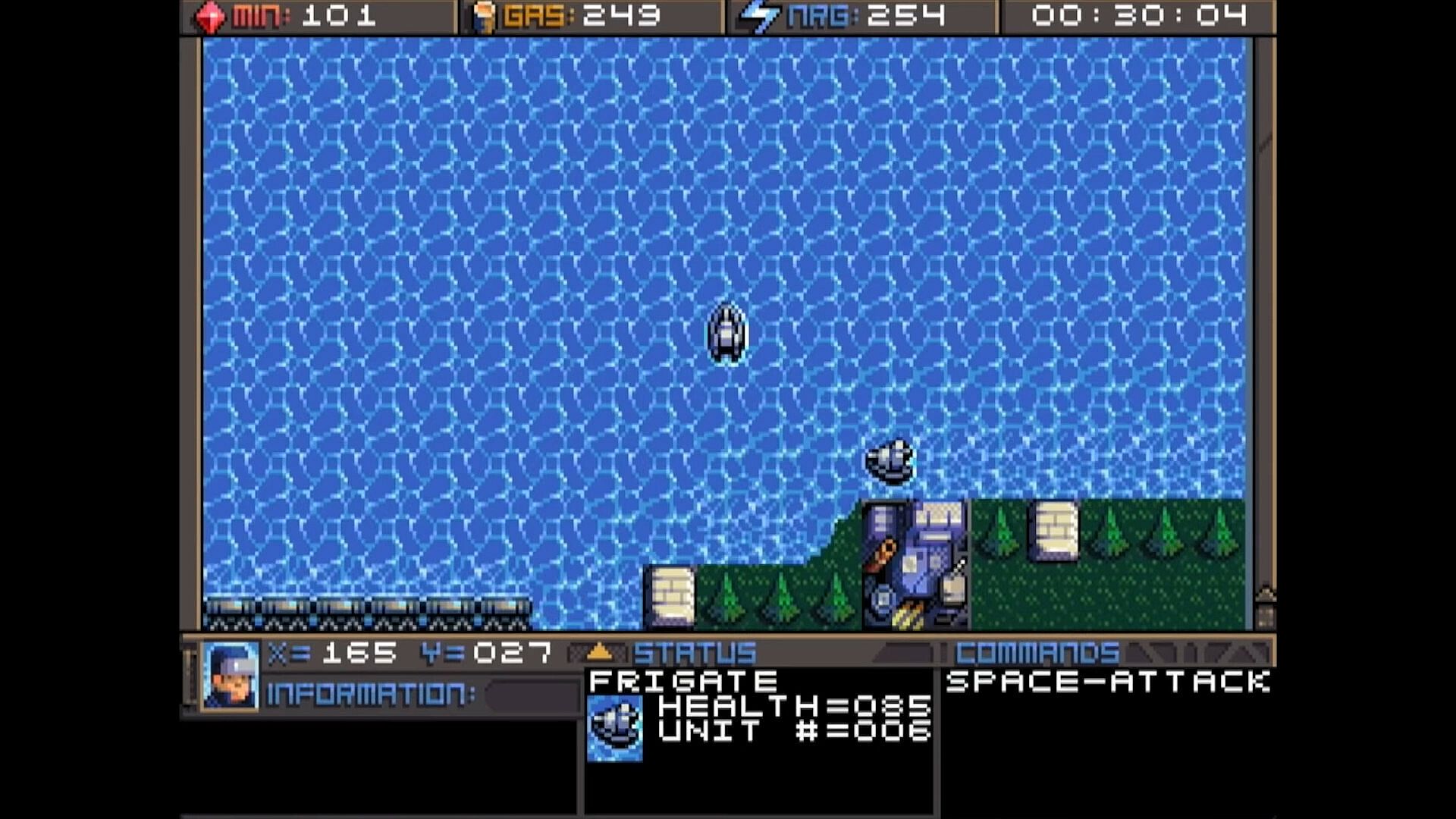
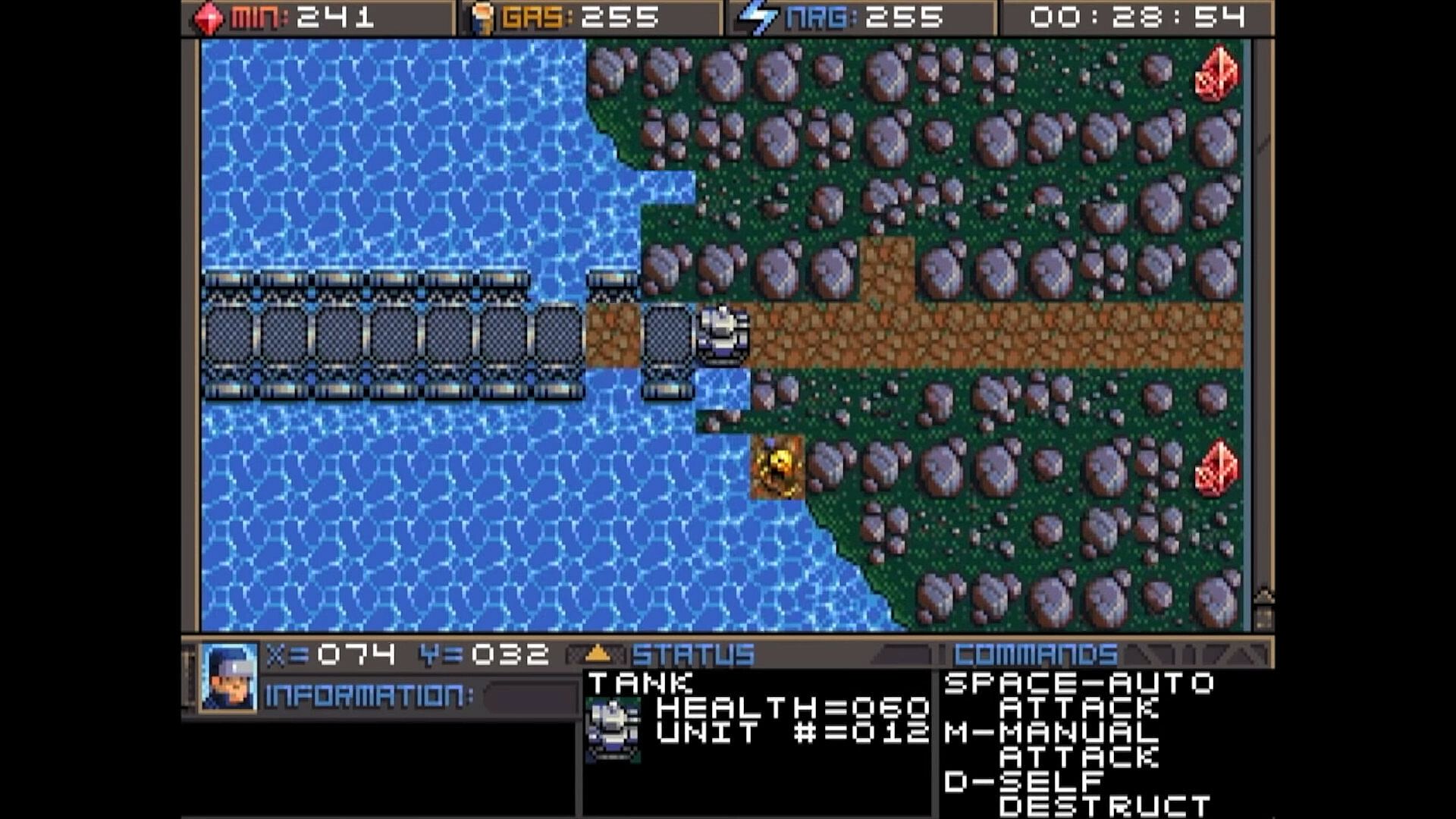
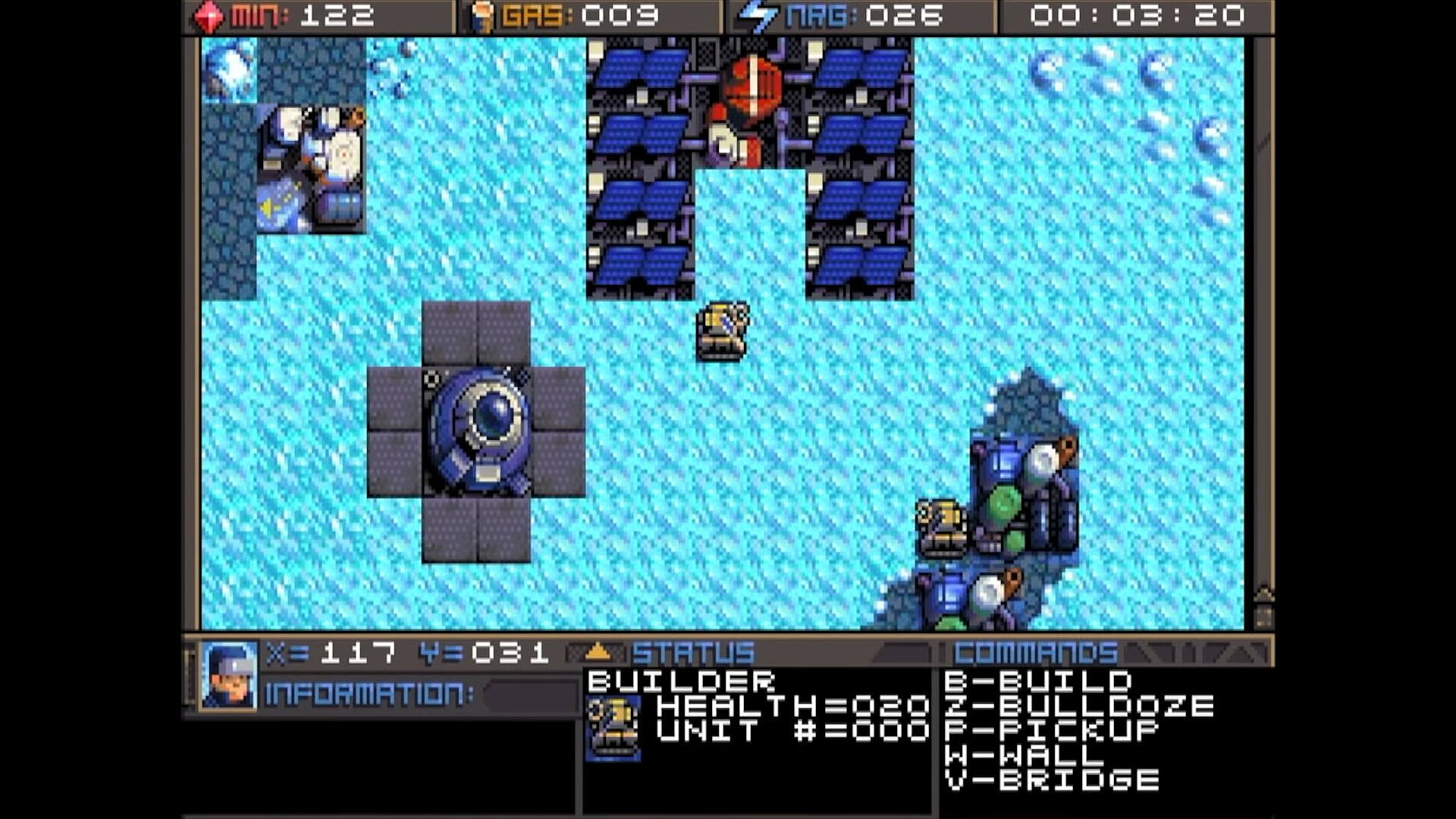
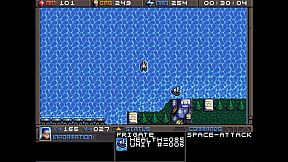
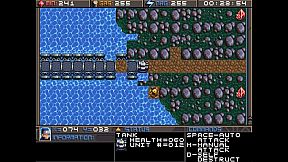
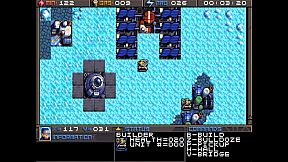
Command units and manage resources in this classic DOS strategy game. Track minerals, gas, and energy in on-screen boxes, capped at 255 each, while monitoring coordinates and a running game clock. Hunt map deposits like rock formations, crystals, and volcano-like gas vents to sustain your operations. Switch between dozens of units and buildings using browse mode with arrow keys and Return, Tab to cycle mobile units like tanks and frigates, Page Up/Down or brackets for structures like factories and smelters, or assign hotkeys with Shift plus numbers for quick access. Build refineries on gas vents and mine varied rock types with different yields and speeds. Strategy players master these controls to juggle infrastructure and unit commands efficiently.

HOW TO PLAY
Although there are many other keys to learn, these are the main keys you need to
operate the game. Some keys do the exact same thing, such as the bracket keys or
page up/page down keys. This will mostly be your preference, and possibly what sort
of keyboard your computer has.


At the top of the screen you’ll find three boxes displaying your current resources, which
include minerals, gas, and energy. You will need to collect more of these, which we’ll
get into later. 255 is the maximum number of resources you can store at any given
time. Next to the resources is a running clock showing how long the game has been


going. On the bottom you’ll find your current coordinates. This is very important for
knowing where your units are, especially in relation to the enemy bases. More on this
later. The bottom three windows are there to give you different types of information.
SWITCHING BETWEEN UNITS

In this game, you will be controlling dozens of different units, so it’s important to
know how to switch between them. There is more than one way to accomplish it, and
you should learn all of the ways.

Browse - If the unit you want to control is visible on the screen, you can press Return
to enter browse mode. At this point, a small box-like cursor will appear on the screen.
Use the arrow keys to move this box around until it is positioned on the unit or
building you wish to select, then press Return again. You can even select enemy units,
but you can only look at their status, not control them.

Cycle Units - For things like tanks, builders, and frigates. If the unit you want is not
currently visible and you don’t feel like driving to the unit, you can press the Tab
key to cycle to the next unit, wherever it may be. The cycle is based on unit number,
so sometimes it may seem there is no rhyme or reason as to which unit it goes to
next. You can also use the plus and minus keys on the keyboard to move forward and
backwards through your units. With practice, this is the fastest way to switch between
units.

Cycle Buildings - For things like factories, smelters, and radar stations. If the building
you want is not currently visible, you may press Page-up / Page-down to cycle back
and forth between them, very much like the unit cycle. You can also use the bracket
keys [ and ] to accomplish the same thing. Solar panels are purposely skipped during
the cycle because there are often numerous panels and you can’t actually control
them anyway. If you want to select a solar panel you must use the browse feature.

Hot Keys - You can use the number row 0-9 at the top of your keyboard to assign spe-
cific units or buildings that you need to access more quickly. Press Shift + Number to
assign a number key to the current unit. You can then use that number key to quickly
switch to the assigned unit. This will be especially useful during battles.
CONTROLLING UNITS
Your first order of business after starting the game should be establishing infrastructure and collecting resources.
Without them, you won’t be able to do much.
You’ll need all 3 types of resources: Minerals, Gas, and Energy.
It may require some hunting around the map to
find the minerals and gas, so we’ll talk about
those first. You can find these on the map.
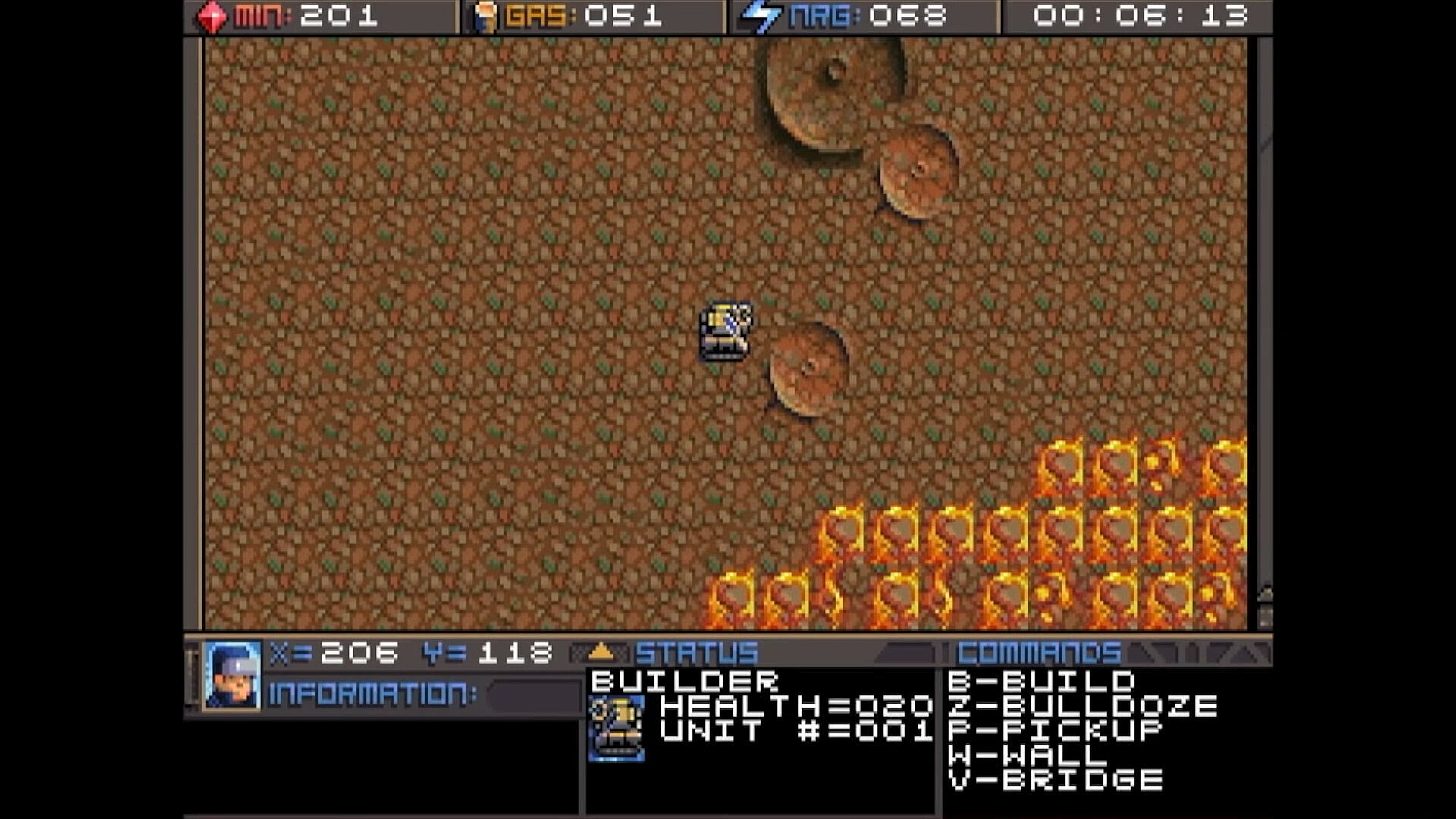
There are usually deposits of minerals
clumped together. Some maps have a
lot, and some have very few, so use them
wisely. In this screenshot, you can see
several rocks and crystals in a formation.
Both the rocks and crystals can be used
as mineral sources. The formations that
look like volcanos are gas vents. You will need to build a refinery on top of them.
The more the better.

Different types of rocks will process at different speeds and also have different yields.
Also, the minerals can look somewhat different depending on which graphics mode
you are in. This chart shows each one and how many minerals you can expect to get
as a result of mining each kind.


Different types of rocks will process at different speeds and also have different yields.
Also, the minerals can look somewhat different depending on which graphics mode
you are in. This chart shows each one and how many minerals you can expect to get
as a result of mining each kind.

Interface:
English

Classification par âge

Indisponible
Steam:
Overwhelmingly Negative (5)

Minimum :

  • Stockage: 35 MB available space

Recommandé :

  • Stockage: 150 MB available space

Minimum :

  • Système d''exploitation: macOS 10.15 (Catalina)
  • Stockage: 23 MB available space
  • Notes supplĂ©mentaires: May support macOS 10.14 (Mojave) or older

Recommandé :

  • Stockage: 150 MB available space
Plus bas historique
Historique des prix des boutiques officielles
-
-
-
Historique des prix des keyshops
-
-
-

FAQ

8 questions

Avant de chercher une cle Planet X3 (DOS) pas chere, verifiez l'essentiel. Développé par 8-Bit Productions, LLC. Publié par NMSE & Co LLC. Date de sortie PC : 14 juil. 2023. Genres : Strategy. Catégories : Family Sharing, Single-player.

Q

Ou acheter une cle Steam Planet X3 (DOS) pas chere ?

Grace a notre comparateur de prix et nos codes de reduction verifies, vous pouvez acheter une cle Planet X3 (DOS) pour seulement 9,75 €. Cette offre est disponible chez Steam et fait partie des offres les moins cheres du marche. Toutes les cles listees sur XD.deals sont livrees numeriquement et eligibles au telechargement instantane apres paiement. Les prix incluent deja les frais de traitement et les codes promo appliques, vous voyez donc toujours le prix le plus bas pour Planet X3 (DOS) sur PC. Consultez l'historique des prix de Planet X3 (DOS) pour acheter au meilleur moment.

D'apres notre derniere mise a jour (nous actualisons les prix Steam plusieurs fois par jour), le prix Steam de Planet X3 (DOS) est de 9,75 €. Vous pouvez economiser environ 6 % en payant avec une carte cadeau Steam a prix reduit.

Notre traqueur de prix couvre les revendeurs officiels et les keyshops, vous pouvez donc trouver Planet X3 (DOS) en promotion meme en dehors des periodes de soldes. Nous detectons actuellement 1 offre active provenant de boutiques officielles et de keyshops. Consultez le tableau ci-dessus, comparez avec le prix le plus bas historique et creez une alerte pour ne jamais manquer la prochaine baisse de prix.

D'apres nos donnees, Planet X3 (DOS) n'est pas actuellement disponible sur GeForce NOW. Vous devrez le lancer localement sur votre PC. Parcourez les jeux disponibles sur GeForce NOW.

Oui. Planet X3 (DOS) a une page officielle sur le Steam Store. Vous pouvez aussi acheter une cle Steam Planet X3 (DOS) aupres de vendeurs tiers. Notre comparateur de prix inclut actuellement 1 offre avec DRM Steam. Choisissez-en une pour vous assurer que votre telechargement de Planet X3 (DOS) se fasse sur la plateforme de Valve.

Pas pour le moment. Valve classe Planet X3 (DOS) comme non supporte sur Steam Deck. Gardez un oeil sur XD.deals - nous suivons les mises a jour Proton et les correctifs de la communaute. Parcourez les jeux Steam Deck Verified ou Steam Deck Playable.

Planet X3 (DOS) ne semble pas etre disponible sur PC Game Pass, EA Play, Ubisoft+ ou tout autre service d'abonnement PC pour le moment. Votre seule option est d'acheter le jeu - utilisez XD.deals pour trouver le meilleur prix.

Non - XD.deals n'est pas une boutique. Nous sommes un comparateur de prix qui suit les meilleures offres pour Planet X3 (DOS) sur les boutiques officielles et les keyshops verifies. Cliquez sur "Voir l'offre" a cote de n'importe quelle offre et vous serez redirige vers le site du revendeur pour finaliser votre achat.

Meilleurs prix pour Planet X3 (DOS)

1 Steam Steam Official
9,75 €

Vous voulez acheter au meilleur moment ? Creez une alerte de prix sur XD.deals et soyez notifie quand Planet X3 (DOS) atteint son prochain prix le plus bas historique.

Créer une alerte
Rejoignez notre Discord
Obtenez de l'aide instantanée de notre communauté et restez à jour sur les dernières offres
Définir des alertes de prix
Recevez une notification par e-mail lorsque le prix d'un jeu atteint votre objectif
Créer un compte gratuit
Débloquez les listes de souhaits, alertes de prix et la synchro Steam