


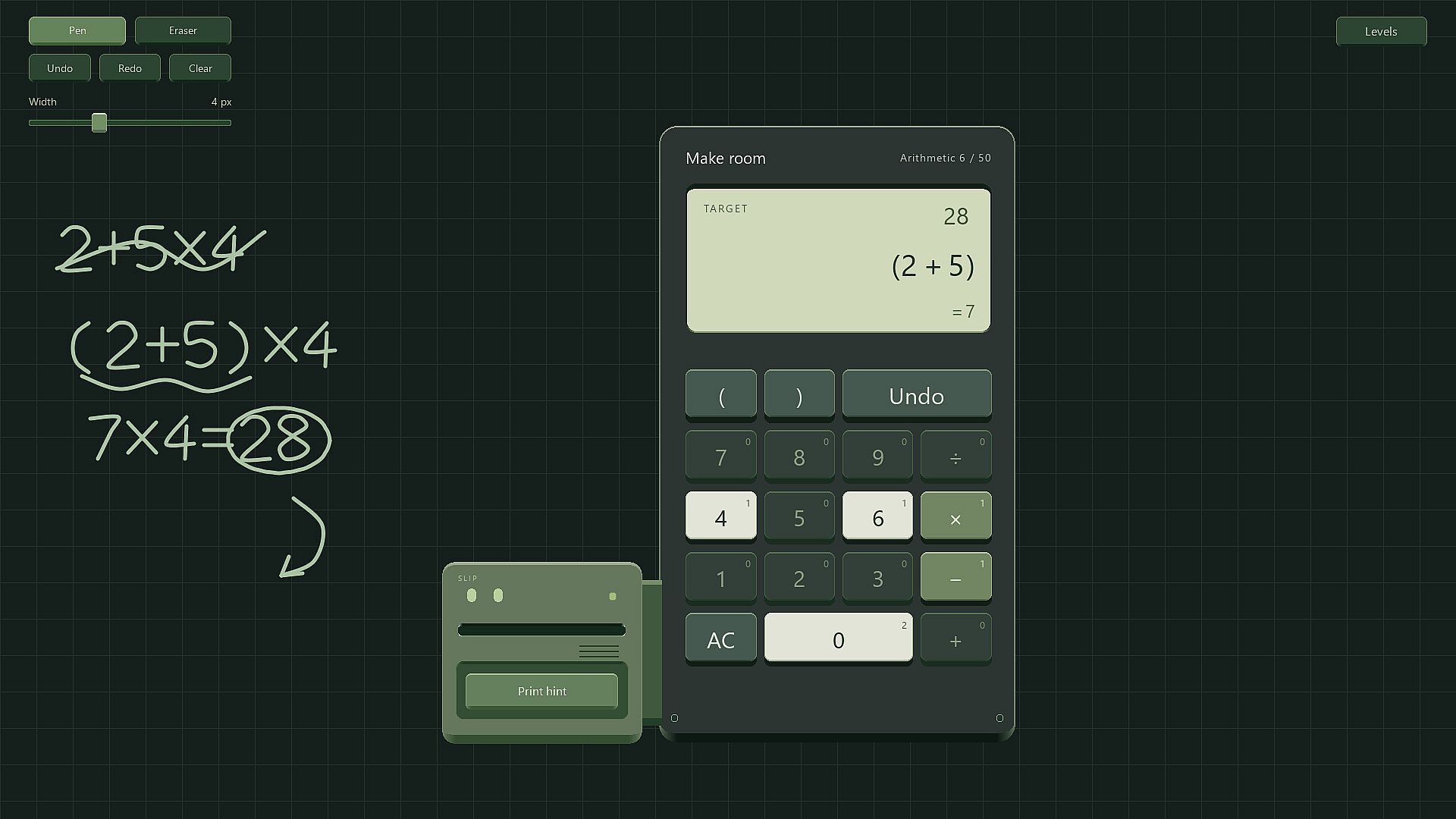
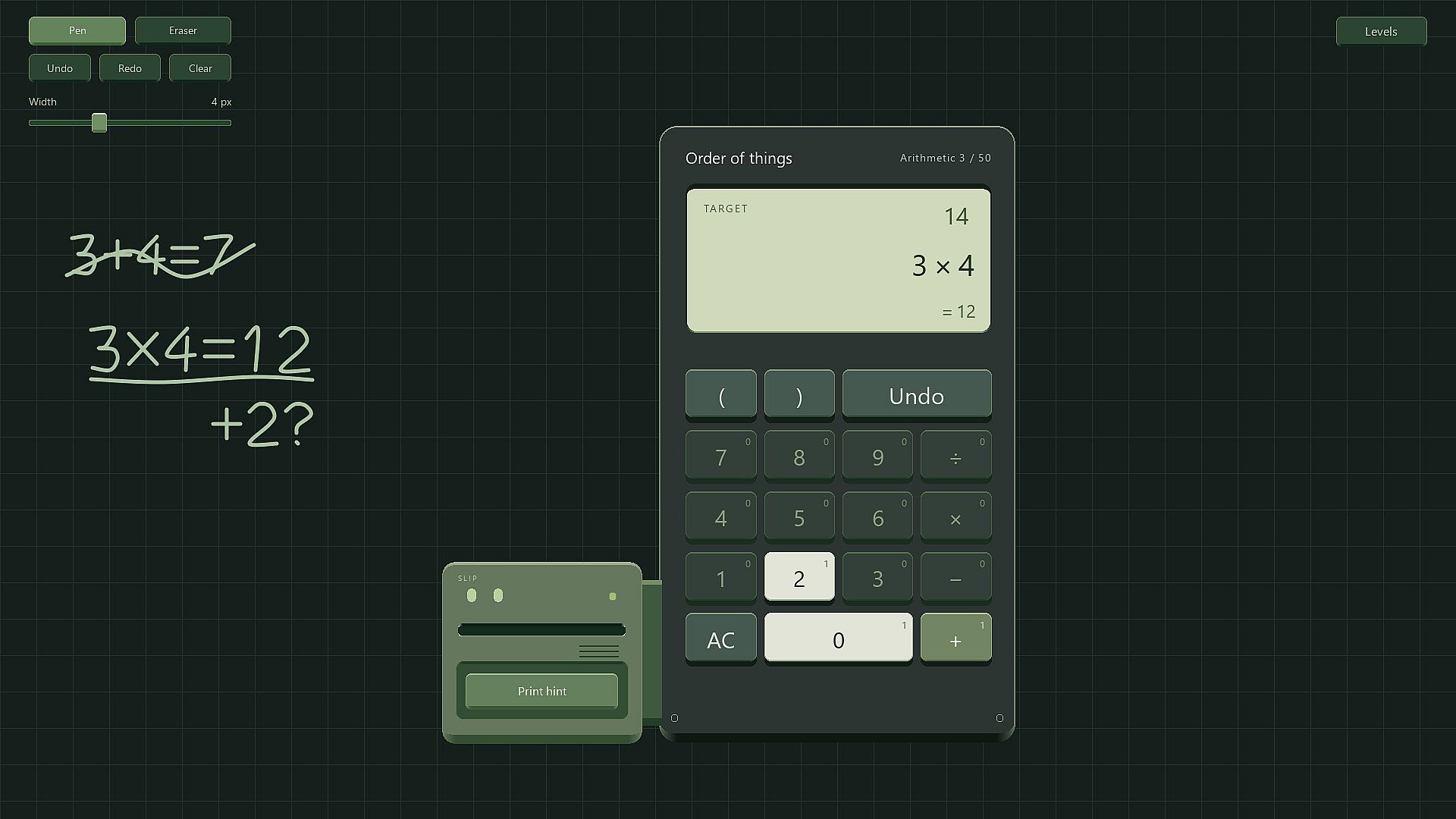
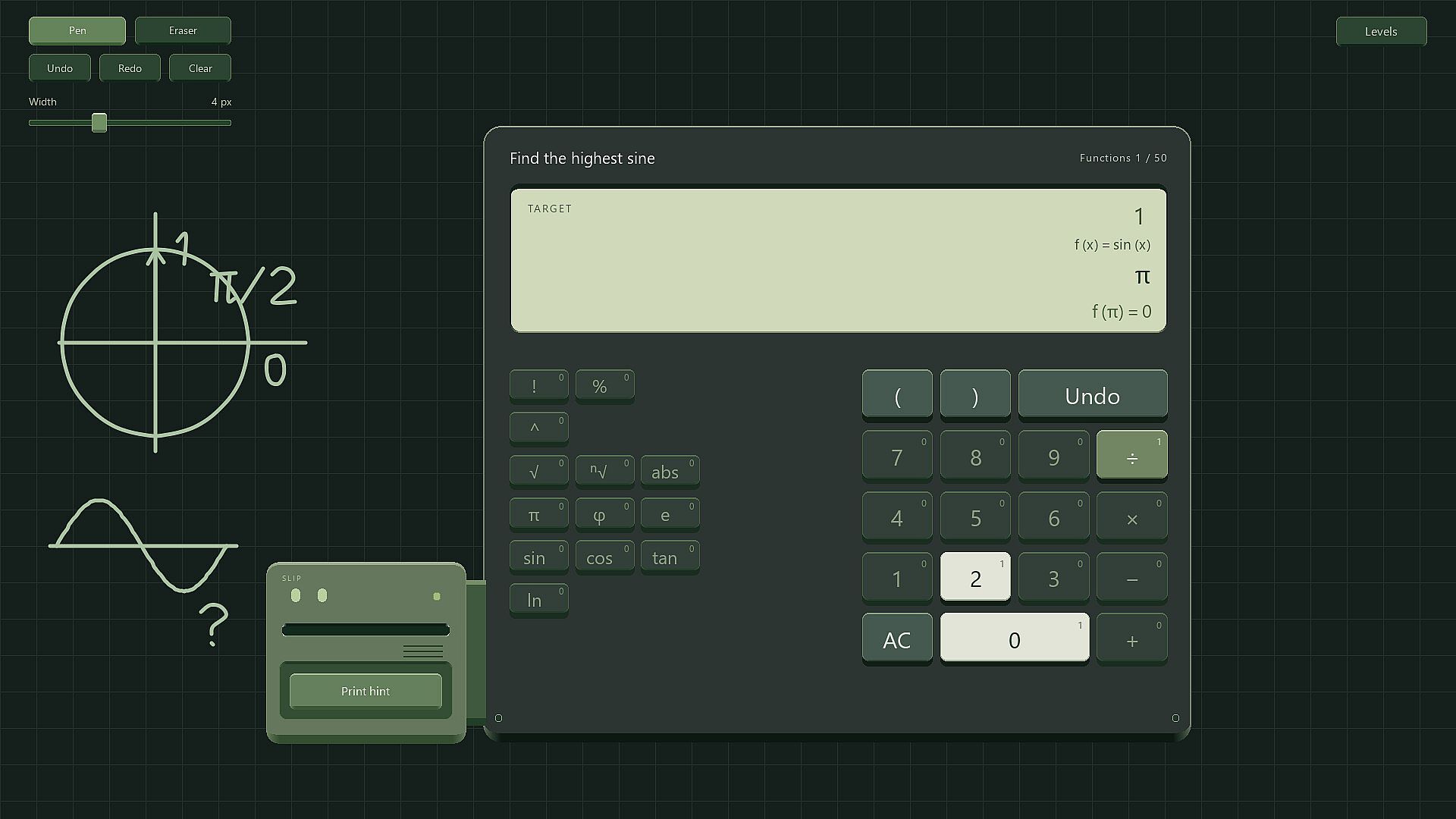
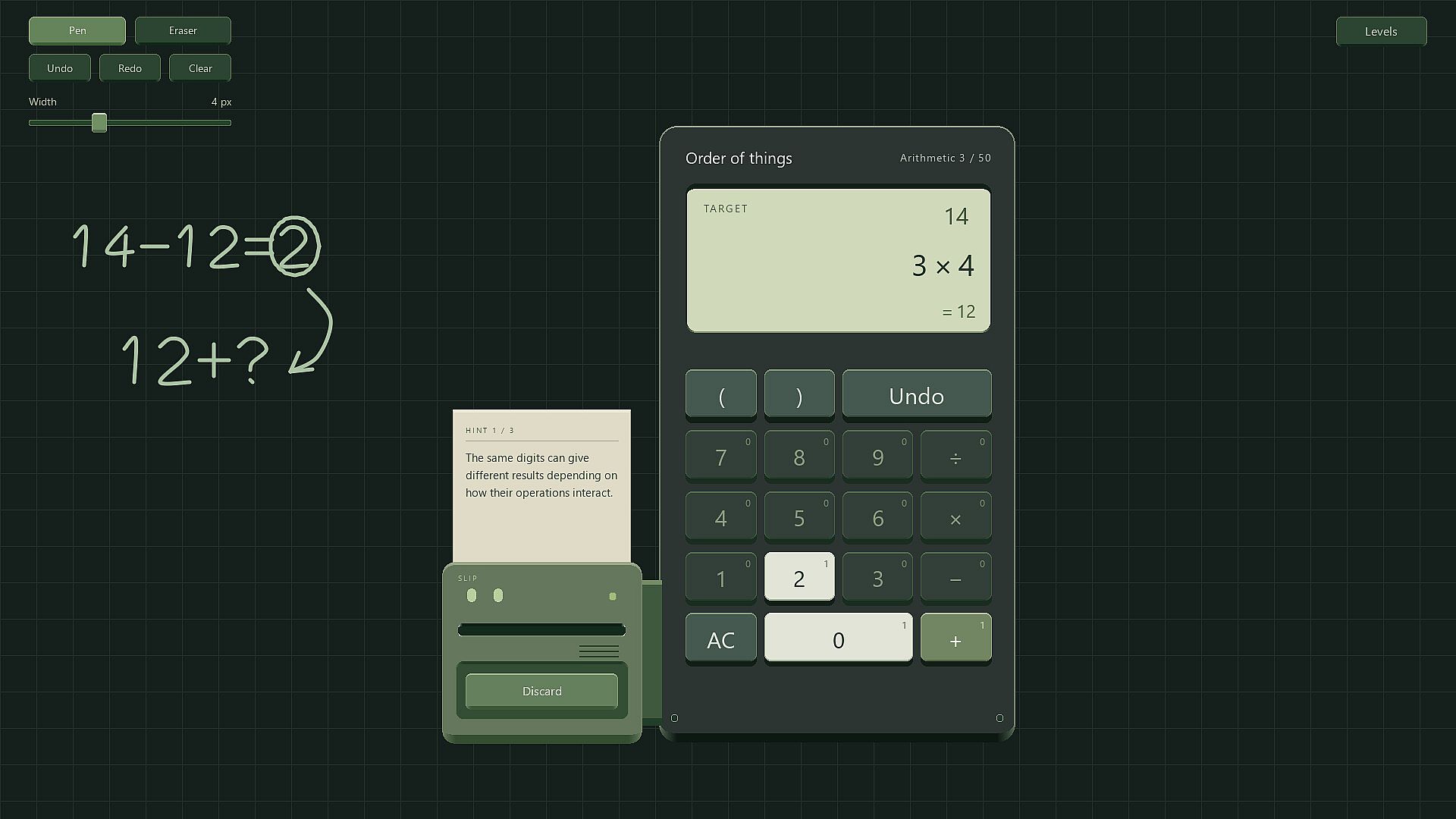
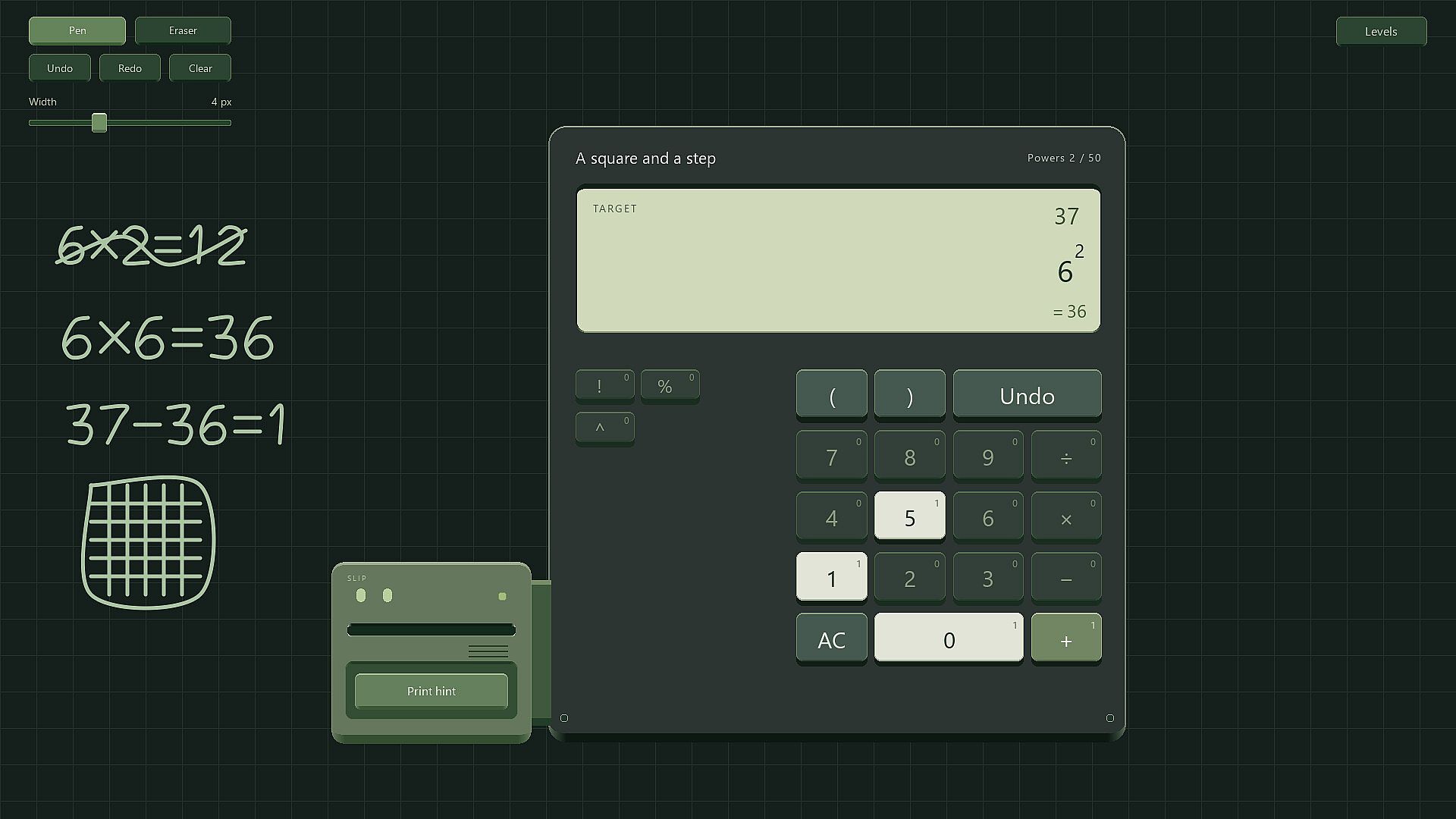
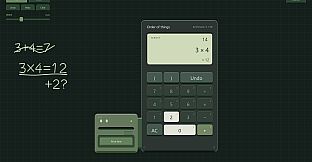
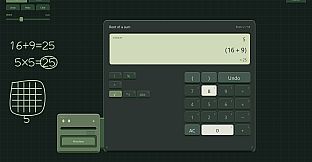
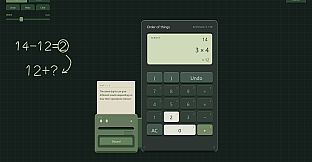
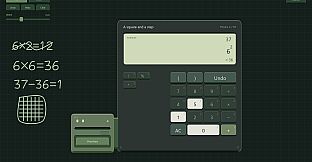
That Checks Out is a single-player math puzzle game in the strategy, indie, and simulation genres for PC. Players build mathematical expressions using a restricted set of calculator keys to reach a given target number.
Gameplay
The core loop centers on constructing valid expressions from a limited inventory of digits and operations. Each puzzle presents a target value along with specific keys that can be used a set number of times, and some keys may be unavailable entirely. Players combine digits into multi-digit numbers, position operations strategically, and insert parentheses to control order of operations. Not every key must be used, and multiple valid expressions can solve the same puzzle, with automatic verification of solutions.
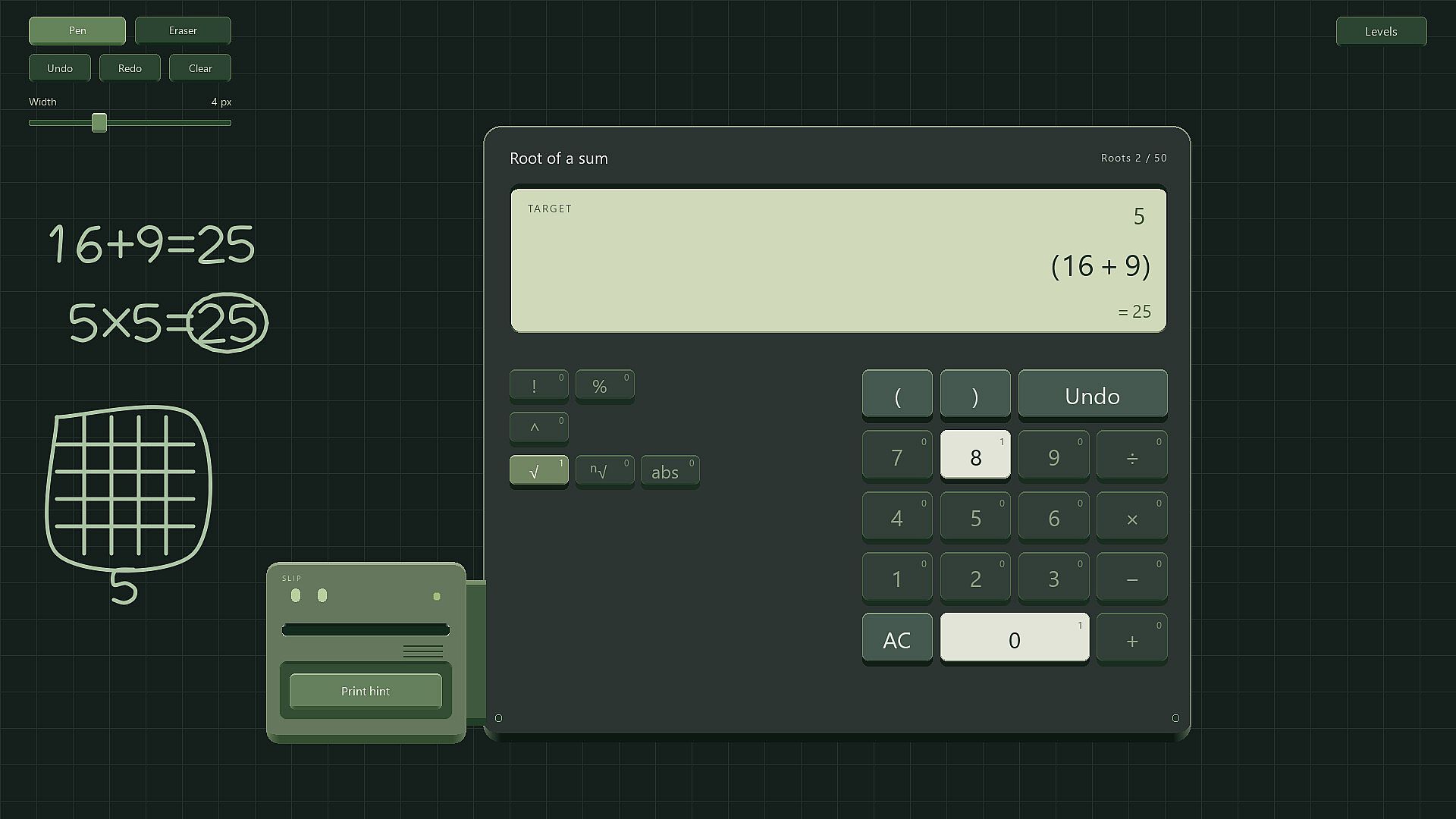
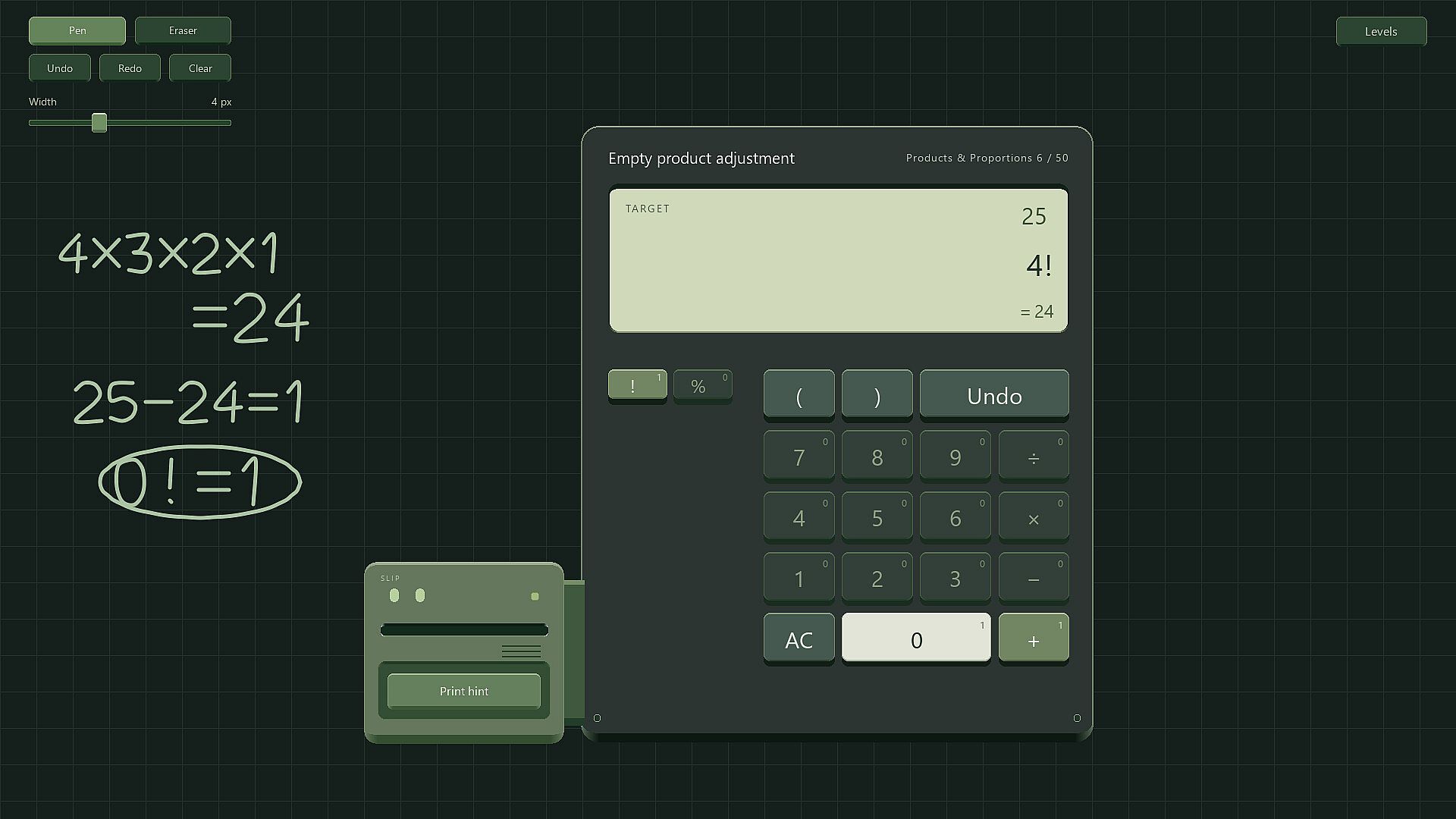
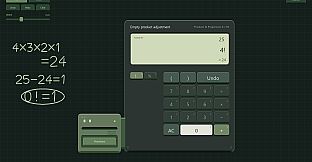
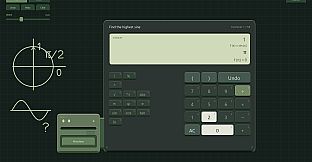
Early puzzles focus on basic arithmetic using addition, subtraction, multiplication, and division. Progress unlocks additional tools such as factorials, powers, indexed roots, mathematical constants, and functions. Puzzles scale in complexity, moving from modest targets to large numbers that often require insightful use of advanced operations, like leveraging a small factorial for a massive result or repurposing an awkward fraction.
A whiteboard serves as a scratchpad for jotting ideas, with pen, eraser, and full undo or redo support. The calculator can be dragged aside to keep the workspace clear. When stuck, a companion printer named Slip provides progressive hints that start indirect and become more specific as needed. Input supports both mouse and keyboard, with options for light or dark themes and adjustable sound volume.
Game Modes
The game features a single-player campaign structured around progressive categories. Each category introduces new calculator tools and contains several individual puzzles, allowing players to switch between problems while working through a challenge. Category progression expands the available operations and constants, building from basic arithmetic toward more advanced scientific calculator functions.
Progress is saved automatically, and expressions can be undone or adjusted freely during solving. The structure encourages experimentation across multiple puzzles rather than a linear sequence, supporting flexible play sessions where players return to earlier categories or tackle spares and distractors in later stages.
Key Features and Mechanics
Limited-use keys force careful planning, as digits, operations, and parentheses each have usage caps. Spare elements appear in advanced puzzles, requiring players to identify which tools are relevant and which can be ignored. Expressions are evaluated automatically upon completion, accepting any mathematically correct solution without requiring a specific form.
The campaign spans arithmetic and scientific calculator puzzles, with unlocking mechanics that reveal new categories and tools as earlier ones are completed. The whiteboard and hint system provide practical support without interrupting the puzzle flow, while themes and volume controls allow customization for comfort during extended sessions.
Is It Worth Playing?
That Checks Out suits players who enjoy deliberate, logic-driven puzzle solving centered on mathematical expressions and resource constraints. The progression from basic operations to advanced functions, combined with the flexibility of multiple solutions per target and the option to switch puzzles, supports steady advancement without frustration from dead ends. The whiteboard and progressive hints further aid those who appreciate tools for working through complex expressions. Availability on PC with mouse and keyboard controls makes it accessible for focused play, and the campaign structure provides a clear path through increasing mathematical challenges. Those drawn to strategy and simulation elements in puzzle form will find the limited-key mechanics and category-based unlocking rewarding for short or extended sessions.