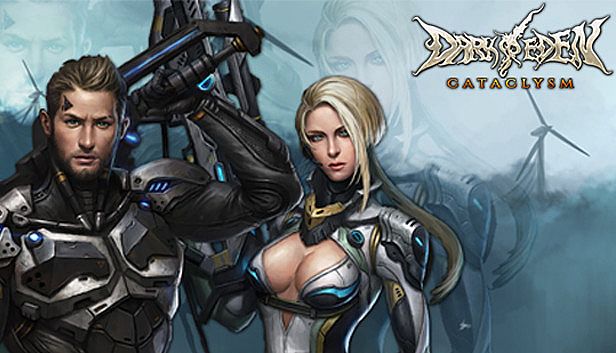


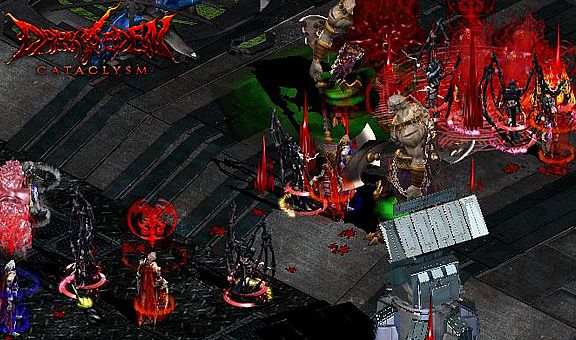
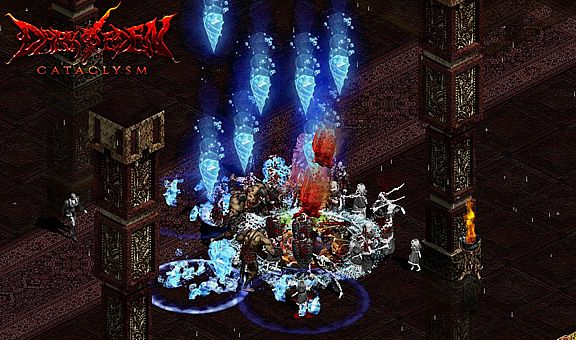
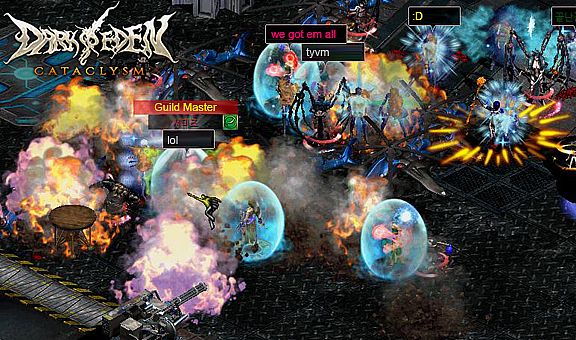
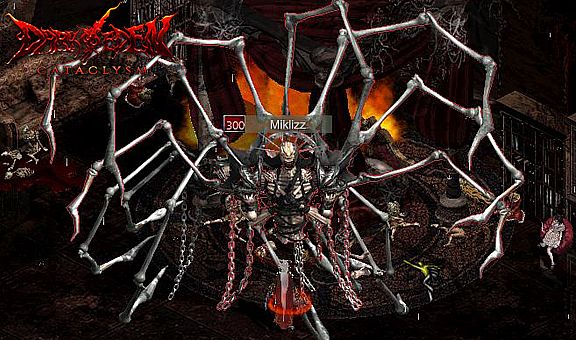
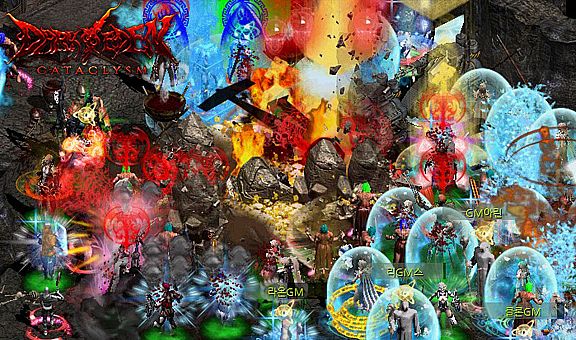
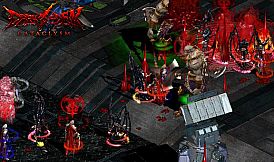
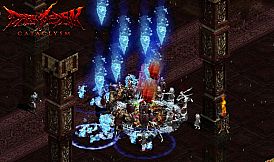
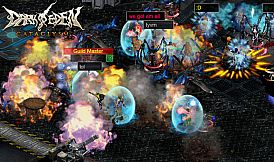
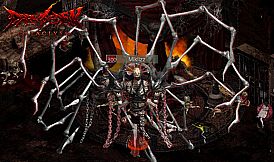
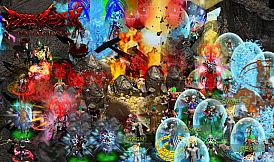
Les joueurs s'affrontent entre trois races - Vampire, Slayer et Ousters - dans ce MMORPG free-to-play se déroulant dans un univers d'horreur fantastique moderne mêlant héroïsme, fantasy médiévale et éléments SF futuristes. Choisissez votre race pour vous lancer dans des conflits territoriaux en petit comité ou des sièges de guilde à grande échelle au sanctuaire d'Adam, chaque race disposant de ses propres systèmes de progression, compétences, classes et véhicules tels que motos, hélicoptères et tunnels de warp pour des déplacements rapides sur la carte. Les cycles jour-nuit modifient dynamiquement les stats, favorisant les Vampires la nuit et les Slayers avec les Ousters le jour.
Maîtrisez les compétences propres à chaque race - jusqu'à 100 pour les Slayers - grâce à des raccourcis clavier intuitifs et des contrôles souris, tout en naviguant dans des interfaces comme les écrans de buffs, les jauges d'énervement et les mini-cartes. Ce titre PC séduit les fans de PvP compétitif inter-races et de guerre multijoueur stratégique, amateurs de contrôles personnalisables et de progression persistante des classes.
(Features)
1. Unique Theme and Genre
The game constitutes of a unique objet which is vampire in the near future and this differentiates Dark Eden from the other MMORPGs.The game has modern horror fantasy background through combination of heroism, middle-age fantasy and SF future atmosphere.
2. Battle between races based on and well-made scenario
You can choose race freely from Vampire, Slayer and Ousters who fight with each other. Small-size conflicts between races occur for delicate turf war. Further, large-scale war between races which seems to be strategic enough and siege warfare between guilds occurs inAdam’s shrine.
3. Differentiated characteristics of races
Vampire and Ousters use level system while Slayer uses skill system. Each race has unique growth system, item configuration, sill and class. Vehicles including motorcycle, helicopter, bat and warp tunnel, shylph jam, horn of spirit of land enablecharacters to move on map quickly and spells are provided that each race has its own merit and drawback.
4. Change in stats according to time
Changes in day and night are not limited to vision and background scene but affect stats of each race according to the time. Vampires become stronger in the night while Slayers and Ousters become stronger during day.
5. Race System
Class system where the characters grow irrespective of level has been adopted and support class skill which the characters can learn skills selectively.
6. Various Skills
Vampire and Ousters have about 40 and 70 skills and spells respectively. Slayers have about 100 types of skills and spell. Further, there are 30 types of passive skills according to the class
(Help Guide)
Create Character
- Create character
1. Enter [ID and PASSWORD] of the account registered and click [Login] button.
* [OTP] is optional but is recommended to use for safe security
2. Register [2nd password], enter the password and click confirm button for safe game play
3. Choose world and channel for playing game
* The world is an independent space can you cannot use characters in other world therefore choose the world carefully.
* [Blitz] world is a special world where Exp gain ratio is higher than the other worlds. However, the figures are initiated after certain time.
4. Choose and double click place for creating character or click [Create Character] button.
* You can create 3 characters at maximum in an world.
5. Set race, name and gender of character then click [Create Character] button.
* Character’s name should be within 5 and 10 worlds for Korean and English respectively.
* Ousters do not have gender.
- Delete character
1. Choose character to be deleted and click [delete character] button.
2. Enter registration number of the account and click confirm button to delete the character.
* The deleted character can be recovered within 10 days from the deletion. Items and game money cannot be recovered therefore carefully delete the character.
Game control
-How to control
Use mouse and keyboard shortcuts for easier game play!
- Mouse control
You can get item, move character and follow subject by using mouse.
- Keyboard control
You can play the game faster by using various shortcuts for control therefore play the game more conveniently.
* You can change and use keyboard shortcuts to be your taste.
1. You can check shortcuts through game menu (ESC) -> change option -> game setting -> keyboard setting.
2. You can modify and change shortcuts to be your taste in keyboard setting.
- Keyboard shortcuts
* When chatting screen is closed, you can use it as shortcut apart from [Ctrl] key.
- Keyboard shortcuts
Shortcut Usage
ALT + TAB Logout window
Esc Game menu
Ctrl + H Help guide
Ctrl + Tab Equipment screen
Tab Bag (inventory)
Ctrl + M Mini map
Ctrl + I Character information
Right Ctrl + Subject for checking information See character information
Ctrl + K Skill information
Ctrl + S Open skin icon screen
Ctrl + C General chatting
Ctrl + Z Zone chatting
Ctrl + A Party chatting
Ctrl + G Guild chatting
Ctrl + T Channel chatting
Ctrl + W Whisper
Ctrl + E Chatting screen
Alt + Click subject for trade Trade
Right Alt + Click subject for making party Make party
Ctrl + P Party screen
Shift + Click subject for attack Forced attack
Left, right Alt Check dropped item
Ctrl + ~ On/ off quick item
Ctrl + click subject for following Follow the character selected
Ctrl + V Change shadow display option
Scroll Lock, Print Screen Screenshot
- Chatting shortcut command
Enter each command on chatting screen
I.e.>enter [/c] then enter your saying for general chatting.
Shortcut Usage
/C General chatting command
/Z Zone chatting command
/P Party chatting command
/G Guild chatting command
/W Whisper command
/U Alliance chatting command
/BGM BGM on / off
/Sound effect Sound effect on / off
/Chatting guide, /? See chatting guide
/Help, /help, /H, /help See basic help guide
/Where, * where Check server where certain user is logging in
- Shortcuts of each race
Click skill icon and put mouse point on the skill for appointing the number of skills.
Race Shortcut Usage
Slayer
F1 ~ F8 Belt shortcut
You can use the shortcut by using belt item.
F9 ~ F12 Skill shortcut
You can appoint and use skills by using shortcut.
Vampire
F1 Shortcut for using serum(recovery) item
Items such as serum in inventory are automatically registered and you can use the item.
F5 ~ F12 Skill shortcut
Appoint and use skills by using shortcut.
Ousters
F1 ~ F6 Shortcut for arms band
You can use it by using arms band item.
F7 ~ F12 Skill shortcut
Appoint and user skills by using shortcut.
Basic interface
Learn the whole structure of interface of Dark Eden.
* All interfaces apart from mini map and skill screen can be moved.
No. Usage Contents
1 Buff screen Status-related spells applied to the character including buff and debuff are displayed.
2 Chatting screen
(Open: Enter) Chatting mode setting or the contents of chatting you or the other user entered.
※ You can check the previous contents by using mouse wheel or scroll bar on the right side of chatting screen.
3 Belt , arms band slot screens This screen is displayed when slayer and ousters wear belt and arms band items.
※ Not for vampire.
4 Information screen Current data in the game, major stats of character are displayed.
5 Insane gauge A(Attack insane mode): this mode is charged by attacking, special abilities including sucking blood and sucking soul.
D(Defense insane mode): this mode is charged from attack by the others.
P(Party insane mode): this mode is displayed in party status only and is charged from attack by the others.
6 Status gauge Character level and status are displayed.
Slayer : red: HP(health point), blue: MP(mana point)
Vampire : red: HP(health point)
Ousters : red: HP(health point), blue: EP(energy point)
7 Quick item slot screen Item and skills registered in belt and arms band screen are displayed.
8 Help screen Click to see help guide.
9 Quick skill screen Currently activated skills are displayed. You can check or appoint the skills you learnt by clicking the skill.
10 Mini map
(Shortcut: M, Ctrl + M) You can check the current location.
※ Green zone is safe zone and +on the map is NPC.
11 Game menu screen The game menu at the bottom is displayed and opened by clicking this menu.
Menu Game information You can open my information, skill information, quest, pet information screens
Guild You can open guild information, guild list, awaiting guild and guild member.
Community You can open friends list, party screen and letter box.
Store You can open Daden market, personal store and shopping list.
Help You can see basic help guide
Etc. You can change option, logout and finish the game.