
Acheter ソードコレクター PC

ソードコレクター est gratuit sur Steam ! Également disponible dans 1 boutiques officielles dès 0,00 €.

Date de sortie : 17 août 2023
Steam:
Positive (10)
Keyshops
Indisponible
Acheter sur une boutique officielle :
Free
Acheter sur les keyshops :
Voir l'historique des prix

Boutiques officielles (1)

DRM:
Steam
Steam
Steam
ソードコレクター
Windows
+1
il y a 4sem
DRM:
Steam
Steam
Free
Historical Low Deal
Historical low

À propos de ソードコレクター

ソードコレクター - à propos du jeu
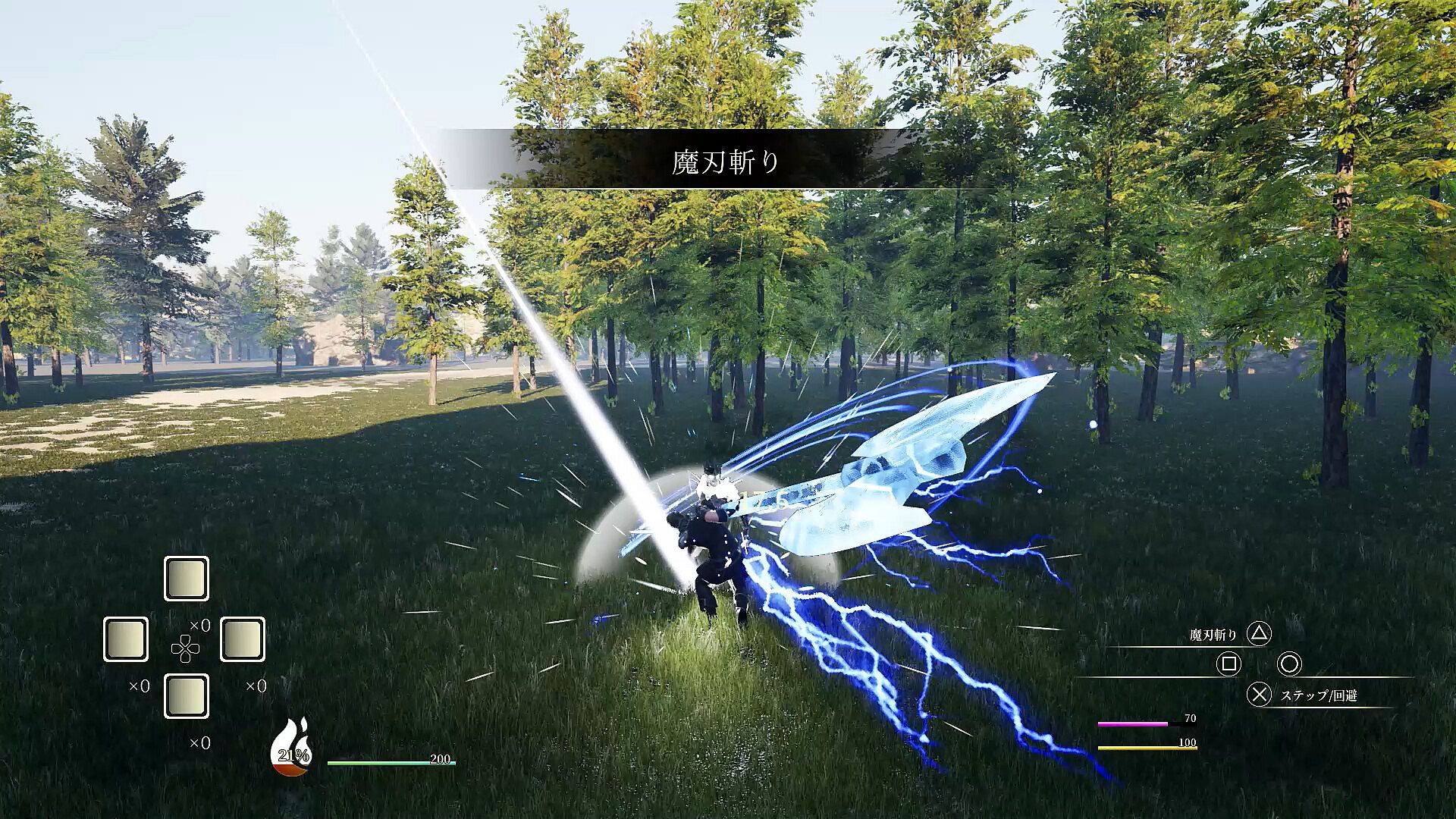
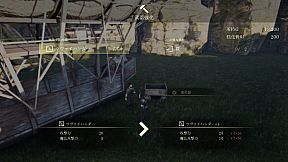
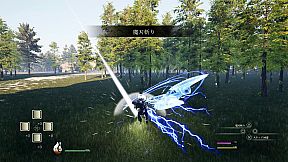
Claim powerful swords by defeating bosses that embody them to steal their abilities. Level up, master arts, and battle unyielding foes clad in super armor. Persistent strikes lead to armor breaks, opening windows for devastating combos that interrupt attacks. Manage HP, SP, MP, and stamina gauges during intense swordplay on PC. Chain up to five normal attacks, cancel into arts that summon boss attacks, or evade with steps and guards. Awaken at full SP for super armor, endless stamina, and secret moves-perfect for aggressive action RPG players who thrive on precise, relentless combat.

Give me the memory.
Give me that sword--

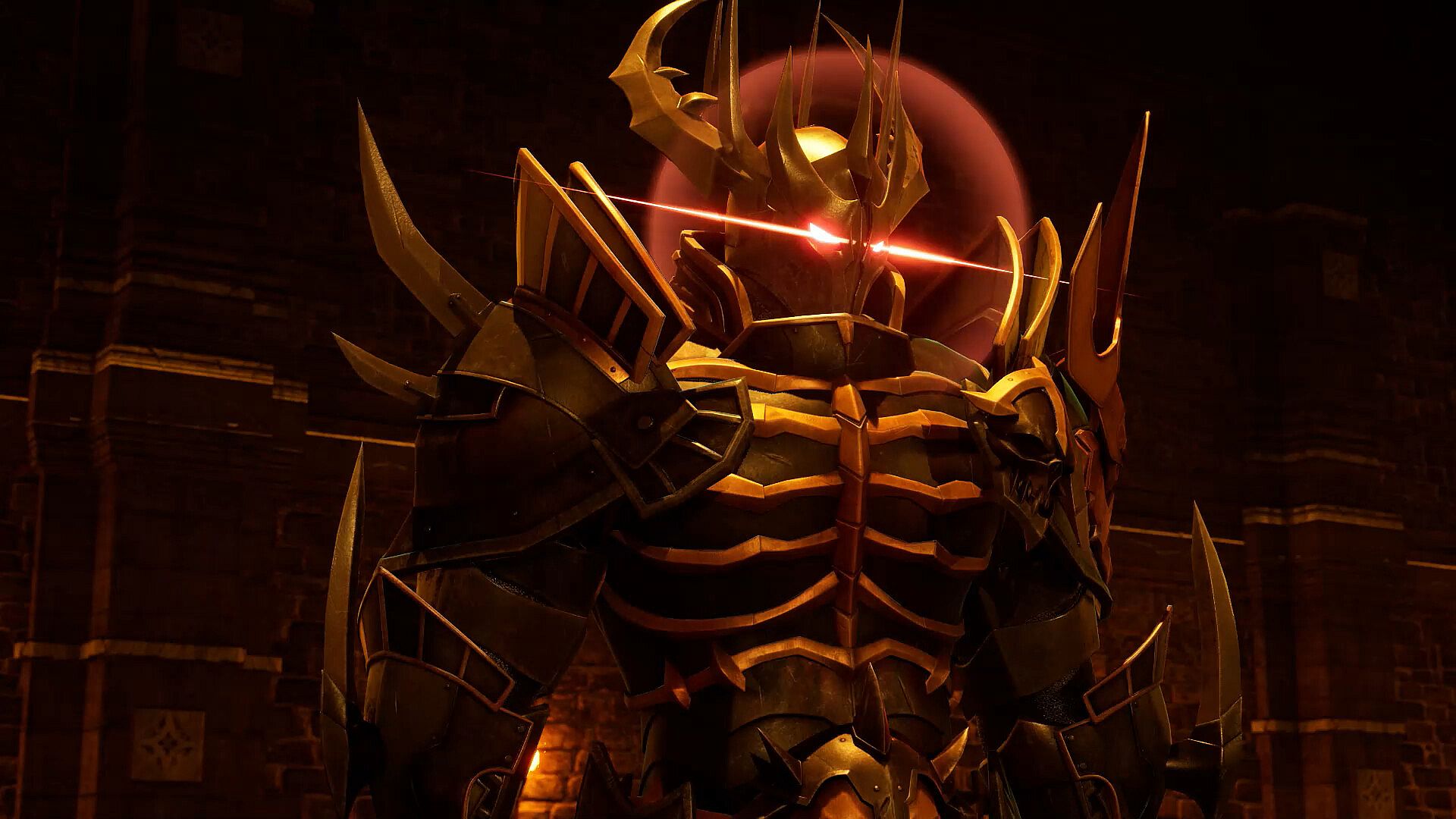
The powerful sword embodies the boss in order to maximize its own power. Beat him and take his abilities.


Level up, learn the arts, and challenge the bosses.
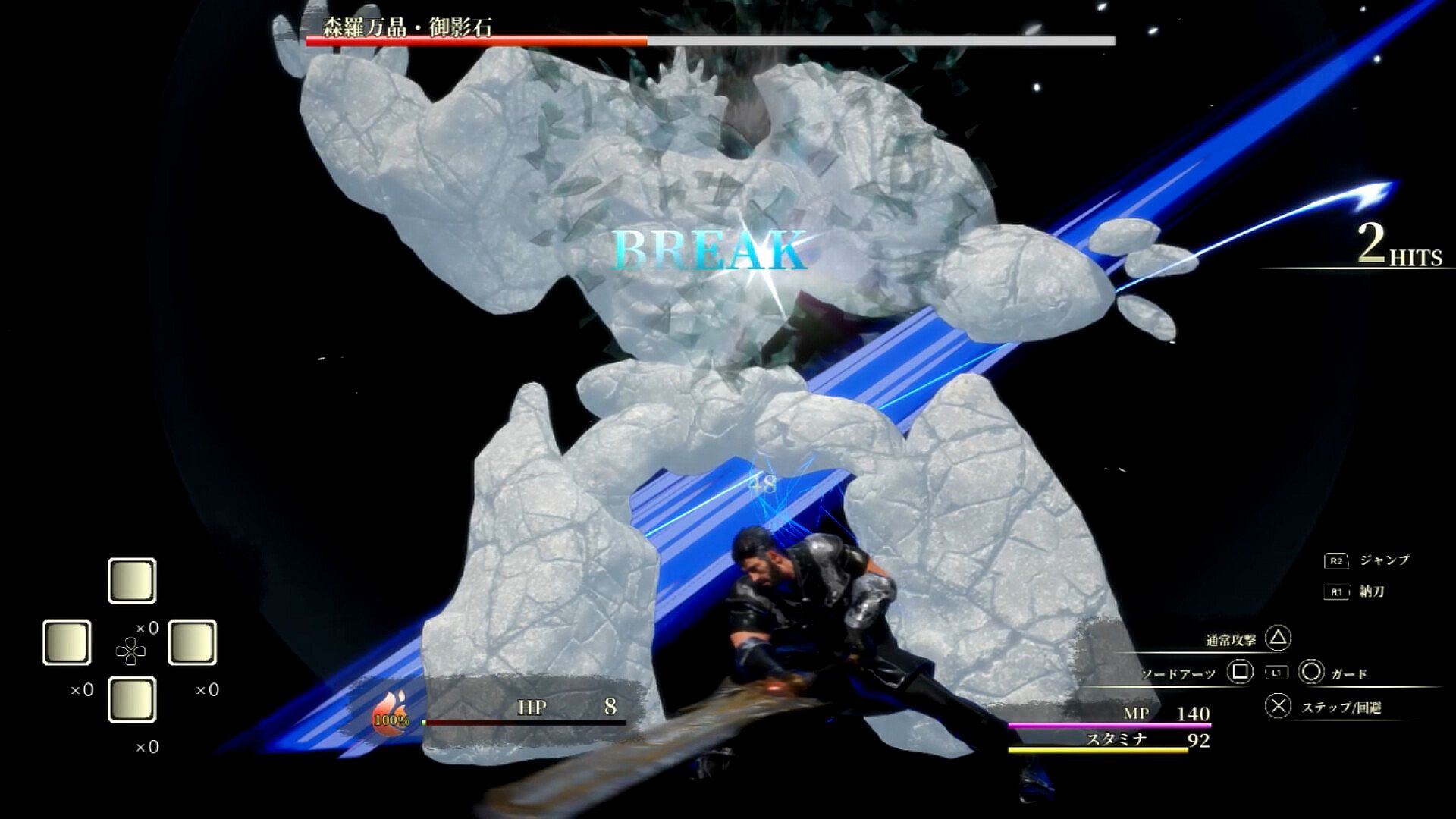
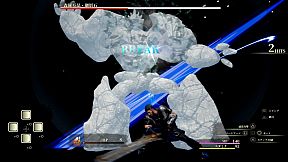
Bosses are basically clad in super armor and will not stagger, but if you keep hitting them, they can armor break.
If the boss is in armor break, you can hit him with combos until his attack is interrupted. Aim aggressively!

Controls

Common controls
Option button: Open menu

While delivering a sword
Press X to avoid ・・・・・
✕ button・・・・・ speak, open treasure chests, etc.
Press △ button ・・・・・ to attack normally. Shift to sword drawing state.
R1 button・・・・・ to switch to sword drawing state.
R2 button ・・・・・ jumps.
Press and hold L1 button + 0 or □ or △ ・・・ Arts. Shift to sword drawing state.
Use the cross key ・・・・・ set item.

While drawing the sword
Press X. Step to ・・・・・
Press X twice for emergency evasion
Press X to guard ・・・・・
△ button ・・・・・ Normal attack
□ button ・・・・・ Sword Arts
R1 button・・・・・ Sword state
R2 button・・・・・ jumps
R3 button・・・・・ awakening
L1 button long press + 0 or □ or △ - Arts
Use the cross key ・・・・・ to use the set item. Shift to natto state.


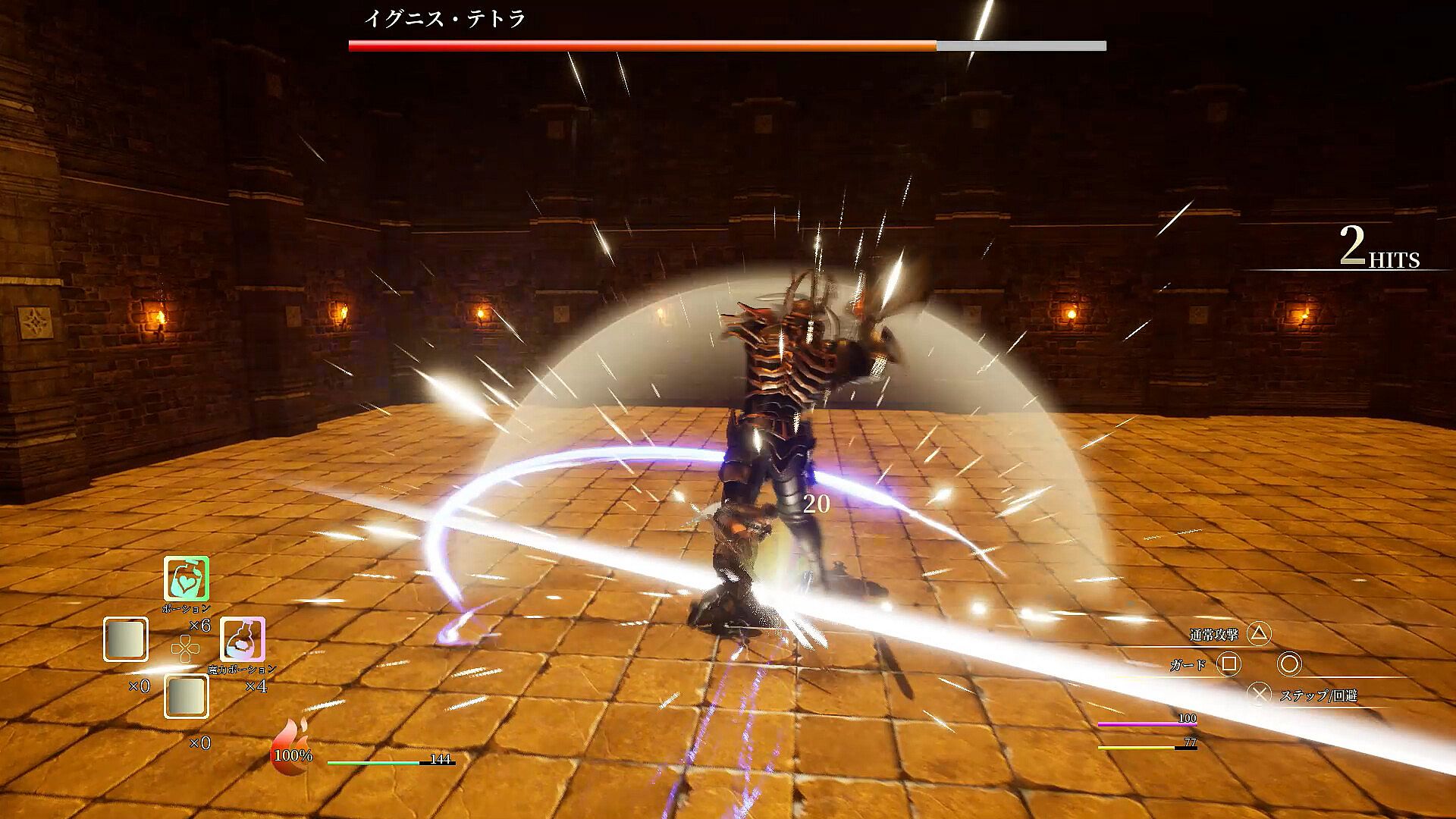
There are four gauges: HP gauge, SP gauge, MP gauge, and Stamina gauge.

HP gauge
The green gauge in the center of the screen.
When it reaches 0, the game is over, so use recovery items to prevent it from reaching 0.

SP Gauge
This gauge looks like a fireball next to the HP gauge.
Pressing the □ button during a sword draw will use 33% of the SP gauge to use Sword Arts.
Sword Arts summons a boss to attack. Since they can be activated independently of your actions, you can use them to connect combos or to break the deadlock in a pinch. Its performance changes depending on the sword you have equipped.

You can also awaken it by pressing the R3 button at 100%.
While awakened, you will always be in Super Armor and your Stamina and MP will not decrease. In addition, the number of normal attacks will increase to 6, and by pressing the △ button, you can perform a secret secret move. Just keep on hitting him!

Stamina Gauge
It is the yellow gauge in the lower right corner.
It is consumed when a normal attack, step, emergency evasion, or guard succeeds.
It automatically recovers when you are not taking any of the above four actions.
If you want to continue attacking, use Arts to recover during that time.

MP Gauge
This is the pink gauge in the lower right corner.
It is consumed when using Arts.
Normal attacks alone consume a large amount of stamina, so mix your attacks with arts.
Hit the target with a normal attack. MP can be recovered by using items.

Normal attacks consume stamina and can be performed up to five times in a row.
You can cancel from a normal attack to an art to attack.
You can cancel from normal attack and arts to step, and from step to normal attack and arts.

Interface:
Japanese

Classification par âge

Indisponible
Steam:
Positive (10)

Minimum :

  • Système d'exploitation: windows10(64bit)
  • Processeur: Core i7-10700
  • Mémoire: 16 GB RAM
  • Graphismes: nvidia geforce gtx1660
  • DirectX: Version 12
  • Stockage: 4.7 GB available space

Recommandé :

  • Système d'exploitation: windows10(64bit)
  • Processeur: Core i7-10700
  • Mémoire: 16 GB RAM
  • Graphismes: nvidia geforce gtx1660
  • DirectX: Version 12
  • Stockage: 4.7 GB available space
Plus bas historique
Historique des prix des boutiques officielles
-
-
-
Historique des prix des keyshops
-
-
-

FAQ

8 questions

Avant de chercher une cle ソードコレクター pas chere, verifiez l'essentiel. Développé par theあらん. Publié par theあらん. Date de sortie PC : 17 août 2023. Genres : Action, RPG. Catégories : Single-player, Partial Controller Support.

Q

Ou acheter une cle Steam ソードコレクター pas chere ?

ソードコレクター est gratuit ! Telechargez-le sur Steam et commencez a jouer immediatement.

ソードコレクター est entierement gratuit sur Steam. Aucun achat necessaire - il suffit de telecharger et de jouer. Si vous cherchez des DLC premium ou des objets en jeu, consultez le tableau des offres ci-dessus.

Notre traqueur de prix couvre les revendeurs officiels et les keyshops, vous pouvez donc trouver ソードコレクター en promotion meme en dehors des periodes de soldes. Nous detectons actuellement 1 offre active provenant de boutiques officielles et de keyshops. Consultez le tableau ci-dessus, comparez avec le prix le plus bas historique et creez une alerte pour ne jamais manquer la prochaine baisse de prix.

D'apres nos donnees, ソードコレクター n'est pas actuellement disponible sur GeForce NOW. Vous devrez le lancer localement sur votre PC. Parcourez les jeux disponibles sur GeForce NOW.

Oui. ソードコレクター a une page officielle sur le Steam Store. Vous pouvez aussi acheter une cle Steam ソードコレクター aupres de vendeurs tiers. Notre comparateur de prix inclut actuellement 1 offre avec DRM Steam. Choisissez-en une pour vous assurer que votre telechargement de ソードコレクター se fasse sur la plateforme de Valve.

Oui, avec de petits ajustements. ソードコレクター est jouable sur Steam Deck - il fonctionne apres de legers reglages comme la selection d'une version Proton ou l'utilisation de l'ecran tactile pour un texte de launcher trop petit. Vous pouvez jouer a ソードコレクター sur Steam Deck.

ソードコレクター ne semble pas etre disponible sur PC Game Pass, EA Play, Ubisoft+ ou tout autre service d'abonnement PC pour le moment. Votre seule option est d'acheter le jeu - utilisez XD.deals pour trouver le meilleur prix.

Non - XD.deals n'est pas une boutique. Nous sommes un comparateur de prix qui suit les meilleures offres pour ソードコレクター sur les boutiques officielles et les keyshops verifies. Cliquez sur "Voir l'offre" a cote de n'importe quelle offre et vous serez redirige vers le site du revendeur pour finaliser votre achat.

Meilleurs prix pour ソードコレクター

1 Steam Steam Official
0,00 €

Vous voulez acheter au meilleur moment ? Creez une alerte de prix sur XD.deals et soyez notifie quand ソードコレクター atteint son prochain prix le plus bas historique.

Créer une alerte
Rejoignez notre Discord
Obtenez de l'aide instantanée de notre communauté et restez à jour sur les dernières offres
Définir des alertes de prix
Recevez une notification par e-mail lorsque le prix d'un jeu atteint votre objectif
Créer un compte gratuit
Débloquez les listes de souhaits, alertes de prix et la synchro Steam