








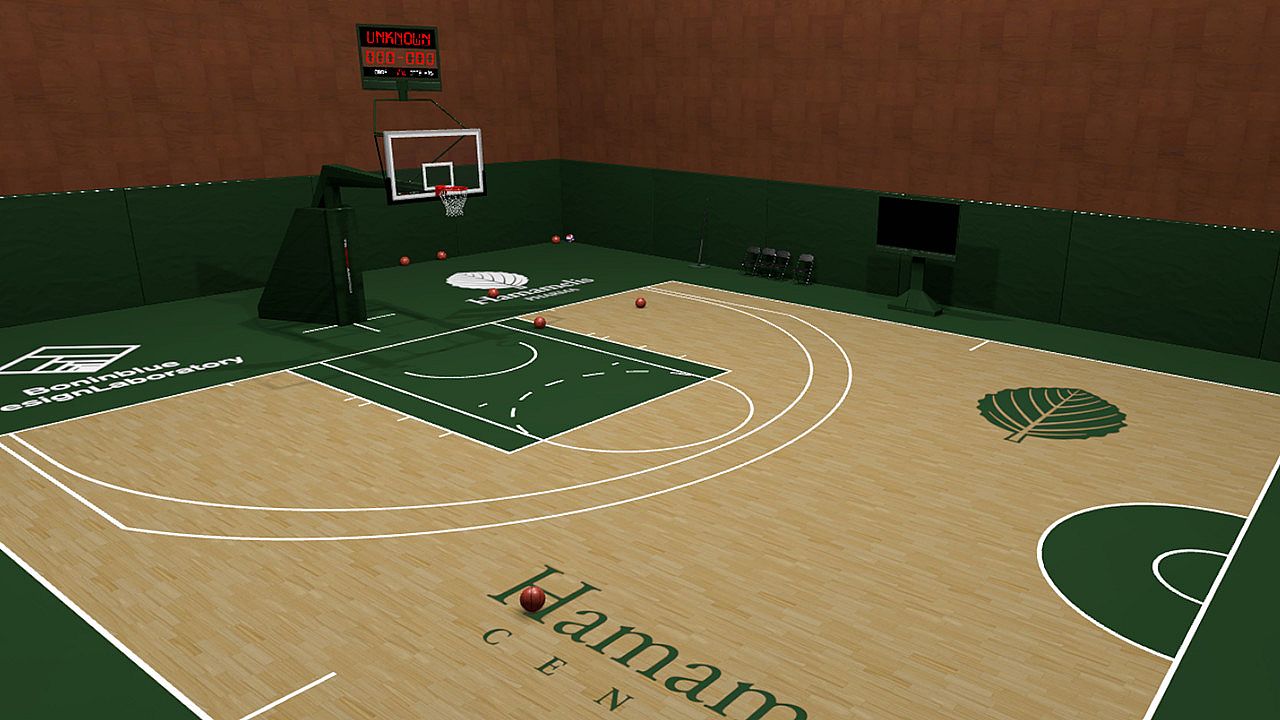
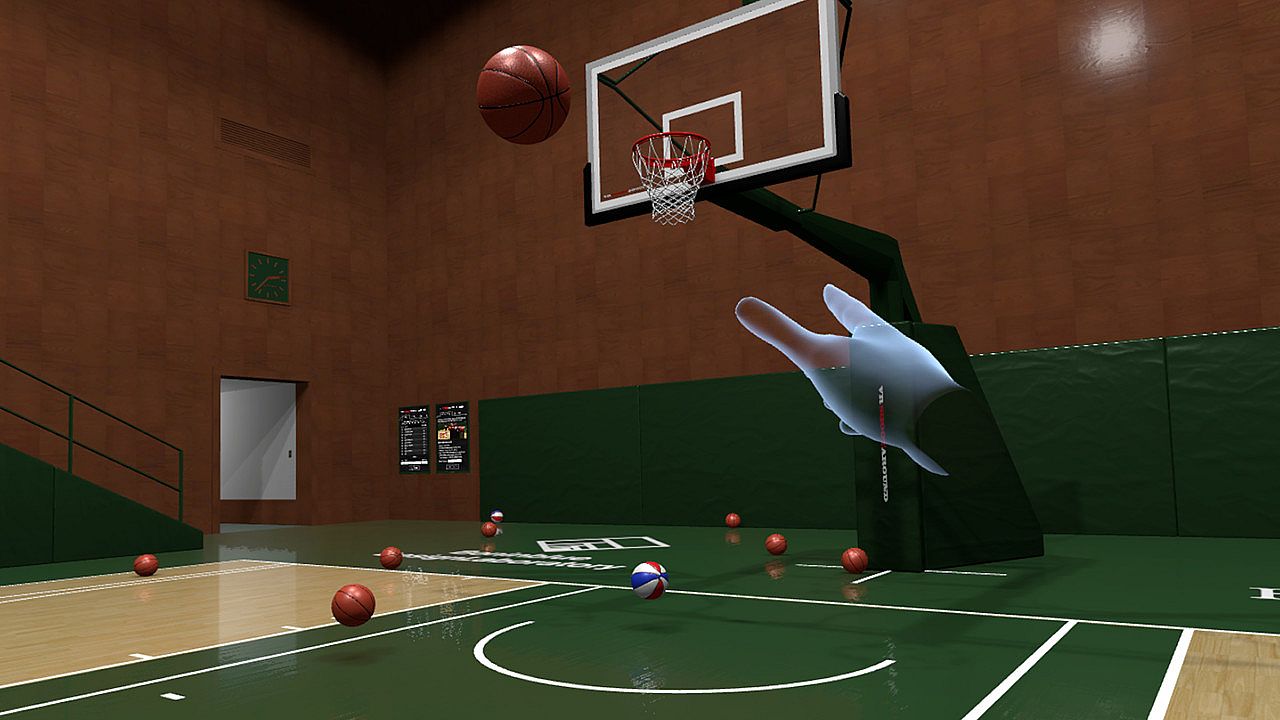
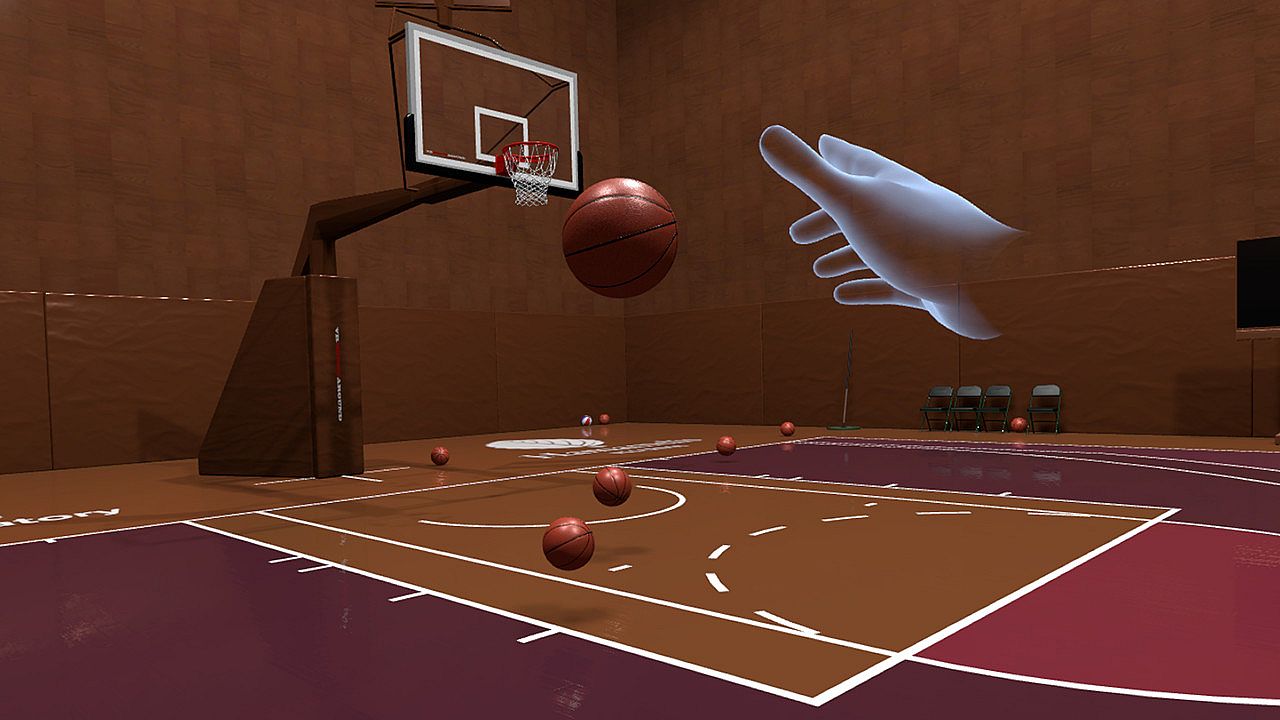
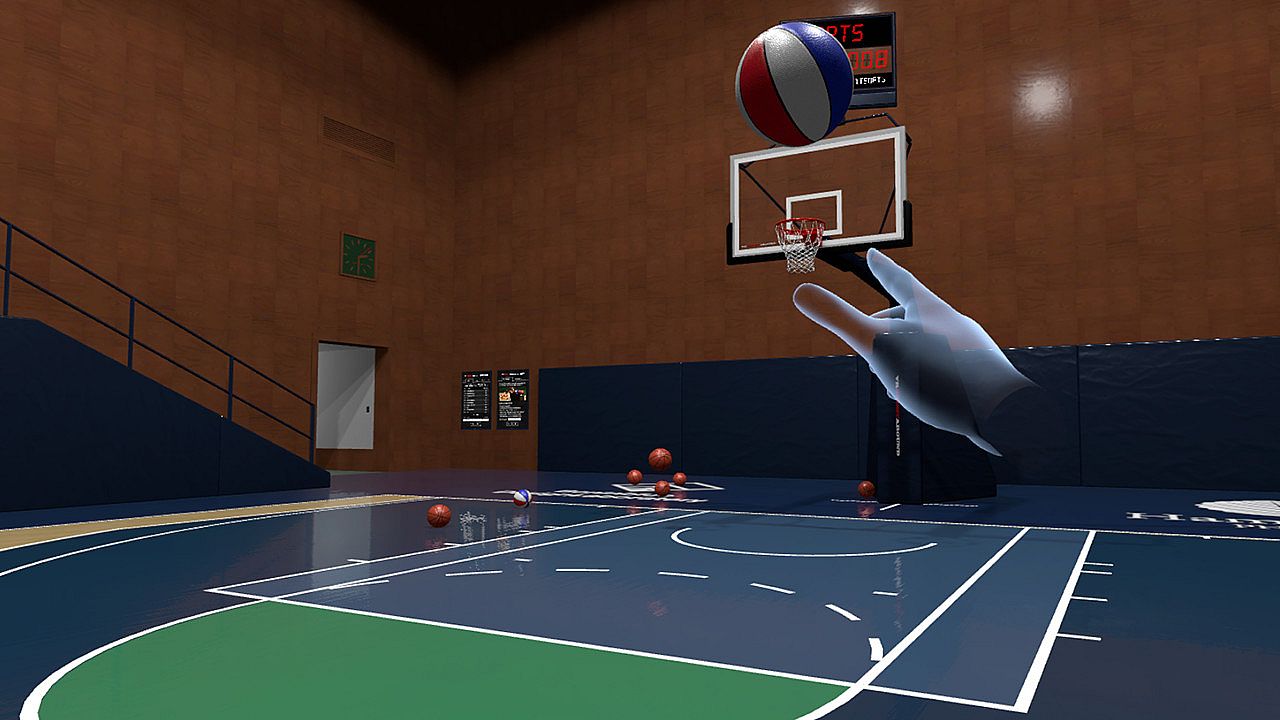
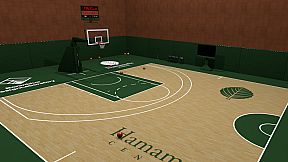
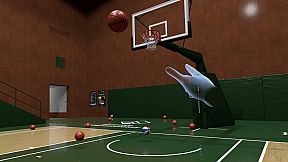
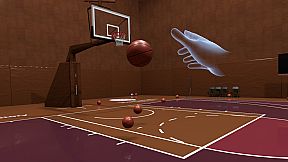
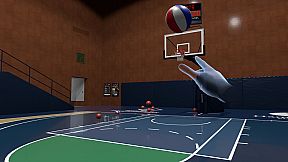
VR SHOOT AROUND is a "Simulater of basketball shoot around" that will provide you fantastic physical calculations, fantastic sounds and a fantastic rich court. Do not worry if you are not good shooter. because this simulater has "Throwing power assist" and "G.O.A.T. assist", therefore you can hit a long shot like an NBA player! Let's release your frustration!!!
About the operation status of OculusQuest (using OculusLink)
Playing with OculusQuest via OculusLink (using Oculus-cable) has been confirmed to work, but playing with OculusQuest via VirtualDesktop is not recommended by Oculus and is not supported. (But there are also reports that it works)
Game features
【 Realistic rim-net physics 】We developed a physics function to reproduce the movement of rim-net close to reality.
【 Throwing power multiplier 】You can change the magnification of the throwing power. In addition, detailed settings such as rotational force, angle, and height are also possible.
【 G.O.A.T. assist 】If set to maximum value of this function, your shot will succeed with 99.9% probability unless there is an obstacle.
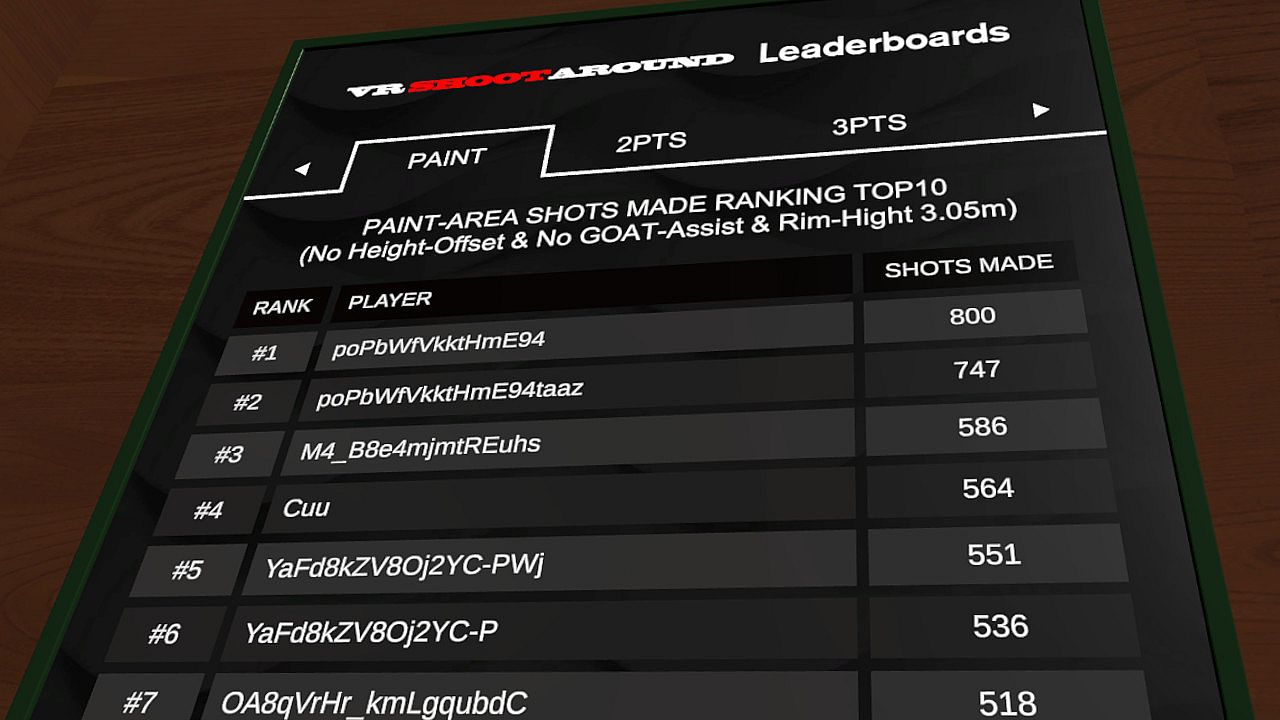
【 Rim height 】You can change the height of the rim in three steps. (3.05m, 2.45m, 1.85m)
【 Court color painting 】You can change each space in the court to your favorite color.
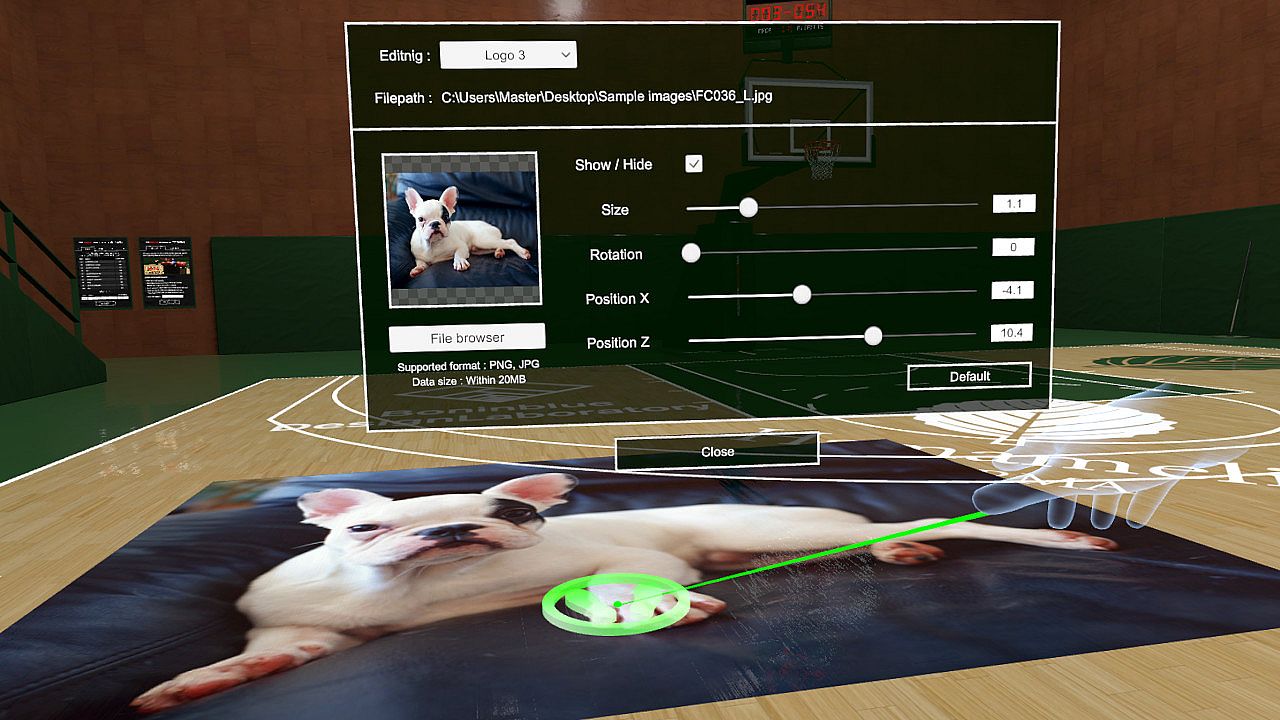
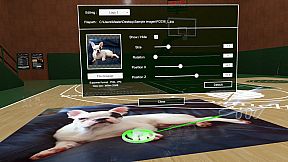
【 Logo manager 】You can paste the selected image (PNG, JPG) from the local folder on the court.
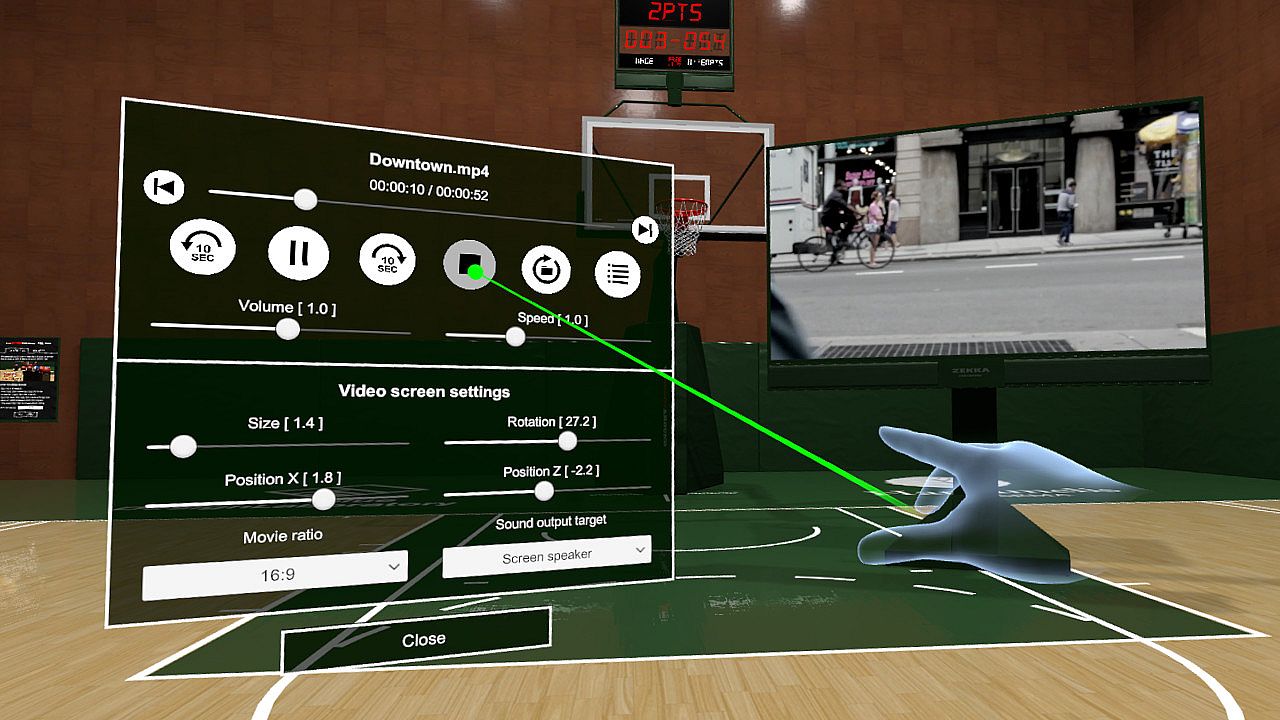
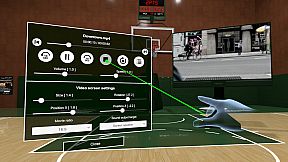
【 Video screen 】You can play selected movie & sound file from the local folder on the screen.
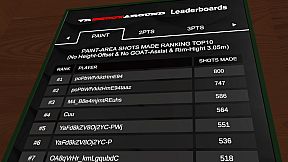
【 Minigames 】You can play 3PTS CONTEST & NINE HOOPS now.
Users guide
HTC Vive
【 Trigger 】Click while using pointer
【 Trigger 】Grab a ball (Switchable on KeyConfig)
【 Grip 】Receive a ball (Switchable on KeyConfig)
【 Menu button 】Open settings window
【 Touchpad 】Touch : Pointer
【 Touchpad 】Press Up or Down : Move
【 Touchpad 】Press Left or Right : Rotate
Oculus Rift & Oculus Quest
【 Trigger 】Click while using pointer
【 Trigger 】Grab a ball (Switchable on KeyConfig)
【 Grip 】Receive a ball (Switchable on KeyConfig)
【 B or Y button 】Open settings window
【 Thumbstick 】Touch : Pointer
【 Thumbstick 】Tilt Up or Down : Move
【 Thumbstick 】Tilt Left or Right : Rotate
Valve Index
【 Trigger 】Click while using pointer
【 Trigger 】Grab a ball (Switchable on KeyConfig)
【 Grip 】Receive a ball (Switchable on KeyConfig)
【 B button 】Open settings window
【 Thumbstick 】Touch : Pointer
【 Thumbstick 】Tilt Up or Down : Move
【 Thumbstick 】Tilt Left or Right : Rotate
Common operation
【 Click on video screen 】Open video screen controller.













